
n8n as codeEdit your n8n workflows directly in VS Code with AI assistance. Installation Launch VS Code Quick Open ( Ctrl+P), paste the following command, and press enter.Copied to clipboard |

|
 n8n-as-code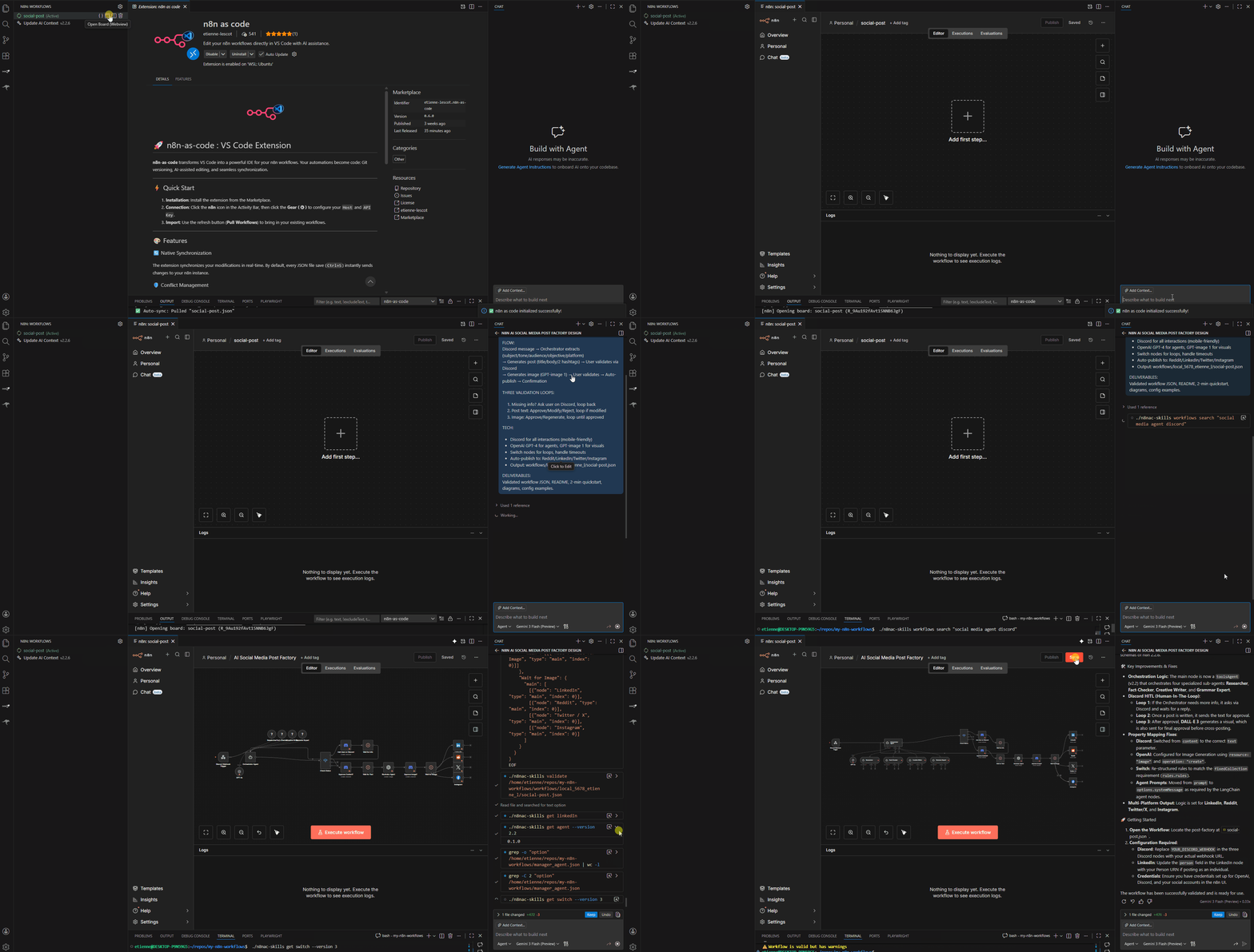
| Area | Owner | Stored where |
|---|---|---|
| n8n environments | n8nac / extension |
n8nac-config.json, safe to commit without secrets |
| Remote API keys | n8nac env auth / extension |
local secret storage, not committed |
| Managed local instances | n8n-manager |
local machine store |
| Docker lifecycle and tunnels | n8n-manager |
local machine store |
Use the n8n environments tab for workspace configuration. Use Managed local instances only for local managed instances.
What You Get
Integrated Agent Workbench
The Agent can use:
- current workflow file and workflow metadata
- selected node or canvas context
- active n8n environment
- project and workflowsPath
- generated
AGENTS.md - bundled n8n schemas, docs, examples, templates, and validation rules
Visual Workflow Workspace
- Browse local and remote workflows from the
n8nsidebar. - Open split view to inspect the n8n canvas beside source files.
- Pull, push, fetch, and resolve conflicts explicitly.
- Work with multiple workspace environments without changing local instance state.
Managed Local Instances
The extension can surface local managed instances through n8n-manager. These are machine-local resources. Adding or removing an environment does not create or delete a Docker instance unless you explicitly use the local instance controls.
CLI Equivalent
n8nac env add Dev --base-url <url> --workflows-path workflows/dev
n8nac env auth set Dev --api-key-stdin
n8nac env use Dev
n8nac list
n8nac pull <workflow-id>
n8nac push workflows/dev/my-workflow.workflow.ts --verify
For a local managed instance:
n8n-manager instance list
n8nac env add Local --managed-instance <id> --workflows-path workflows/local
V1 Legacy Extension
- Download
n8n-as-code-v1.46.1-legacy.vsixfrom the v1.46.1-legacy GitHub release. - Install it manually with
code --install-extension n8n-as-code-v1.46.1-legacy.vsix. - Disable extension auto-updates.
- Keep manual V1 CLI commands pinned to
n8nac@v1.
License
MIT