Equinox ColorsErgonomic color theme with four variants — Dark Modern, Dark Contrast, Light Soft, Light Contrast. WCAG AAA (7:1) contrast throughout. Calming palette designed for long sessions. Installation Launch VS Code Quick Open ( Ctrl+P), paste the following command, and press enter.Copied to clipboard |

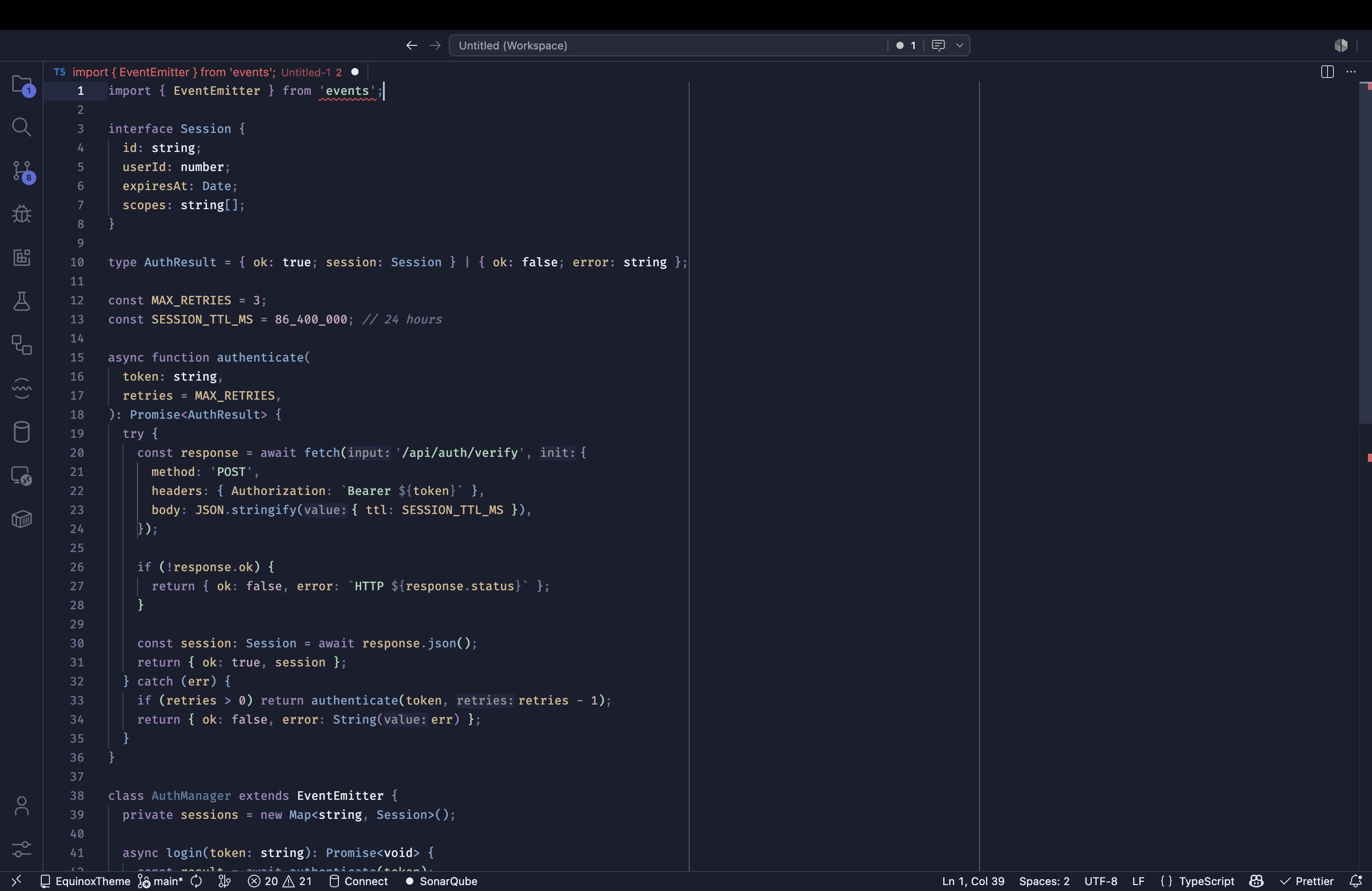
Equinox ColorsA carefully crafted color theme for developers who spend long hours in their editor. Equinox Colors is built around two principles: ergonomic contrast and visual calm — every color pair meets WCAG AAA (7:1) contrast, and the palette avoids harsh saturation that strains the eyes over time. Dark Modern
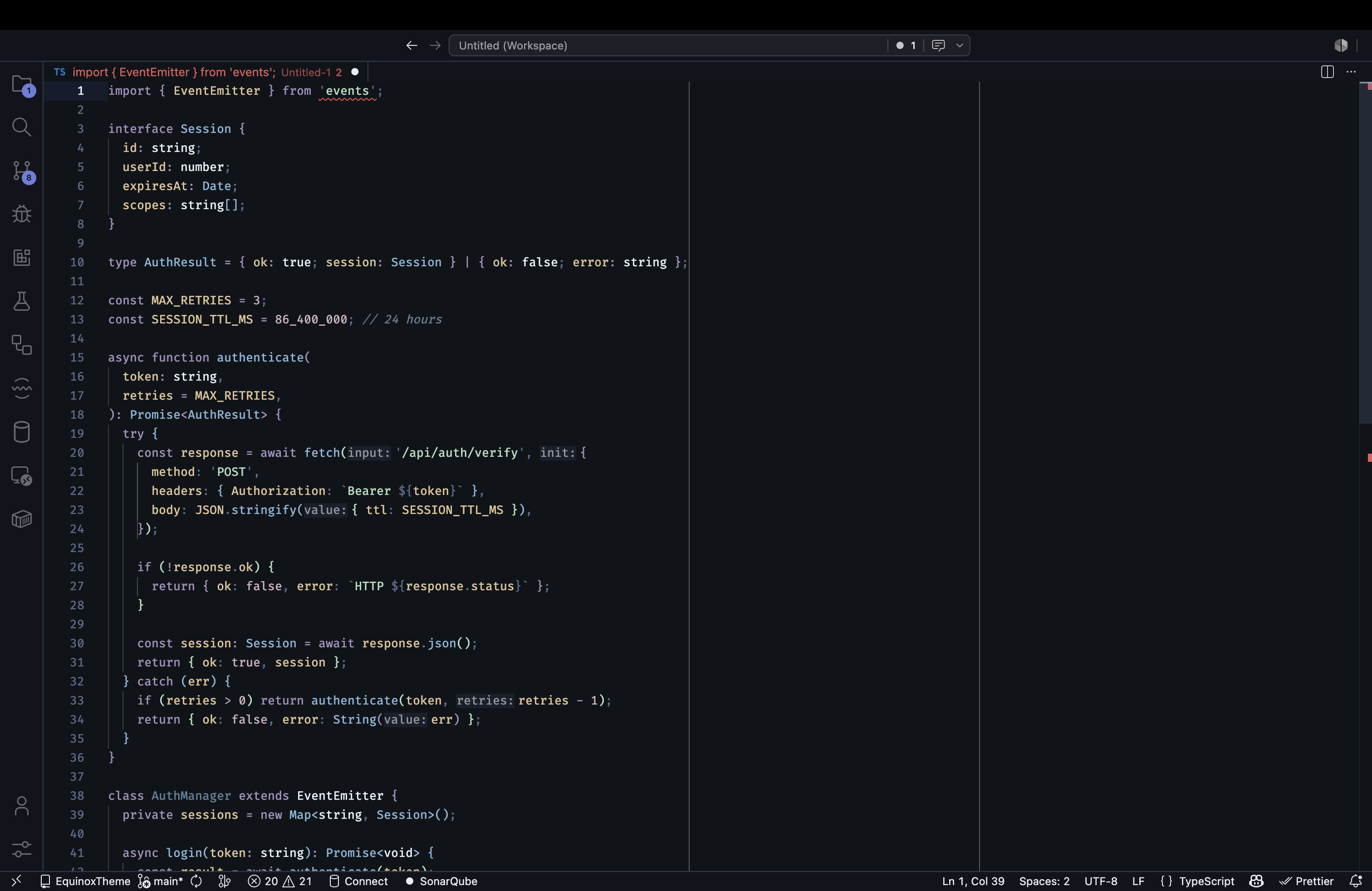
Dark Contrast
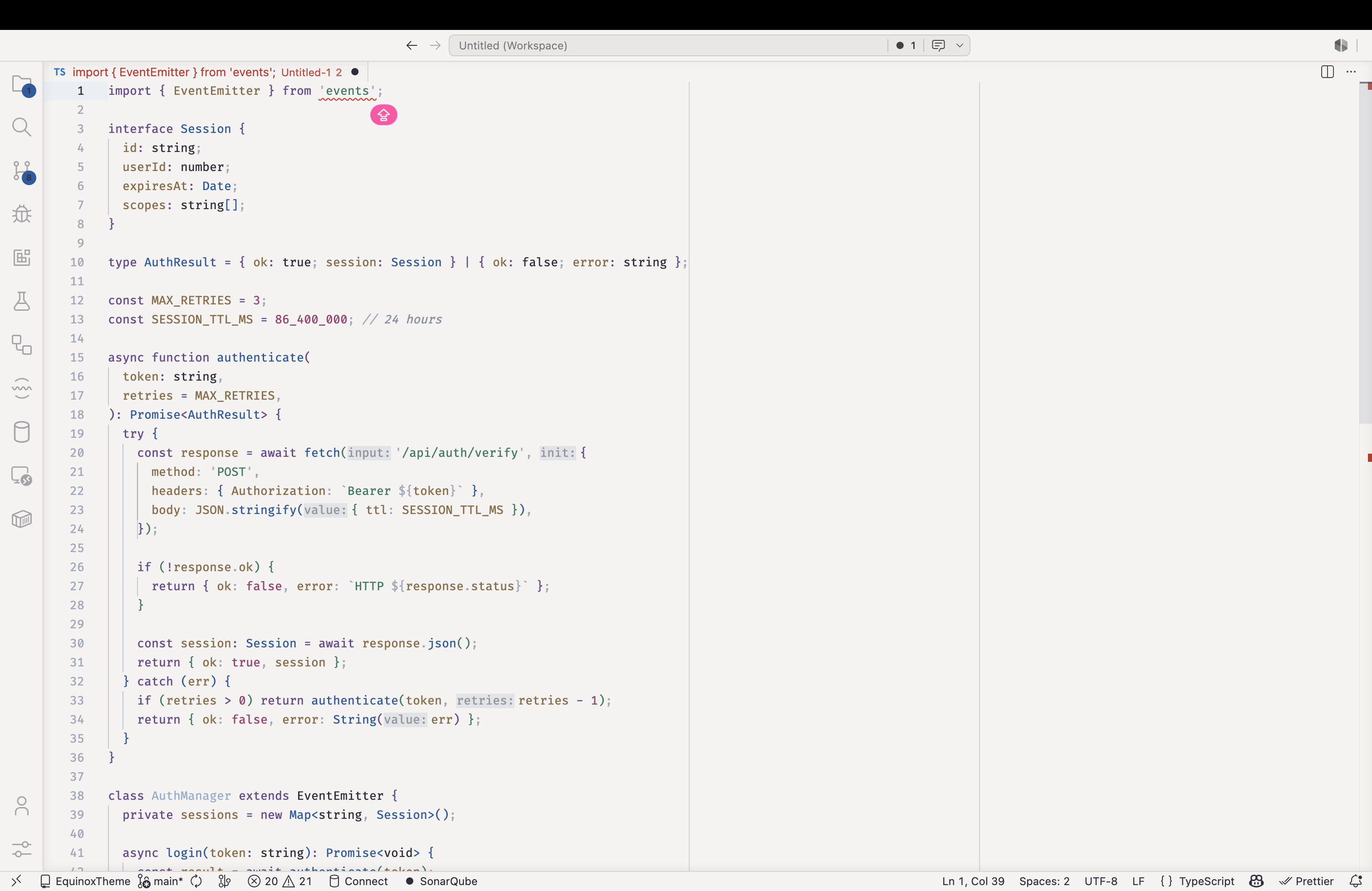
Light Soft
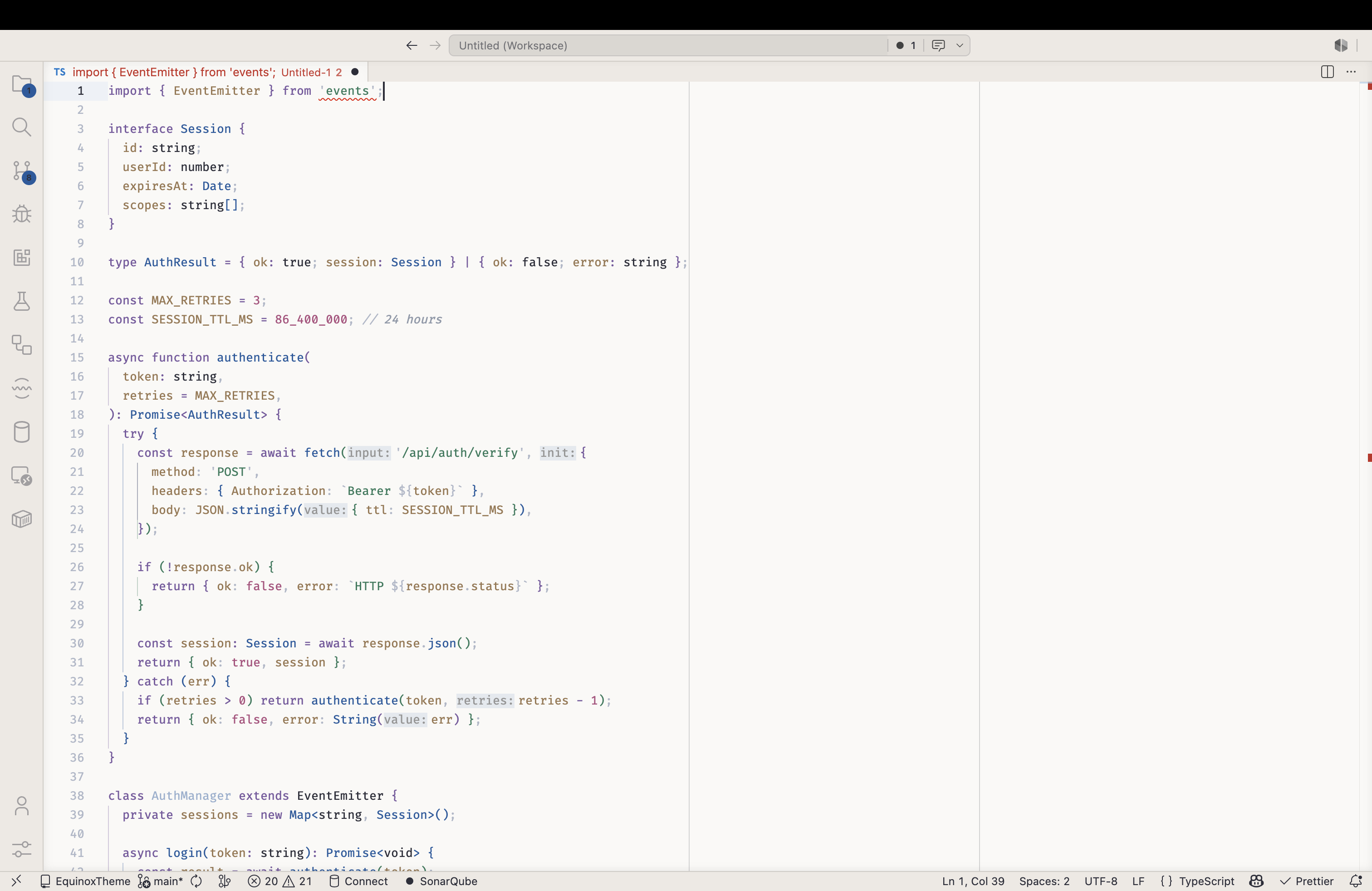
Light Contrast
Four variants, one cohesive systemDark Modern — Unified dark background with an ergonomic slate-blue foundation. Every panel shares the same tone, creating a focused, distraction-free environment. Best for low-light or mixed-light environments. Dark Contrast — A deeper editor sits inside a slightly lighter panel shell, giving the code area its own architectural weight. Good for those who like visual structure between editor and sidebar. Light Soft — A warm cream-white background that replaces the harsh pure white of most light themes. Easy on the eyes in bright offices, near windows, or on high-brightness displays. Light Contrast — Split light backgrounds with clear depth between editor and UI panels. Maximum legibility for daytime use or paper-like aesthetics. Syntax paletteThe syntax colors share the same cool-warm balance across all variants:
PlatformsEquinox Colors is a multi-platform theme system. The same palette ships across:
InstallationOne-click — opens directly in VS Code: Extensions panel ( Quick Open ( After installing, open Command Palette ( Links |