Retro Wave JunkieA synthwave-inspired dark theme with neon accents, complete modern VS Code workbench colors and semantic highlighting. Installation Launch VS Code Quick Open ( Ctrl+P), paste the following command, and press enter.Copied to clipboard |


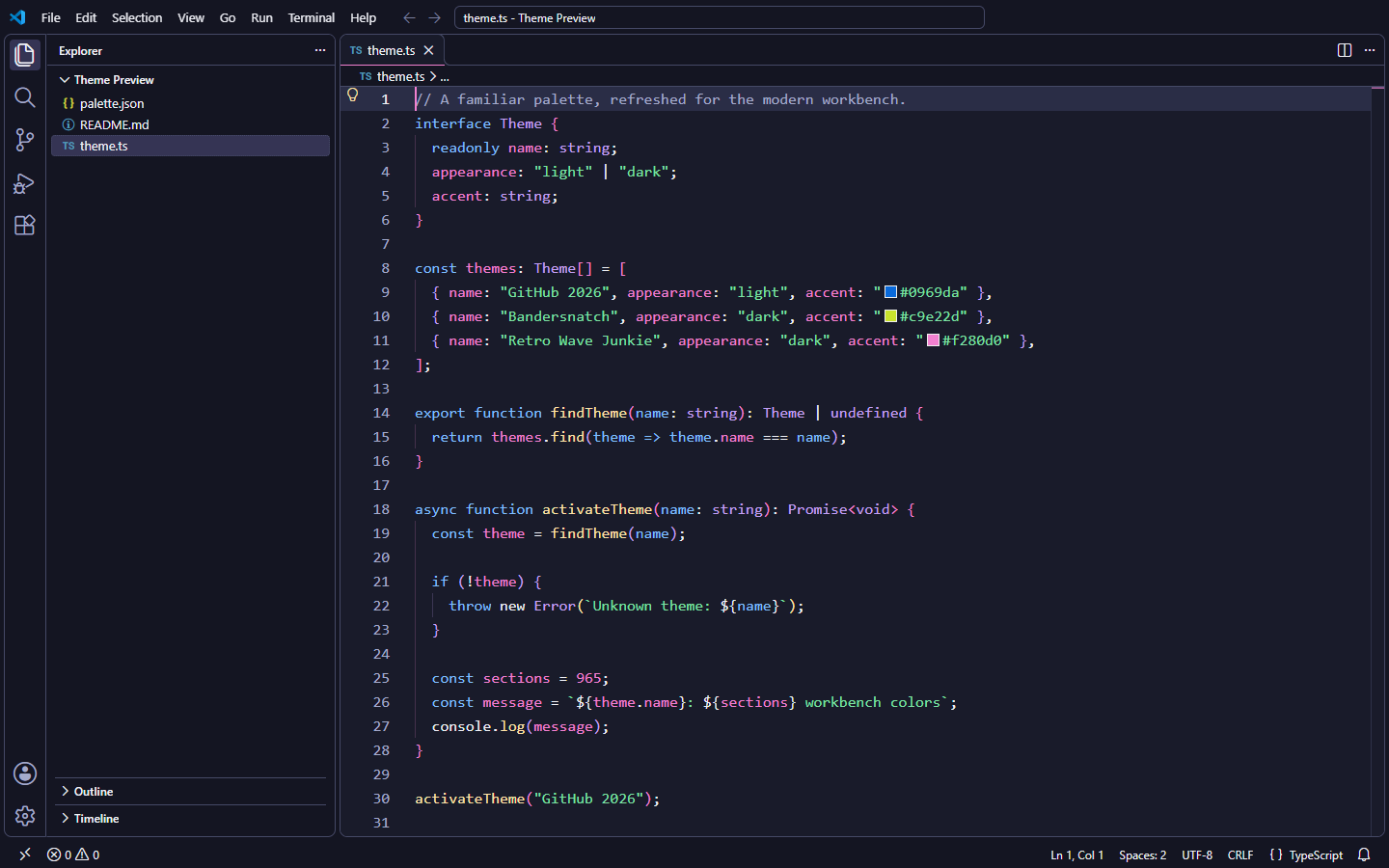
Retro Wave JunkieA synthwave-inspired dark VS Code theme. Midnight-blue surfaces, neon-pink accents, cyan tags, green strings and warm function names bring the retro palette to the entire workbench without glow effects or custom CSS.
What's new in 2.0The refresh includes 965 workbench colors based on the official VS Code color reference, checked against VS Code 1.144.1 on November 2, 2026. The palette now covers navigation, tabs, menus, inputs, Settings, notifications, Git and merge diffs, debugging, testing and coverage, notebooks, terminal ANSI colors, chat, inline edits, agent sessions, and modern UI surfaces. Previously dark comments and keywords have been brightened for readability. TextMate syntax and semantic highlighting share the palette, while translucent selections and decorations keep code and diagnostics visible.
InstallationInstall Retro Wave Junkie from the Marketplace, or run: Open the Command Palette, run Preferences: Color Theme, and choose Retro Wave Junkie. To configure it manually: Requires VS Code 1.85 or newer; newer sections appear in versions that support
them. Existing installations update under the unchanged
Source and other themes | Changelog | Report an issue Licensed under MIT. |