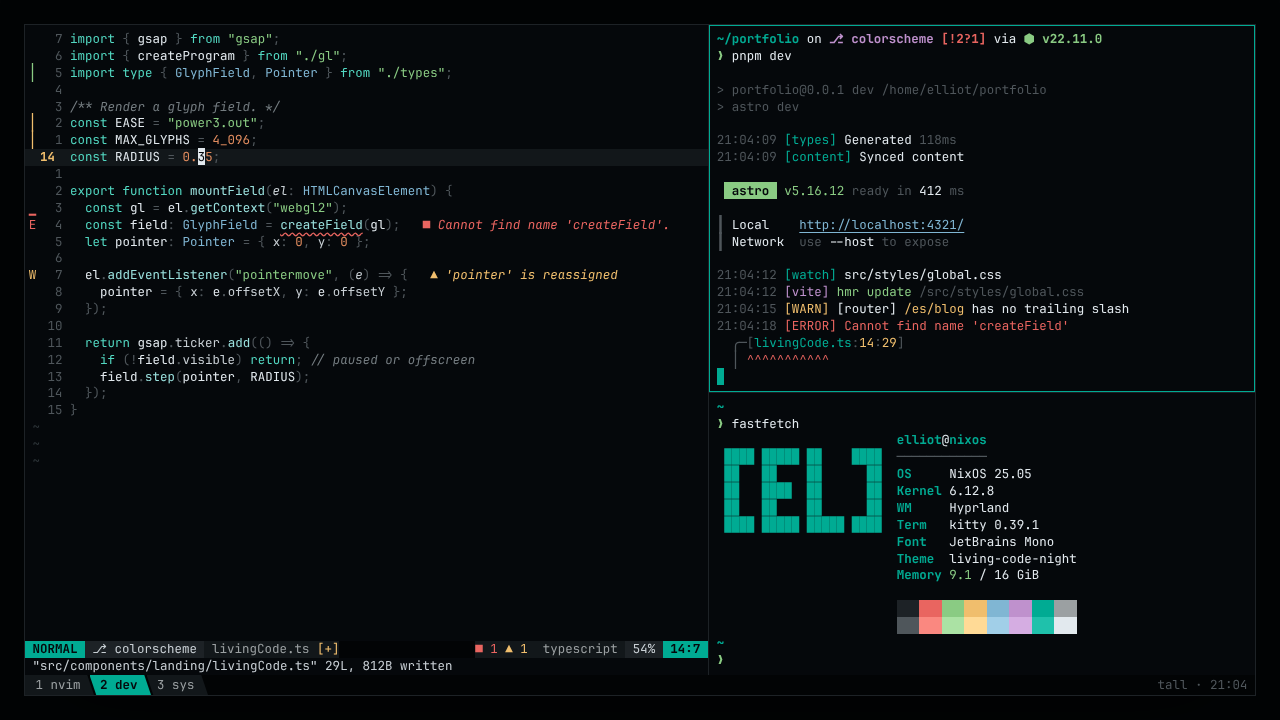
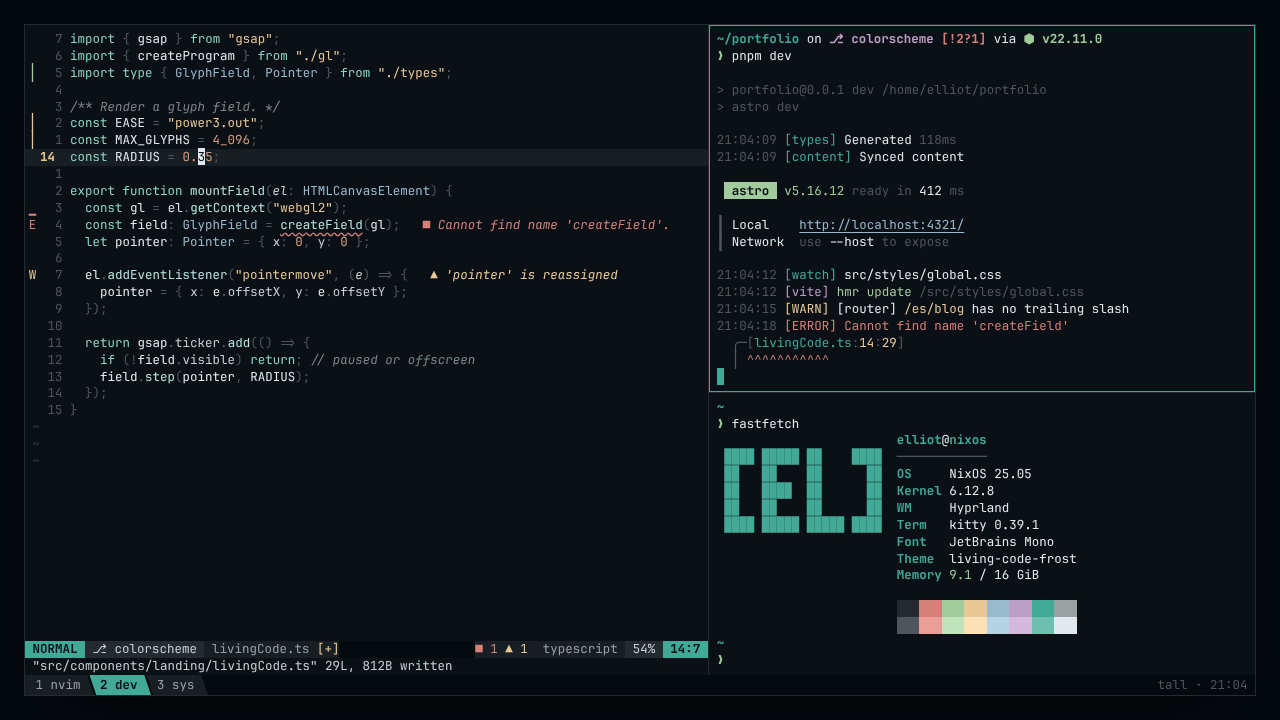
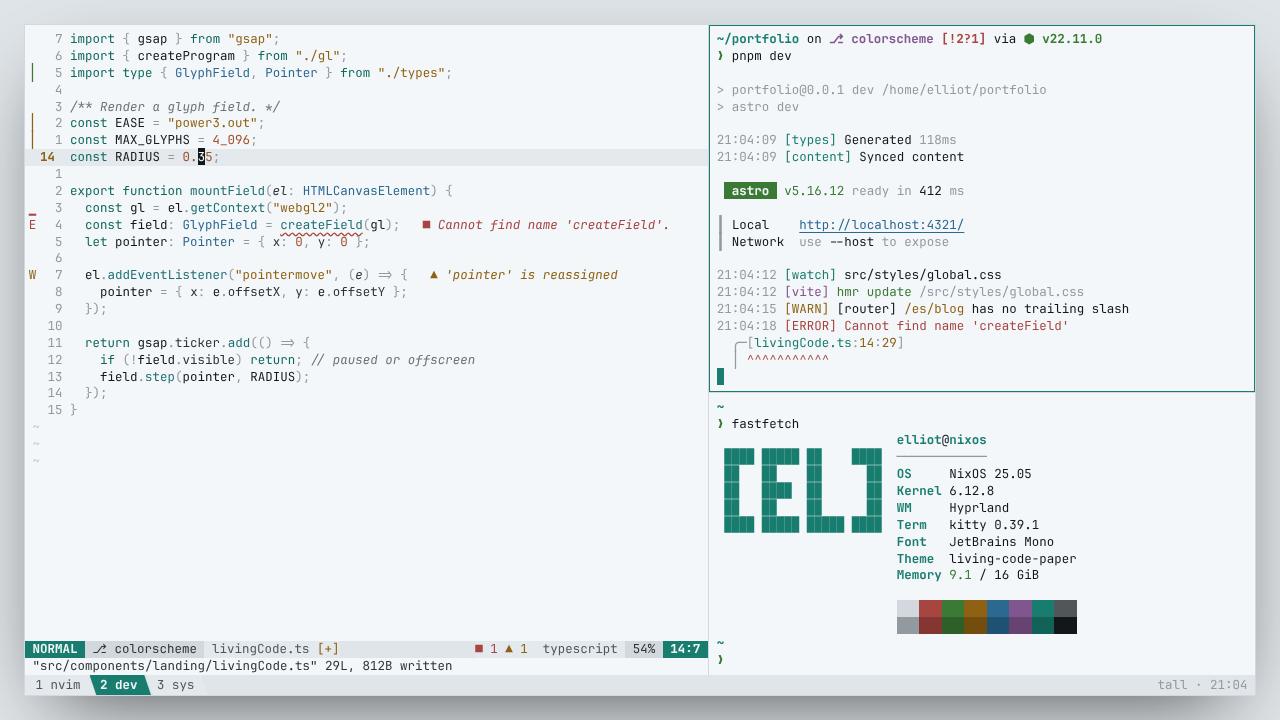
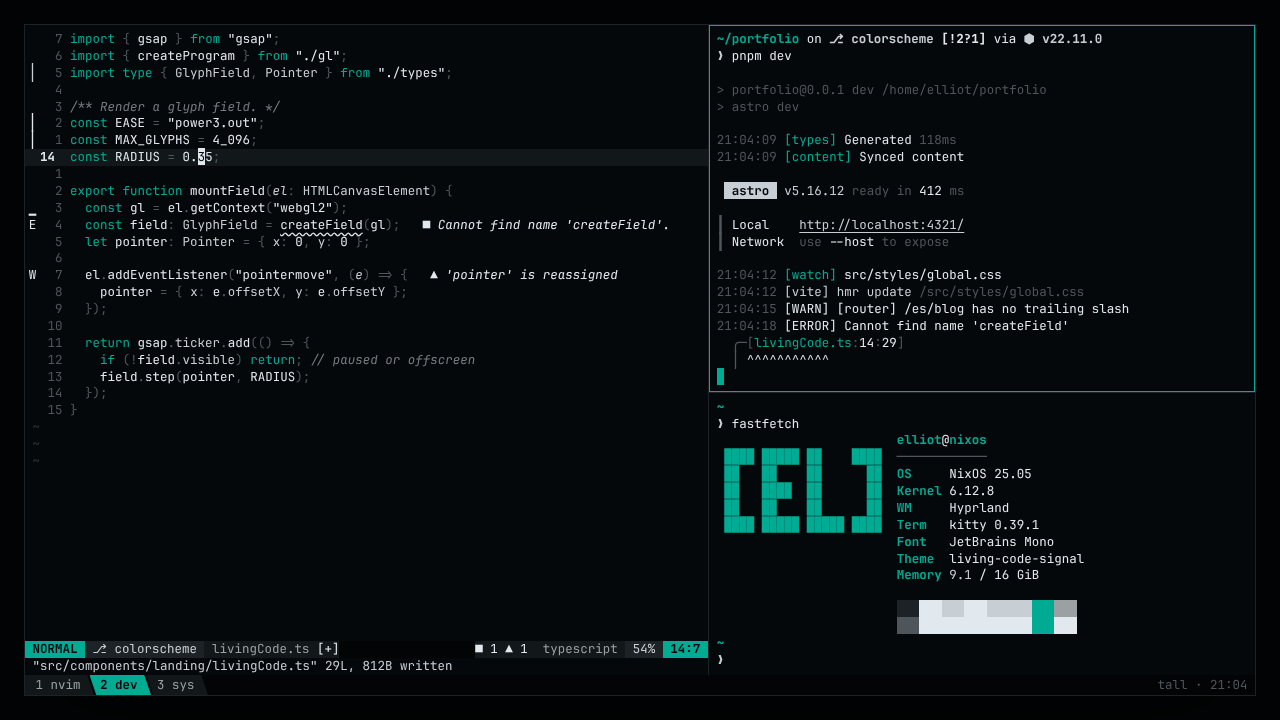
Living CodeTeal structure, amber data, on dark slate. Night, Frost, Paper and Signal color themes. Installation Launch VS Code Quick Open ( Ctrl+P), paste the following command, and press enter.Copied to clipboard |

Living CodeCalm slate. Living color. A color theme where the background stays quiet and the code comes alive: cool teal structure, warm amber data, on dark slate.
Themes
Pick one with Preferences: Color Theme ( Every theme maps the same semantic roles (keyword, string, error, border...), so Living Code looks the same in your editor, terminal and browser. All text colors meet WCAG AA contrast against their background. The same theme is also available for many other tools. LicenseMIT © Elliot Luque. Source: github.com/ElliotLuque/living-code. |