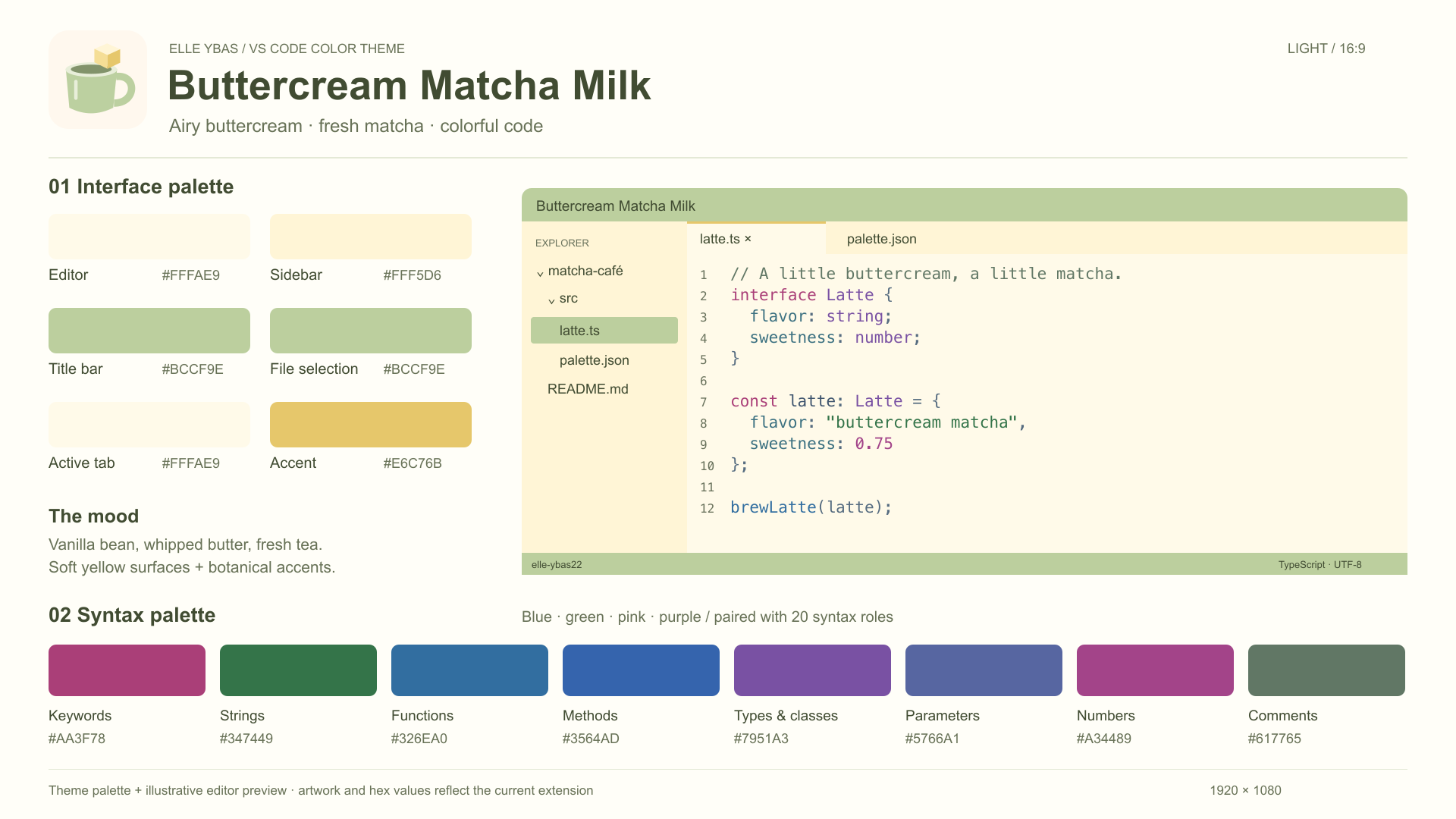
Buttercream Matcha 🧈🍵A little buttercream, a little matcha, and colorful code. Choose a soft ivory workspace or deep botanical greens, both with blue, green, pink and purple syntax colors. Buttercream Matcha MilkA gentle light theme with vanilla-cream editor backgrounds, pale buttercream panels, matcha accents and honey-glaze details.
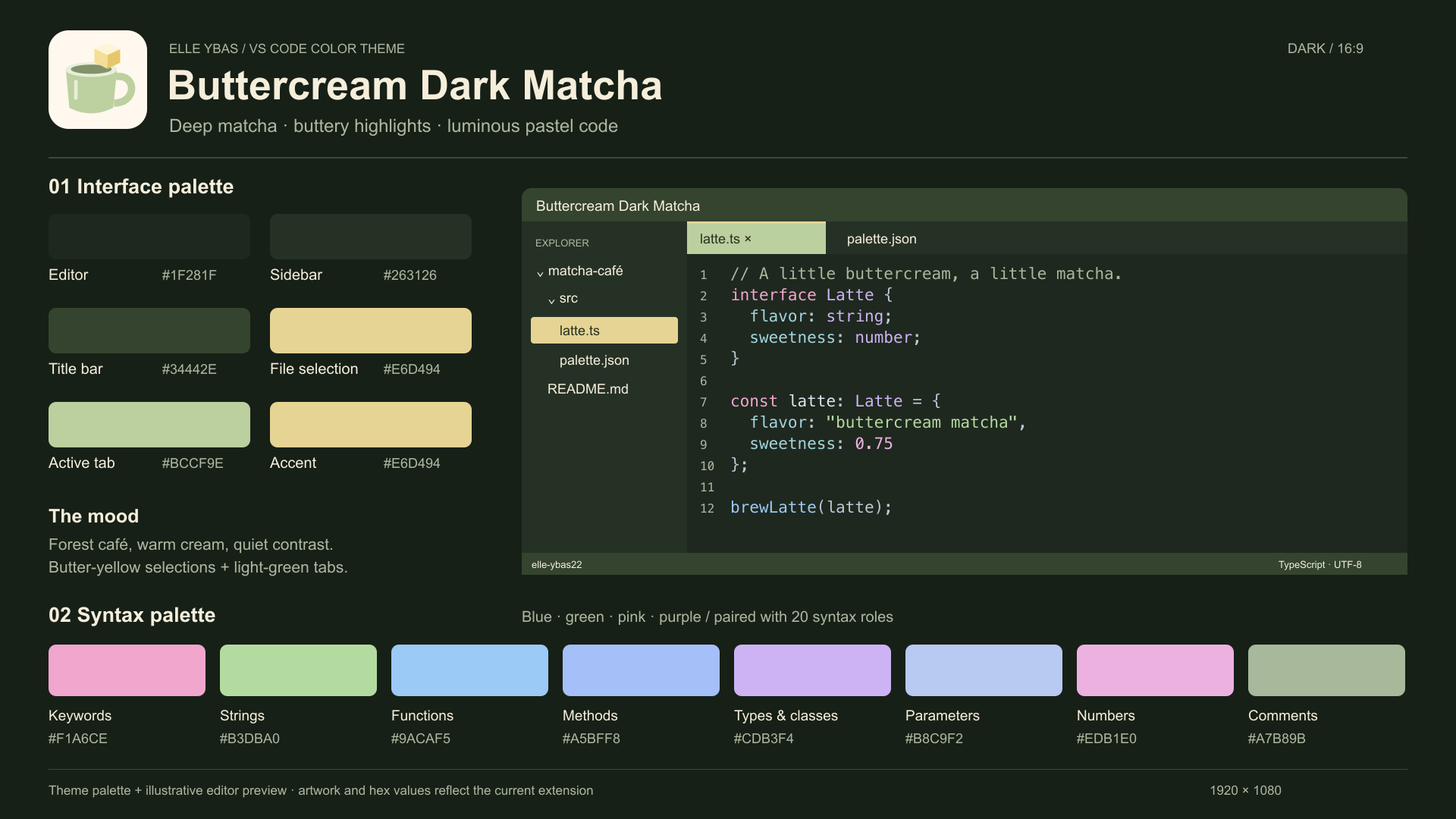
Buttercream Dark MatchaA cozy dark theme with deep matcha backgrounds and soft cream text. Butter-yellow selected files and folders and a light matcha-green active tab keep your place easy to spot.
Colorful codeCoordinated blues, greens, pinks and purples separate keywords, strings, functions, types, attributes and values. Includes TextMate and semantic-token support for HTML, CSS/SCSS, JavaScript/jQuery, Dart/Flutter and other supported languages. Exact highlighting depends on your language extensions and personal settings. Pair either theme with Cute Pastel Scrapbook Icons for a little extra sweetness. Choose your theme
The picker names have changed in version 1.2.0; select your preferred theme again after updating. Switch with your system appearanceAdd these settings to your user Settings JSON: Keep your preferred File Icon Theme selected separately. Dart/Flutter requires the corresponding language extensions. jQuery uses JavaScript highlighting; selector strings may use normal string colors depending on the grammar. CustomizeEdit This is a declarative theme with no executable extension code or network requests. Preview images are hosted on GitHub and are loaded when viewing this description. |