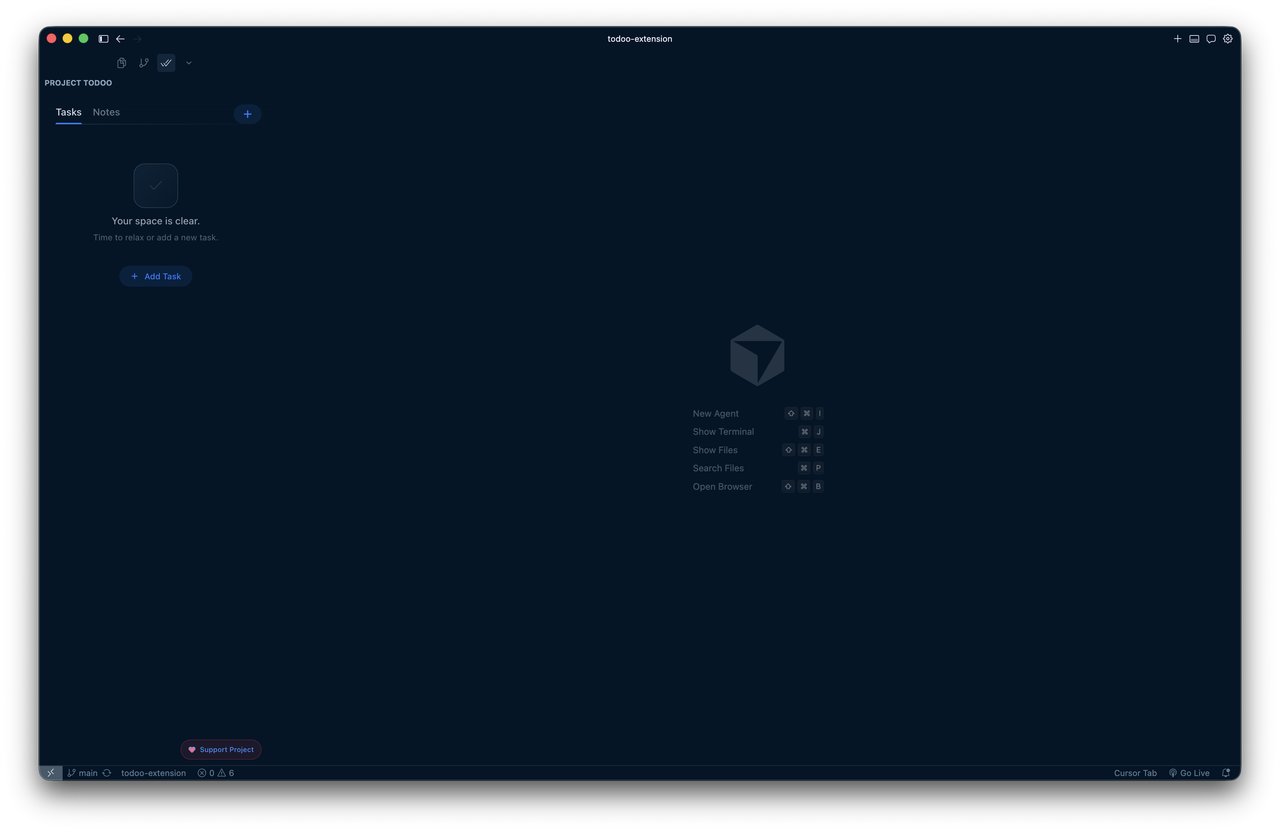
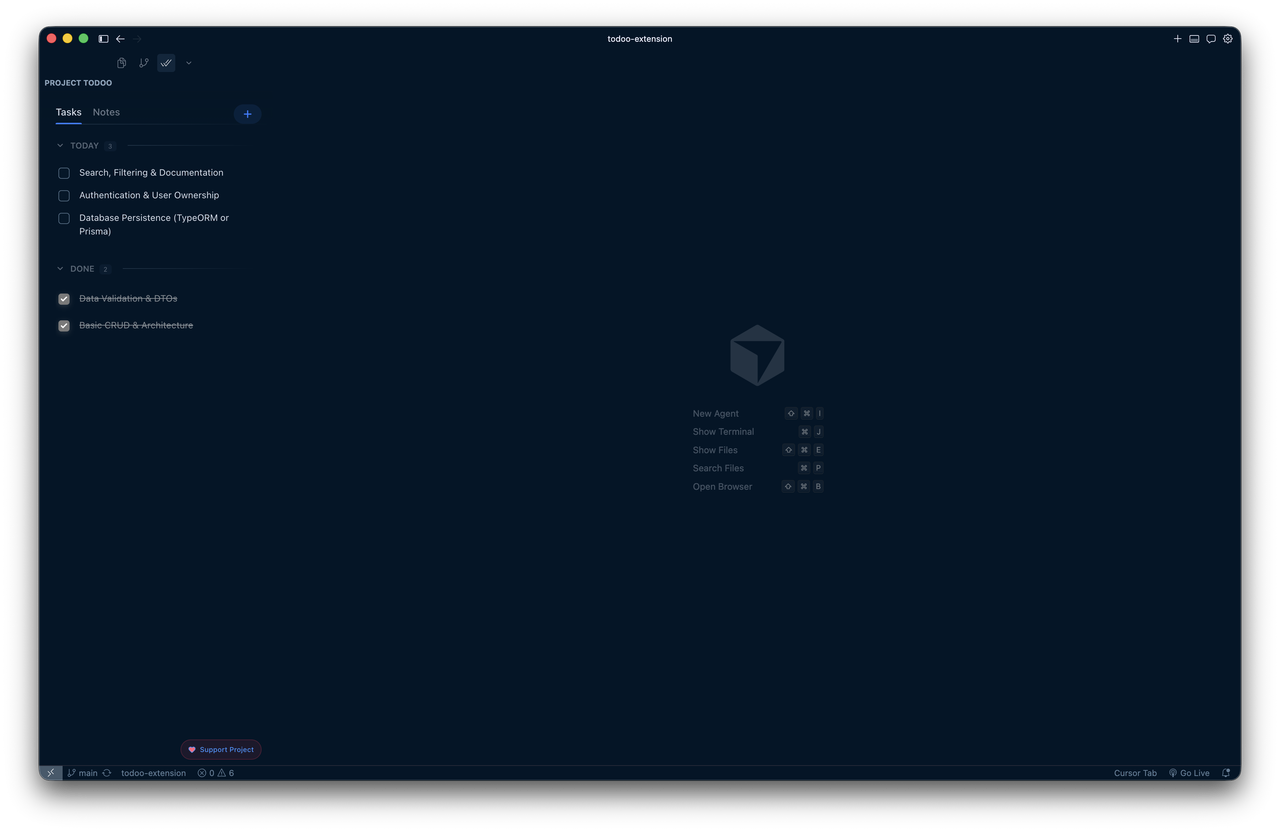
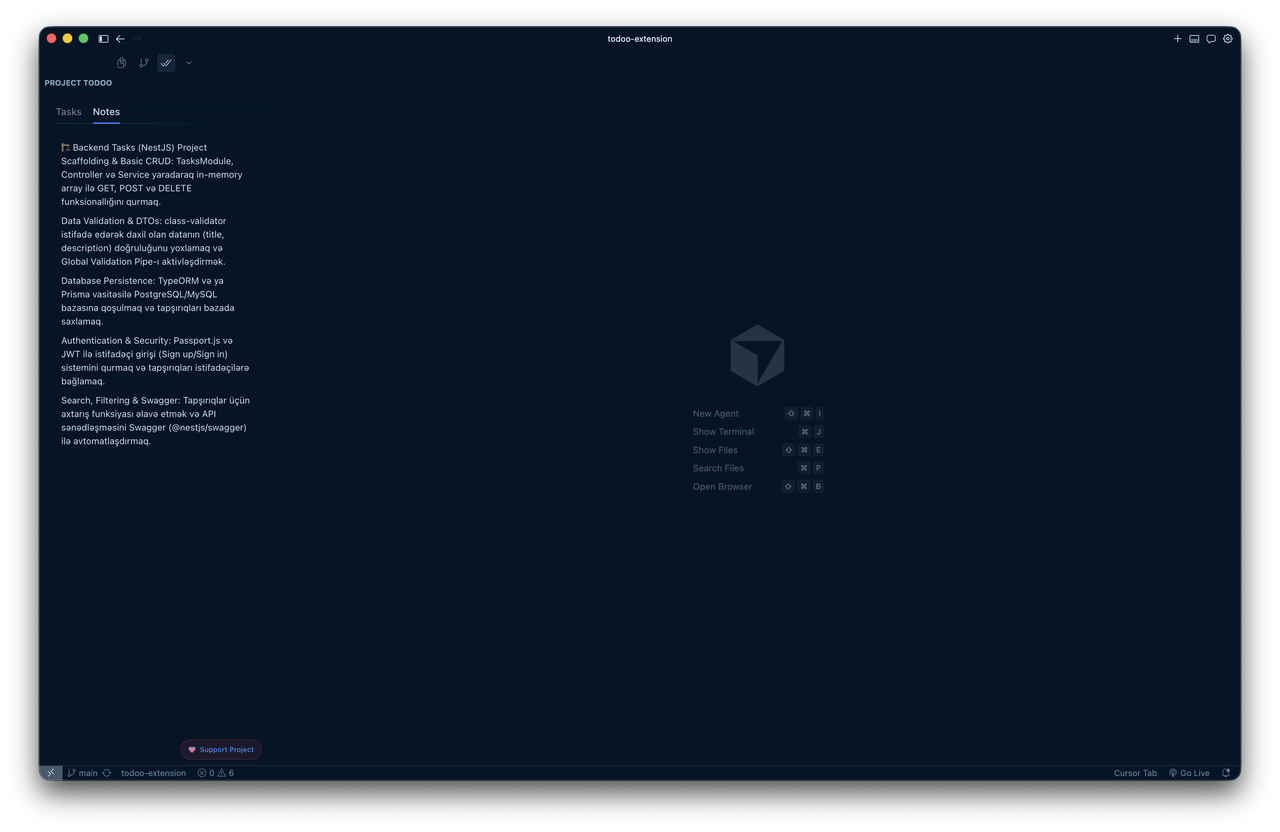
A modern, minimalist, and beautifully animated project-based Todo List & Notes manager built for Visual Studio Code.
Todoo is not just another task manager. It's an exquisitely designed, local-first extension that blends into your VS Code environment while providing a fluid, animated experience. Keep your context alive, track upcoming tasks, and jot down project-specific notes without ever leaving your editor.
📚 Contents
🚀 Features
🖼️ Screenshots
⌨️ Shortcuts
🎨 Theme Support
✅ Requirements
📥 Installation
▶️ Usage
⚙️ How It Works
❤️ Support
🖼️ Screenshots
🚀 Features
Project-Based Storage: Tasks and notes are automatically saved to your current workspace state. Switch projects? Your context switches with you.
Smart Grouping: Tasks are automatically categorized into Today, Tomorrow, Upcoming, and Done based on their creation timeline.
Premium Animations: Powered by Framer Motion, enjoy fluid transitions, snappy spring animations, and an engaging user experience unlike any other extension.
Markdown & Syntax Highlighting: Fully supports rendering Markdown in both your Tasks and Notes. Code blocks are beautifully syntax-highlighted matching your active VS Code theme!
Quick Actions & Context Menu: Native feel — Just Right Click any task to Edit, Delete, or even Ask AI (coming soon!).
Editor-like Note Taking: A dedicated notes tab that auto-saves your markdown content, replacing the need for floating scratch.md files.
Keyboard Shortcuts: Hit Cmd + N / Ctrl + N anywhere in the app to instantly add a new task.
⌨️ Shortcuts
Windows/Linux
Mac
Action
Ctrl + N
Cmd + N
Add new task from anywhere
Enter
Enter
Save edited task (Submit)
Shift + Enter
Shift + Enter
Add new line in task
Right Click
Right Click
Open task context menu
🎨 Theme Support
Todoo dynamically grabs your active Visual Studio Code theme colors. Whether you use Dracula, GitHub Light, One Dark Pro, or the default Dark Modern — Todoo adapts perfectly without any configuration needed.
✅ Requirements
VS Code ^1.80.0
📥 Installation
Open Extensions in VS Code (Ctrl+Shift+X).
Search for Todoo (by elchinabilov).
Click Install.
You will see a new checkmark icon in your Activity Bar. Click it to open Todoo!
▶️ Usage
Click the Todoo checkmark icon in the Activity Bar to open the sidebar.
Add a task with Cmd + N / Ctrl + N, or click the add button.
Switch to Notes to keep project-specific Markdown notes.
⚙️ How It Works
Storage: Uses the native VSC workspaceState API. No external databases, meaning your data stays private and local on your machine.
Webview: Built with React, Vite, and Tailwind CSS v4, compiled into an ultra-fast, single-bundle webview injected directly into your sidebar.
❤️ Support
If you want to support the development, you can Buy Me a Coffee.
Enjoy a clutter-free, aesthetic focused development experience!