rtemis VS Code themes
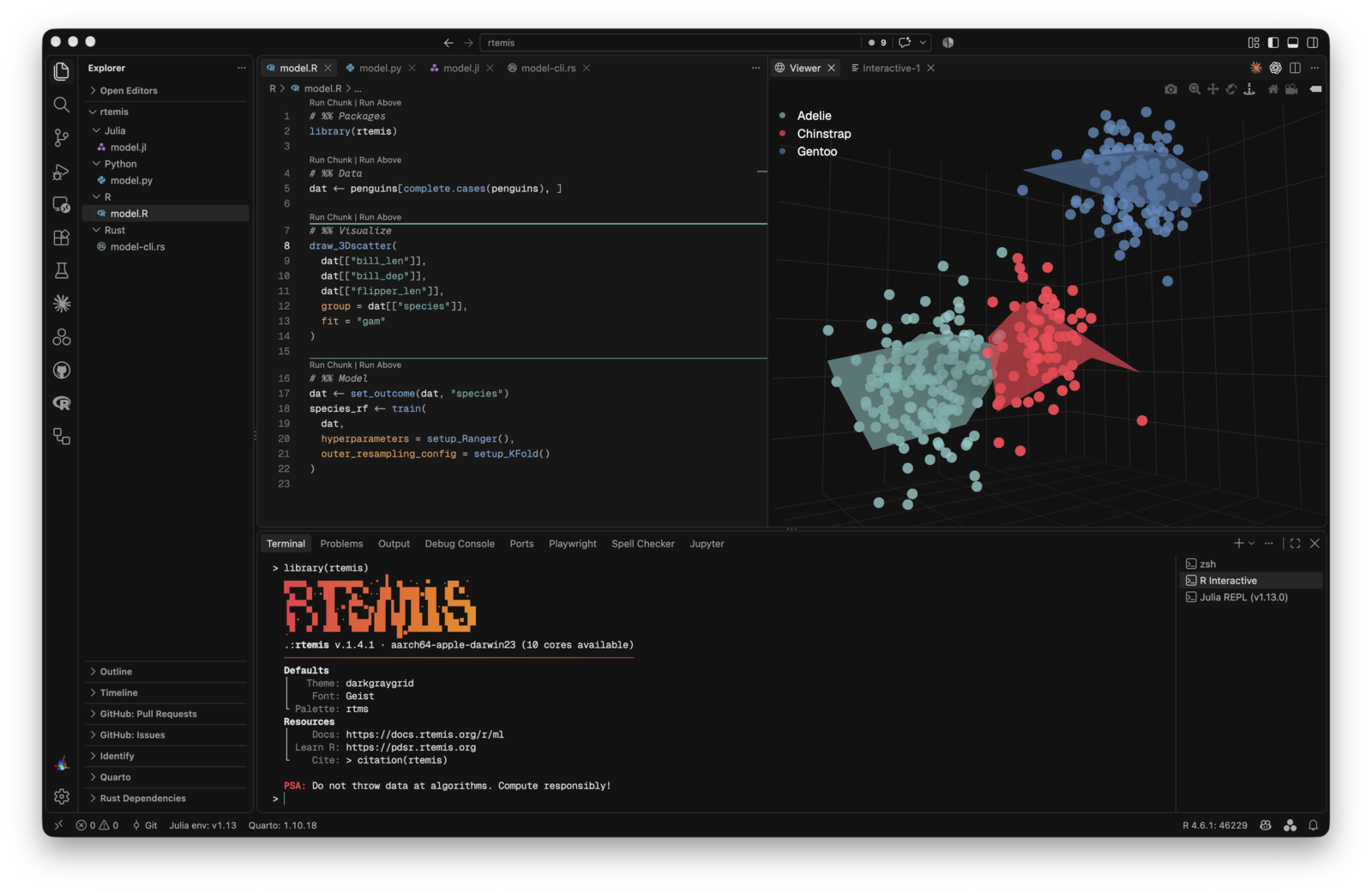
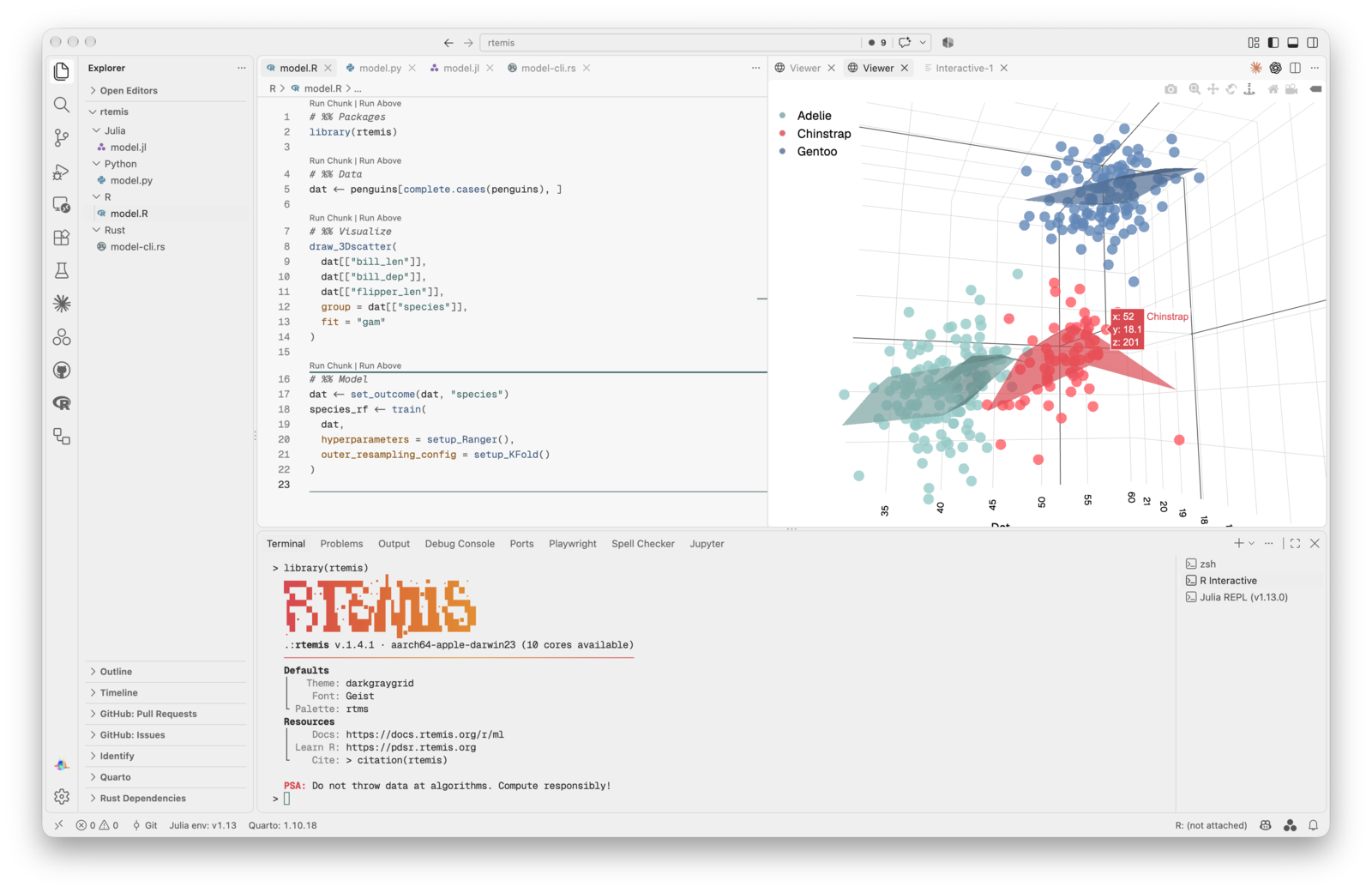
rtemis VS Code theme.
Includes rtemis-dark, rtemis-dark-gray, rtemis-gray, rtemis-light-gray,
and rtemis-light.
rtemis-dark-gray uses a lighter charcoal editor background (#242424),
with coordinated interface surfaces and slightly brighter teal, blue, red, and
muted text to preserve contrast in selections and highlights.
rtemis-gray uses pure white text on medium gray (#484848), with lighter
syntax colors and near-white, upright comments. rtemis-light-gray uses pure
black text on light gray (#AAAAAA), with darker syntax colors and near-black,
upright comments. Both use adjusted selections and highlights to preserve
text contrast.
Diffs use green additions, red deletions, and blue modification markers, with
stronger highlighting on changed words.
Also, check out the Firefox rtemis extension

