
Black FriezaA balanced dark theme — neither too light nor too dark. Saturated syntax colors with matte khaki-and-violet accents. Installation Launch VS Code Quick Open ( Ctrl+P), paste the following command, and press enter.Copied to clipboard |

Black FriezaA balanced dark theme — neither too light nor too dark, built to work day and night. Saturated syntax highlighting, a terminal that matches the sidebar instead of pitch black, and matte accents — khaki for new files, a single violet for everything interactive. VariantsSelect with
PaletteBoth variants share the same syntax palette:
Design principles: the terminal background always matches the panels (no black hole at the bottom of your editor), explorer text is white so git states are readable at a glance, and nothing is neon — bright colors are reserved for code. Also available
CreditsInspired by New Darcula by Evan Simpson (MIT), with saturation and contrast cues from Colorizer and Vercel Theme — and JetBrains Darcula, the ancestor of it all. |

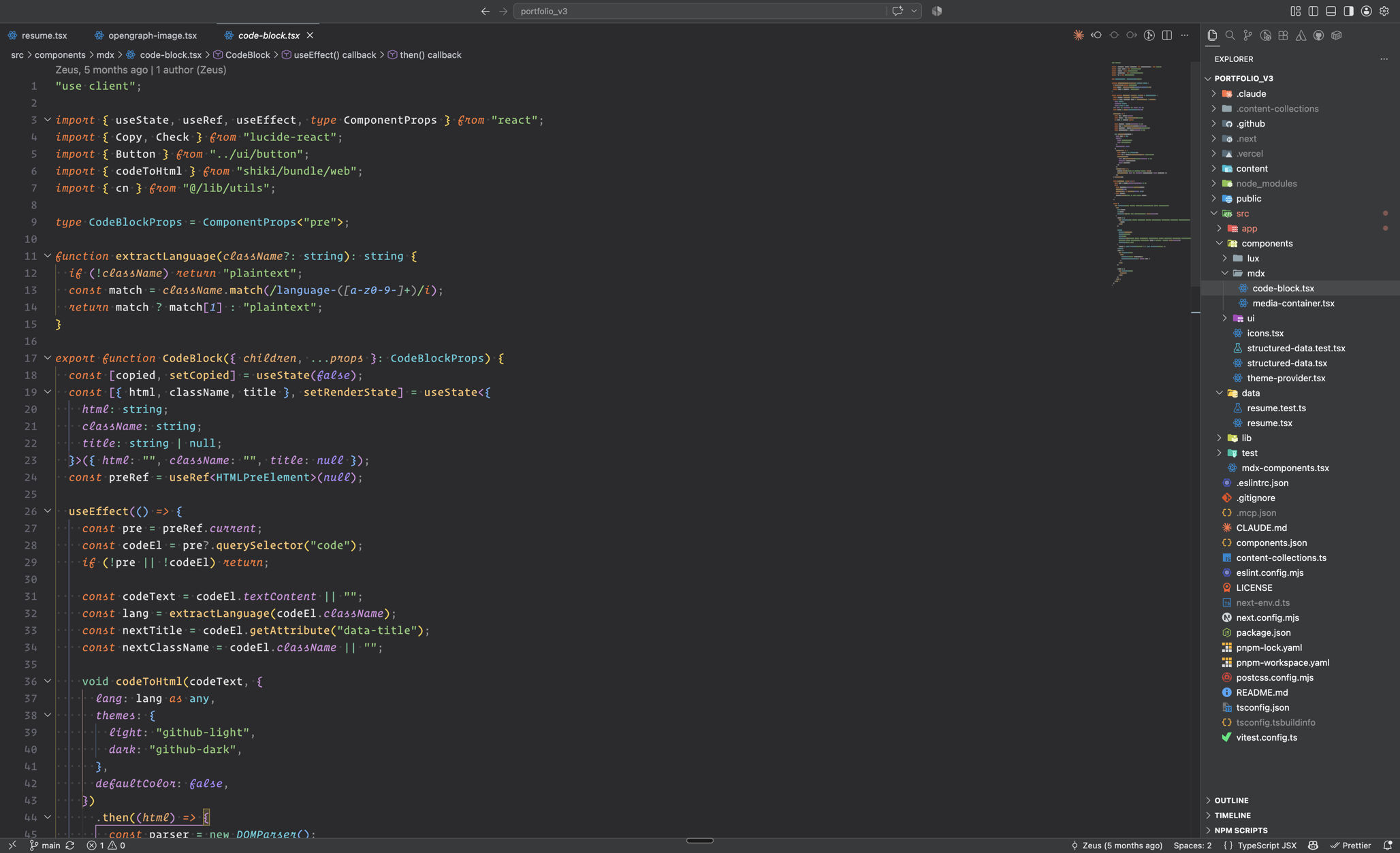 Black Frieza
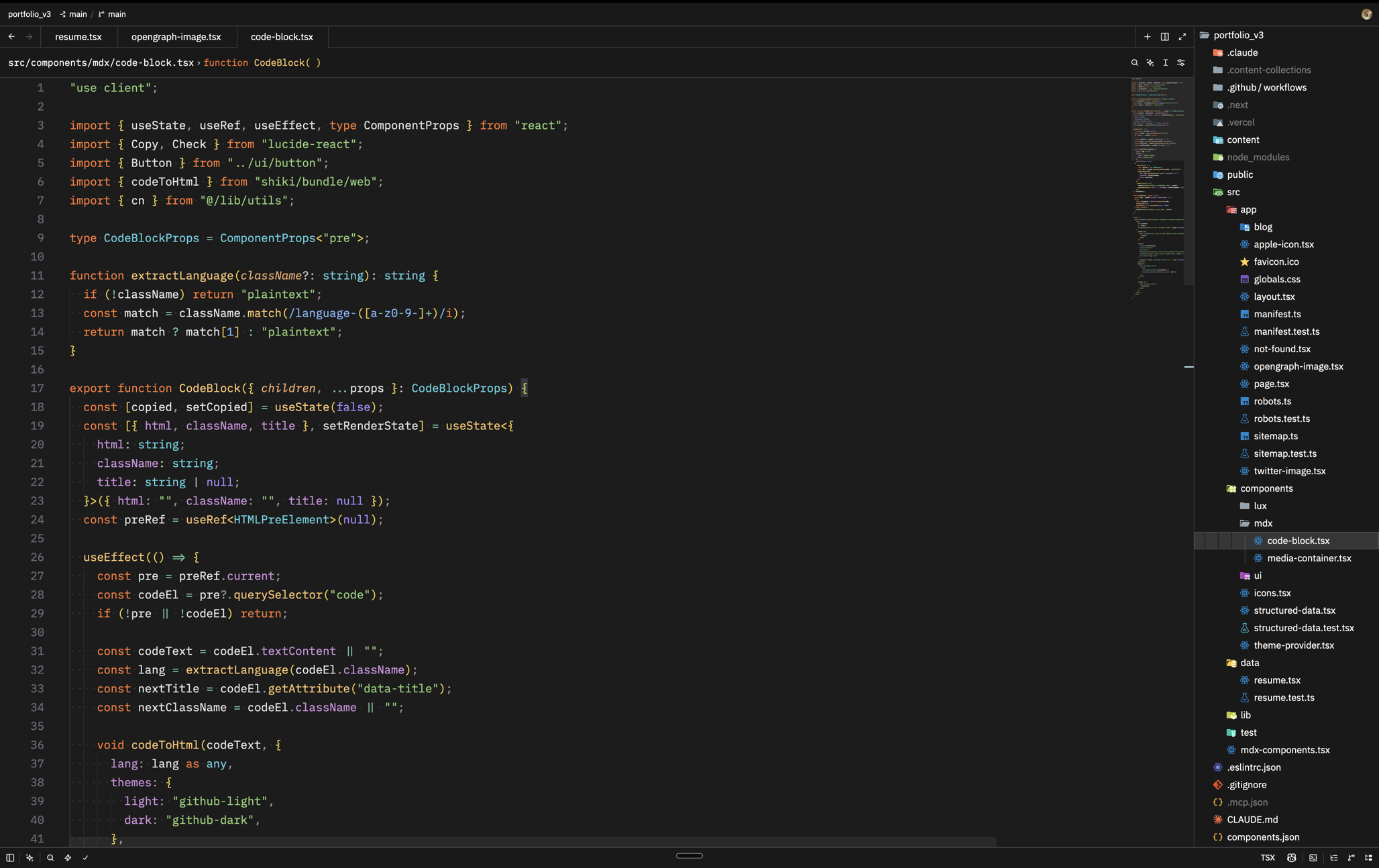 Black Frieza Darker