Overview Version History Q & A Rating & Review
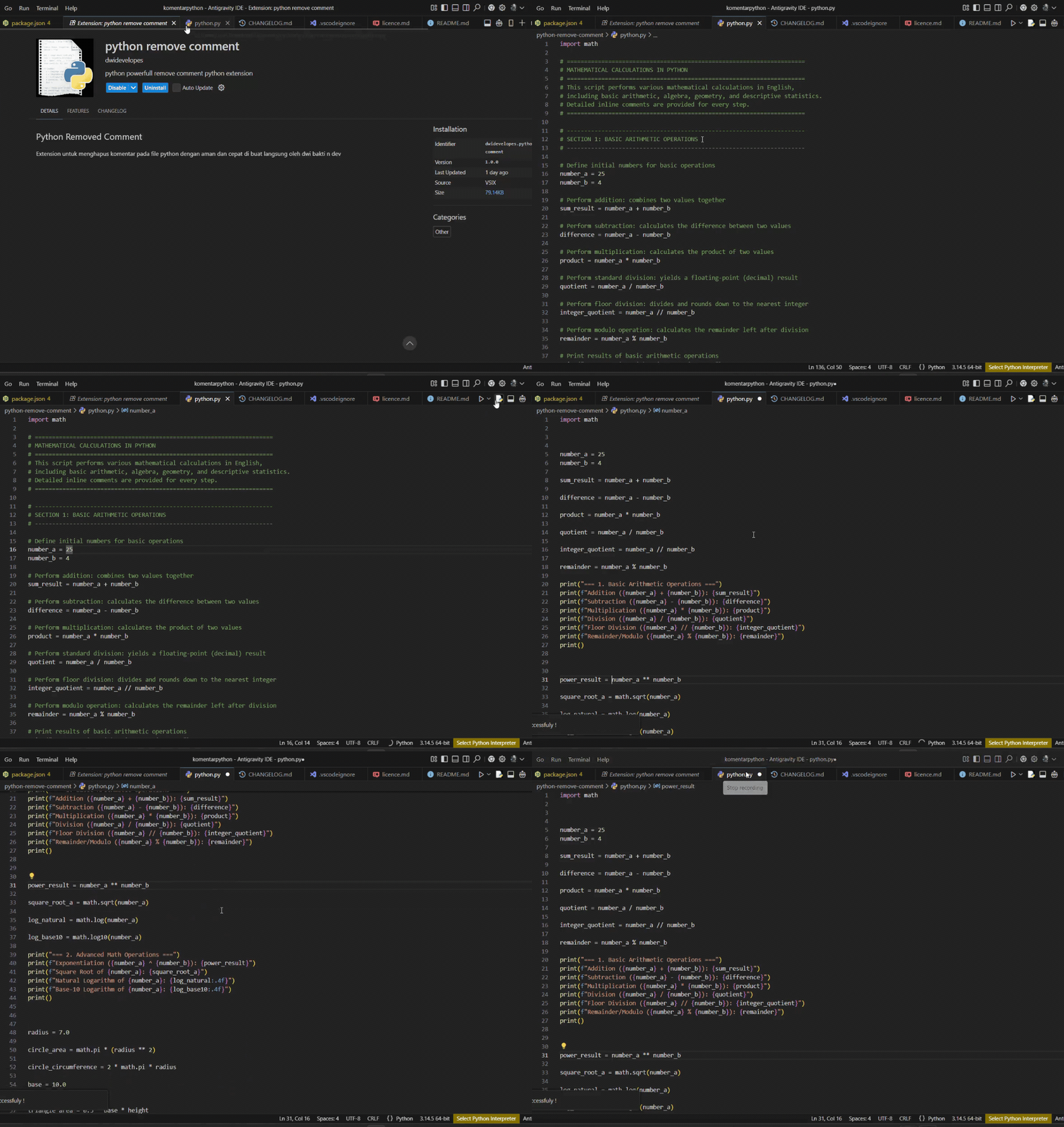
The Python Remove Comment extension (python-remove-comment) is designed to help you remove # comments from Python code quickly, easily, and precisely right inside Visual Studio Code.
Extension Name: Python Remove Comment (python-remove-comment)Publisher: dwidevelopesVersion: 1.0.0Minimum VS Code Version: ^1.90.0
✨ Key Features
# Comment Removal:#.Right-Click Context Menu Integration: Easily invoked via right-click when selecting code snippets.Quick Access Editor Title Bar: Provides a 1-click execution button at the top-right corner of the editor tab.Command Palette Integration: Fully supports standard VS Code command execution (Ctrl+Shift+P / Cmd+Shift+P).
🚀 How to Use
The comment removal feature is specifically activated for Python files (.py). You can execute it in 3 ways:
Open a Python file (.py).
Select / Highlight the code block containing the # comments you want to remove.Right-click on the selected text area.
Choose Python: Remove Python Comment (#)
2. Via Editor Title Bar (Top-Right Corner of Tab)
Open a Python file (.py) in the editor.
Look at the group of action buttons in the top-right corner of the editor tab.
Click the Python: Remove Python Comment (#) icon.
3. Via Command Palette
Open a Python file (.py).
Press Ctrl + Shift + P (Windows/Linux) or Cmd + Shift + P (macOS).
Type and select Python: Remove Python Comment (#)
⚙️ Command Details & Activation Conditions (When Clause )
Command
UI Location
Activation Requirement (When Clause )
extension.removePythonCommentsEditor Context Menu (editor/context)Text is selected & file is Python (editorHasSelection && editorLangId == 'python')
extension.removePythonCommentsTab Title Context Menu (editor/title/context)File is Python (resourceLangId == 'python')
extension.removePythonCommentsEditor Title Bar (editor/title)File is Python (resourceLangId == 'python')