Filecon Icons for VS Code
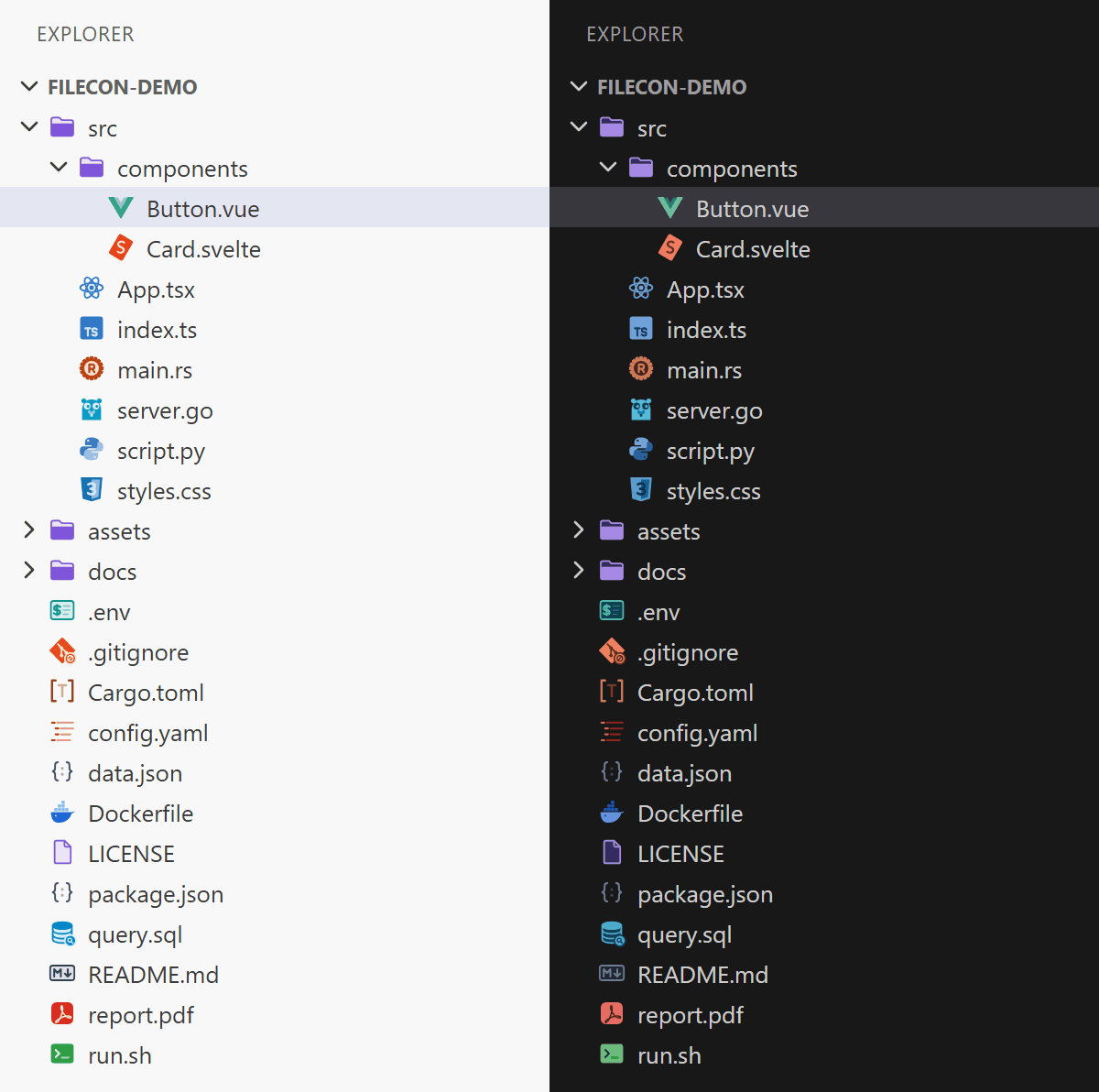
File icon themes built from the Filecon icon pack: clean, consistent icons for 650+ file
types – source code, documents, images, audio, video, archives, databases, 3D/CAD, fonts, certificates and more.
Themes
| Theme |
Style |
| Filecon |
outline page with a colored label |
| Filecon Gray |
filled gray page with a gray label |
| Filecon Solid |
filled colored page with a white label |
| Filecon Papered |
realistic paper sheet with a soft shadow |
| Filecon Papered Flat |
flat warm paper sheet |
| Filecon Papered Craft |
cut paper: colored back sheet and a label strip |
| Filecon Scratch |
pencil sketch on a note with a handwritten label |
| Filecon Chalk |
marker on a whiteboard (light) or chalk on a blackboard (dark) |
| Filecon Iconic |
a standalone, self-drawn symbol per file type instead of a page shape; redrawn marks for brand formats |
All themes except Filecon Solid switch automatically between a light and a dark variant (including high-contrast
themes) to match your color theme. Filecon Solid looks the same everywhere.
Screenshots
Filecon
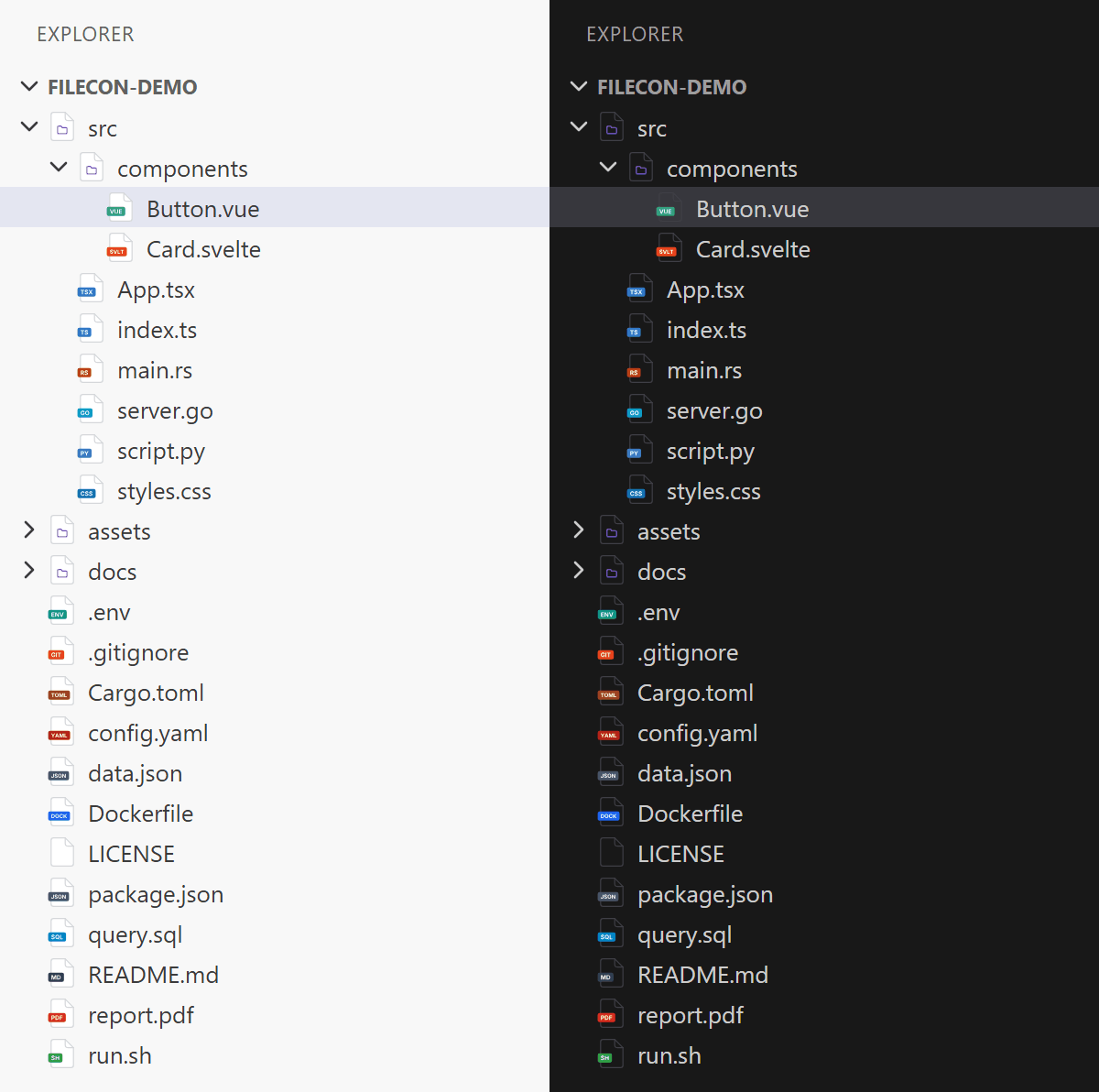
Filecon Gray
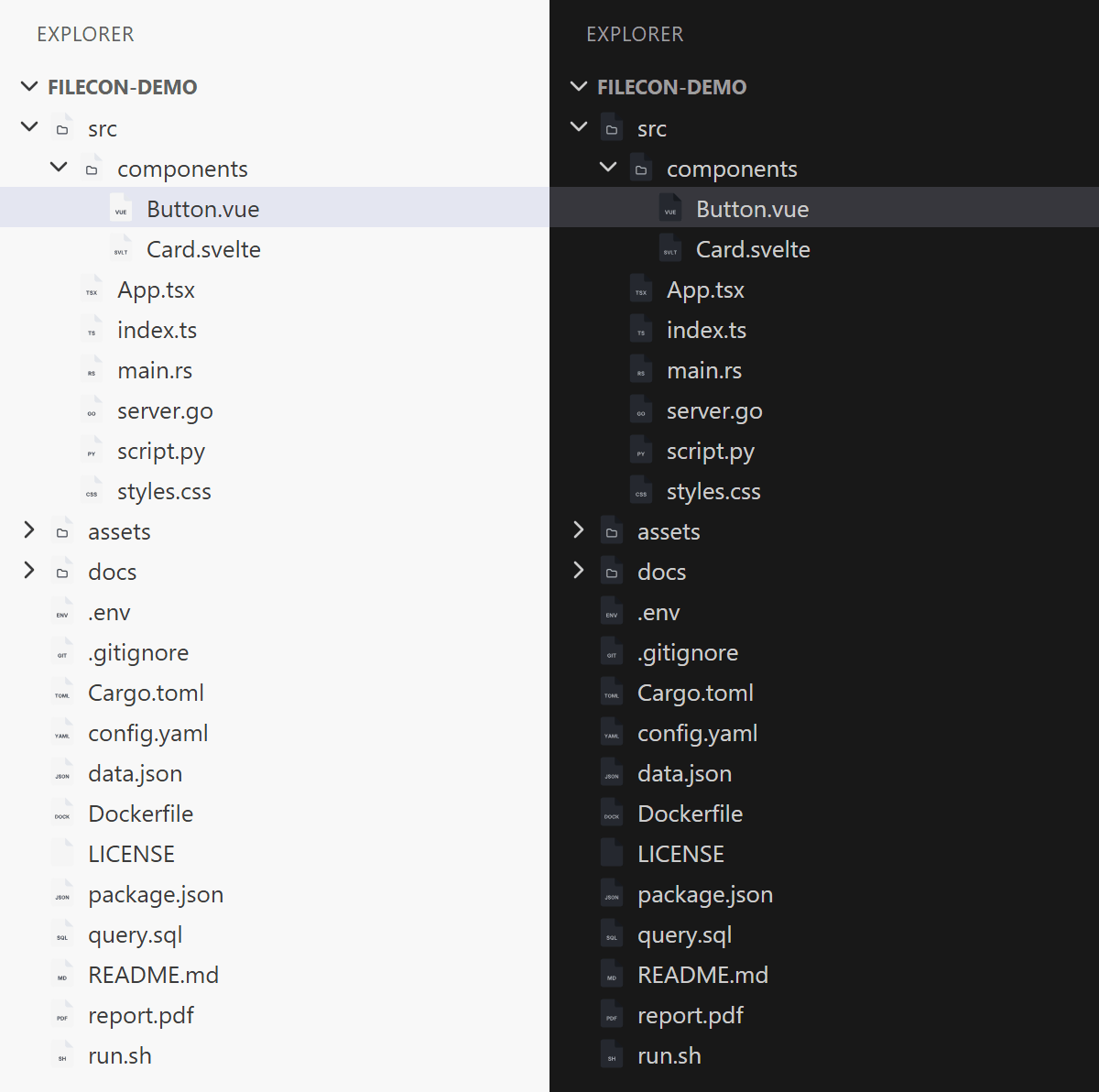
Filecon Solid
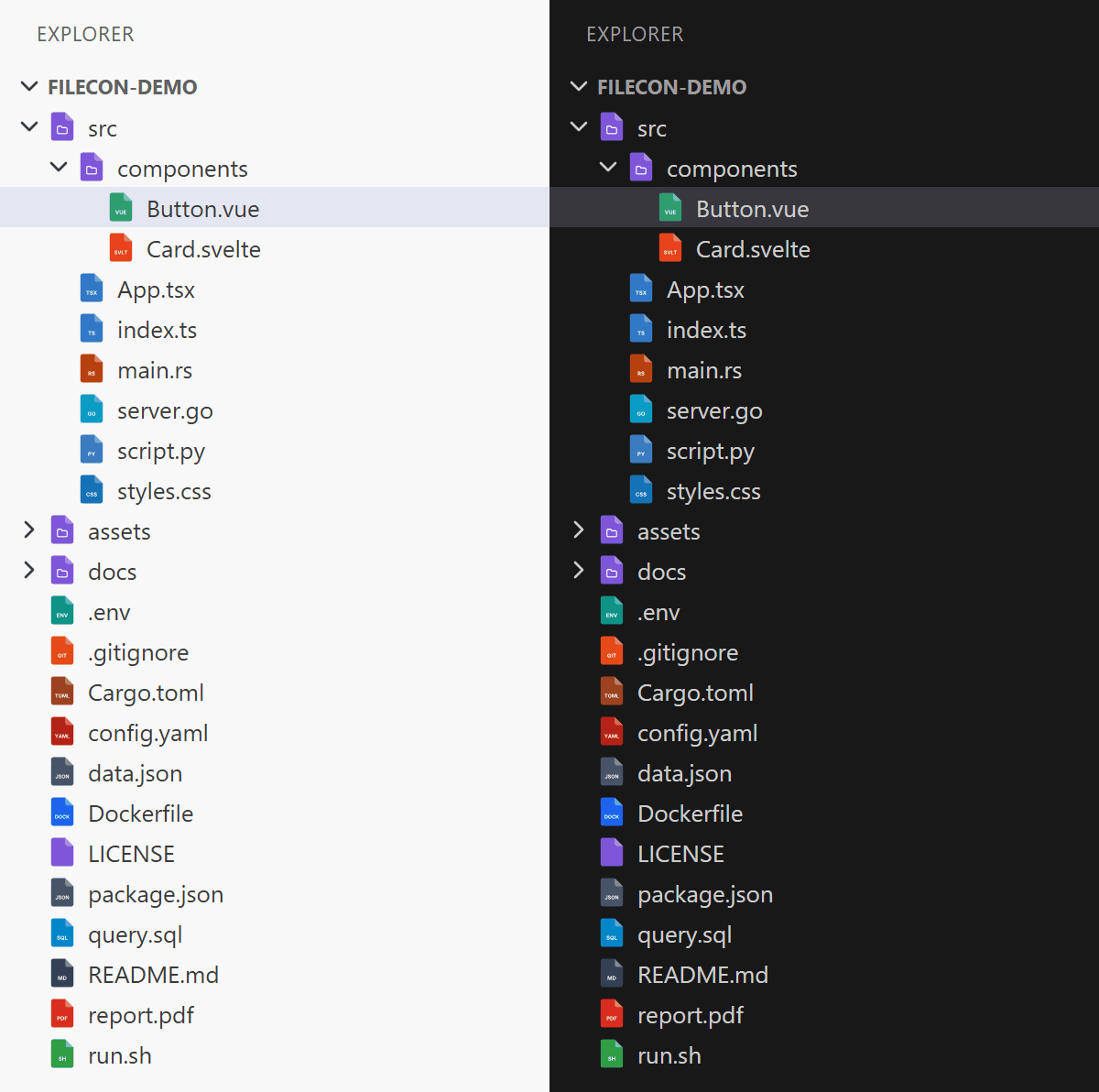
Filecon Papered
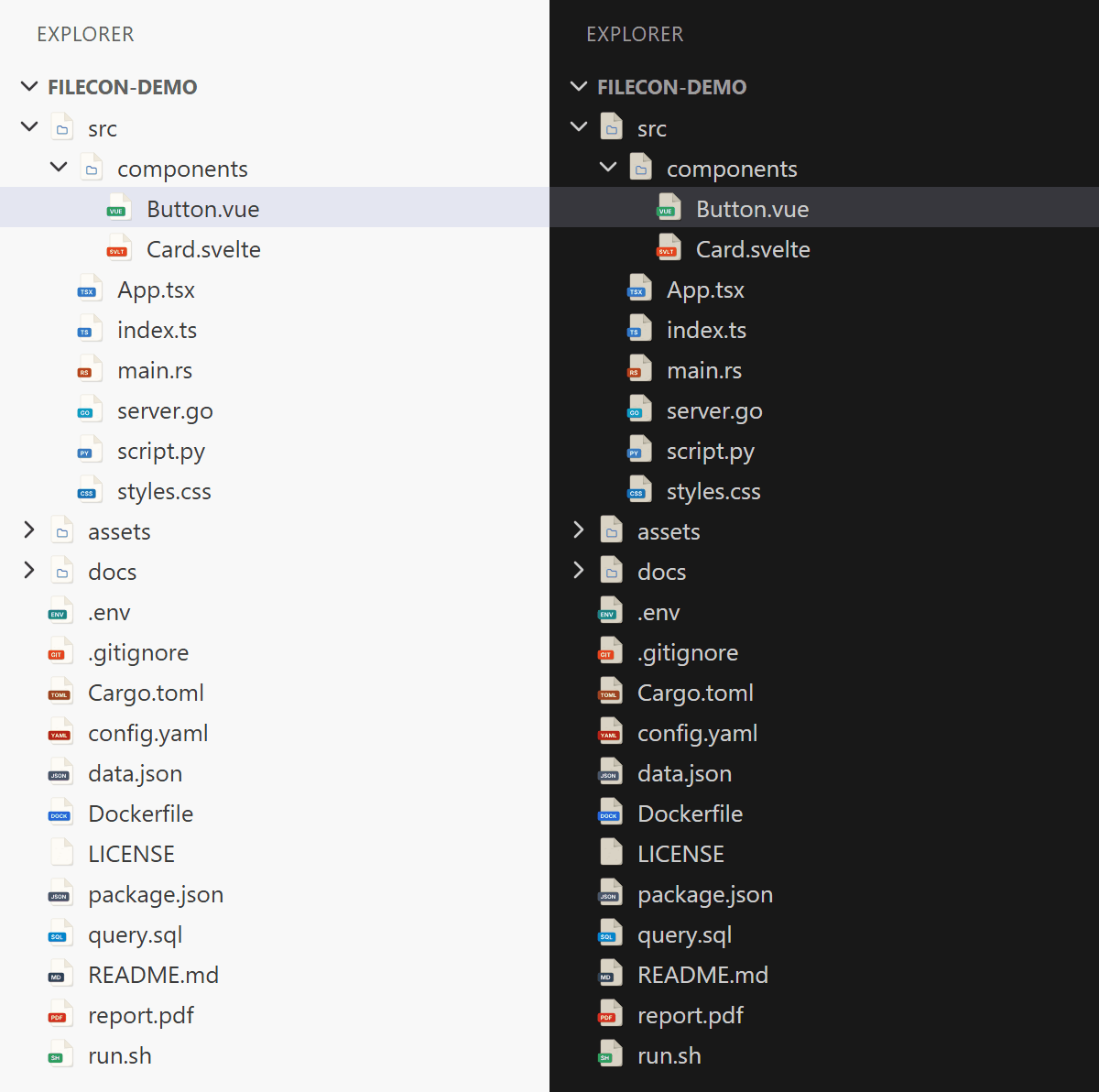
Filecon Papered Flat
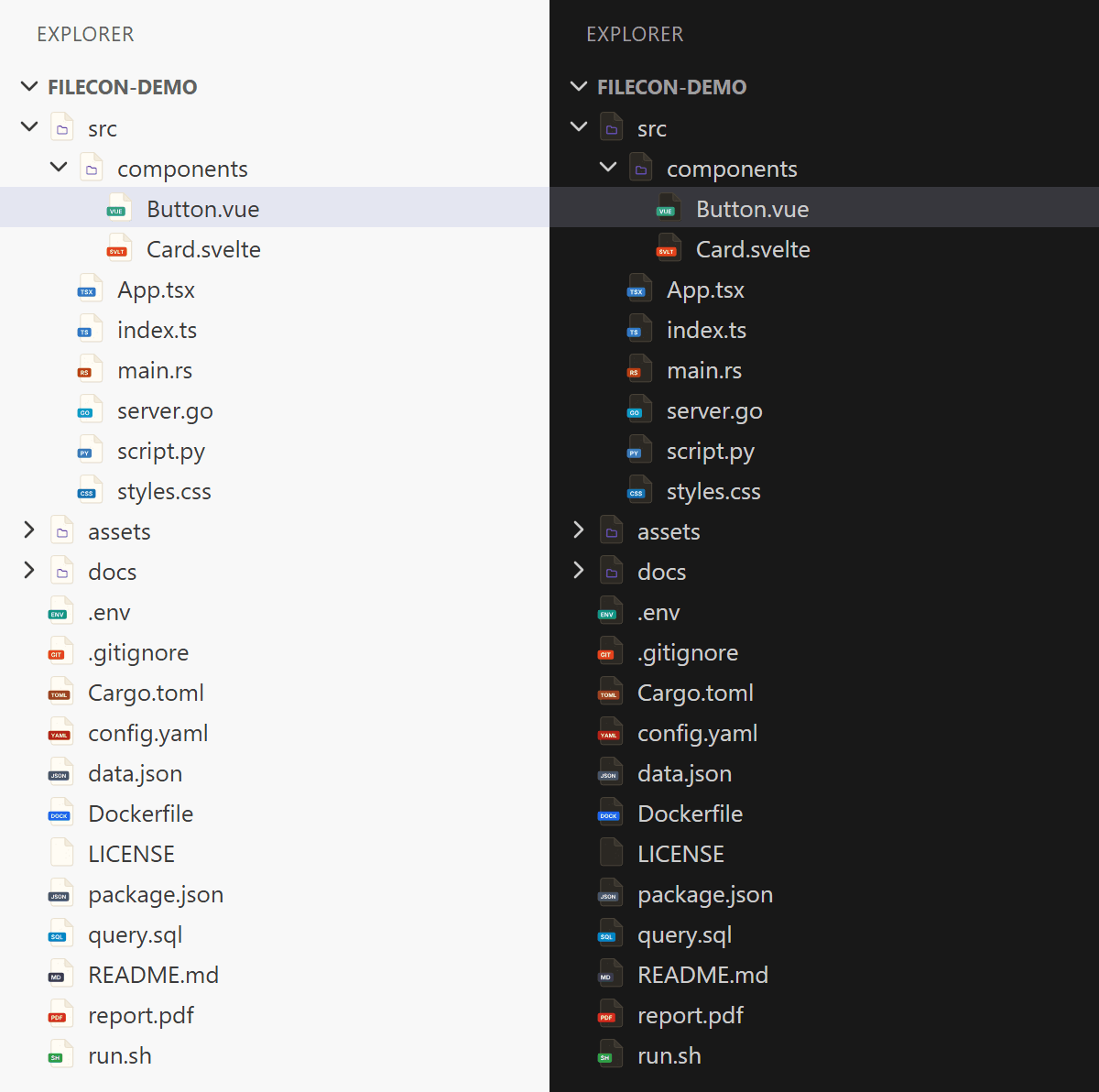
Filecon Papered Craft
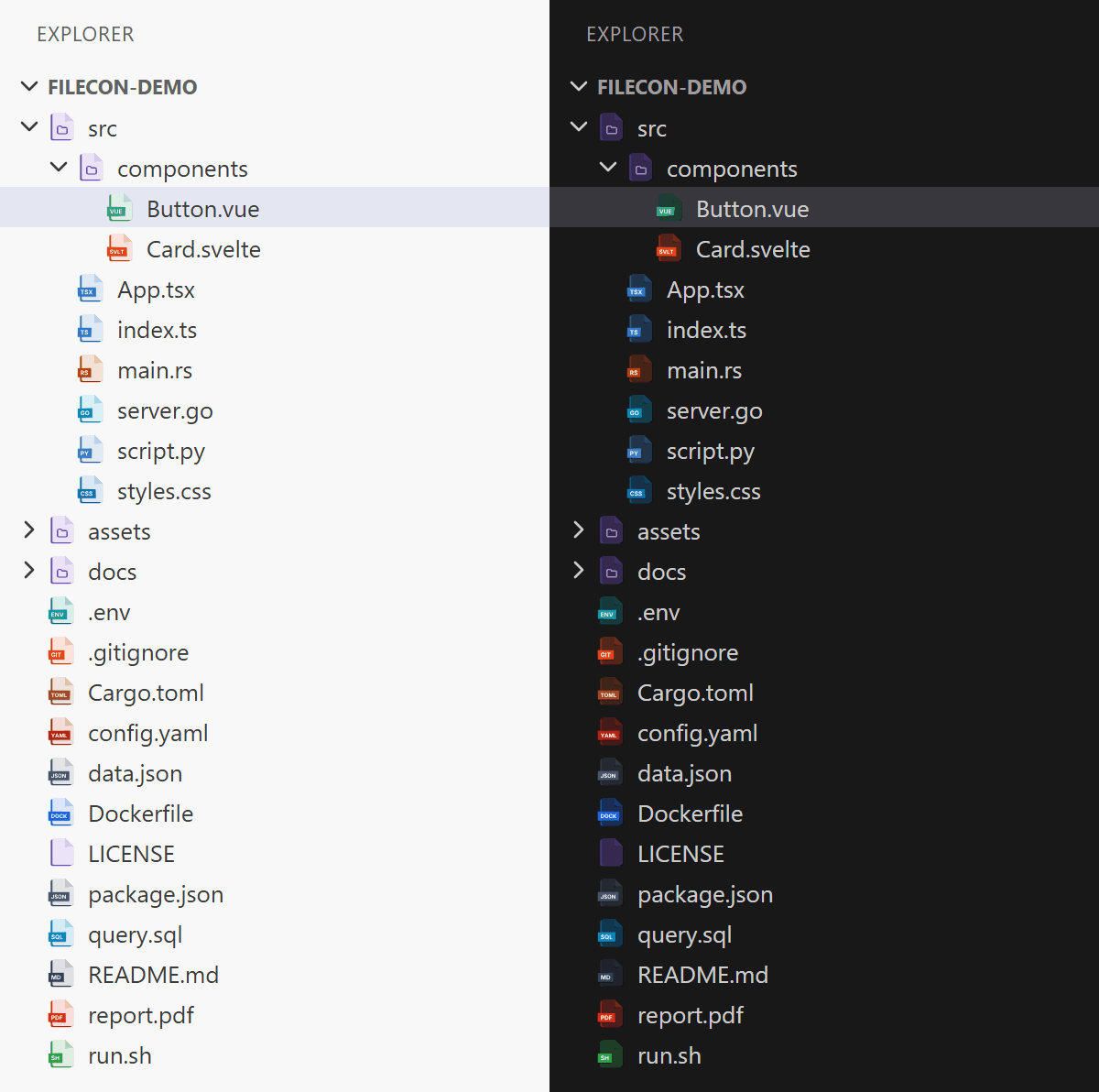
Filecon Scratch
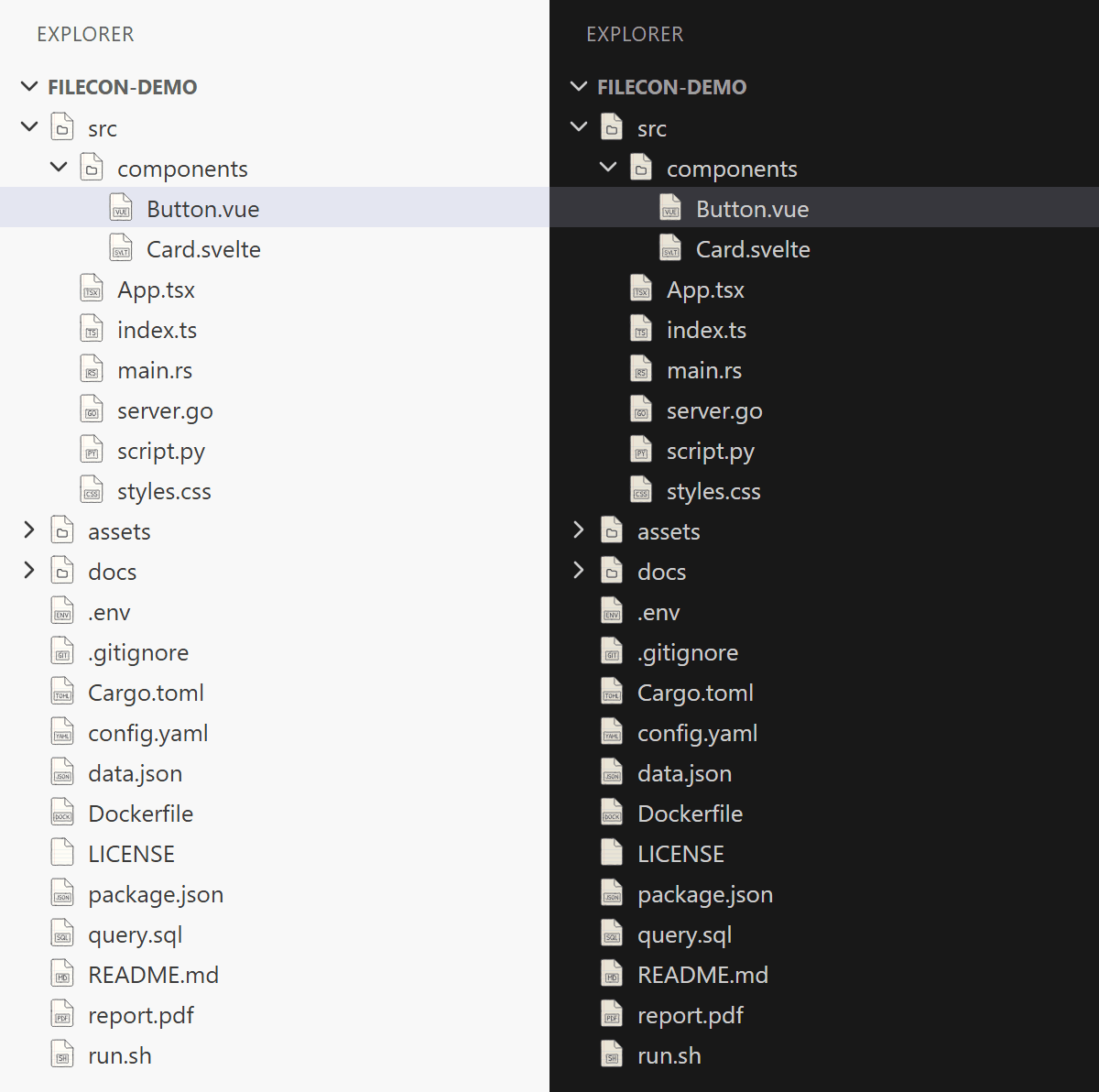
Filecon Chalk
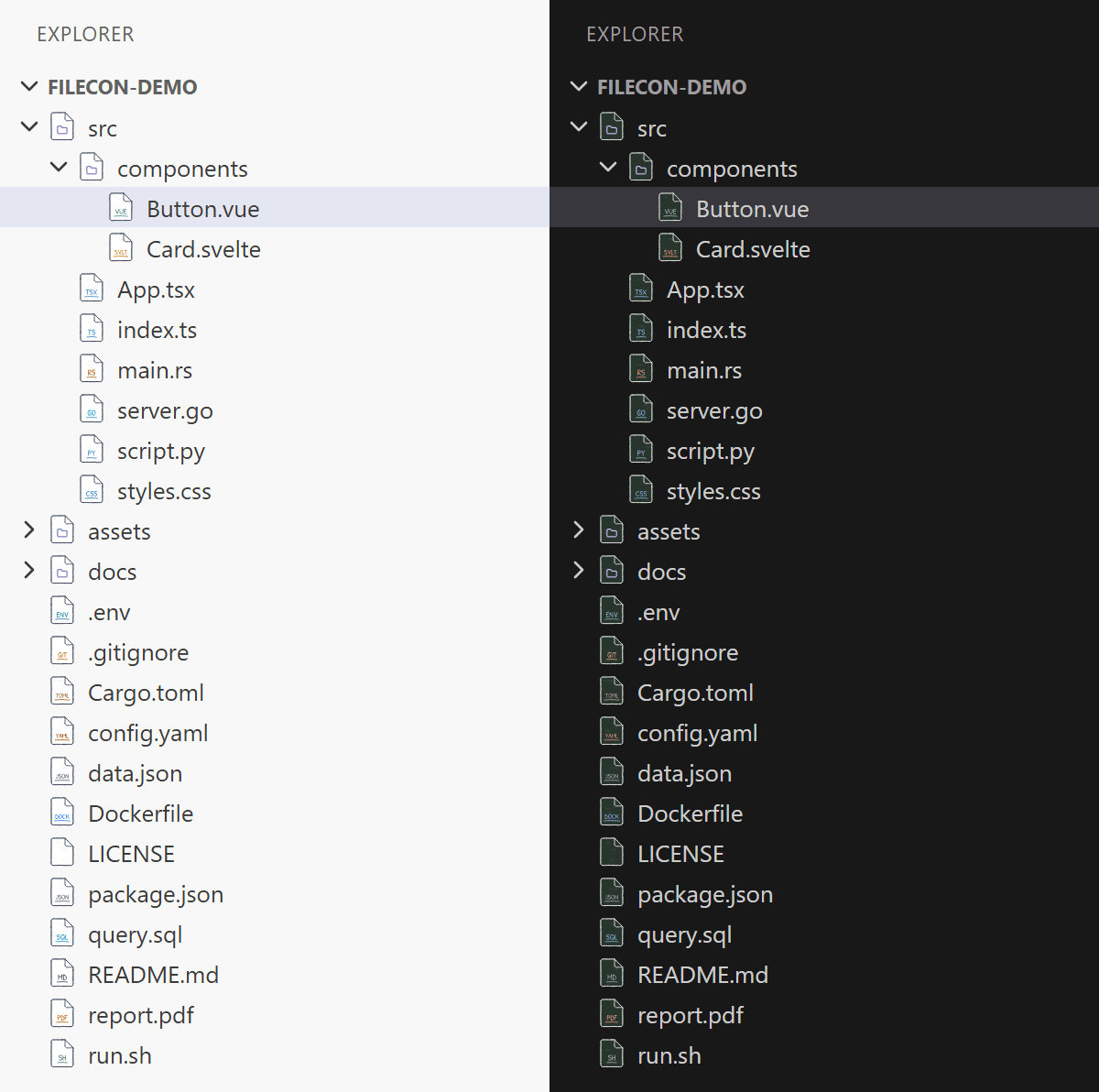
Filecon Iconic
Usage
- Install the extension.
- Open the Command Palette (
Ctrl+Shift+P / Cmd+Shift+P) and run Preferences: File Icon Theme.
- Pick one of the Filecon themes.
Or set it in your settings.json:
{
  "workbench.iconTheme": "filecon"
}
Theme ids: filecon, filecon-gray, filecon-solid, filecon-papered, filecon-papered-flat,
filecon-papered-craft, filecon-scratch, filecon-chalk, filecon-iconic.
How files are matched
- By extension, e.g.
report.final.pdf → PDF, .gitignore → Git ignore.
- By exact file name: an extension-less file named like a supported type (
Dockerfile), plus Makefile and
Thumbs.db.
- By language: files whose name is not mapped but whose language VS Code knows (e.g.
.bashrc → shell script,
a file with a #!/bin/bash line once it is opened) get the icon of that language (116 language ids).
- Everything else gets the neutral
empty page icon.
Ambiguous extensions (.db, .key, .m, .pl, .v, .pb) get a generic icon for the extension; telling e.g.
an SQLite database from a Berkeley DB file needs the file content, which icon themes cannot inspect. All folders
(open, closed and workspace roots) use the pack's folder icon.
Links
License
Apache-2.0 – see LICENSE and NOTICE. Label glyphs are outlines of Inter Bold (SIL OFL 1.1).

