Skip to content
| Marketplace
Sign in
Visual Studio Code>Other>Remote Local Network ShareNew to Visual Studio Code? Get it now.
Remote Local Network Share

Remote Local Network Share

Lei Zhao

|
3 installs
| (0) | Free
Let a network-restricted Remote-SSH host access external resources through your laptop.
Installation
Launch VS Code Quick Open (Ctrl+P), paste the following command, and press enter.
Copied to clipboard
More Info

Remote Local Network Share

English | 简体中文

Let a network-restricted Remote-SSH host access external resources through your laptop. It is designed for servers that cannot reach GitHub, package indexes, Hugging Face, or other sources that remain accessible from the laptop.

How it works

Remote application
       │
       ▼
127.0.0.1:17890 (SOCKS5) / 17891 (HTTP)
       │
       ▼
OpenSSH reverse forwarding
       │
       ▼
Laptop network → external resource

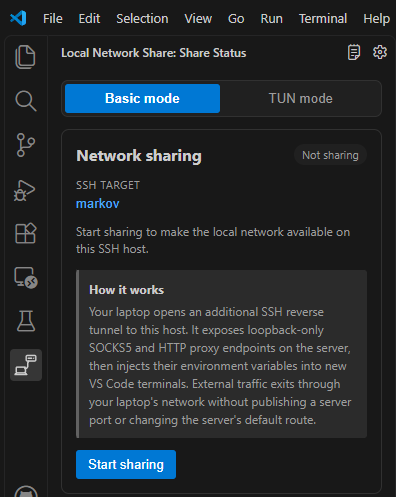
The extension runs locally as a VS Code UI extension and starts an additional local OpenSSH client. OpenSSH provides the remote proxy listeners and carries traffic back to the laptop, so no companion extension is needed on the server.

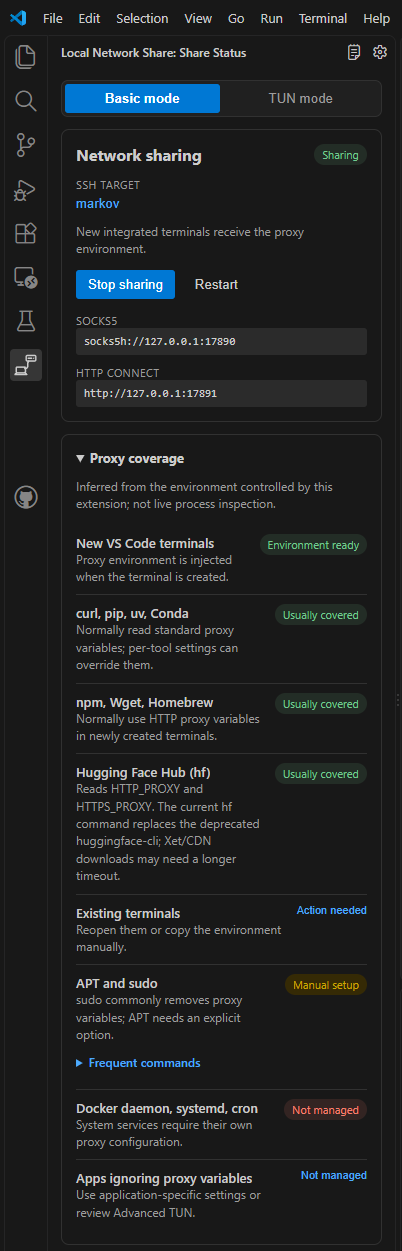
New integrated terminals receive ALL_PROXY, HTTP_PROXY, and HTTPS_PROXY. Basic mode binds only to remote 127.0.0.1; it does not expose a public port or change the server's default route.

Coverage

Usually automatic Manual or application-specific
curl, Git HTTPS, pip, uv, Conda, npm, Wget, Homebrew, Cargo, Hugging Face hf APT/sudo, Docker daemon, systemd, cron, Git SSH, and applications that ignore proxy variables

APT/sudo commands and current proxy coverage are available directly in the extension sidebar.

Requirements

  • Desktop VS Code with Microsoft Remote - SSH; no specific version is required.
  • Local OpenSSH with key or SSH Agent authentication.
  • AllowTcpForwarding enabled on the SSH server.

SSH aliases, jump hosts, ports, and identities are read from local ~/.ssh/config.

TUN mode

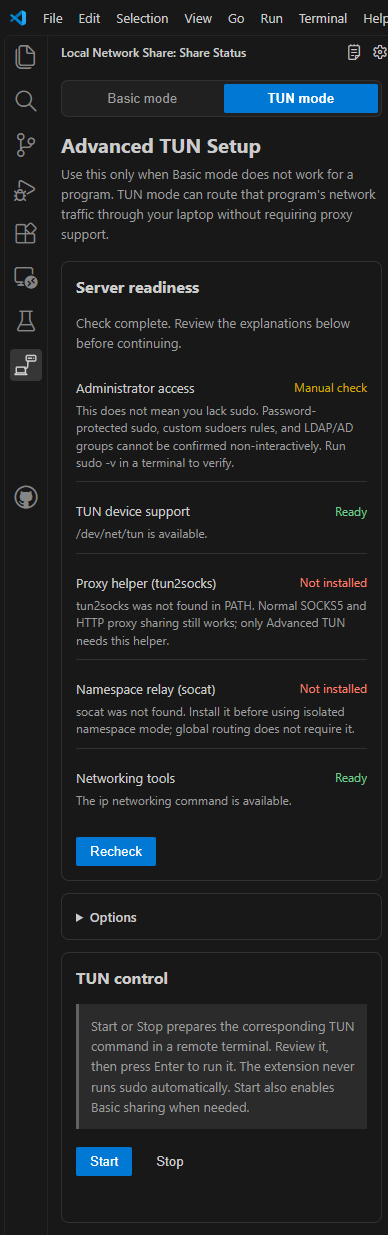
TUN mode prepares reviewable commands for applications that cannot use proxy settings. It never submits sudo or changes networking in the background.

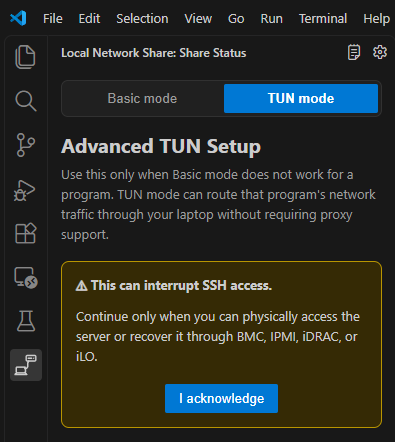
Global routing can interrupt SSH. Use it only with physical or out-of-band recovery access such as BMC, IPMI, iDRAC, or iLO.

License

MIT

  • Contact us
  • Jobs
  • Privacy
  • Manage cookies
  • Terms of use
  • Trademarks
© 2026 Microsoft