NoctyraA refined near-black VS Code theme with warm syntax accents, subtle contrast, and a focused editing experience. Installation Launch VS Code Quick Open ( Ctrl+P), paste the following command, and press enter.Copied to clipboard |

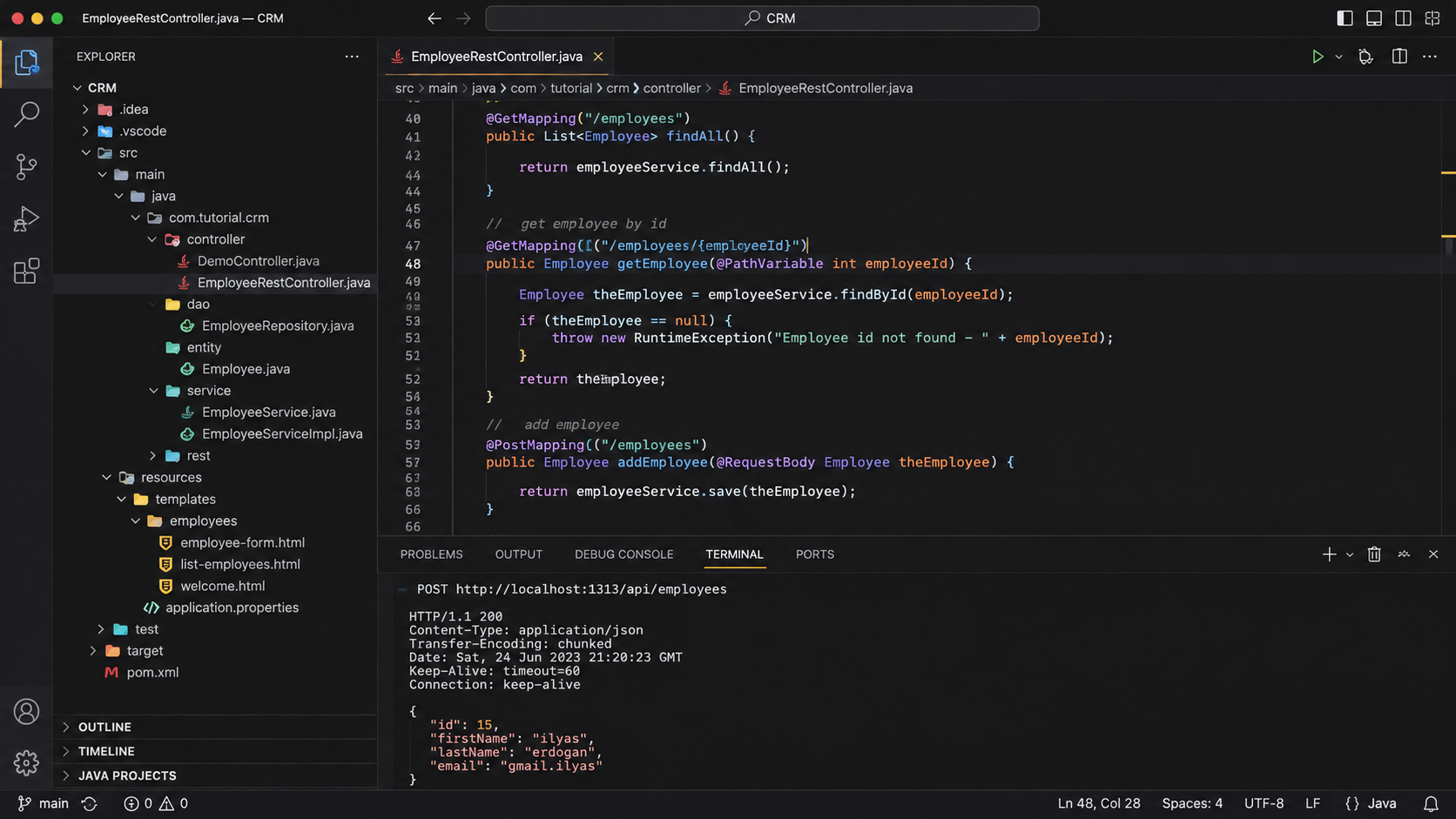
NoctyraA darker space for brighter ideas. Noctyra is a minimal, carefully balanced dark theme for Visual Studio Code, designed to keep your attention where it belongs: on your code. With deep charcoal backgrounds, subtle contrasts, and thoughtfully selected syntax colors, Noctyra creates a comfortable coding environment without unnecessary visual distractions. Preview
Features
Color Palette
Installation
Feedback & ContributionsHave an idea for improving Noctyra or noticed an inconsistency in the highlighting? Suggestions, bug reports, and contributions are welcome through the project's GitHub repository. LicenseNoctyra is open source and distributed under the MIT License. Noctyra — Made for developers who prefer the dark. |