CodeSnap Plus Fast
(Fork of CodeSnap-plus-fix, which builds on CodeSnap-plus and CodeSnap)
📸 Take beautiful screenshots of your code in VS Code!
And you can hightlight the line just by click the line number.
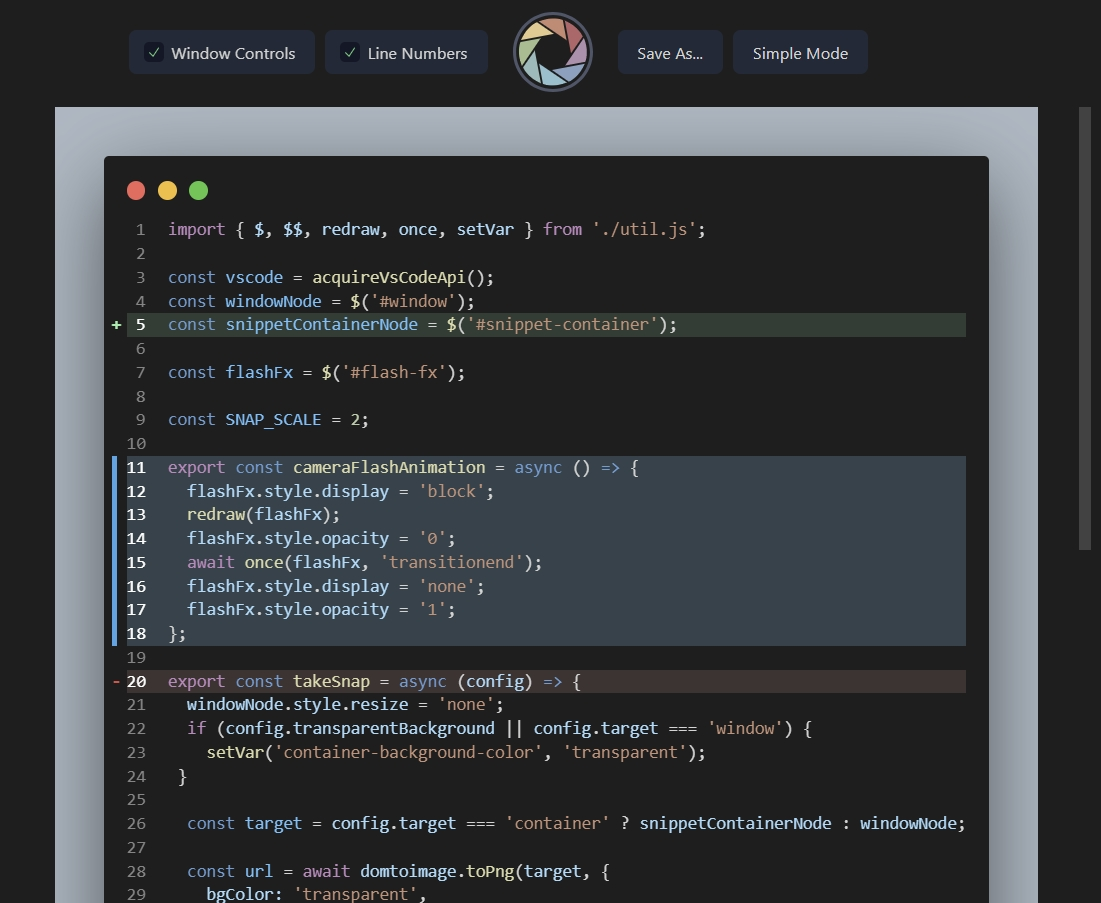
What's new in this fork
- Much faster copy and save. The image is rendered from the page's own stylesheet instead of copying every computed style onto every element, and the PNG is compressed on several threads at once. A 300-line snippet takes about 0.15 seconds instead of over 20, and 1,000 lines take about a quarter of a second.
- Long snippets work. Images are painted in bands and encoded as a streaming PNG, so they are no longer limited by the browser's canvas size. Thousands of lines can be copied and saved.
- The save dialog opens right away, and the image is rendered while you pick a file name.
- Smaller PNG files, about half the size of before.
Very large images (more than about 134 million pixels, roughly 1,200 lines at the default width) are put on the clipboard by the extension itself, using PowerShell on Windows, osascript on macOS, and wl-copy or xclip on Linux. In a remote window (SSH, WSL, containers) images of that size can only be saved.
Features
- Can hightlight the line if you click line number
- hightlight have 3 styles:
(For usage, can see the Hightlight Usage Instructions)
- Original features of CodeSnap
- Quickly save screenshots of your code
- Copy screenshots to your clipboard
- Show line numbers
- Many other configuration options
Basic Usage Instructions
- Open the command palette (Ctrl+Shift+P on Windows and Linux, Cmd+Shift+P on OS X) and search for
CodeSnap Plus Fast.
- Select the code you'd like to screenshot.
- Adjust the width of the screenshot if desired.
- Click the shutter button to save the screenshot to your disk.
Tips:
- You can also start CodeSnap by selecting code, right clicking, and clicking CodeSnap
- If you'd like to bind CodeSnap to a hotkey, open up your keyboard shortcut settings and bind
codesnap-plus-fix.start to a custom keybinding.
- If you'd like to copy to clipboard instead of saving, click the image and press the copy keyboard shortcut (defaults are Ctrl+C on Windows and Linux, Cmd+C on OS X), or set
codesnap-plus.shutterAction to copy in your settings
Hightlight Usage Instructions
If you want to hightlight the line just click the line number, and the line will be hightlighted.
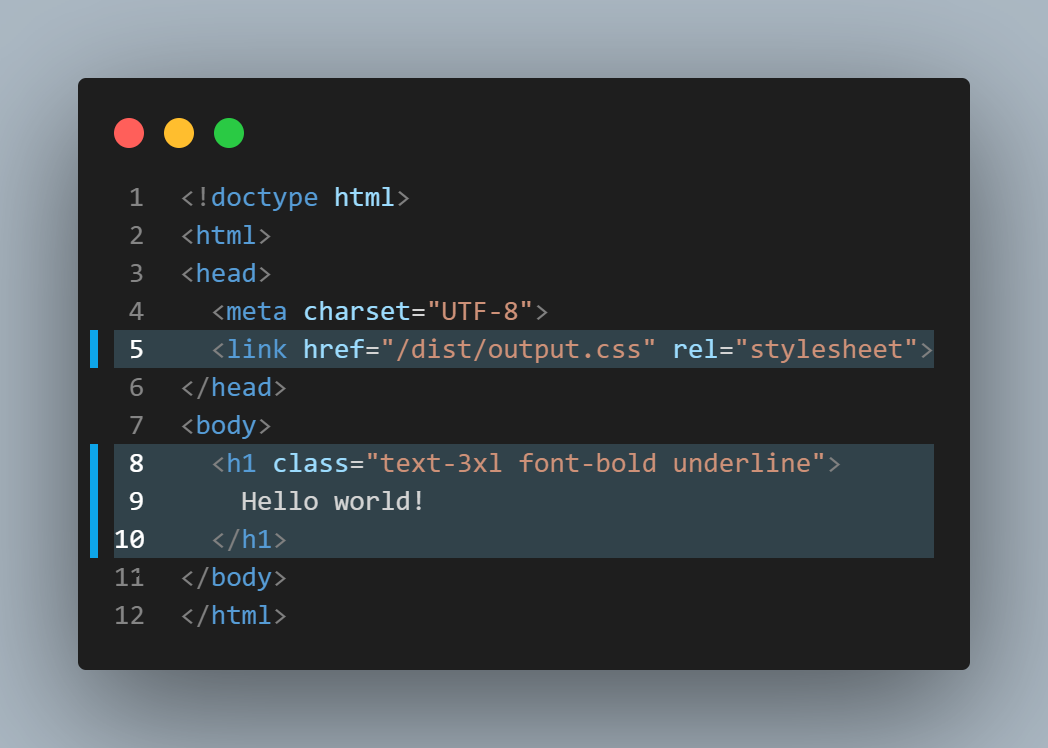
- Click once: Style focus
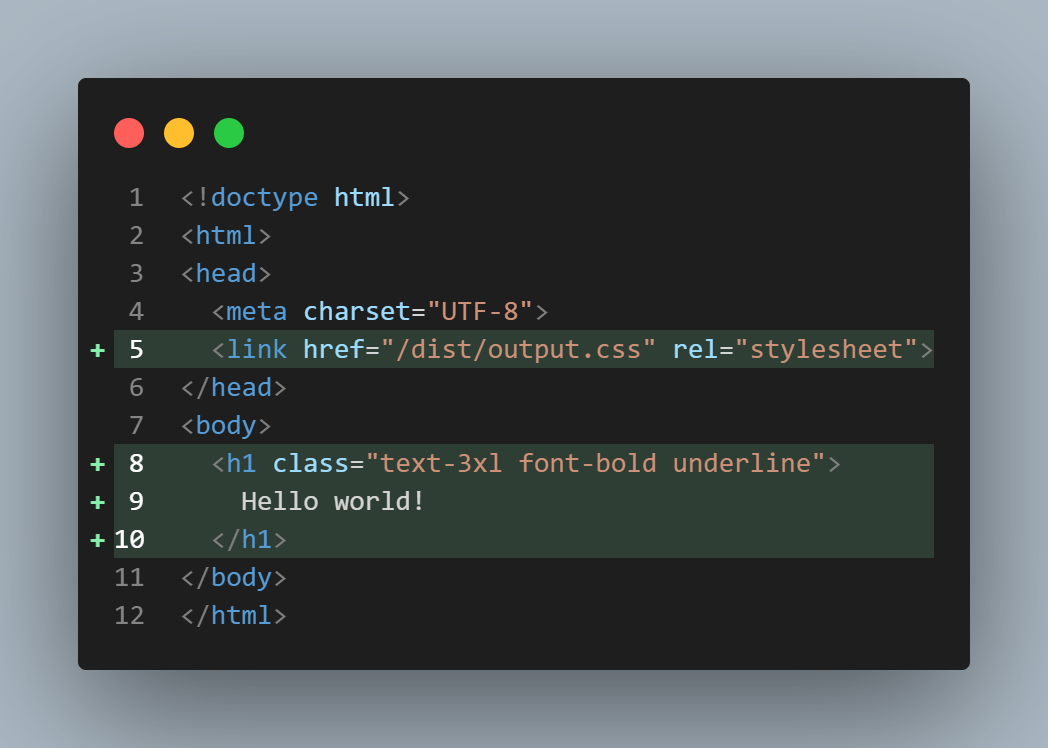
- Click twice: Style git-add
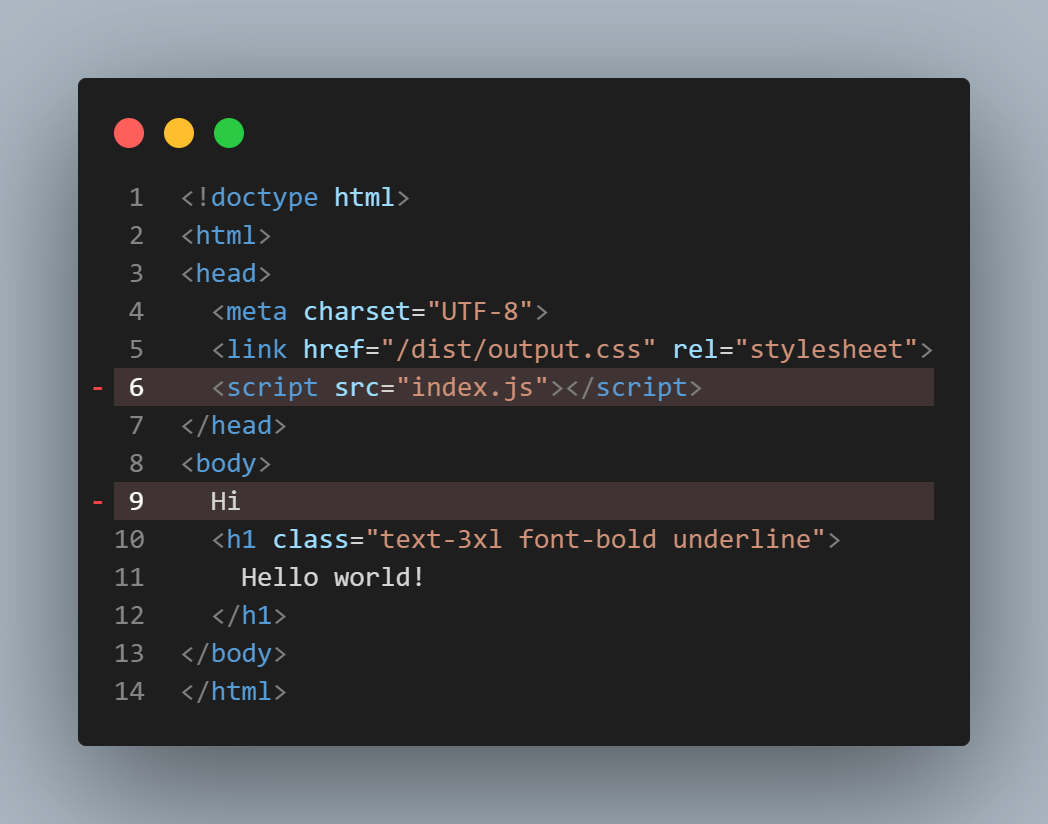
- Click thrice: Style git-remove
- Click four times: No hightlight
Examples
Hightlight Style: Focus
Hightlight Style: Git-Add
Hightlight Style: Git-Remove
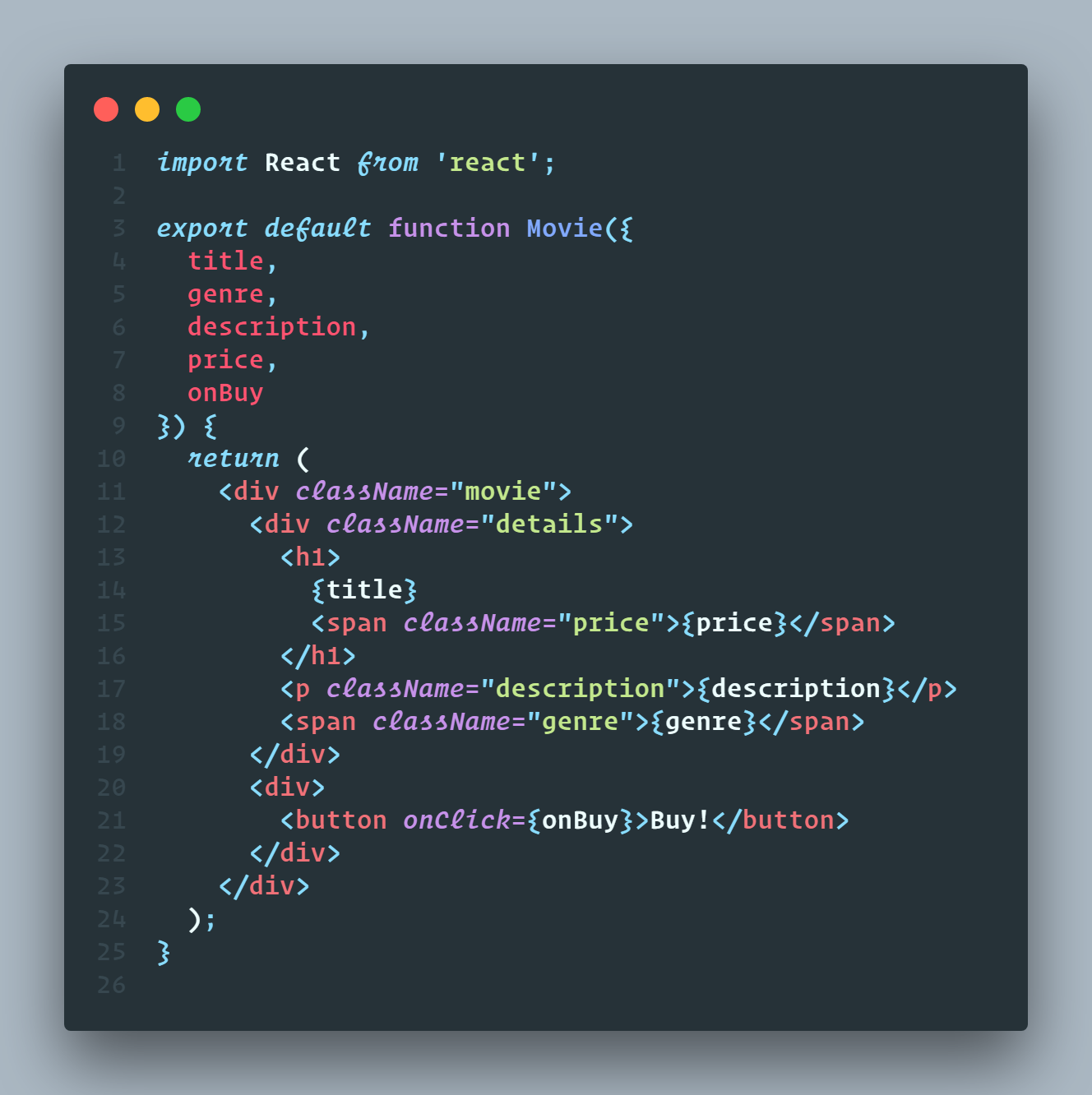
Material Theme + Operator Mono
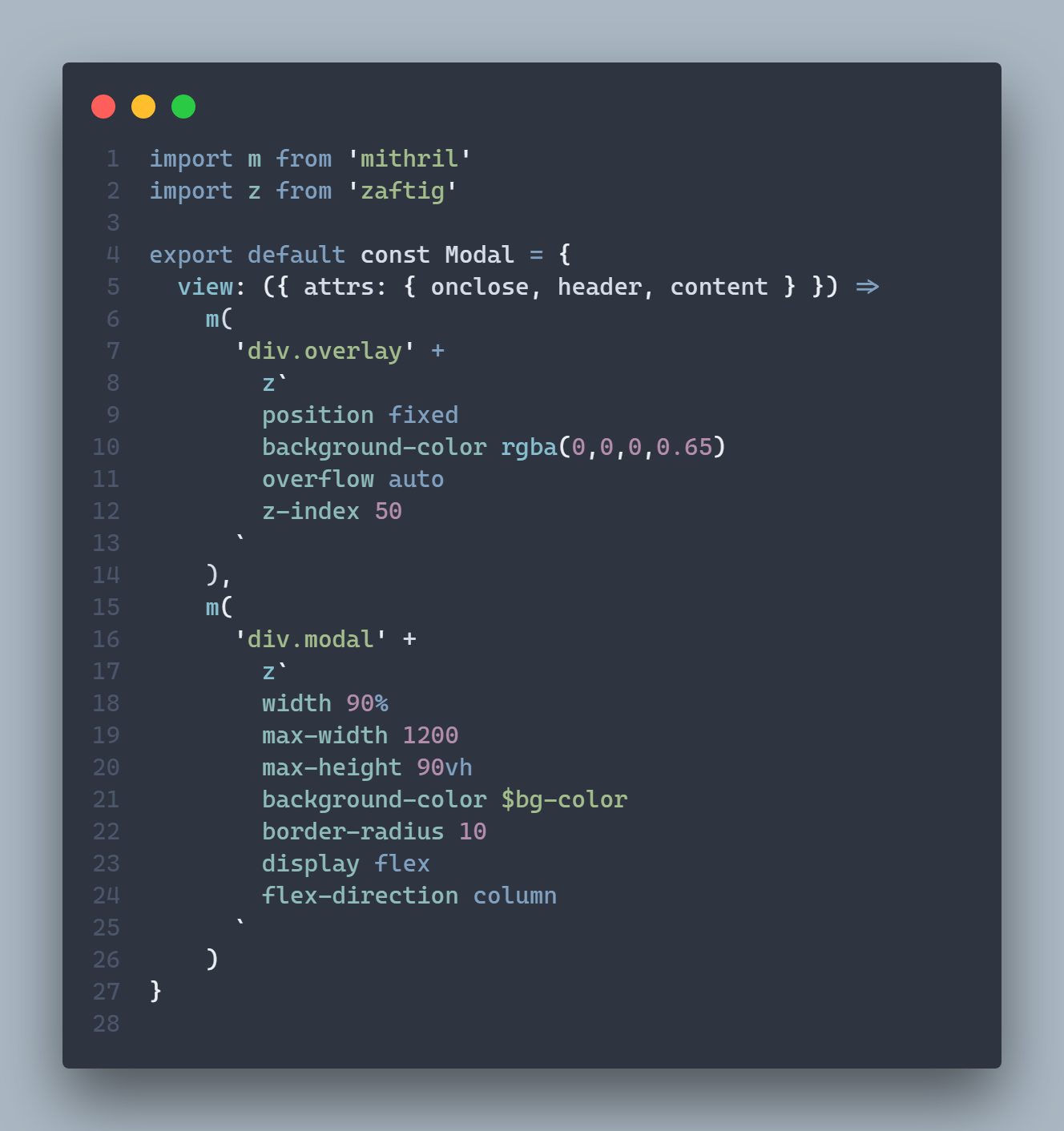
Nord + Cascadia Code
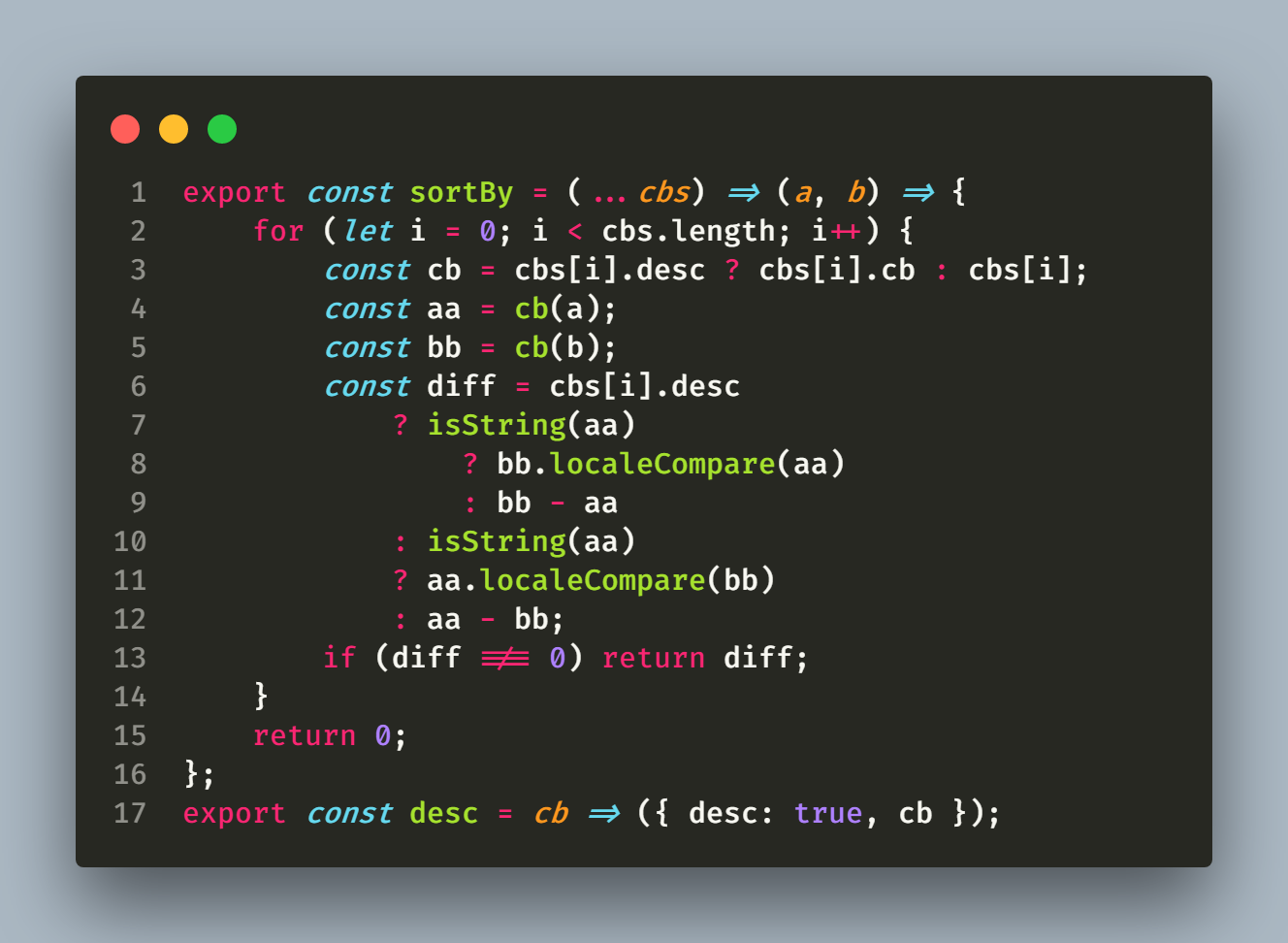
Monokai + Fira Code
Configuration
CodeSnap is highly configurable. Here's a list of settings you can change to tune the way your screenshots look:
codesnap-plus.backgroundColor: The background color of the snippet's container. Can be any valid CSS color.
codesnap-plus.boxShadow: The CSS box-shadow for the snippet. Can be any valid CSS box shadow.
codesnap-plus.containerPadding: The padding for the snippet's container. Can be any valid CSS padding.
codesnap-plus.roundedCorners: Boolean value to use rounded corners or square corners for the window.
codesnap-plus.showWindowControls: Boolean value to show or hide OS X style window buttons.
codesnap-plus.showWindowTitle: Boolean value to show or hide window title folder_name - file_name.
codesnap-plus.showLineNumbers: Boolean value to show or hide line numbers.
codesnap-plus.realLineNumbers: Boolean value to start from the real line number of the file instead of 1.
codesnap-plus.transparentBackground: Boolean value to use a transparent background when taking the screenshot.
codesnap-plus.target: Either container to take the screenshot with the container, or window to only take the window.
codesnap-plus.shutterAction: Either save to save the screenshot into a file, or copy to copy the screenshot into the clipboard.
codesnap-plus.toolMode: Either advanced to show the tools on the toolbar, or simple to only show the shutter button.
Acknowledgements
The great Polacode, for the initial concept.
Carbon for some design inspiration.

