DocViewKit Omni for VS Code
Preview Office, PDF, OFD, OpenDocument, and iWork files without leaving VS Code. Documents stay on your device or IDE-managed remote workspace—no uploads and no conversion server.
| Word document |
Excel workbook |
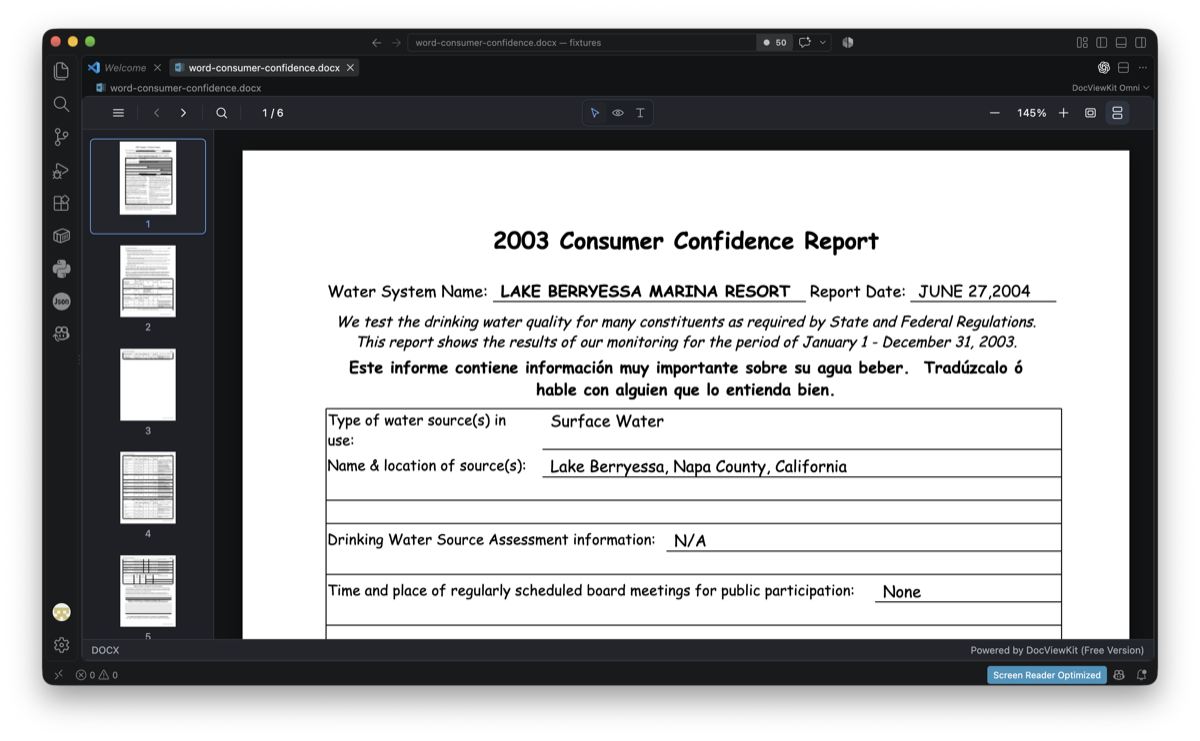 |
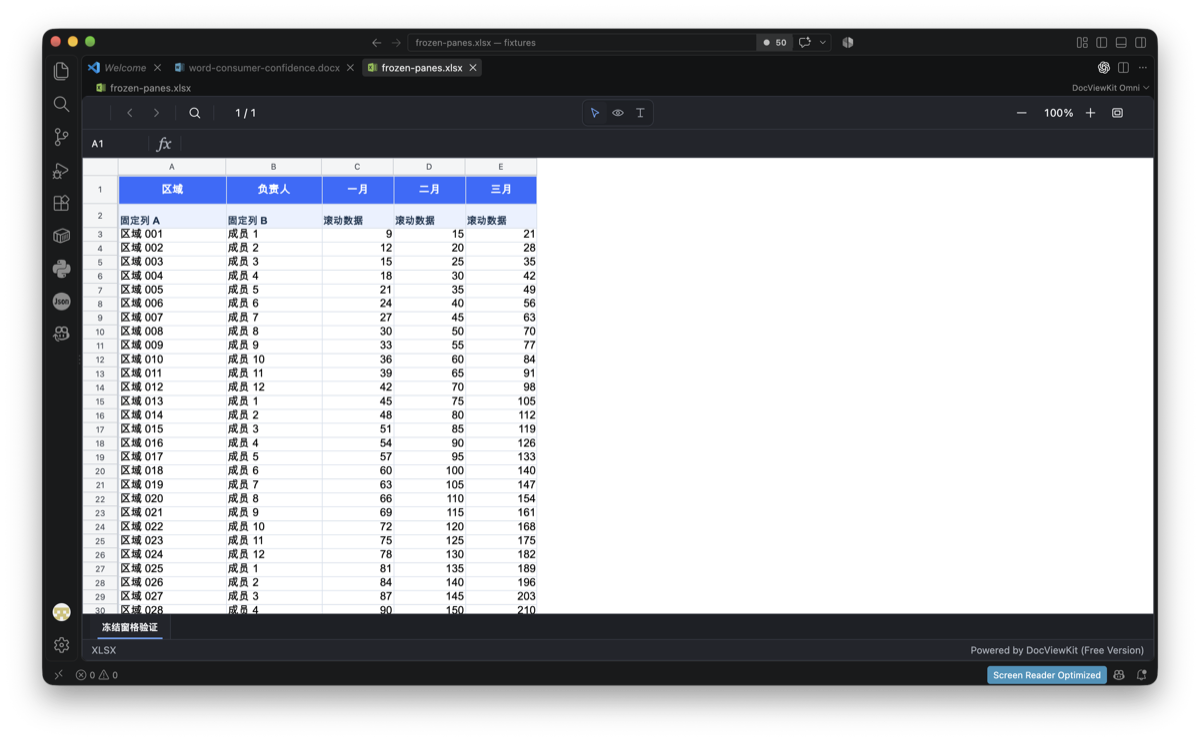 |
| PowerPoint presentation |
CSV data |
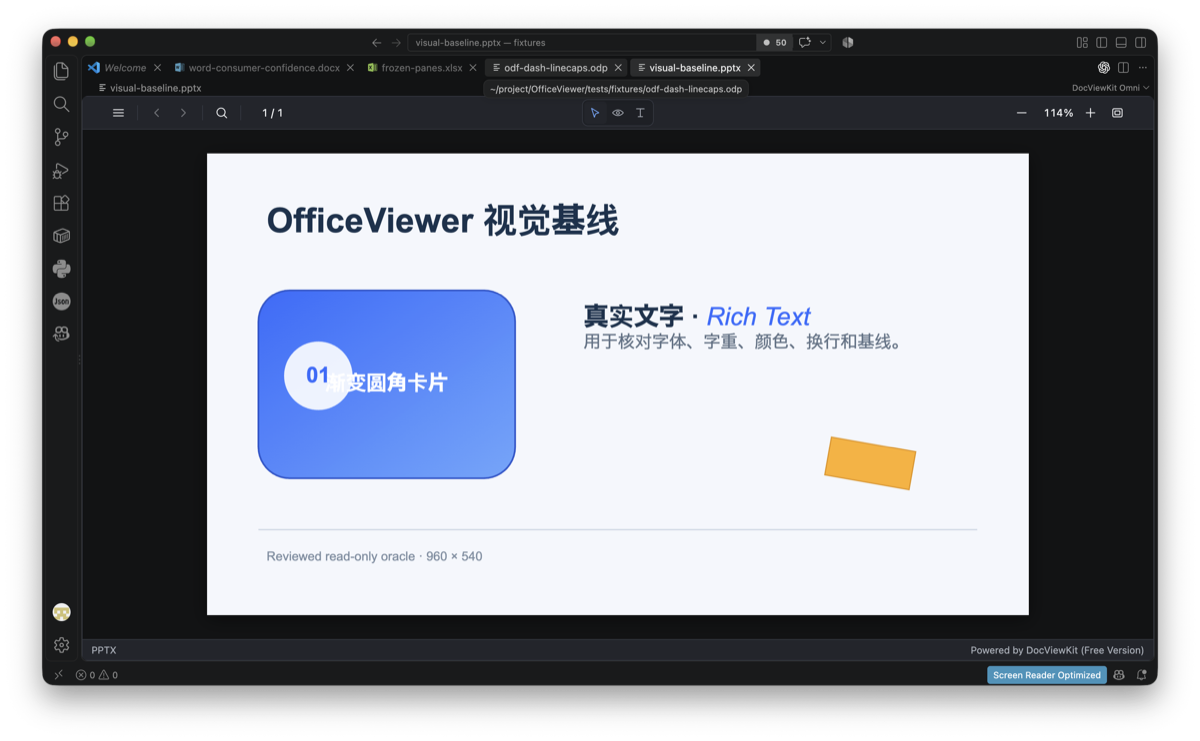 |
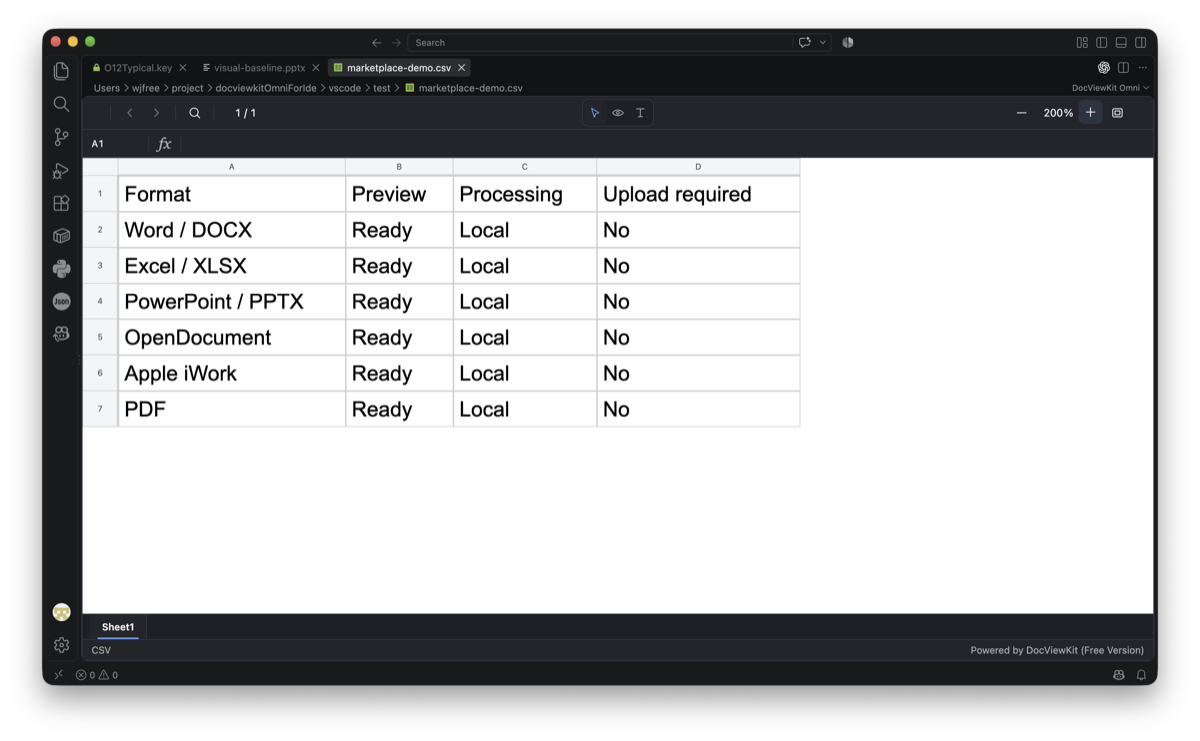 |
Open a document
Open a supported file normally. If another editor is selected, use Open With… → DocViewKit Omni.
DocViewKit Omni renders the document in a read-only editor with navigation, zoom, search, text selection, safe hyperlinks, and interaction modes where supported.
Why DocViewKit Omni?
- Documents stay private: parsing, rendering, and search run locally. The extension does not upload documents or send file names and paths to a remote service.
- No conversion server: preview files without deploying, maintaining, or trusting a document-conversion backend.
- Broad format support, free: view modern and legacy Office, PDF, OFD, OpenDocument, Apple iWork, WPS Office, XPS, RTF, and CSV files.
- Fast and lightweight: format components load on demand, reducing startup time and resource use.
- Safe, read-only viewing: active document content is not executed; isolated object or resource failures do not unnecessarily hide the rest of the document.
- IDE-native behavior: files are read through the VS Code workspace API, refresh when they change, follow the active theme and language, and work with local or VS Code remote workspaces.
Word (docx, docm, dotx, dotm, doc, rtf, wps), Excel (xlsx, xlsm, xltx, xltm, xls, csv, et), PowerPoint (pptx, pptm, ppsx, ppsm, potx, potm, ppt, dps), OpenDocument (odt, ott, fodt, ods, ots, fods, odp, otp, fodp), iWork (pages, numbers, key), PDF, OFD, XPS, and OXPS.
OFD preview
Preview OFD 1.0 and 1.1 fixed-layout documents (.ofd) locally in a read-only editor, without uploading them or using a conversion server. Open an OFD file normally to view its document content and page layout. Rendering covers the supported subset of OFD; the plugin does not provide trusted digital-signature validation.
The bundled Viewer includes every available format and is licensed under Apache-2.0. DocViewKit Omni is powered by DocViewKit Viewer.
Privacy Policy · End User License Agreement · Report an issue

