
Chat with top AI models beside your code, and pay in Algerian dinars.
Website · Documentation · Pricing · Support
Why DEVUP AI
| Many models, one panel |
Paid in dinars |
You stay in control |
| GPT, Claude, Gemini, DeepSeek, Qwen and more. Switch models whenever you like. |
Top up with BaridiMob or Edahabia. See every request and its cost in your dashboard. |
Review every Apply as a diff first. Only what you send leaves your computer. |
Chat beside your code
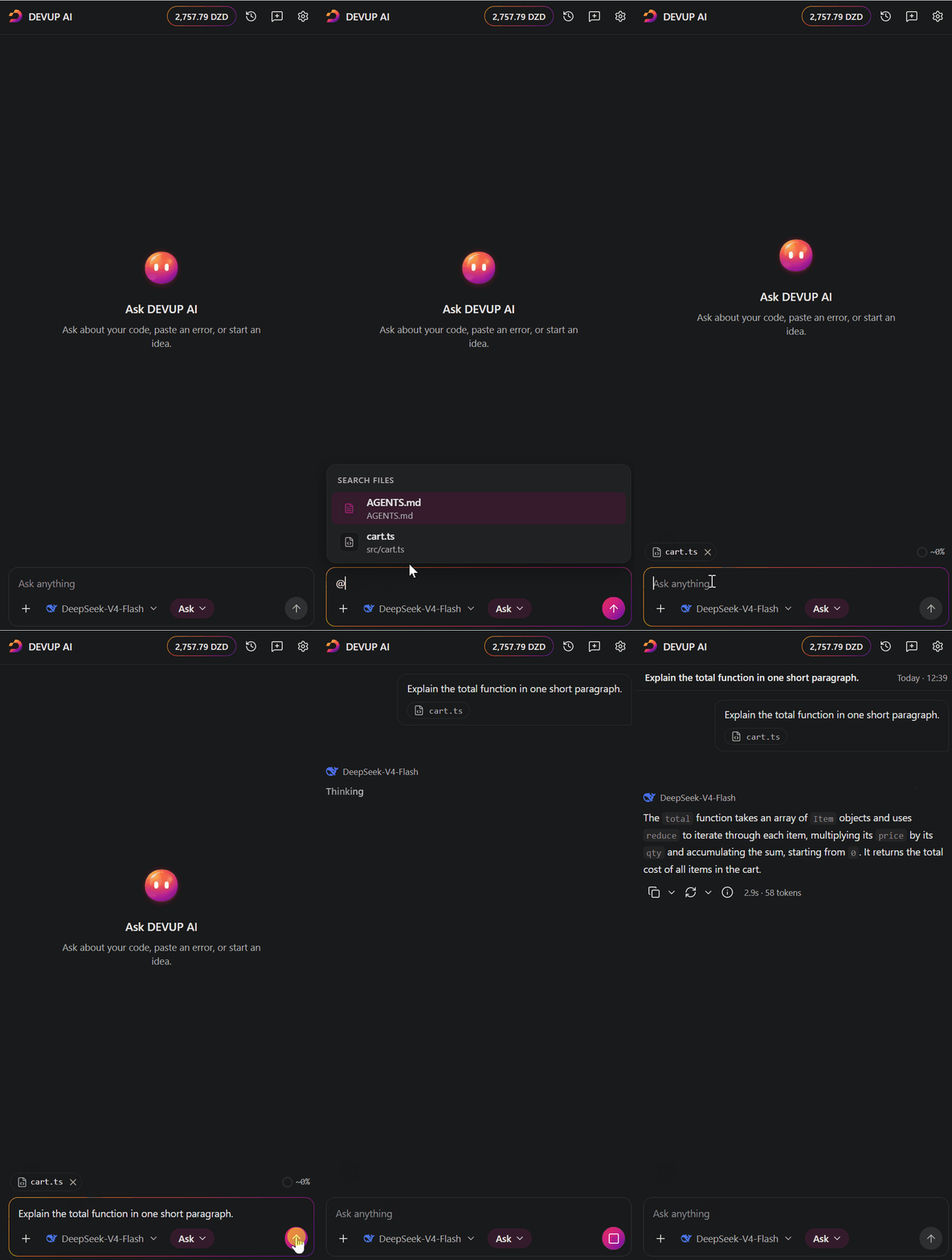
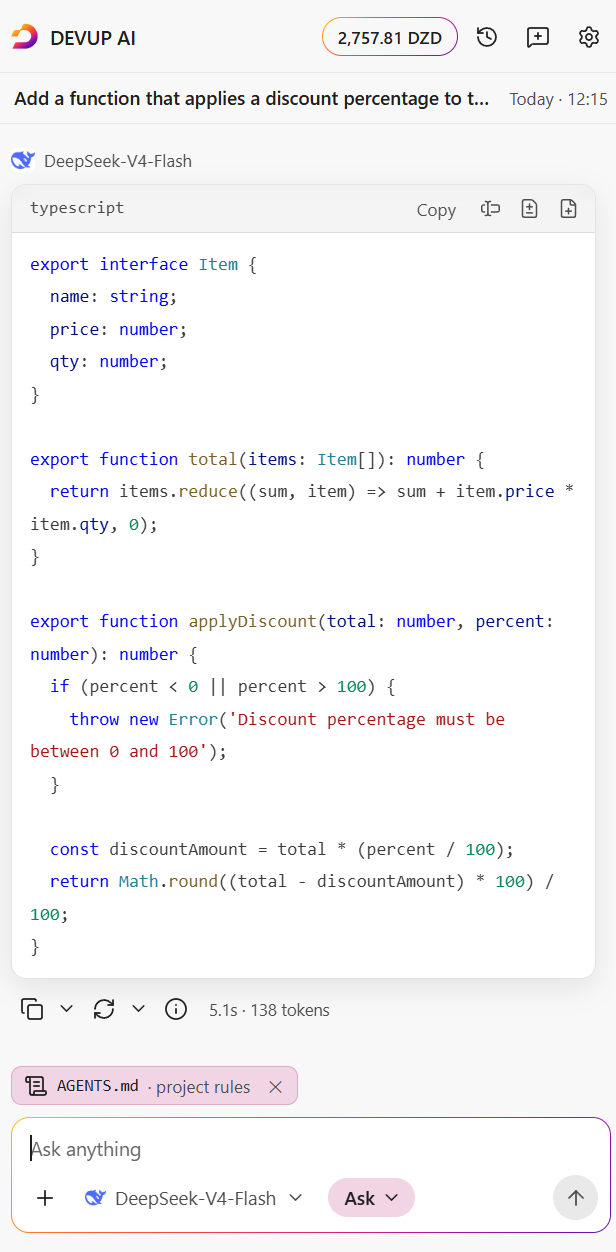
Ask about your code, attach files with @, and get code you can copy, insert or apply.
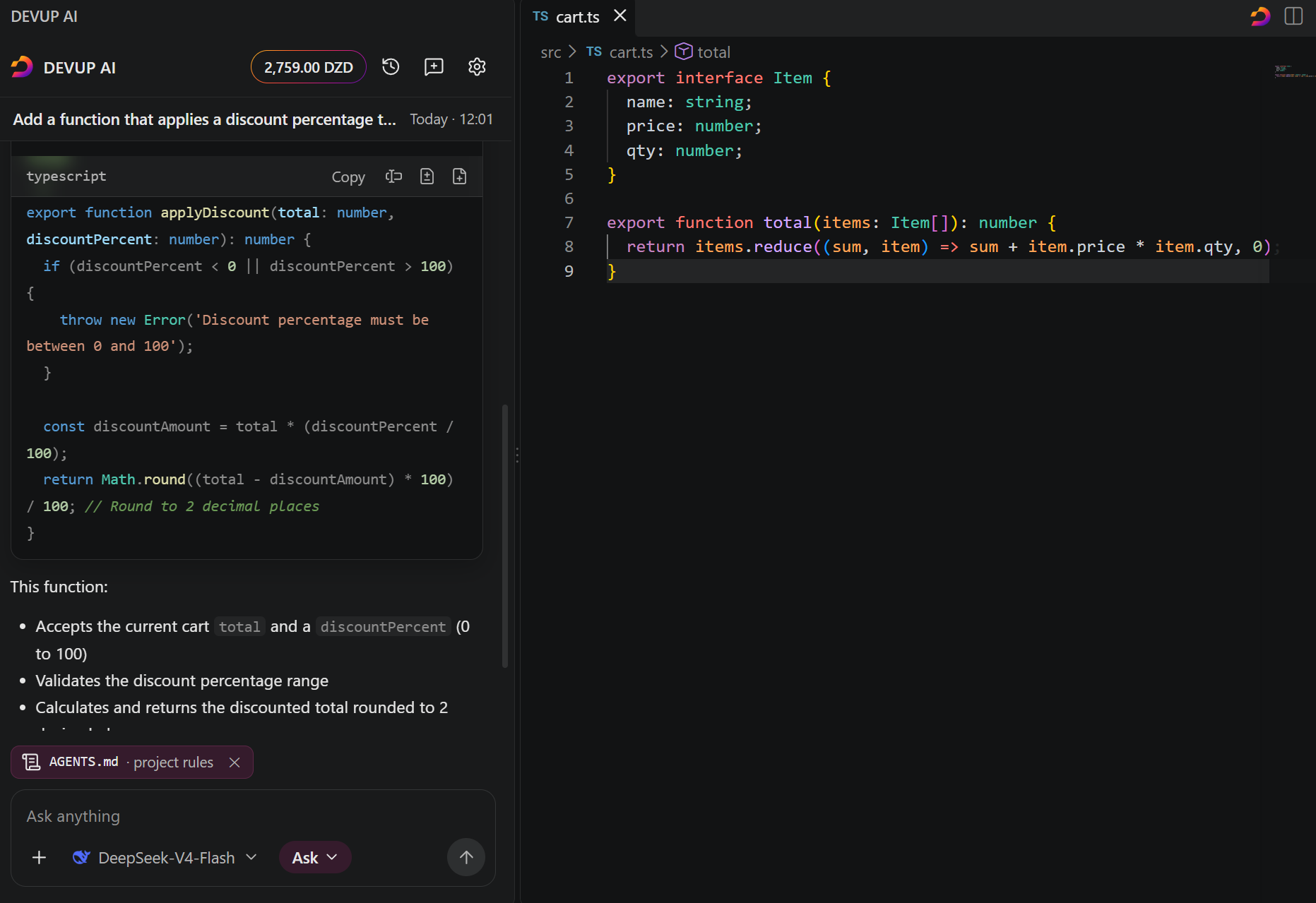
Apply with a diff you approve
Apply opens the change as a diff. Nothing is written until you choose Accept.
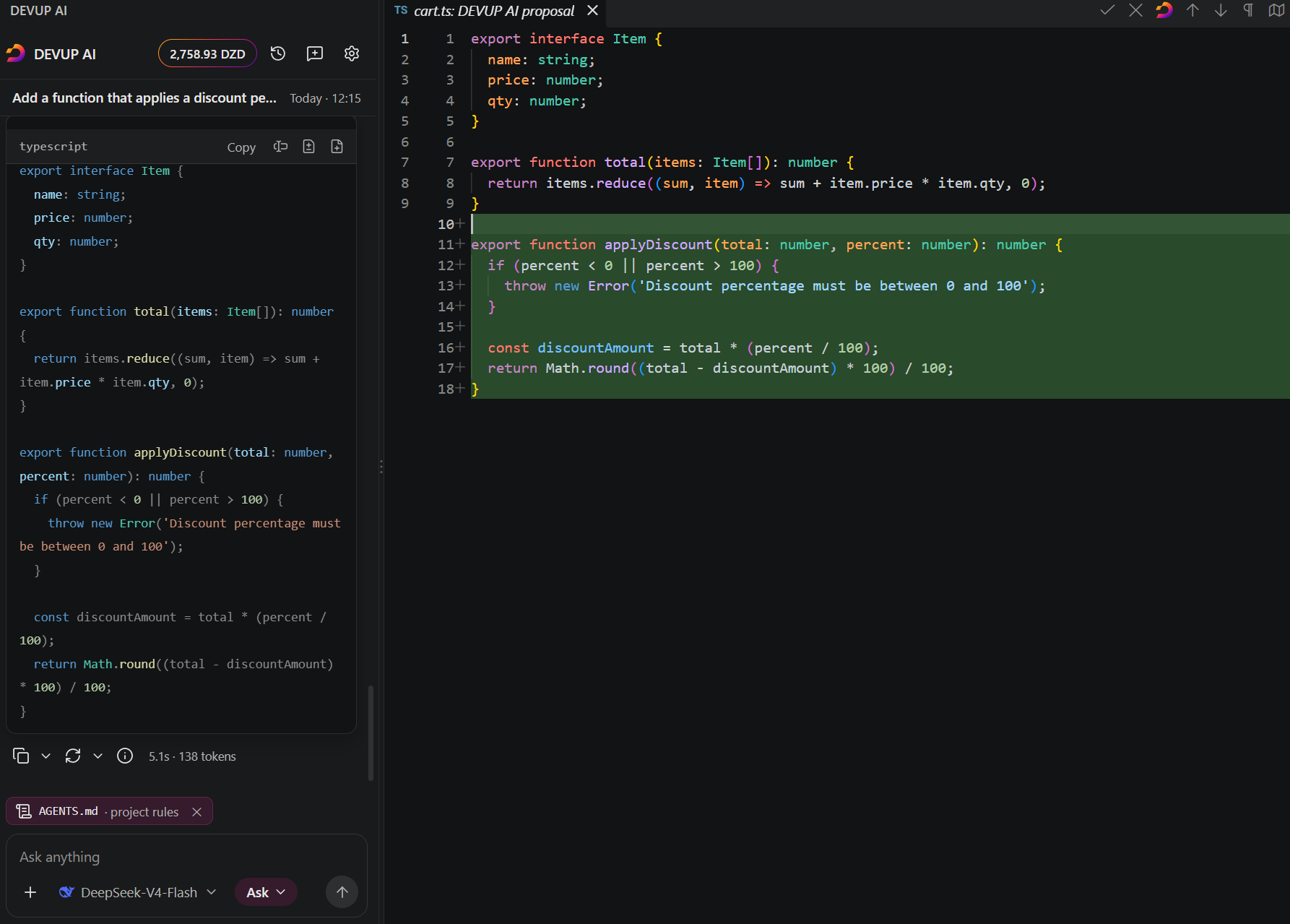
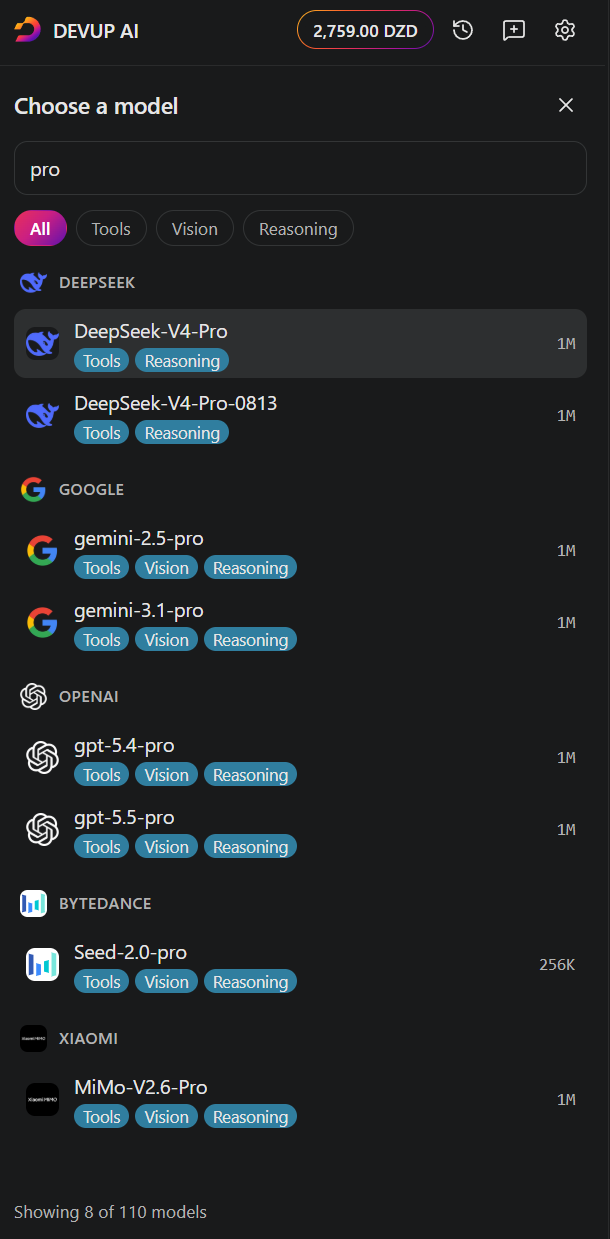
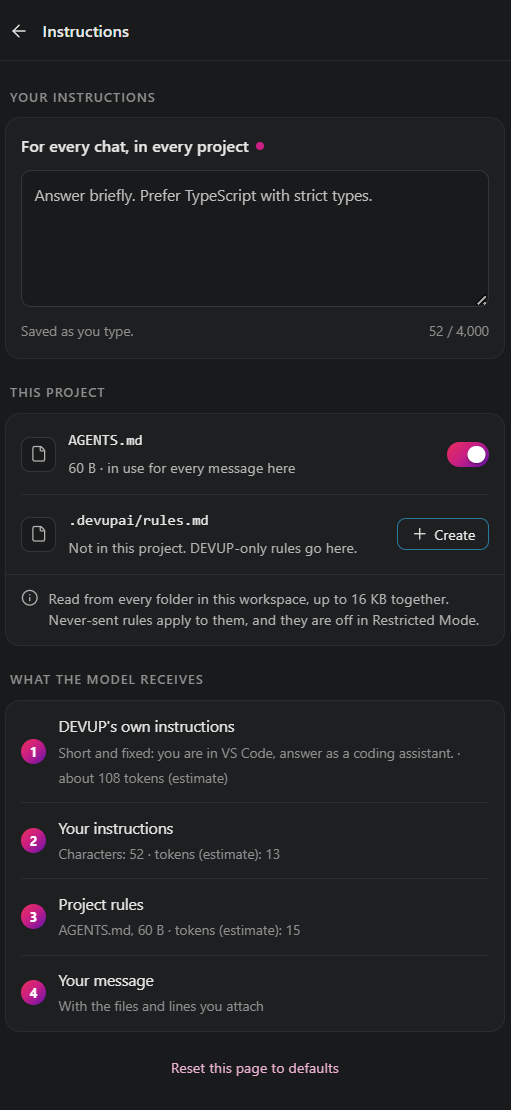
Any model, your rules
 |
 |
| Search the catalog across model families. |
Add your instructions and your project's AGENTS.md. |
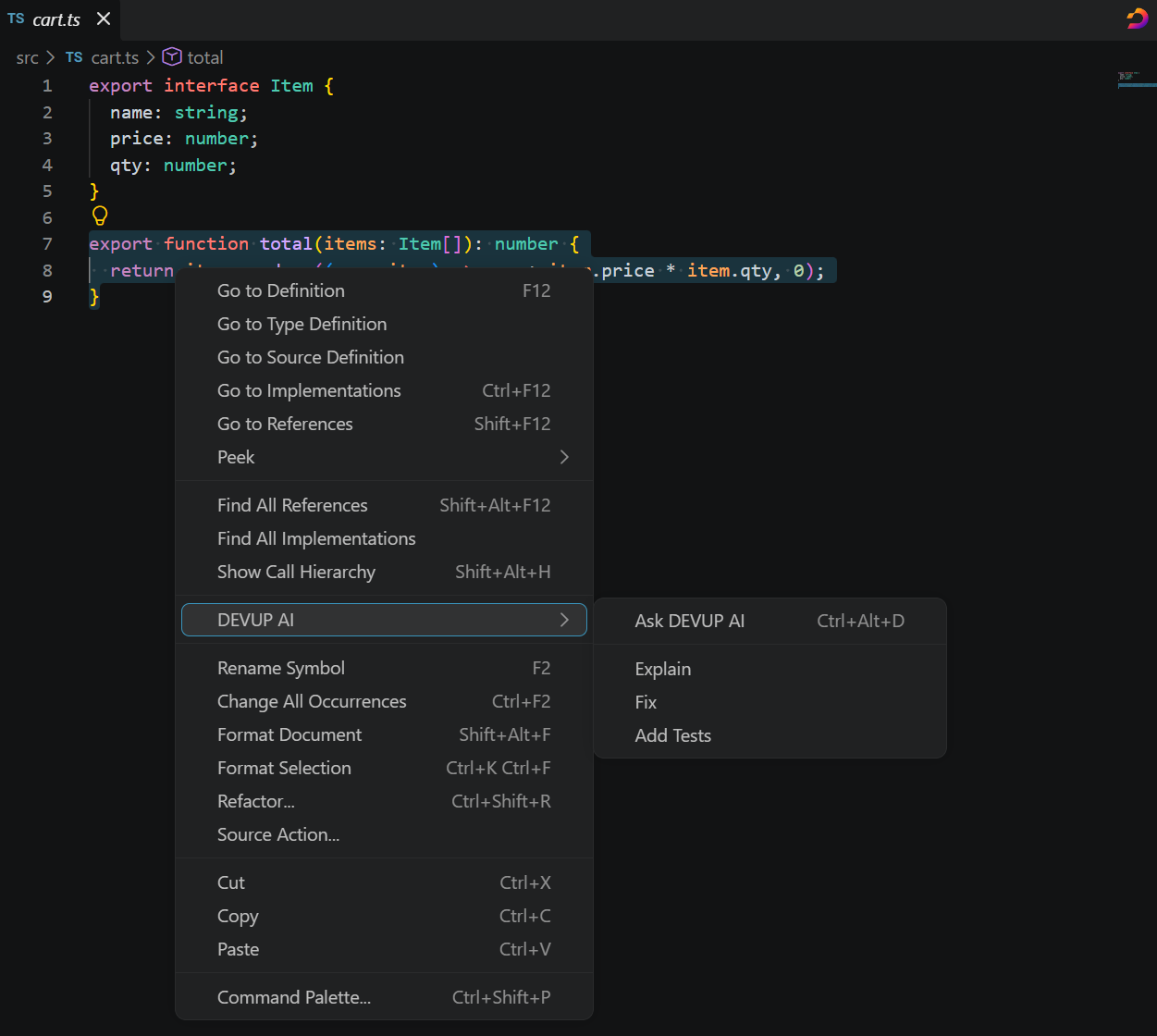
Right-click, or press Ctrl+Alt+D (Shift+Option+Cmd+D on macOS)
Ask DEVUP AI, Explain, Fix or Add Tests on a selection.
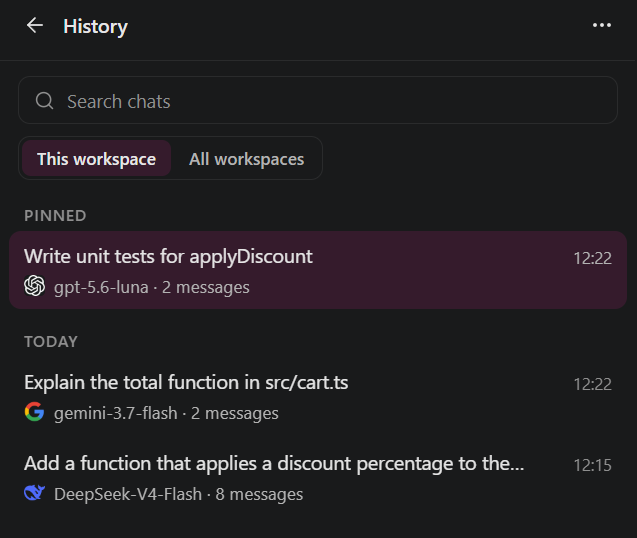
History and themes
 |
 |
| Search and pin your chats, kept on this computer. |
Follows your editor's light or dark theme. |
Getting started
- Create a DEVUP account at devupai.com/register.
- Open DEVUP AI from the activity bar and choose Sign in with DEVUP.
- Ask your first question, or select code and press Ctrl+Alt+D.
Keyboard shortcuts
| Keys |
Action |
| Ctrl+Alt+D (Shift+Option+Cmd+D on macOS) |
Brings the selected code into the chat, or opens the chat if nothing is selected. |
| Enter |
Sends your message. You can switch to Ctrl+Enter in Settings. |
| Shift+Enter |
Starts a new line. |
| @ |
Searches your files to attach one. |
| Esc |
Stops a reply. |
Pay in dinars
Top up with BaridiMob or Edahabia and pay per request, in DZD. Model prices are on devupai.com/pricing; every request and its cost is in your dashboard.
Languages and editors
English and Français, following your editor's language. Works in VS Code, and in Cursor and Antigravity from Open VSX.
Settings and commands
The gear in the panel opens DEVUP AI's Settings. Most options are also in VS Code, under Settings → Extensions → DEVUP AI. Type DEVUP AI in the Command Palette to find its commands.
Privacy and safety
- You choose what is sent. A message carries your text, the chat so far, your instructions, the files and lines you attach, and the project rules you keep on.
- Some files are never sent.
.env files, private keys, certificates, and your SSH and Git folders are never attached.
- Restricted Mode. In a workspace you have not trusted, DEVUP AI can chat, but it does not write to your files or read project rules.
- Your key stays safe. It is stored encrypted on this device, never in your settings or files.
- One address, no telemetry. The extension connects only to
api.devupai.com, and it sends no telemetry.
FAQ
Do I need an international card?
No. Top up with BaridiMob or Edahabia.
Which models can I use?
Every chat model in the DEVUP catalog: devupai.com/models.
Where are my chats kept?
On this computer only.
Can I give the model my own rules?
Yes: your instructions in Settings, and an AGENTS.md file in your project.
Support
Support · Documentation · Privacy · Terms
Proprietary. See LICENSE.
Third-party components: see THIRD_PARTY_NOTICES.md.

