Skip to content
| Marketplace
Sign in
Visual Studio Code>Themes>Agno ThemeNew to Visual Studio Code? Get it now.
Agno Theme

Agno Theme

Alexandre E Souza

|
22 installs
| (0) | Free
VS Code themes inspired by Agno colors: graphite, light neutrals, orange accents and soft gray text.
Installation
Launch VS Code Quick Open (Ctrl+P), paste the following command, and press enter.
Copied to clipboard
More Info

Agno Theme

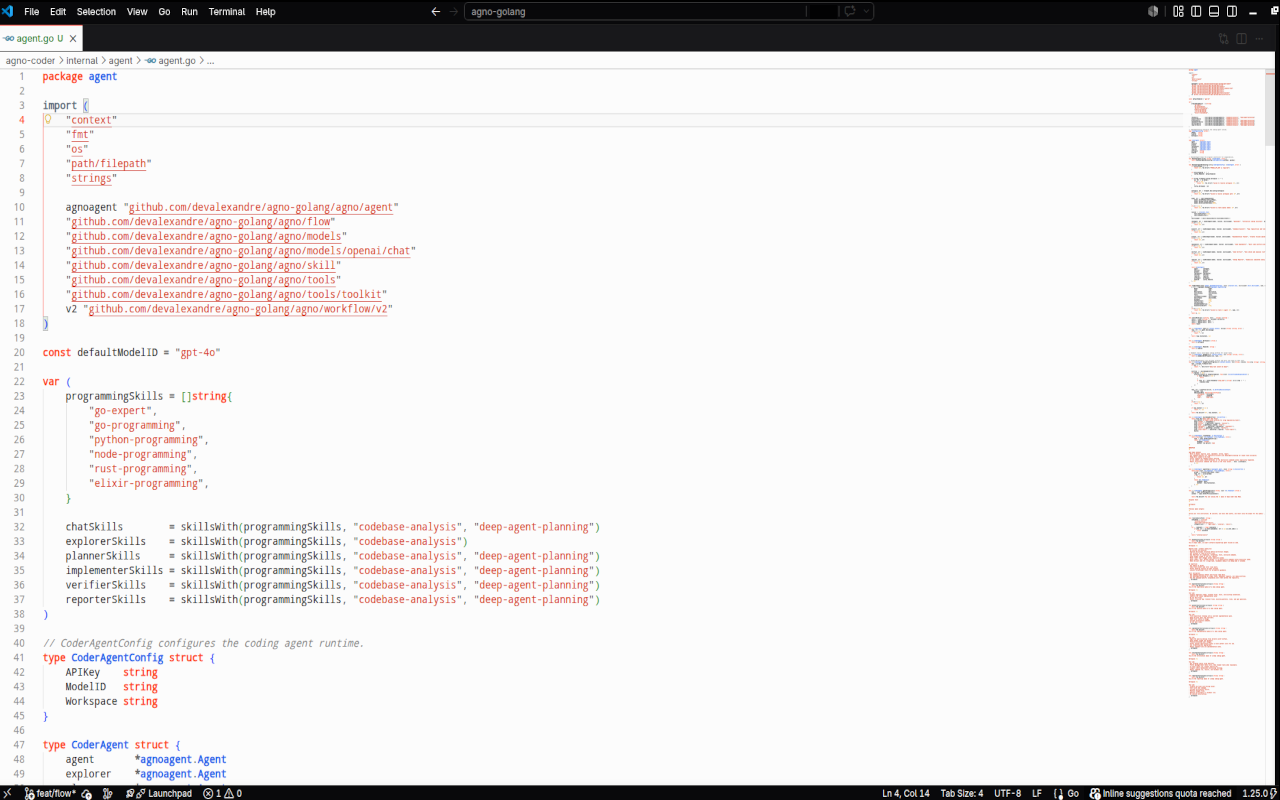
A focused VS Code theme family inspired by Agno's official palette: graphite surfaces, clean light neutrals, crisp orange accents, and calm syntax colors for long coding sessions.

Agno One Dark preview

Themes

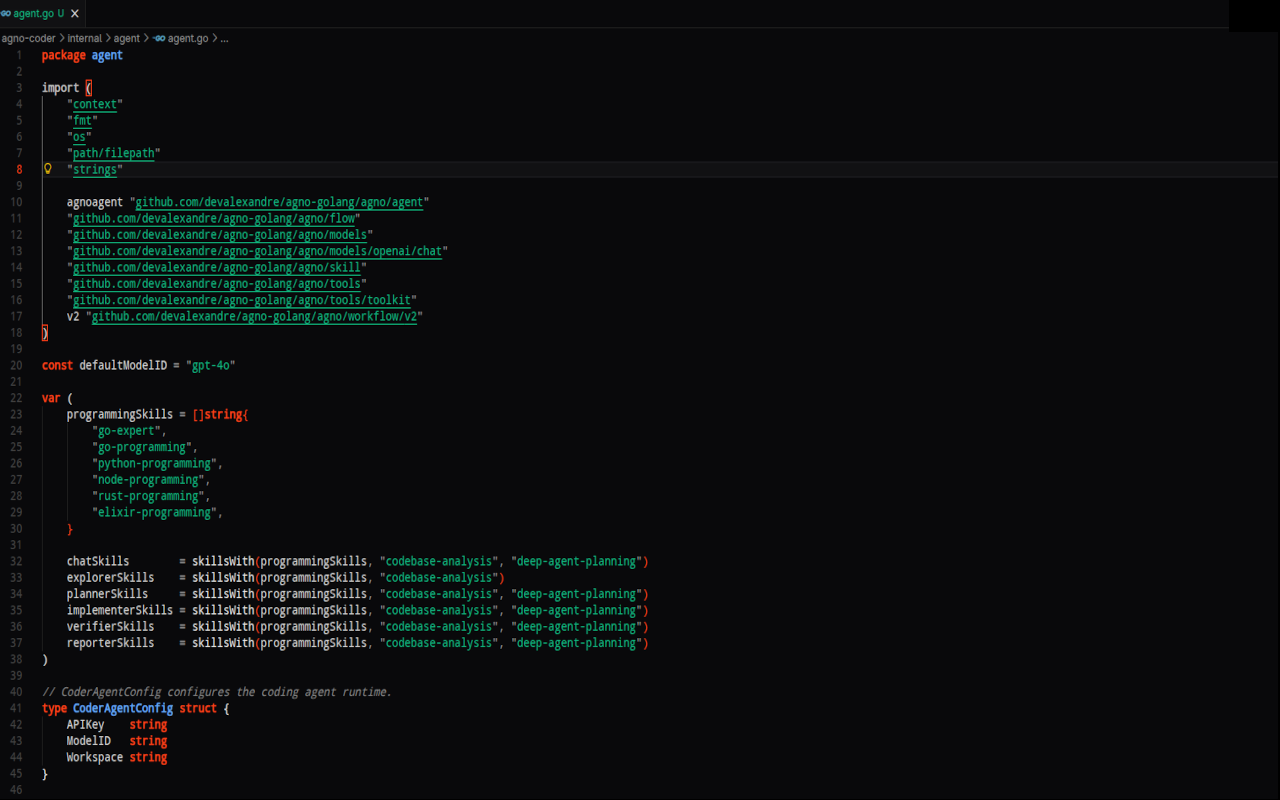
  • Agno One Dark: a deeper graphite variant with richer syntax contrast.
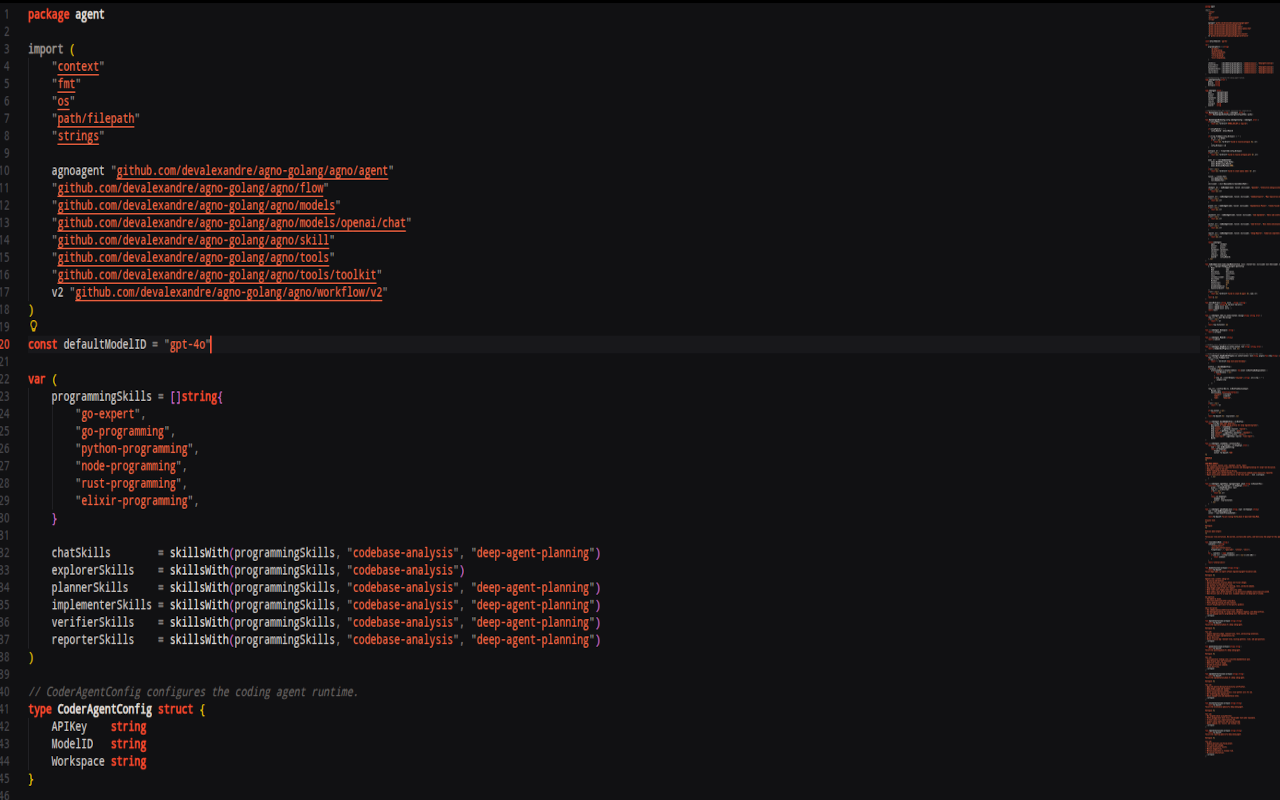
  • Agno Dark: the original dark theme with warm Agno accents.
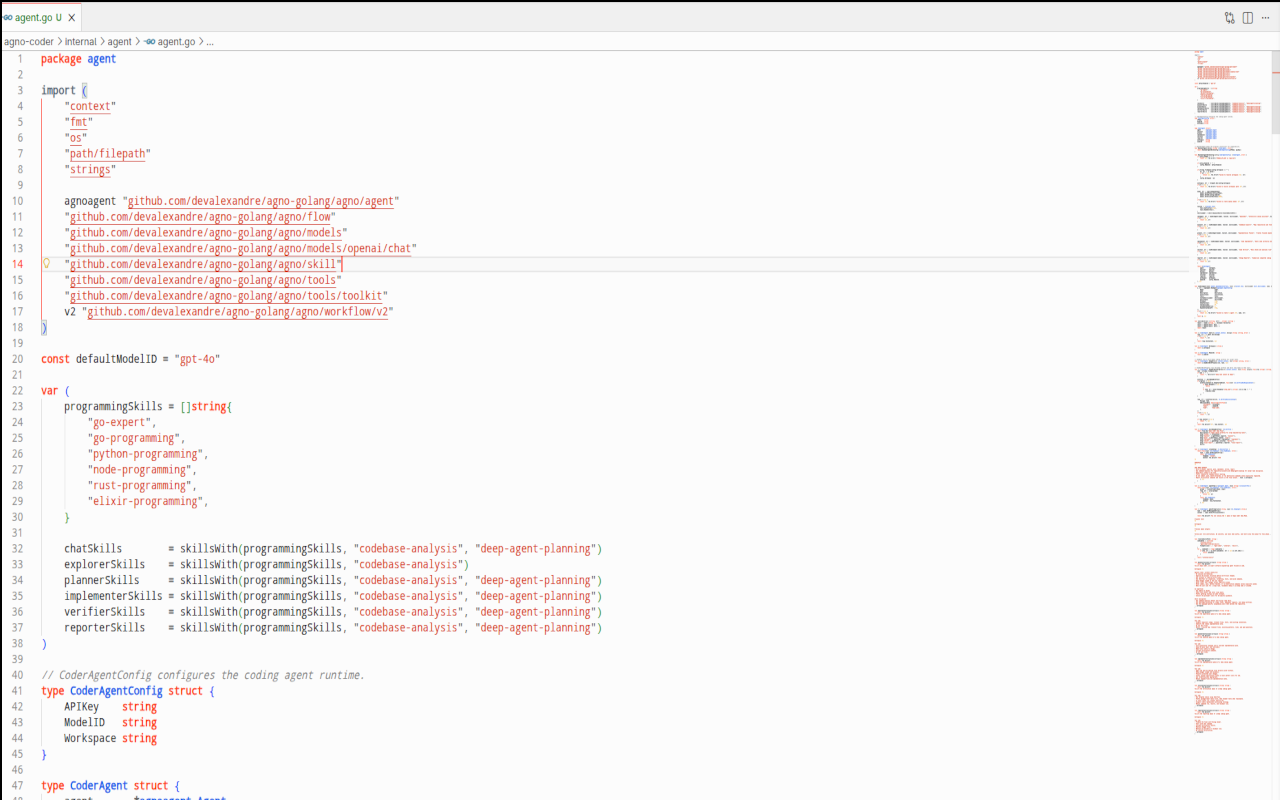
  • Agno Light: a clean light theme based on Agno's paper-like neutrals.
  • Agno Light Soft: a softer light variant for long sessions.
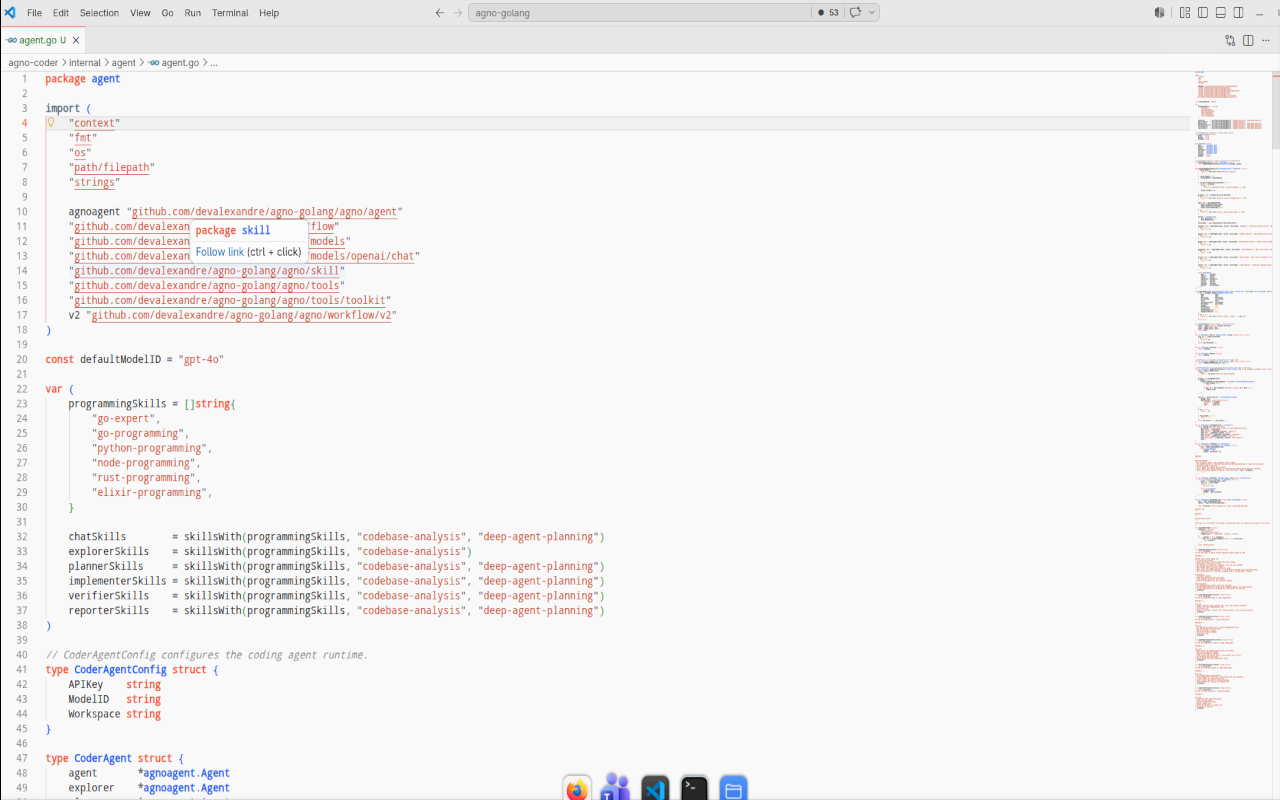
  • Agno Light Graphite: a light editor framed by a graphite workbench.

Screenshots

Agno One Dark

Agno One Dark

Agno Dark

Agno Dark

Agno Light

Agno Light

Agno Light Soft

Agno Light Soft

Agno Light Graphite

Agno Light Graphite

Installation

Install the extension, open the Command Palette, and run:

Preferences: Color Theme

Then select one of the Agno themes.

You can also install a local VSIX:

code --install-extension agno-dark-theme-0.0.8.vsix

Palette

The themes are built around Agno's public color language:

  • Graphite: #09090B, #18181B, #202020, #262628
  • Neutrals: #F0F0F0, #E8E8E8, #D9D9D9, #BBBBBB, #8D8D8D
  • Accent: #FF4017, #F25837, #EB6E52
  • Syntax helpers: #60A5FA, #10B981, #FBBF24, #F87171

Repository

The full theme pack also includes ports for Zed, JetBrains IDEs, Sublime Text, Vim, and Neovim:

https://github.com/devalexandre/agno-theme

Feedback

Issues and suggestions are welcome:

https://github.com/devalexandre/agno-theme/issues

  • Contact us
  • Jobs
  • Privacy
  • Manage cookies
  • Terms of use
  • Trademarks
© 2026 Microsoft