Kyokko ThemeA calm navy dark theme lit by aurora cyan and green. Installation Launch VS Code Quick Open ( Ctrl+P), paste the following command, and press enter.Copied to clipboard |

Kyokko ThemeKyokko (極光, kyokkō, "aurora") is a calm navy dark theme for Visual Studio Code, lit by aurora cyan and green.
Highlights
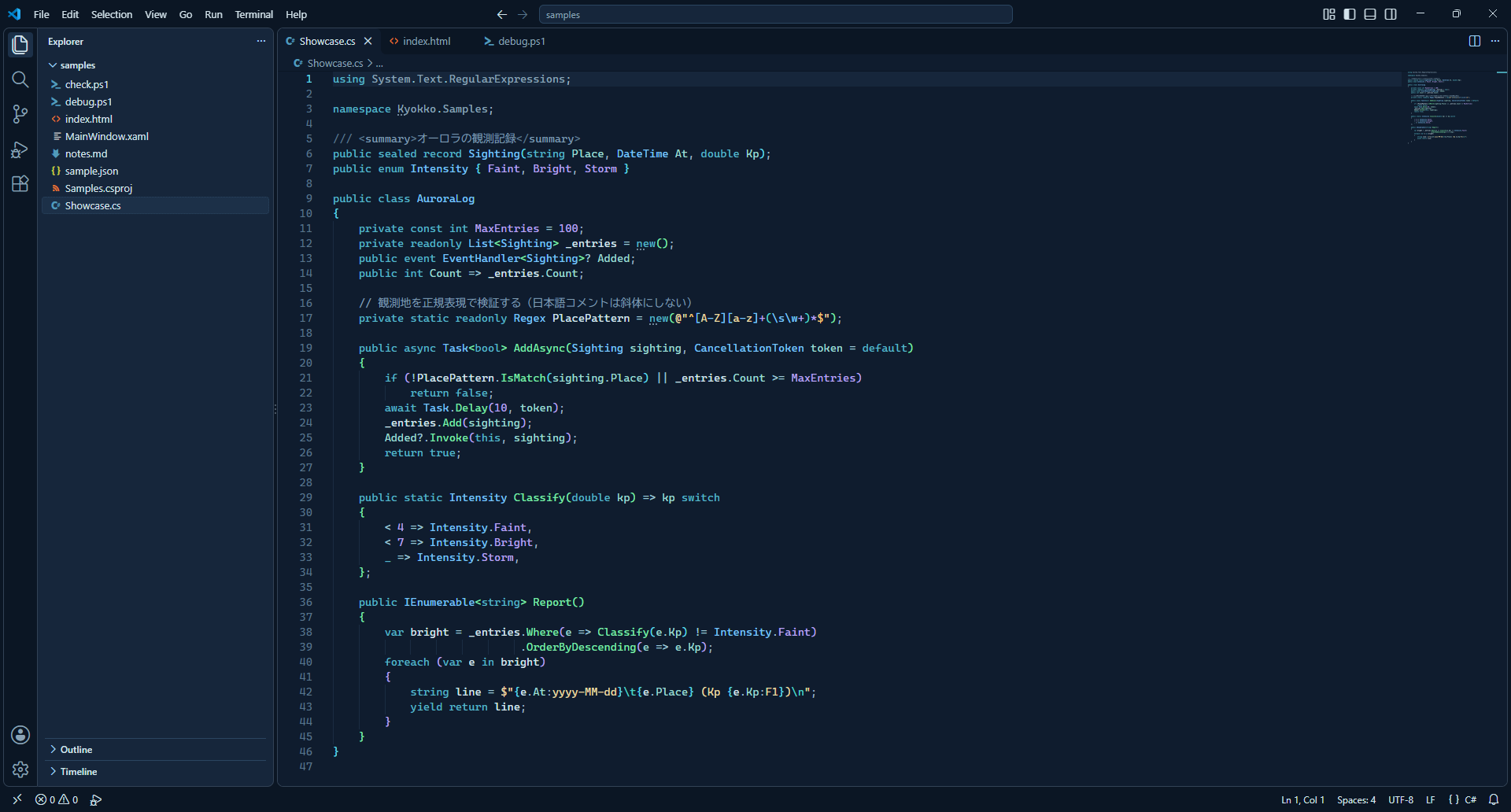
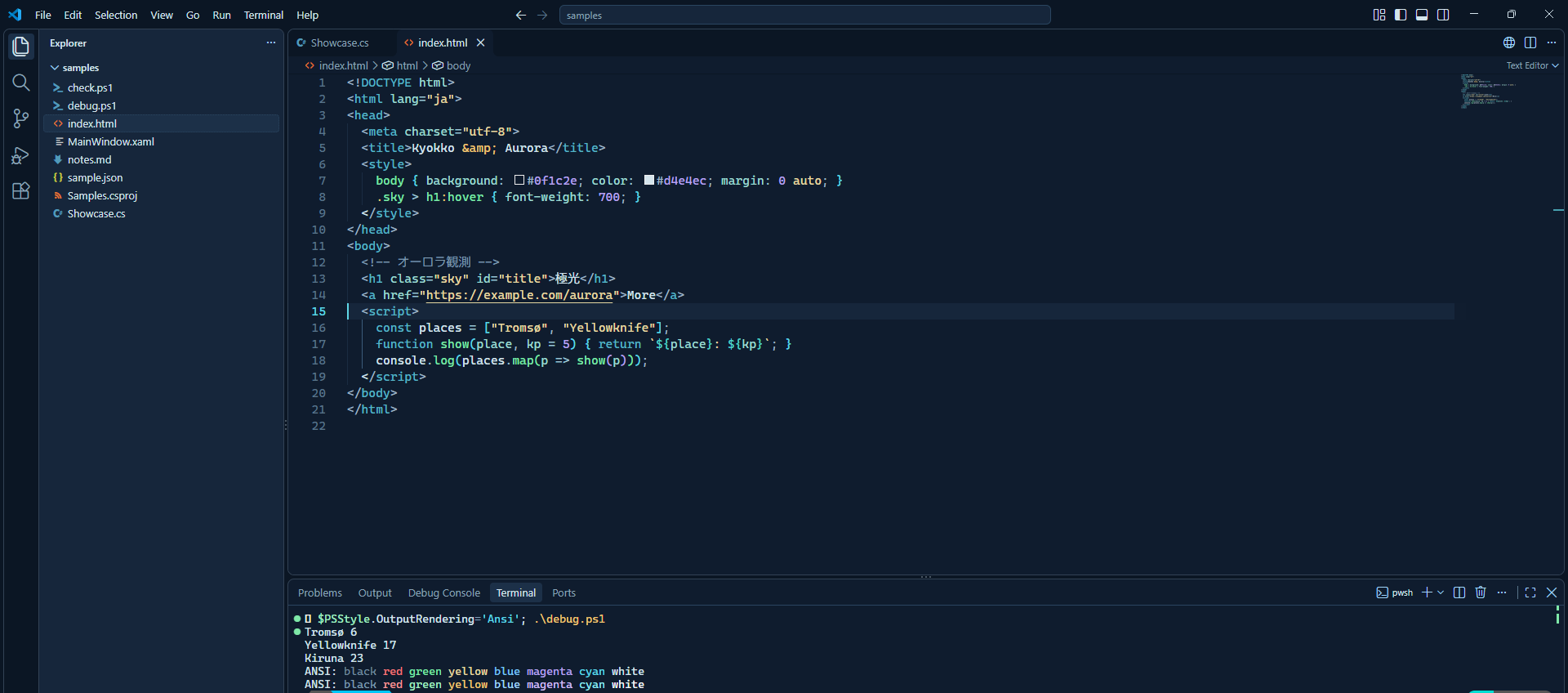
LanguagesSemantic highlighting is on. With the C# extension, properties, events and parameters are teal, while fields and locals stay plain text, the same as Kyokko for Visual Studio 2026. XAML, XML, HTML, CSS, JSON, Markdown, PowerShell and TypeScript are colored with the same roles.
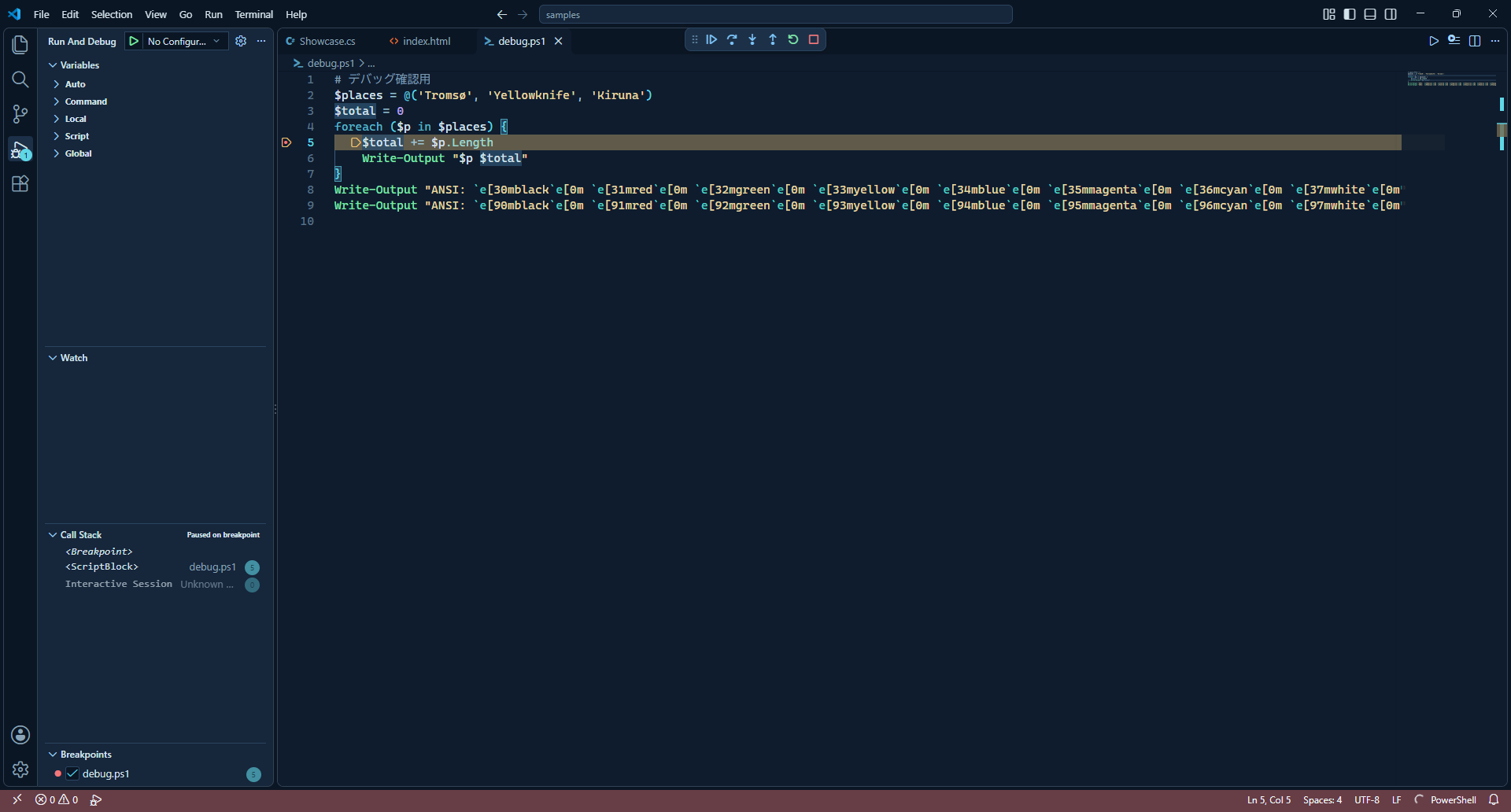
Debugging
Palette
The terminal uses the same 16 ANSI colors as Kyokko for Windows Terminal. VS Code lightens ANSI black on its own when Getting startedAfter installing, open File > Preferences > Theme > Color Theme ( The same palette is available for Visual Studio 2026, Zed and Windows Terminal on GitHub. FeedbackPlease report issues and suggestions on GitHub. |