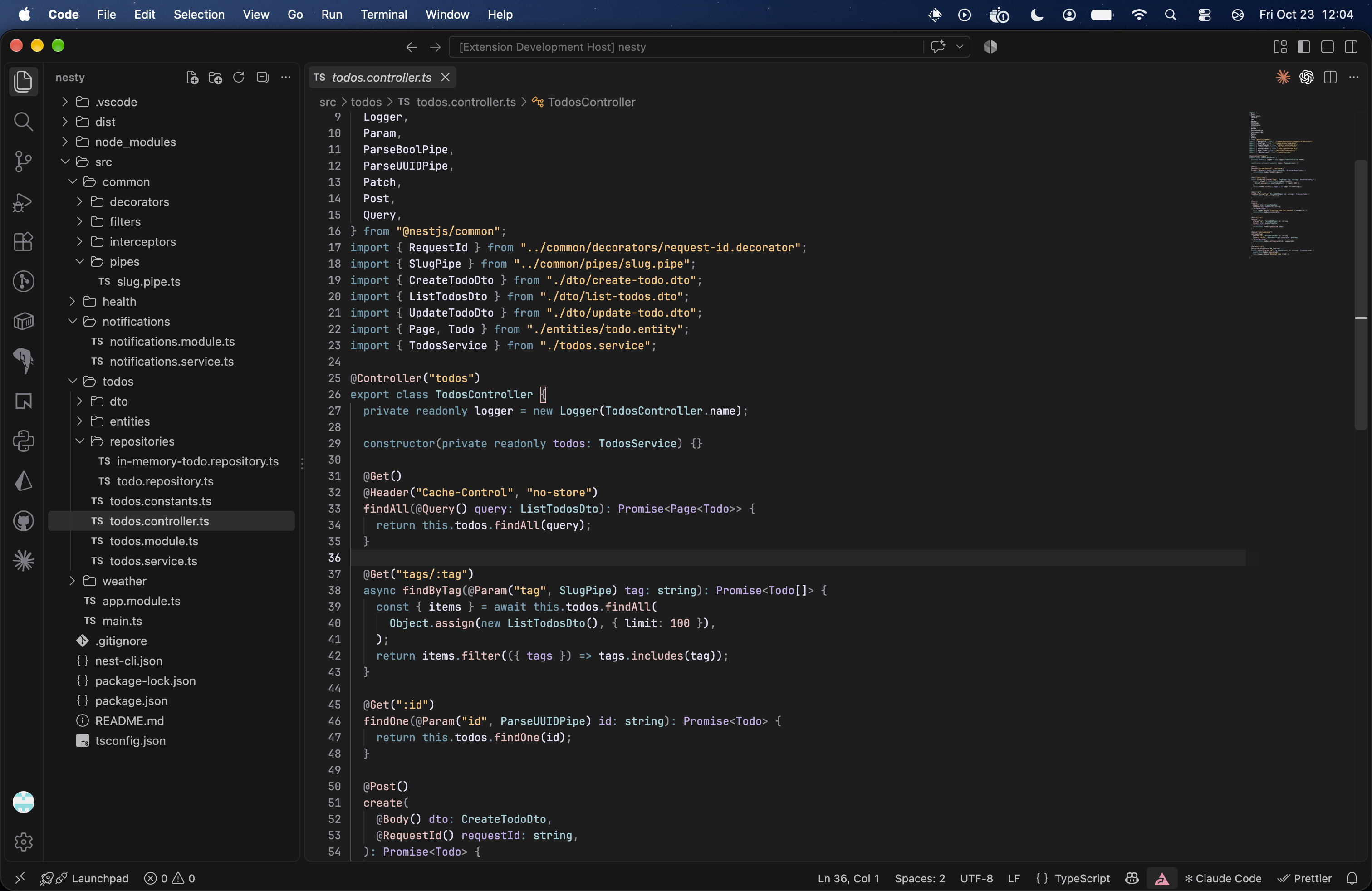
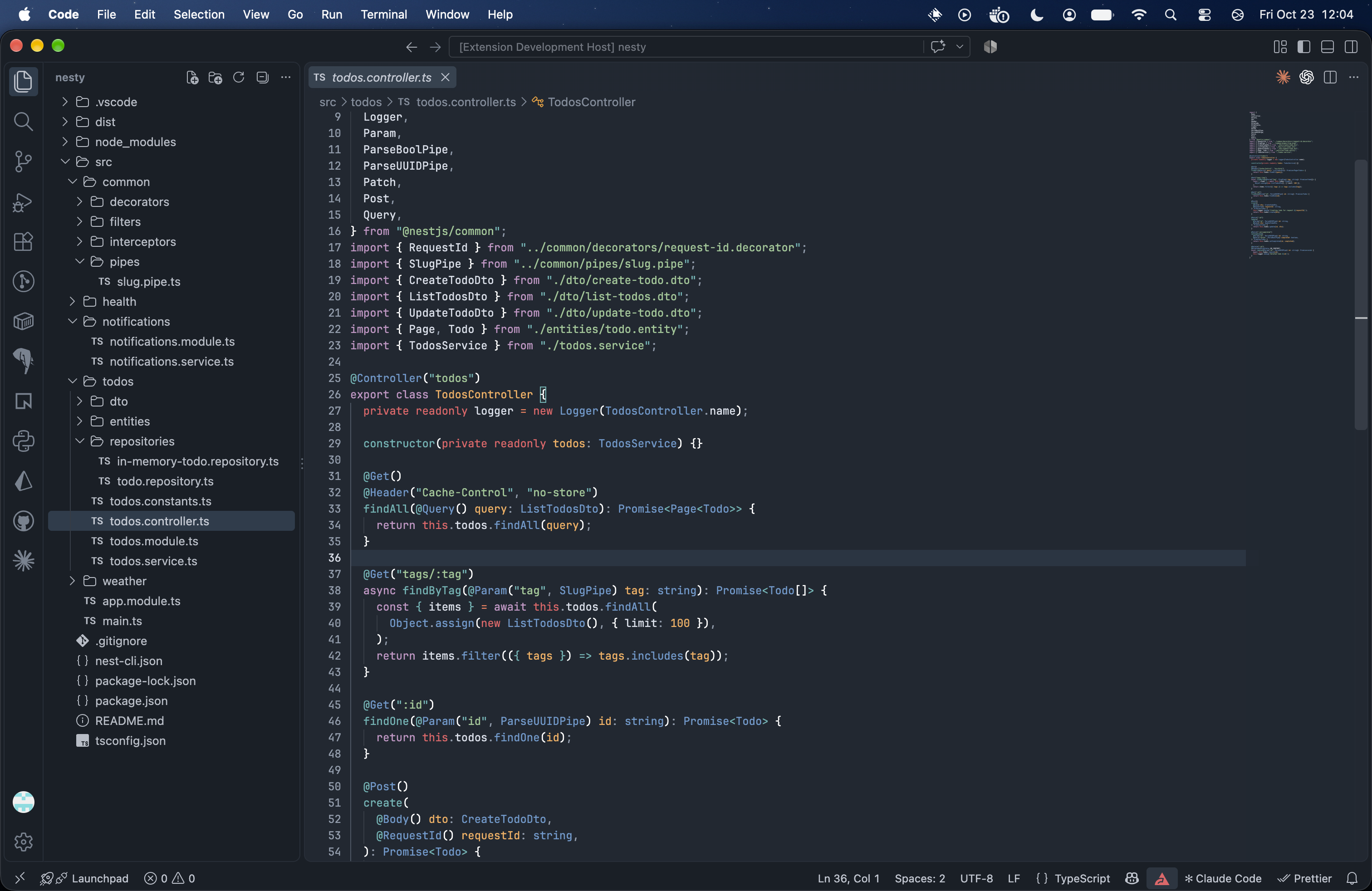
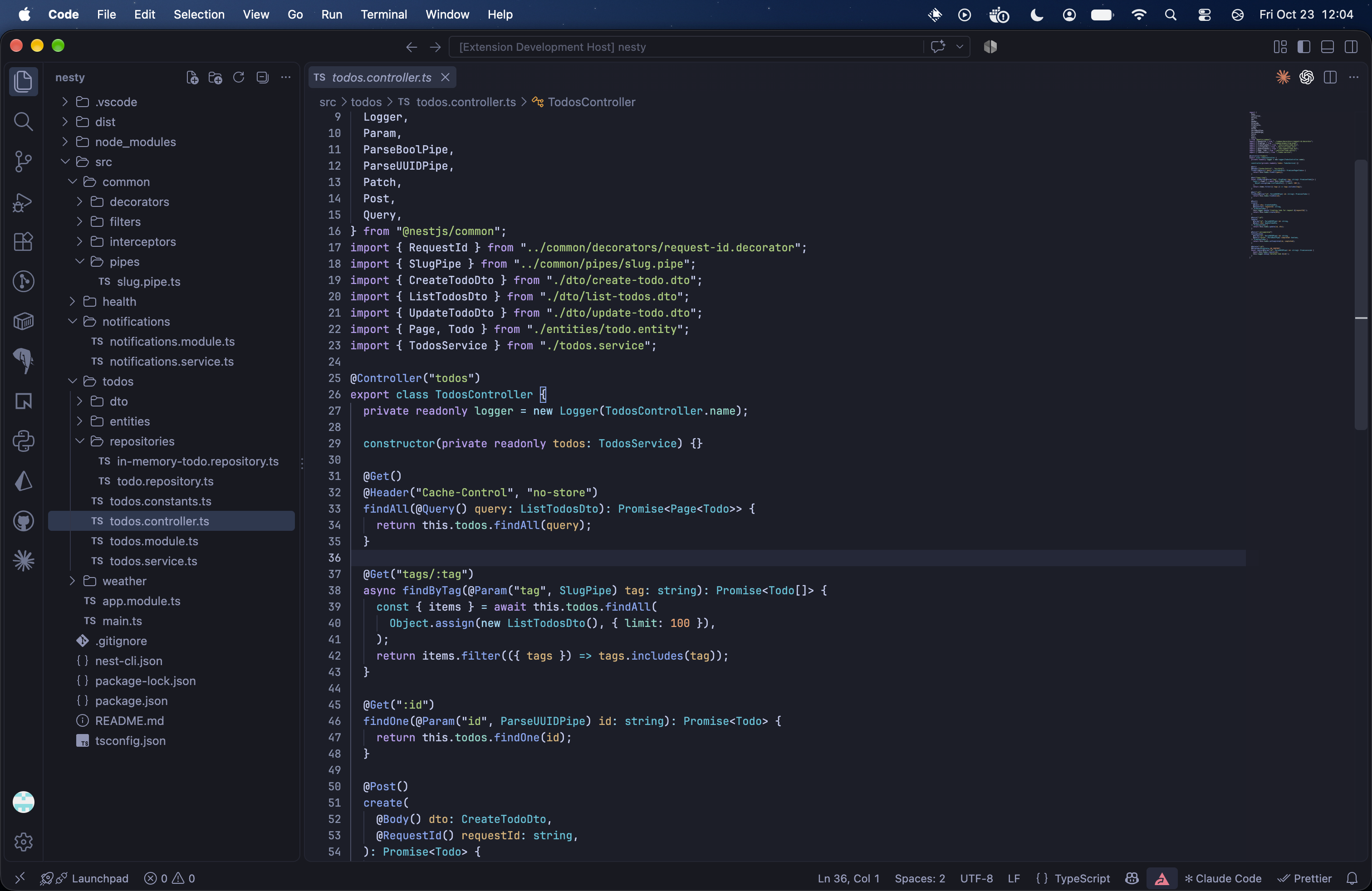
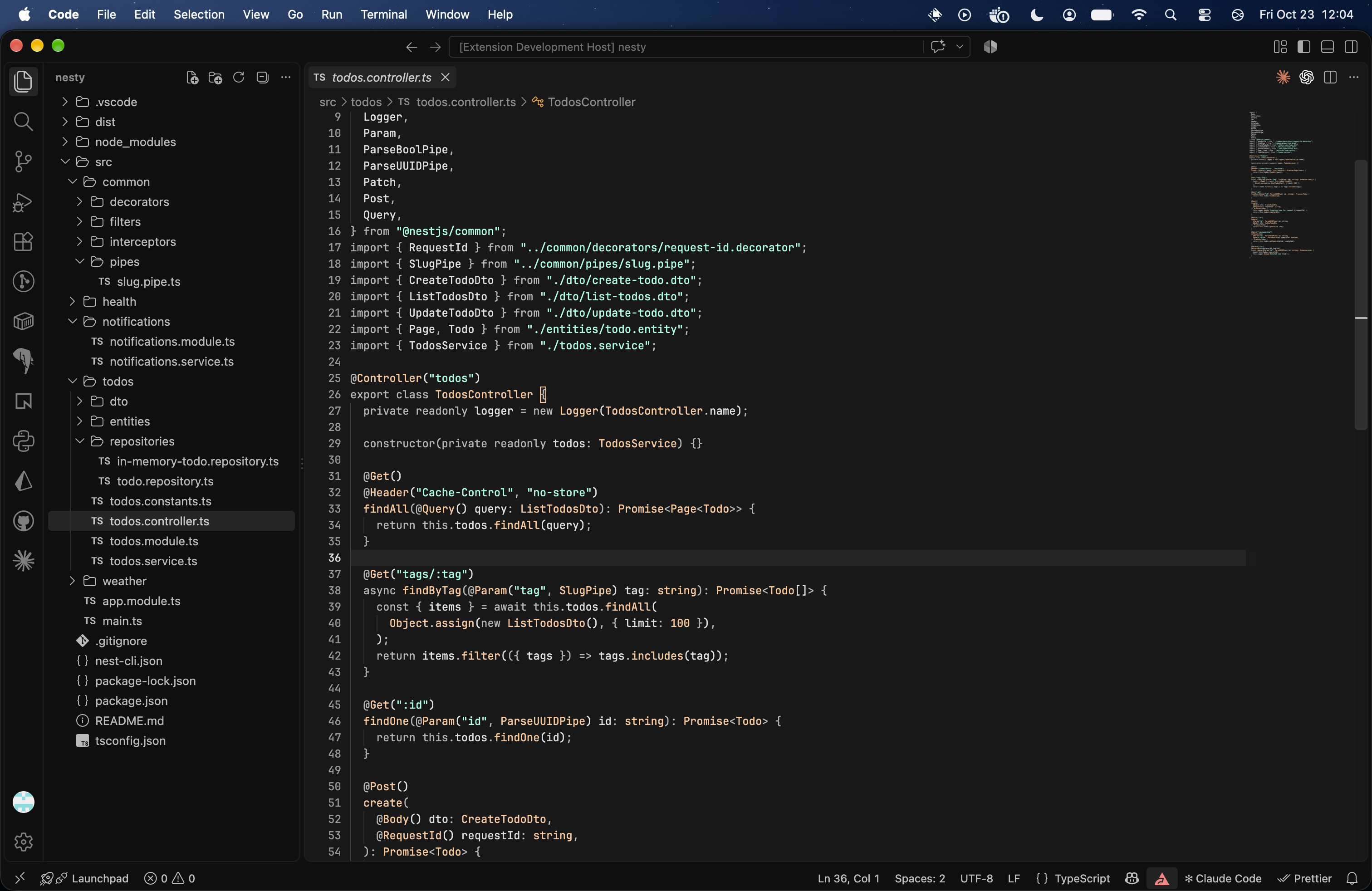
Vine Theme PackA collection of dark VS Code themes inspired by favorite editor palettes, with bordered, unbordered, and uniform variants. Installation Launch VS Code Quick Open ( Ctrl+P), paste the following command, and press enter.Copied to clipboard |

Vine Theme PackI have tried multiple themes, and eventually end up finding little things about them I don't like and want to change, such as
So this is just my attempt to add some of my own style opinions into some themes that I really like, I called it vine thinking that its like a vine (same style throughout), that branches off into different themes, pretty cheesy I know. Feel free to improve these and open issues if something is off. Version 6.0.0 includes twenty-two palettes, each with bordered, unbordered, and uniform variants, for 75 themes total. Cobalt2, Gruvbox, Night Owl, Nightfox, Poimandres, Rosé Pine, and Tokyo Night also come in a Neutral version with dark-gray surfaces in place of their own backgrounds. VariantsEvery palette is available in three variants:
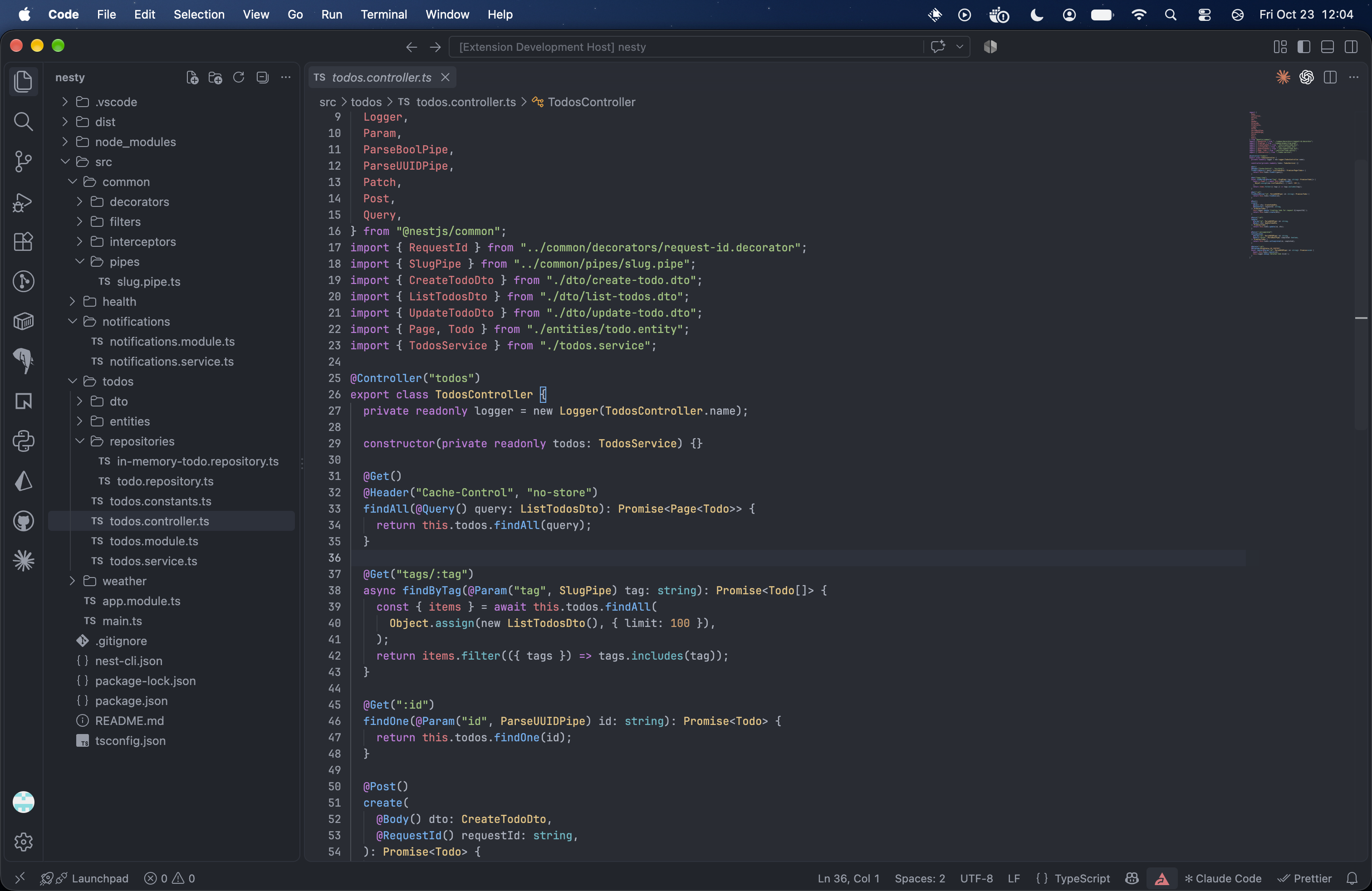
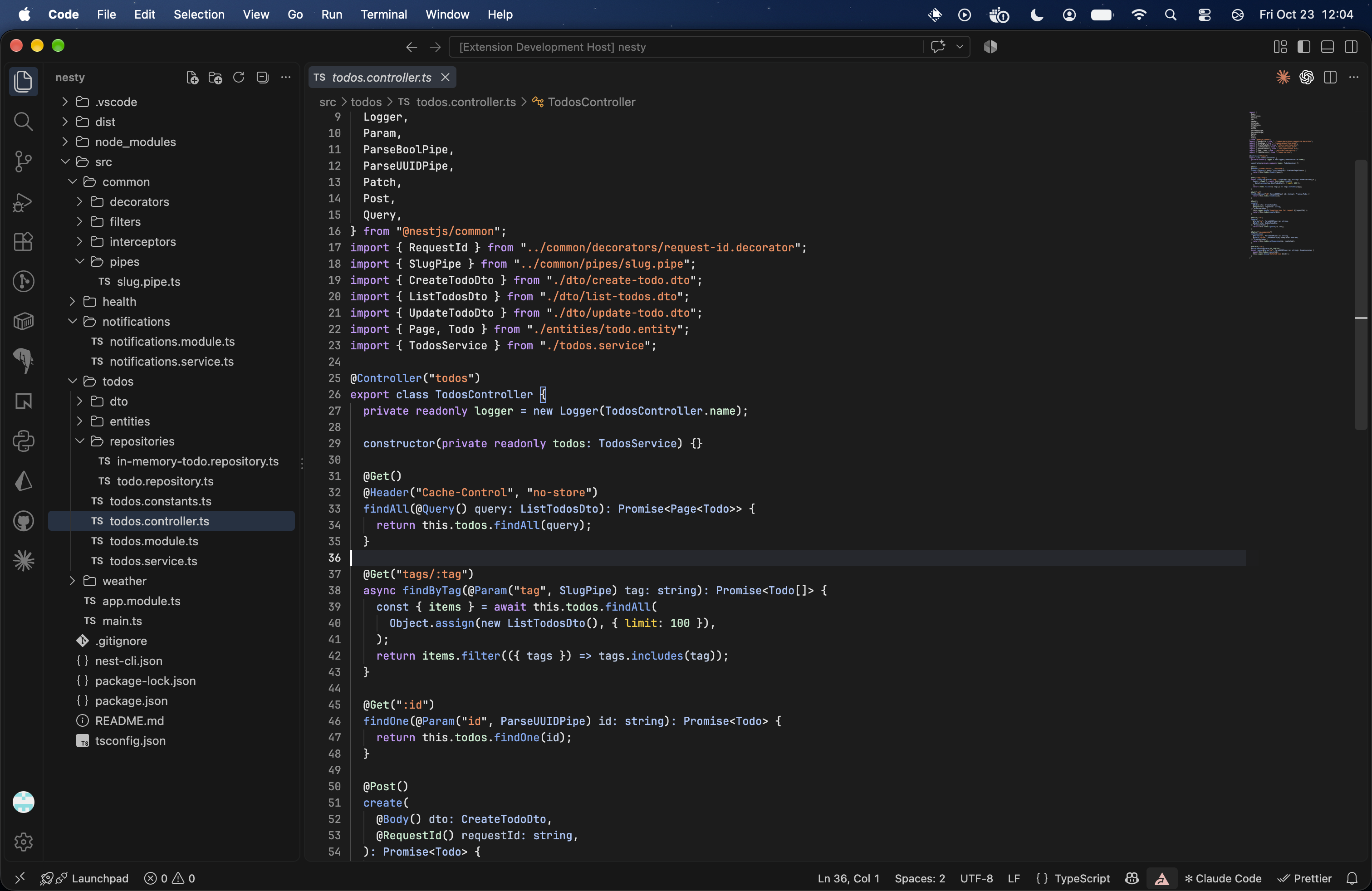
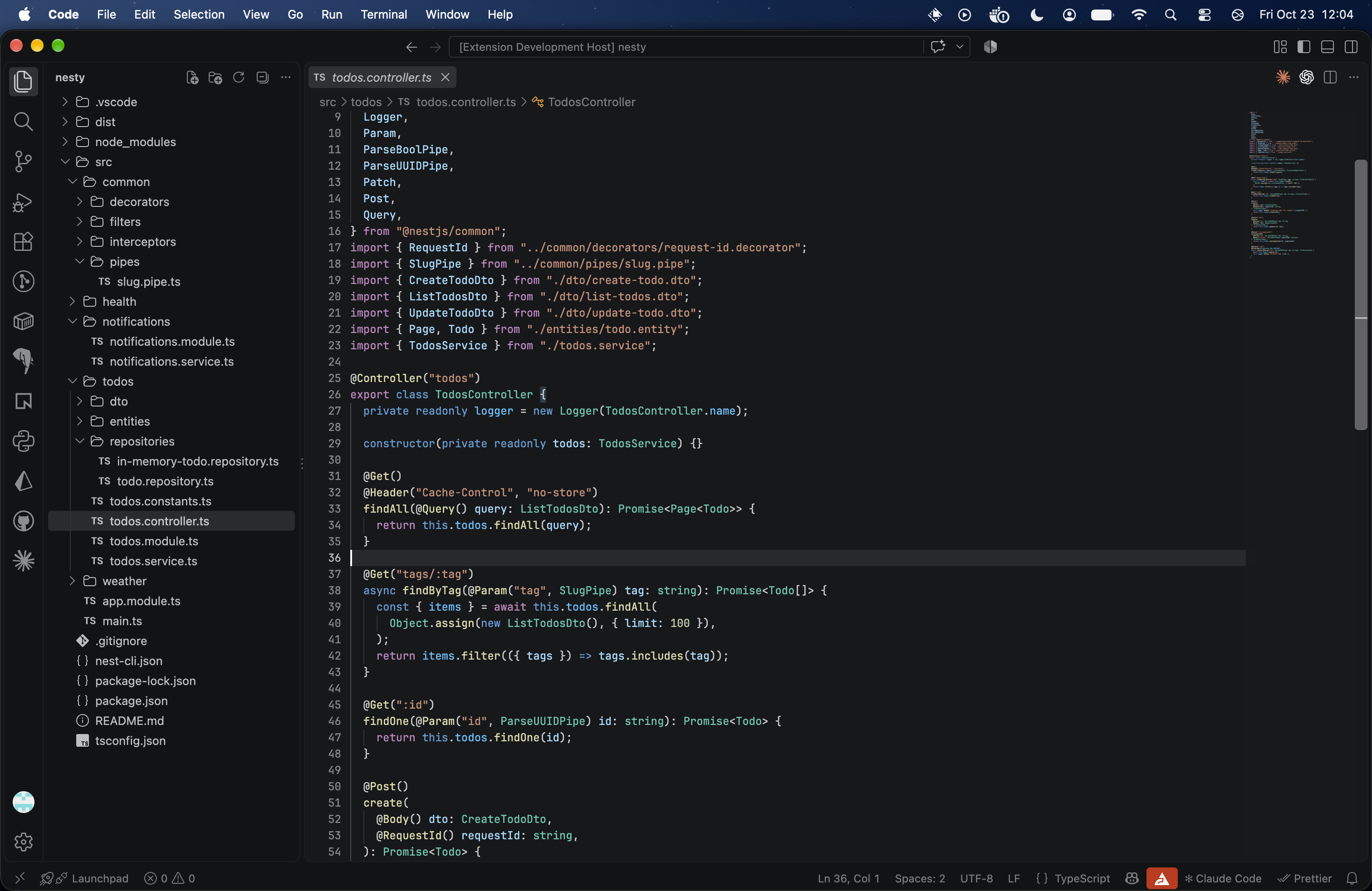
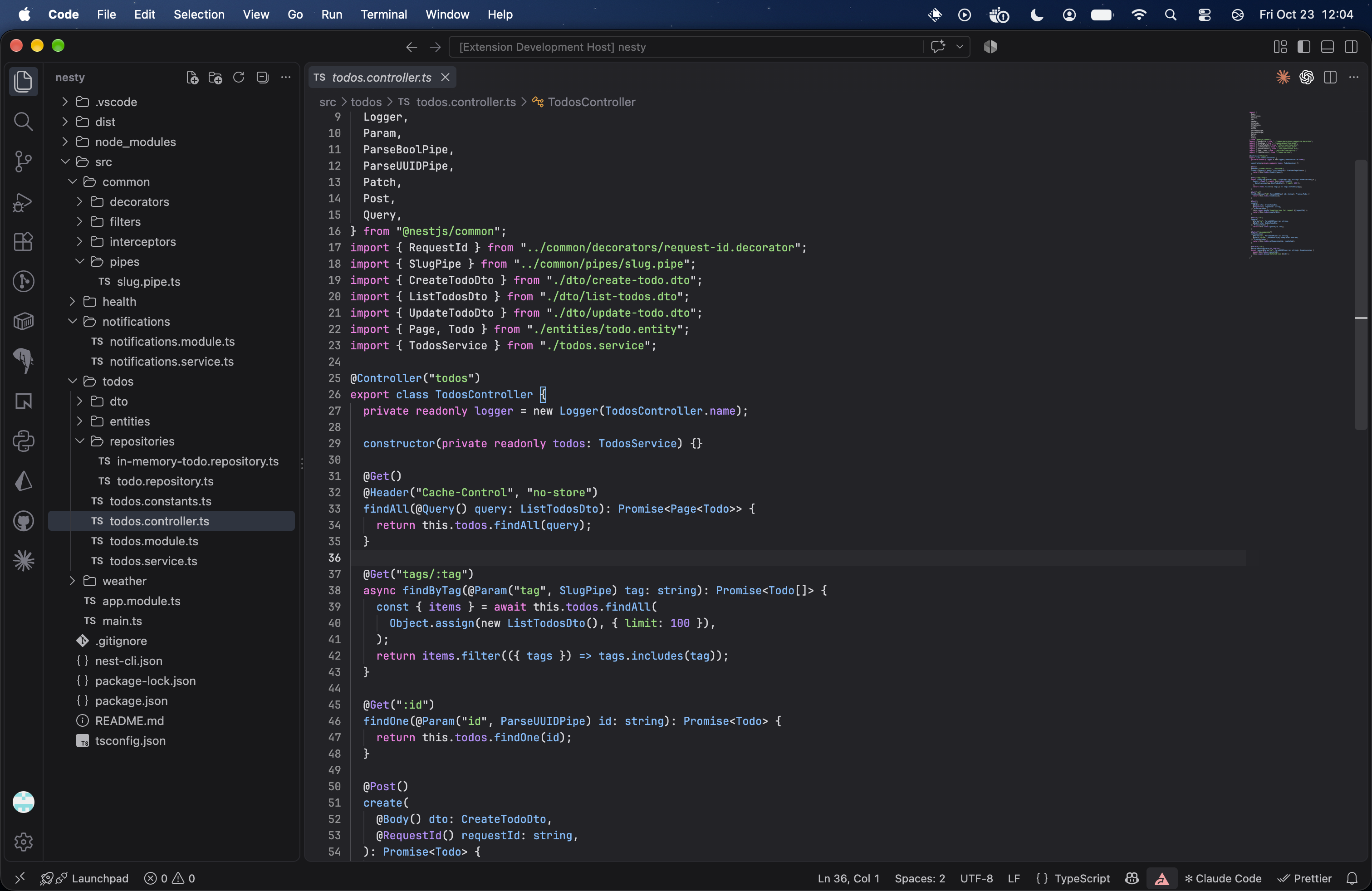
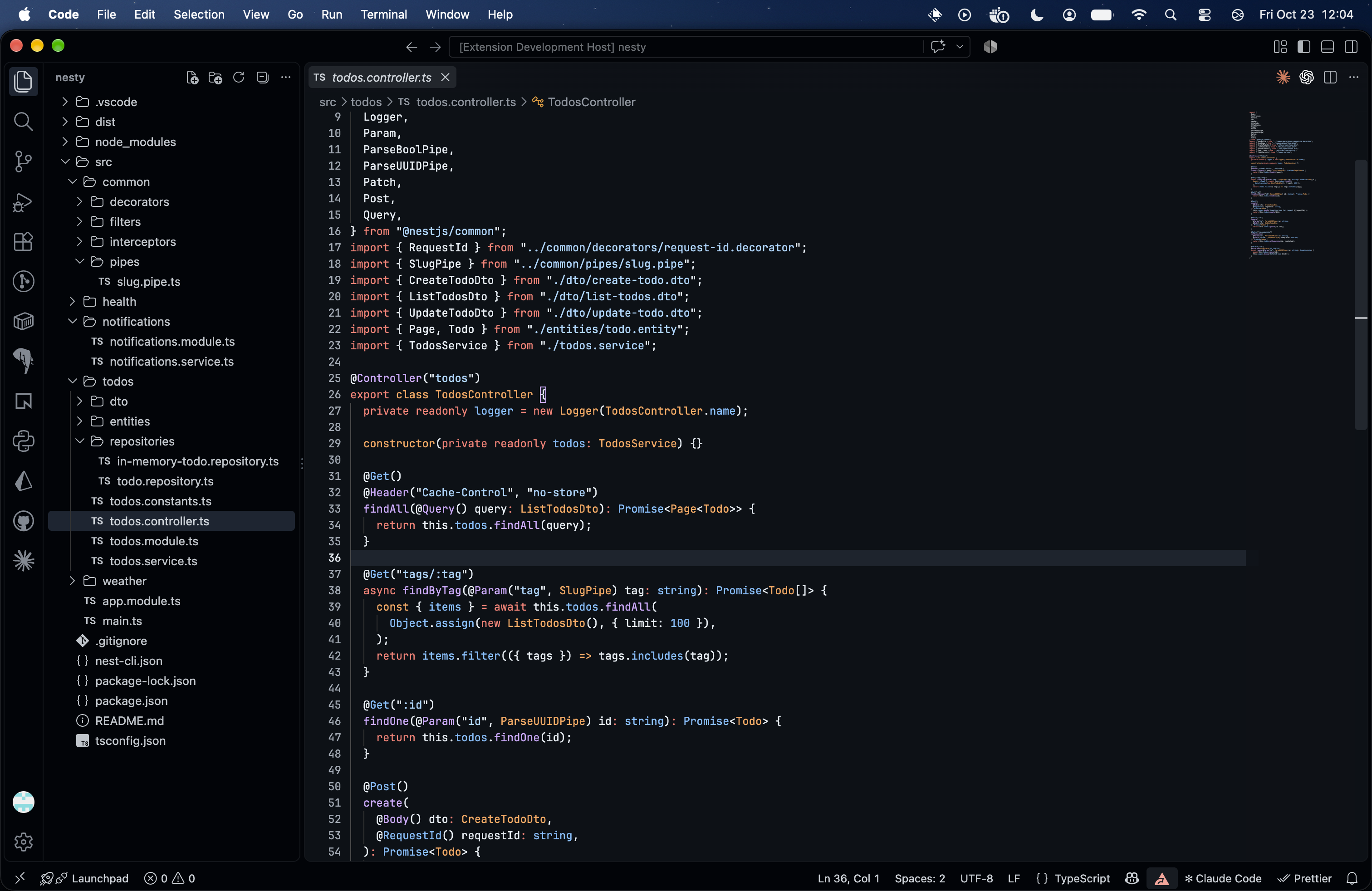
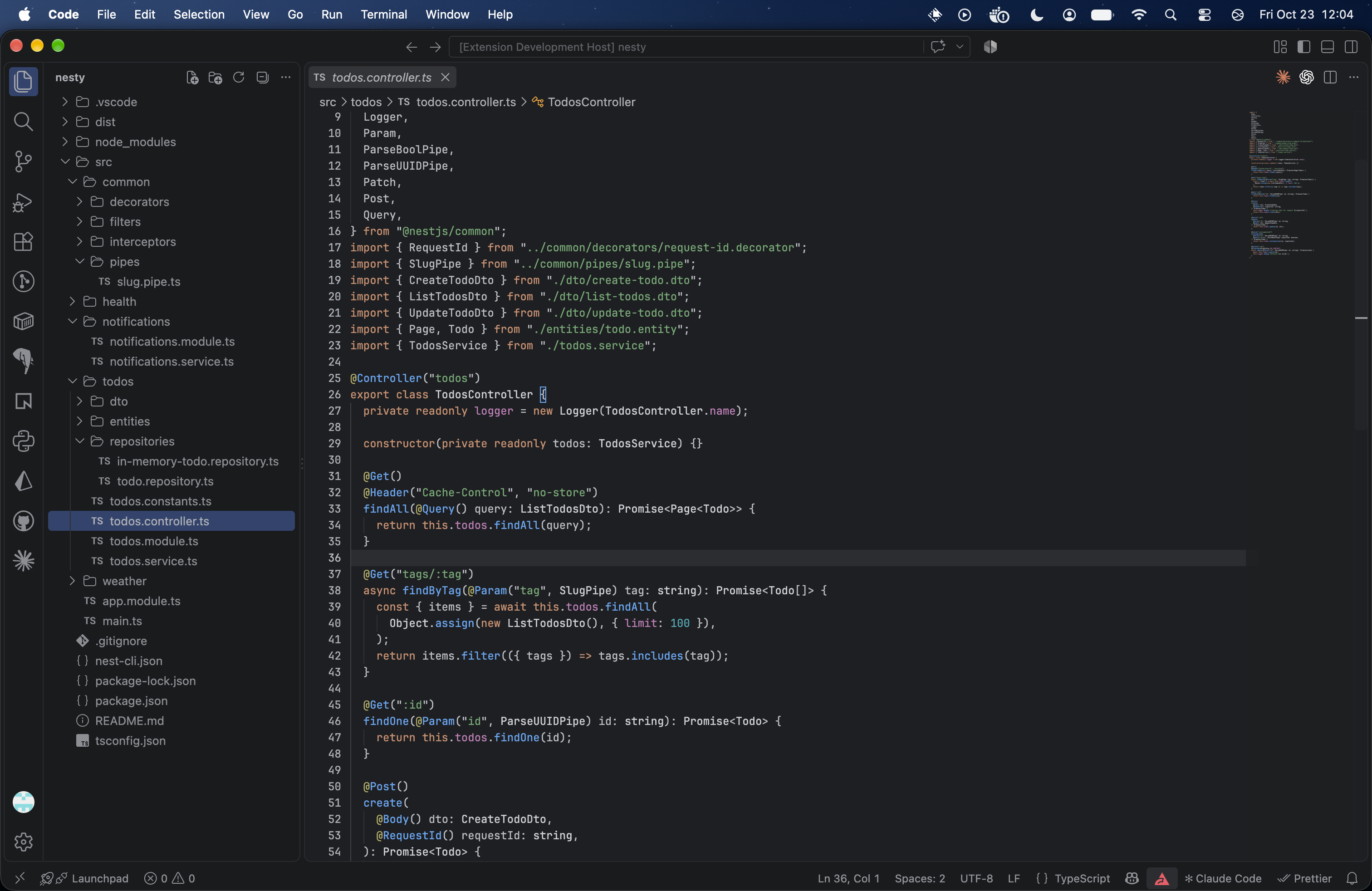
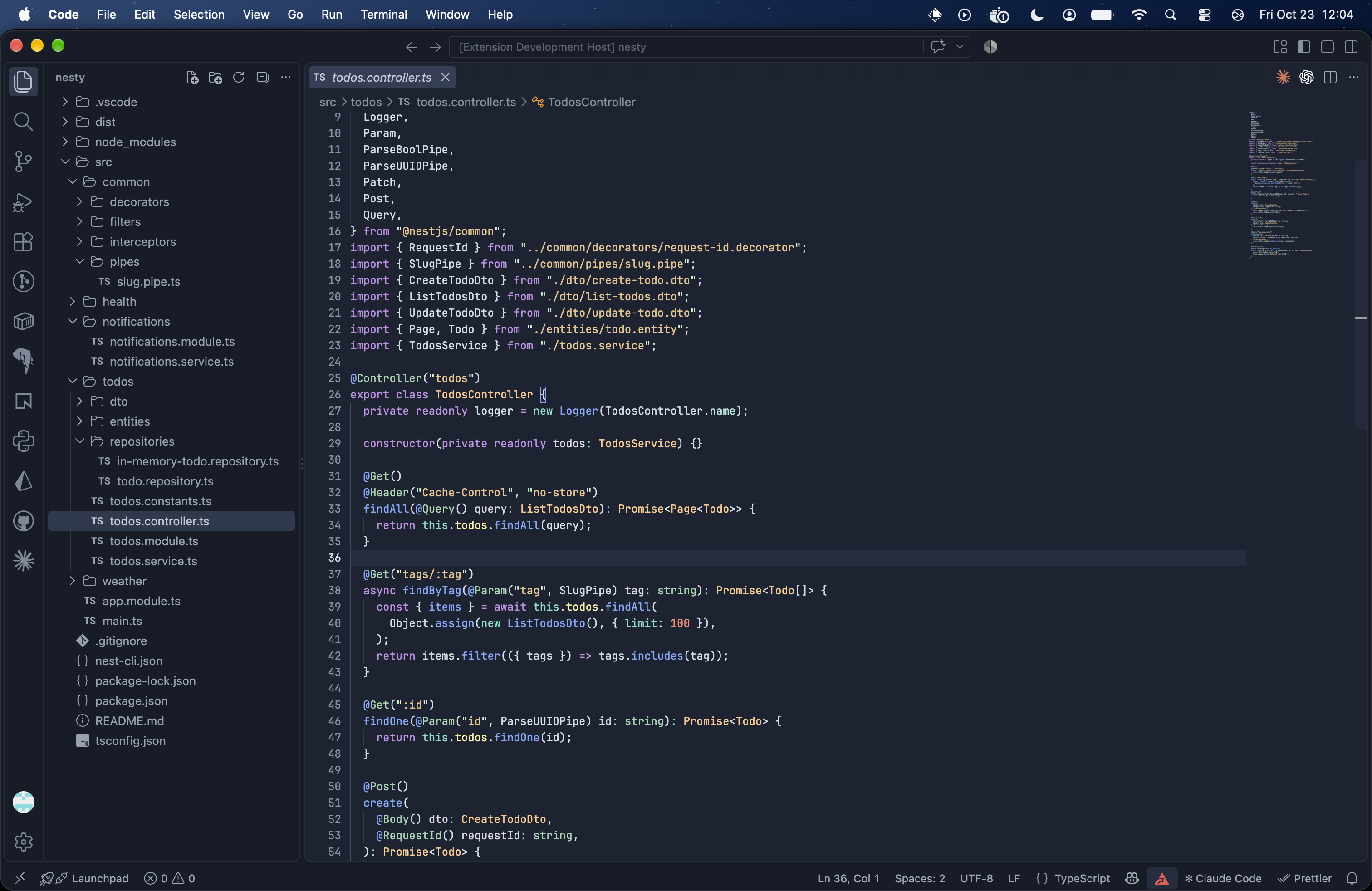
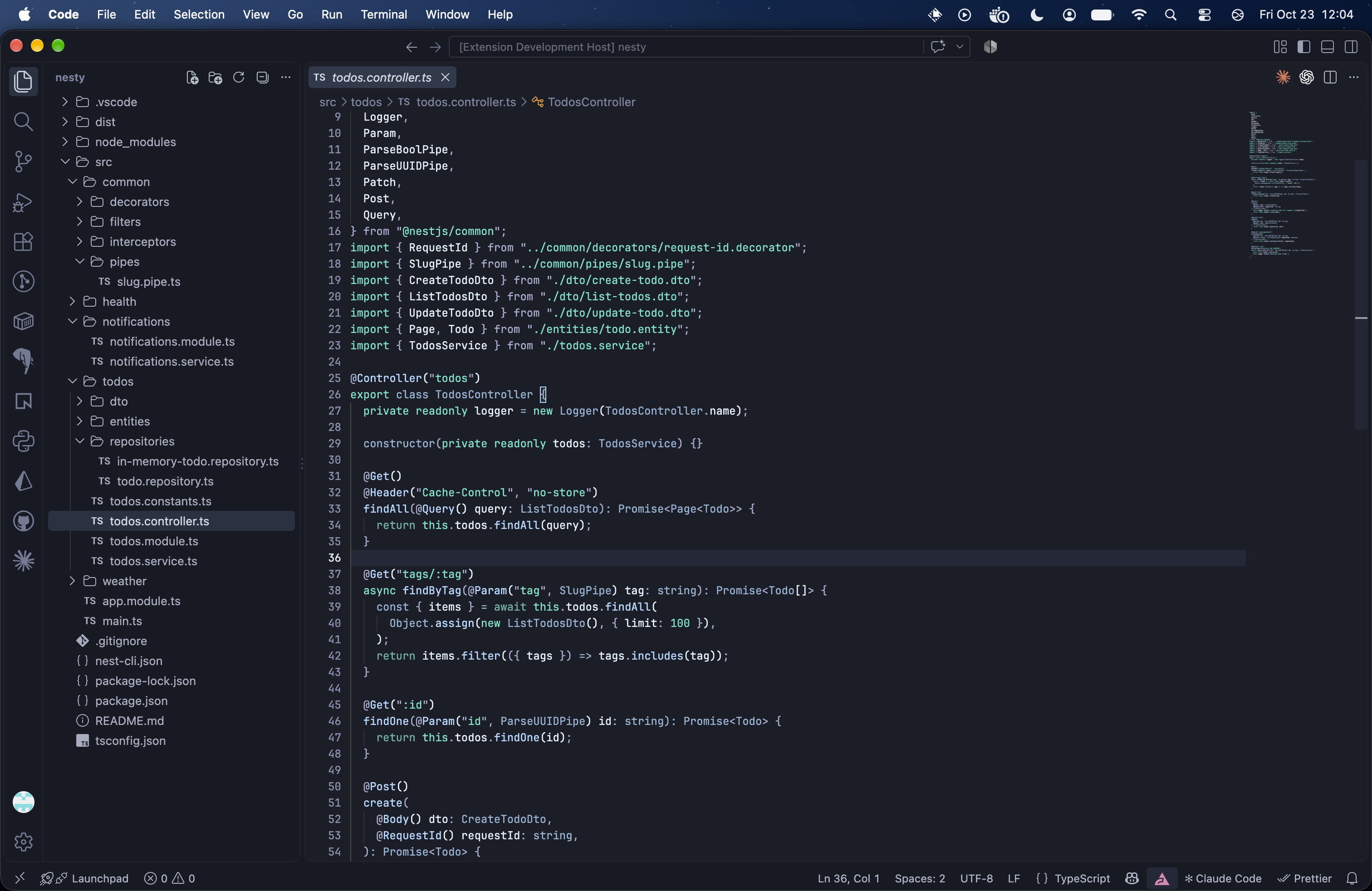
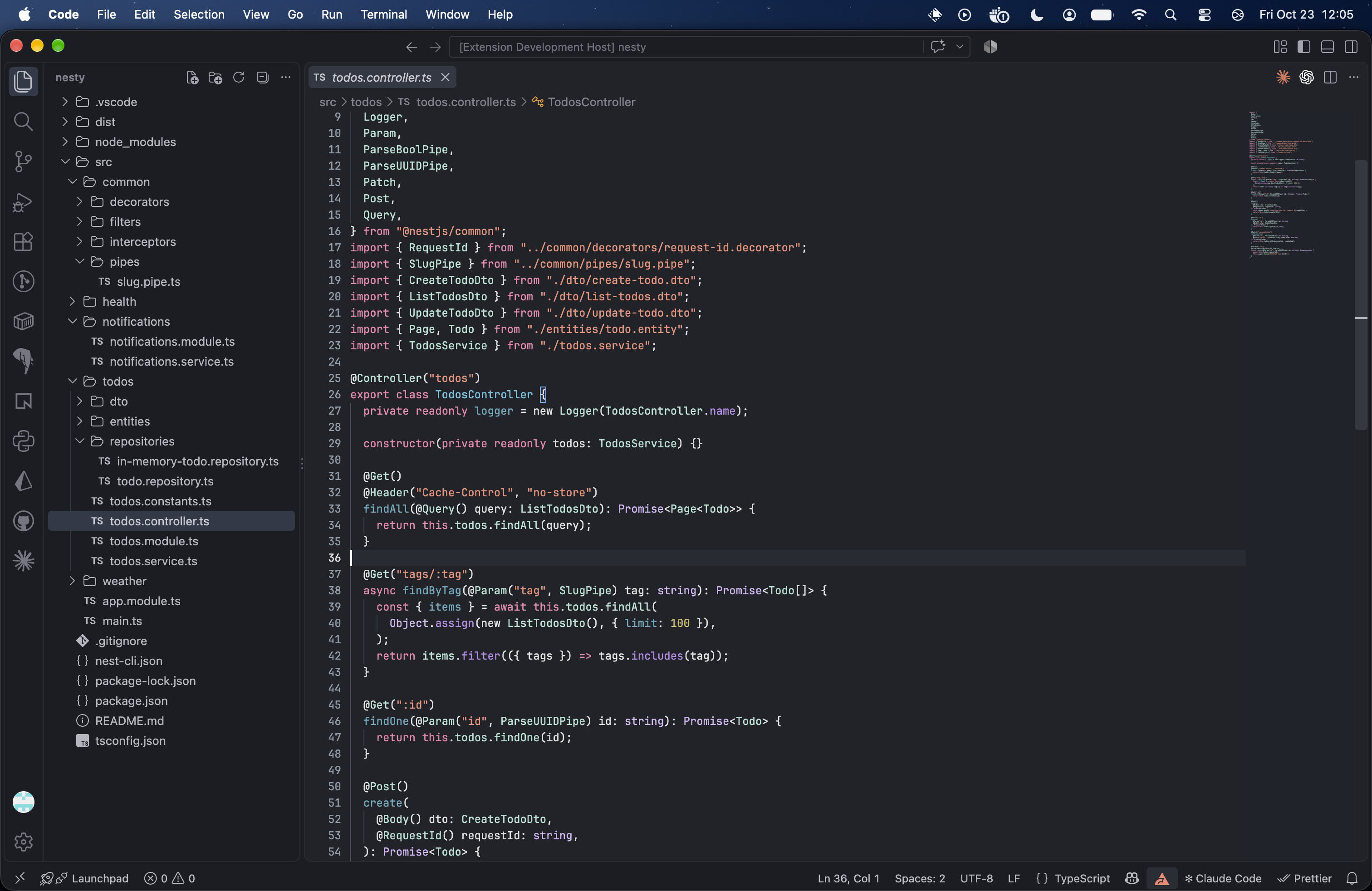
All three share the same syntax colors, editor background, and text styling. ScreenshotsEach screenshot shows the standard Bordered variant. Unbordered and Uniform versions are available for every palette. Atom One DarkAdapted from Atom’s original palette, with neutral operators, cyan built-ins, red variables, and readable comments.
Chrome DevTools
Cobalt2Wes Bos' Cobalt2 on a deeper navy (editor Cobalt2: NeutralCobalt2's syntax on dark charcoal surfaces with a faint trace of its blue. Dark Modern 2026
Firefox DevTools
GitHub Dark Default
GruvboxGruvbox Dark Hard (editor Gruvbox: NeutralGruvbox's syntax on dark-gray surfaces with a very faint cool tint (editor JetBrains New UIInspired by JetBrains’ dark theme, with orange keywords, green strings, teal numbers, and purple fields.
Night OwlA muted slate-blue workspace with purple keywords, warm amber strings, blue functions, and soft mint-green built-ins.
Night Owl: NeutralNight Owl's syntax on dark charcoal surfaces with a faint trace of its slate blue. NightfoxNightfox's deep blue workspace (editor Nightfox: NeutralNightfox's syntax on dark charcoal surfaces with a faint trace of its blue. OxocarbonIBM Carbon-inspired near-black (editor PandaPanda's pink keywords, neon-teal strings, orange storage, and blue functions on deep charcoal surfaces (editor Poimandres
Poimandres: NeutralPoimandres' syntax on dark charcoal surfaces with a faint lavender undertone. Rosé PineRosé Pine's purple workspace as a soft tint (editor Rosé Pine: Neutral
Sublime Text 4 Dark
Tokyo Night
Tokyo Night: NeutralTokyo Night's syntax on dark charcoal surfaces with a faint indigo undertone in place of the blue. VesperNear-black editor with white code, orange declarations, and peppermint strings.
Xcode 26 Dark
ThanksThanks to these projects and their authors for the themes and palettes that inspired Vine: |