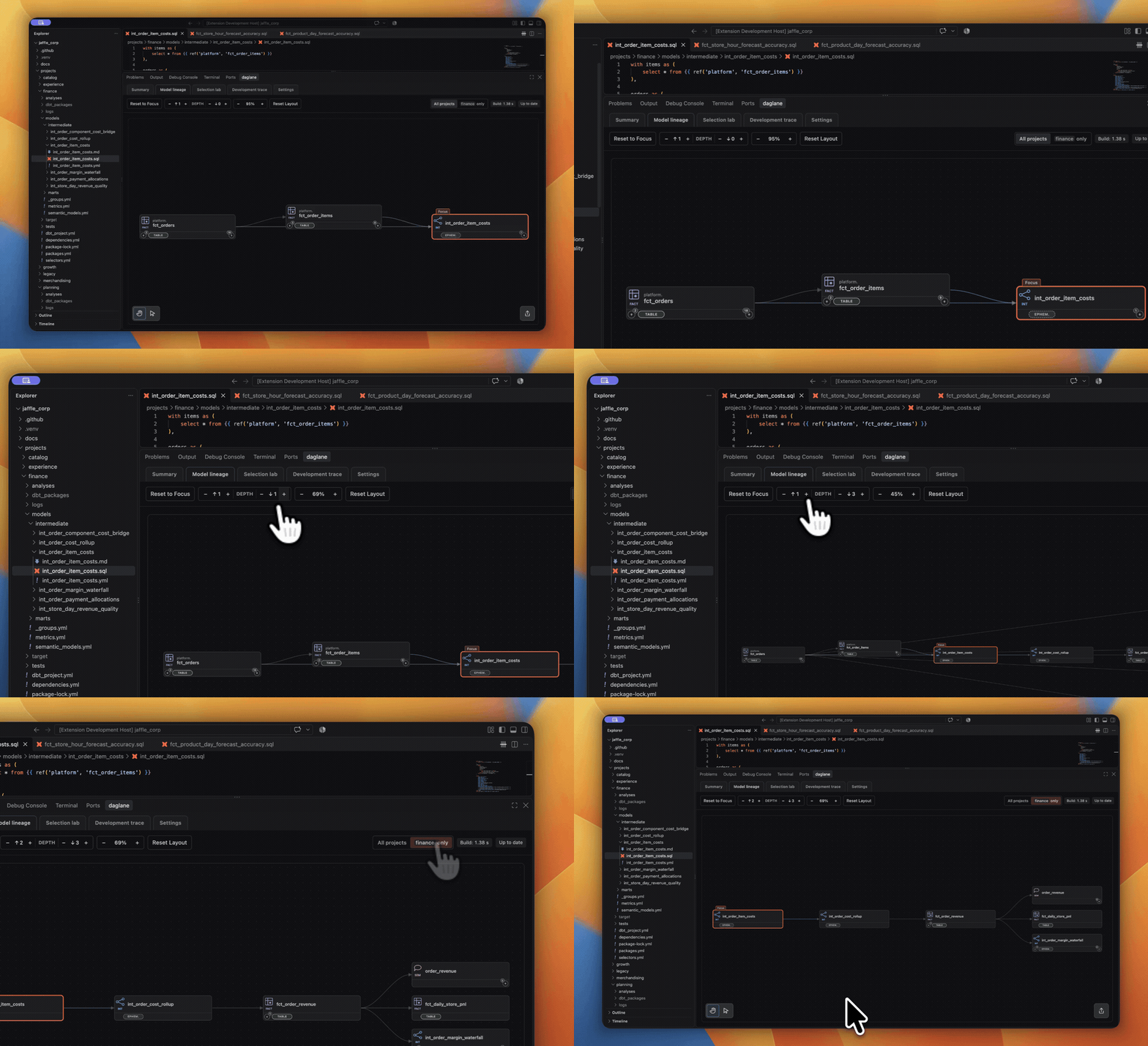
Explore your dbt projectFast, local dbt project lineage and navigation inside your IDE. Follow a model’s dependencies, open its source file, and see how projects connect. Explore the graph beside your code to investigate a change or learn an unfamiliar project. Explore your project locally without creating an account, connecting a warehouse, or uploading project files. Features
Understand how your dbt models connectSee where a model gets its data and which resources depend on it. Follow those connections to learn an unfamiliar project, trace an input, or investigate downstream dependencies before changing code.
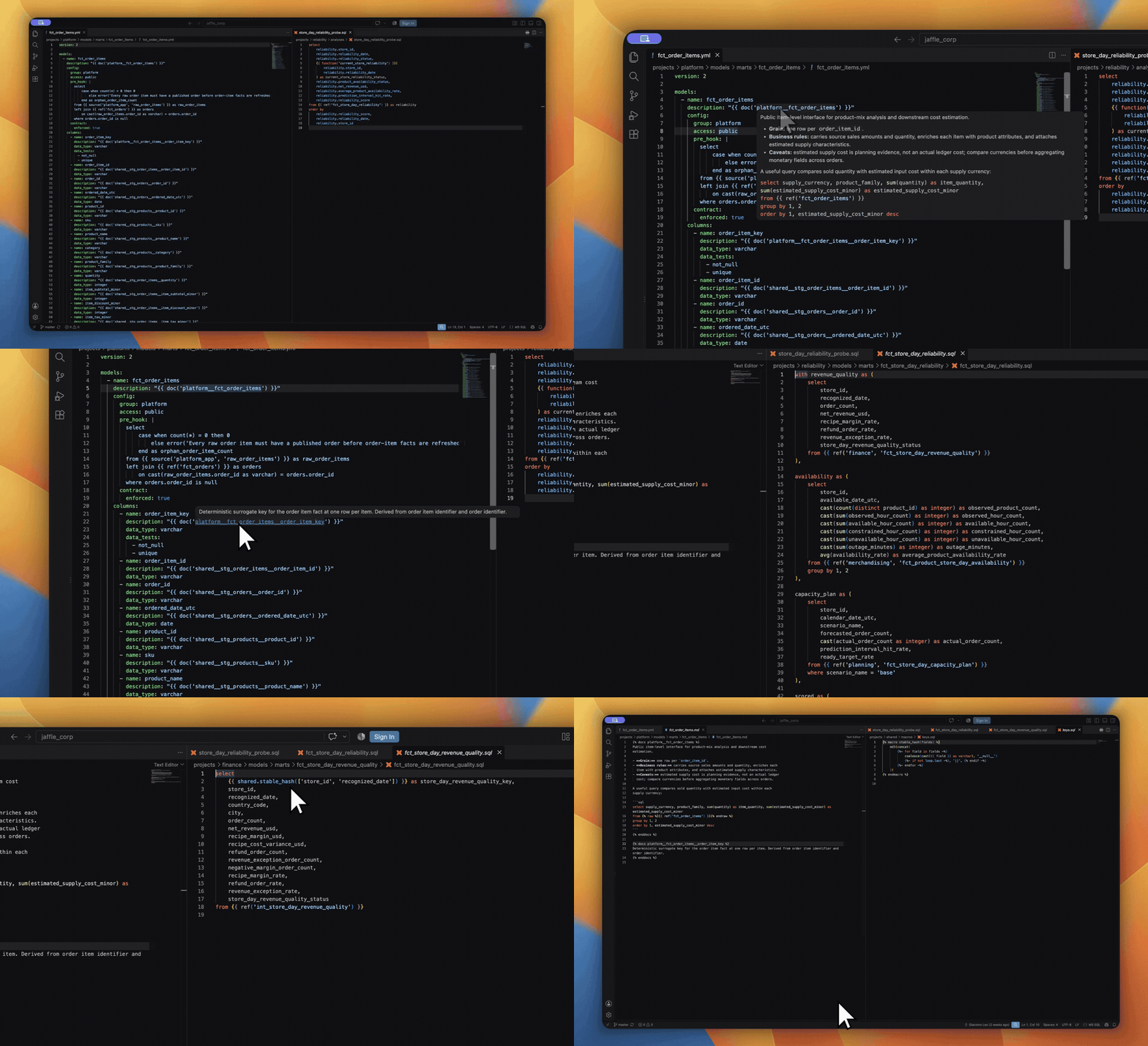
Go from a reference to its definitionUse Cmd/Ctrl-click to open supported Jump between definitions without opening the lineage panel.
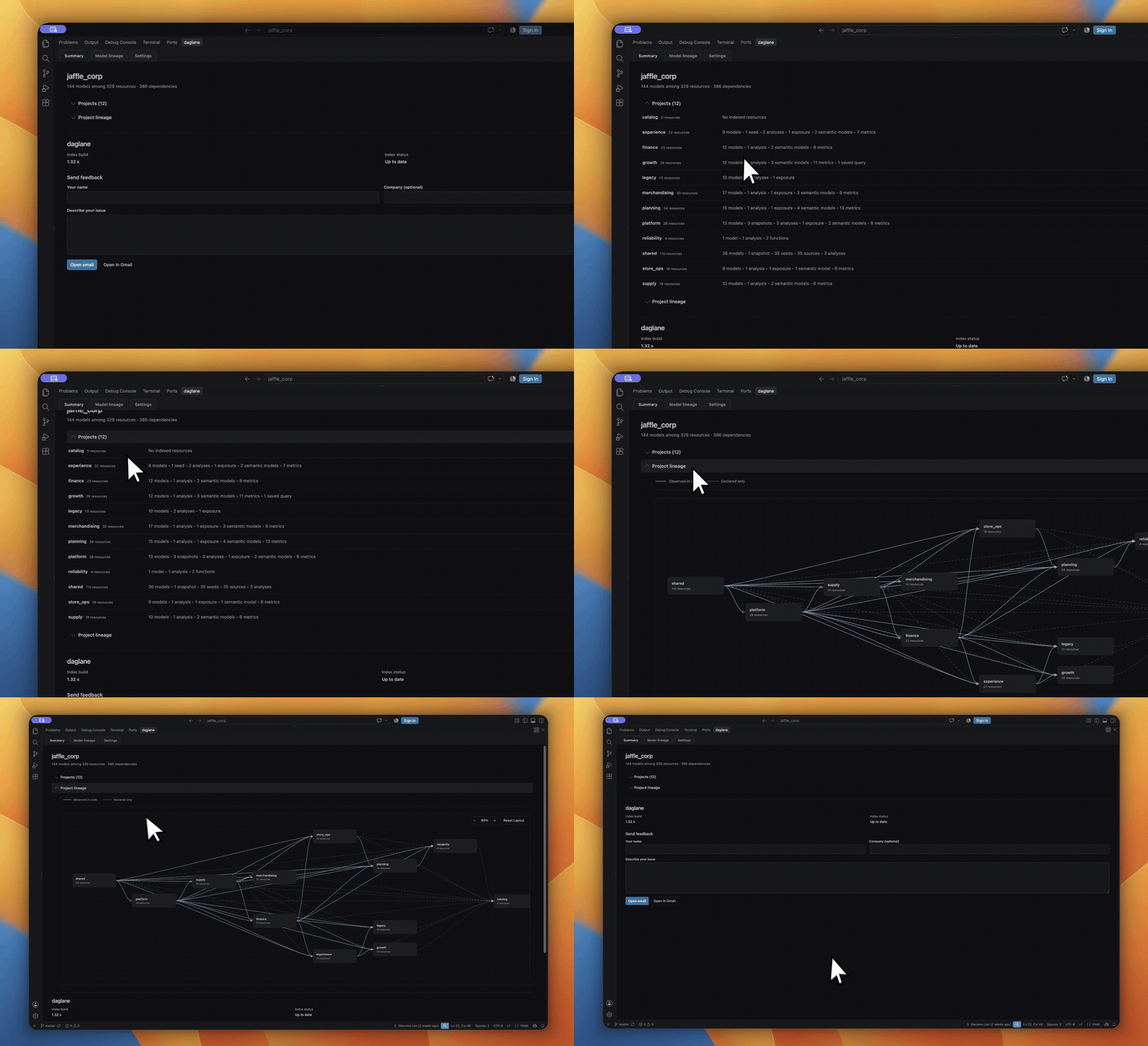
See how your projects fit togetherOpen Summary to see resource totals and dependencies between projects. Switch to Model lineage to explore individual models and their dependencies. In Model lineage, choose All projects or limit the view to the focused model’s project.
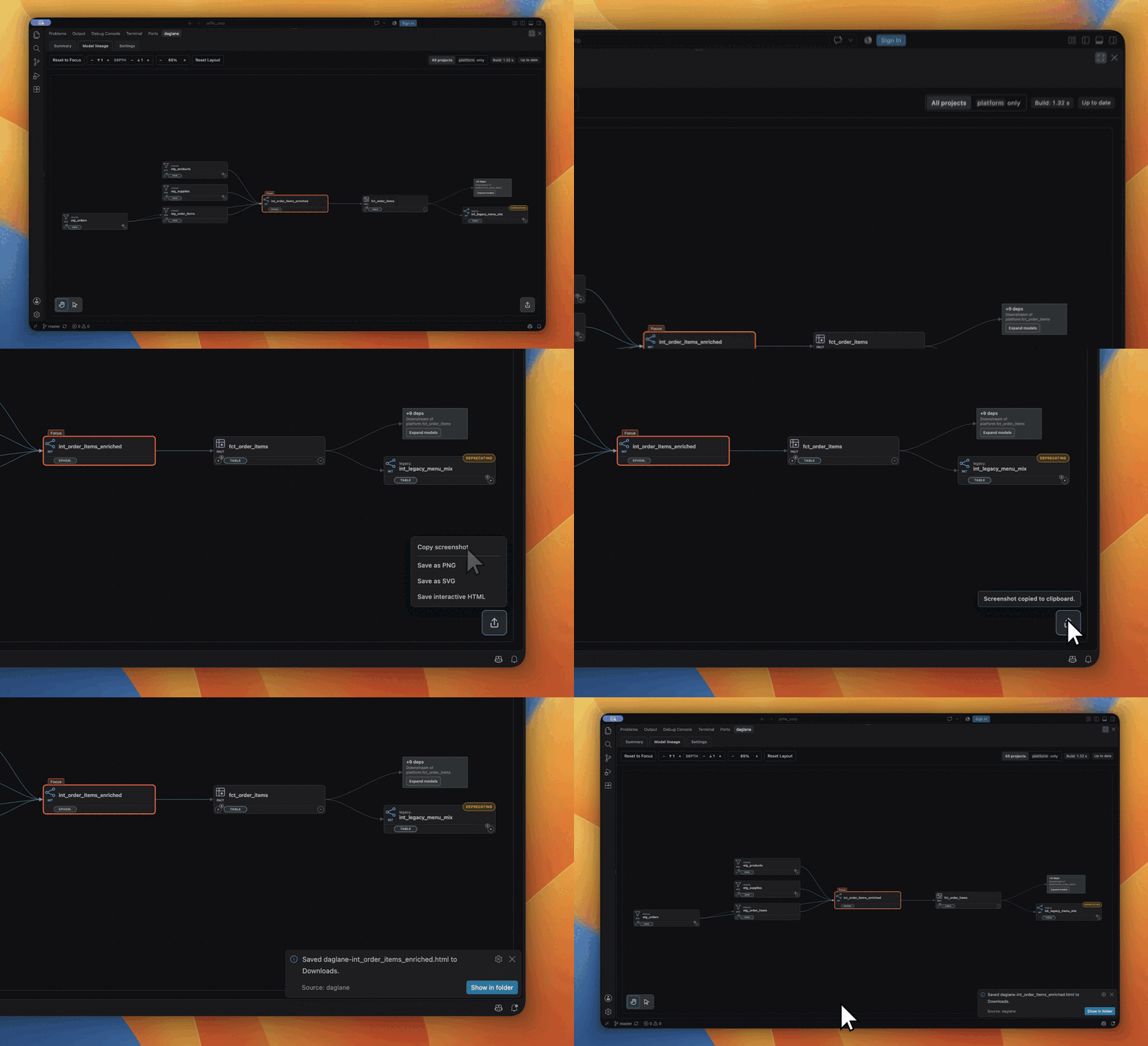
Arrange and simplify your graphPan, zoom, move cards, and hide models to focus on the dependencies you need. Preserve card positions when you expand, or let daglane rearrange the graph. Use Reset Layout to restore card positions and zoom. Use Reset to Focus to clear manual expansion and hidden models around your focus. Choose Undo to restore the previous view. Share a graph others can exploreUse Share lineage to copy a screenshot, save a PNG, or export an editable SVG for a document or presentation. Save interactive HTML to share a graph that teammates can explore. They can open the file in a browser, pan, zoom, find models, and move cards offline without installing daglane. The file includes the exported graph and its model names.
Personalize how daglane looks and behavesChoose how daglane responds as you work. Follow the file you’re browsing or pin the graph to one model. Refresh automatically on save or update manually. Set upstream and downstream starting depths, and choose whether expansion rearranges cards or preserves their positions. In Settings, choose colored or neutral cards, choose comfortable, compact or dense lineage spacing, and reduce motion. daglane's dbt file icons are always available in dbt workspaces. Build a view from your own selectionsSelection Lineage is always available for combining editable dbt-style selectors in one canvas. Select by model, tag, package, or materialization; add upstream/downstream depth and exclusions. If a selection would display more than 200 cards, daglane asks for confirmation with the exact count before showing it. Use names and tags from your project in these examples. Add each selection separately. Start with Explore resources tagged Show Add more selections, remove models, and reveal connections through hidden resources. Selection Lineage uses a supported subset of dbt selectors over daglane’s graph; it does not run dbt commands. Start with a model you know
Feedback and supportUse daglane: Send Feedback from the Command Palette, or Summary → Send feedback. Review the prepared message in your email app or Gmail before sending. Product information and support daglane is an independent product for dbt projects. It is not affiliated with, endorsed by, or sponsored by dbt Labs. |