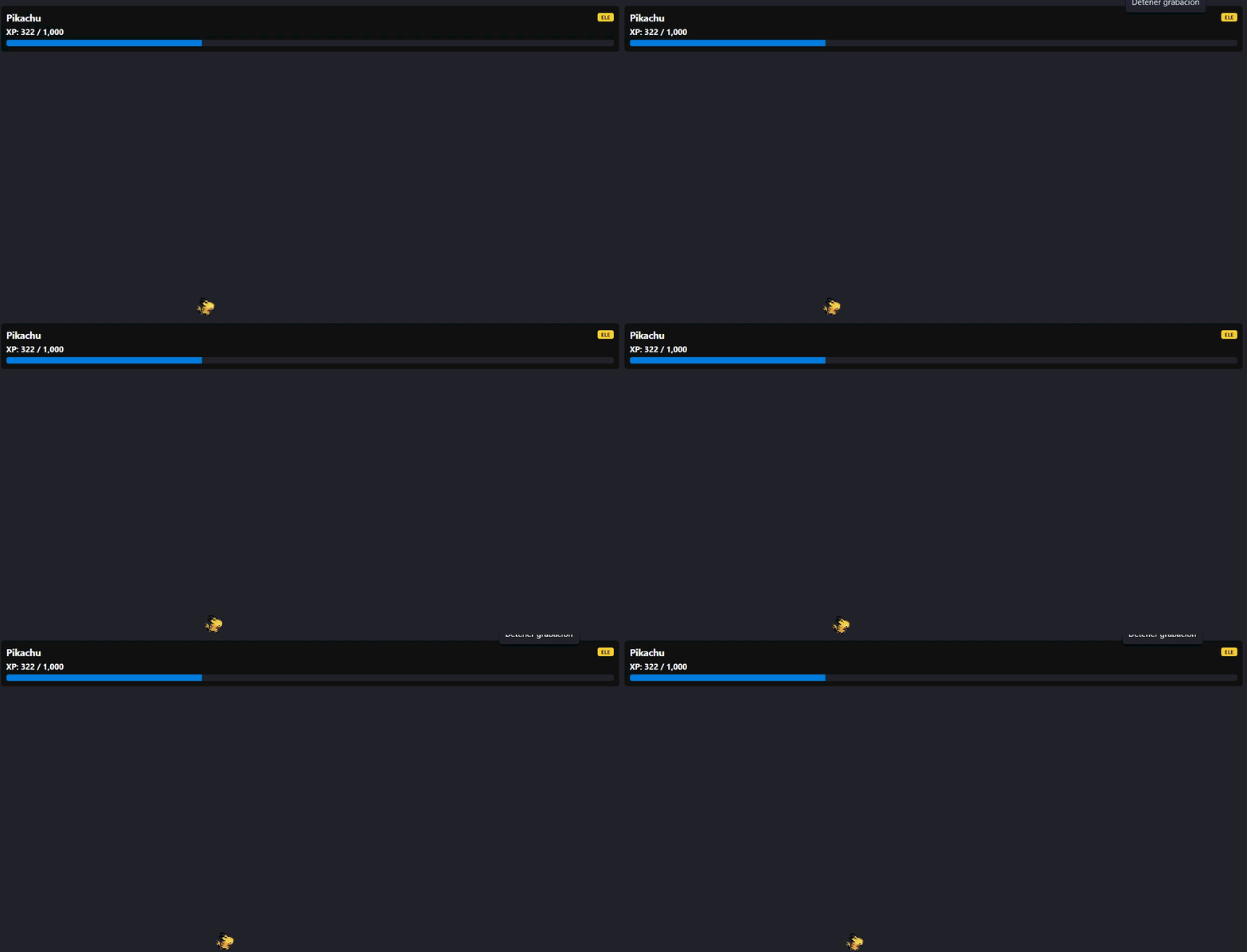
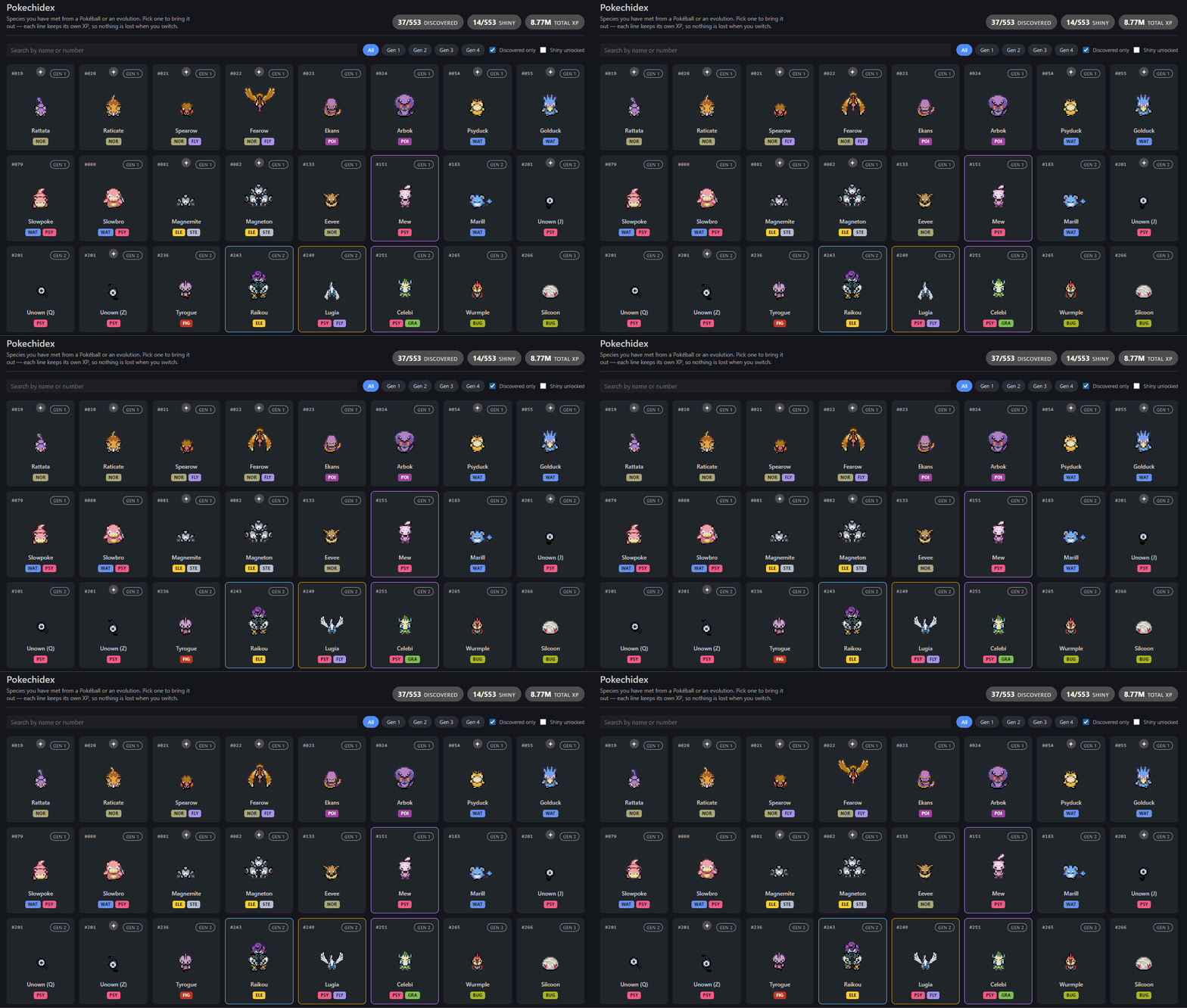
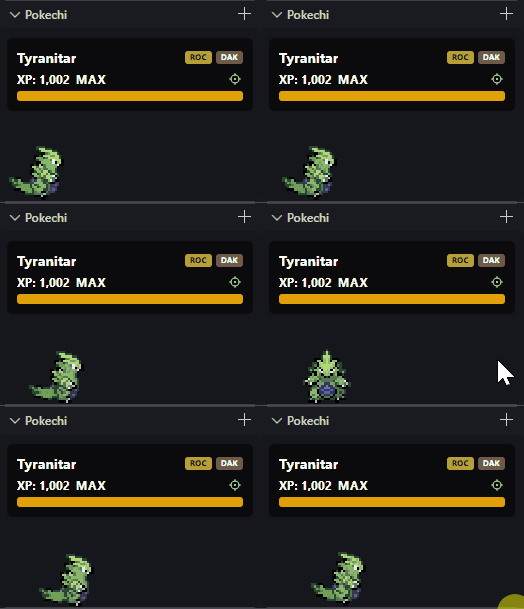
Install it and a Pokéball shows up in your editor. Keep coding and it hatches, walks around while you work, and evolves as it earns XP. Everything you meet is recorded in the Pokechidex — 553 species across Gen 1 to 4, shinies included.
Features
|
|
 |
It grows while you work. 1 XP per edit, 2 per save. Enough XP and it hatches, then evolves through its line. |
 |
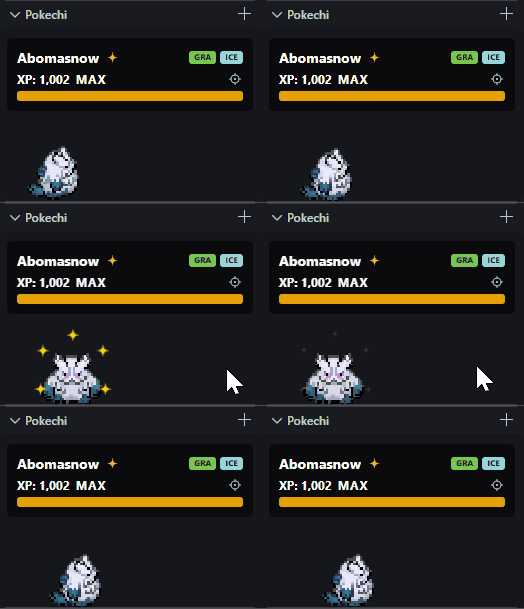
Shinies. A 5% chance on every new Pokémon. The colour sticks through every evolution, and the Pokechidex counts them separately. |
 |
Legendaries are actually rare. Mythical ~0.5%, legendary ~1%, sub-legendary ~2%, fossils ~5%, each on their own odds instead of the common pool. |
 |
All 553 species, across four generations, every Unown form included, each tagged with its classic (pre-Fairy) typing. |
 |
Branching evolutions. Eevee, Oddish, Tyrogue and more can grow into any of several lines. Catch a path you already have and it comes out at max, no re-grinding — a new one hatches and grows as usual. |
 |
Every line keeps its own XP. Switch Pokémon from the Pokechidex whenever you like — nothing you have raised is lost. |
 |
Follows you between windows. Your progress is shared, so a second window picks up where the first left off. |
The Pokechidex
Every species you have met, in one grid. Search by name or number, filter by generation, or narrow it to what you have already caught. Locked species stay hidden behind a Pokéball — the grid never gives away what you have not met yet.
Click any species you have discovered to bring it out. Caught it shiny? Its card gets a sparkle toggle, and it comes out in whichever colour is showing. Lost track of your current Pokémon in the grid? The locate button on its XP bar jumps straight to its card and highlights it.
Getting started
Install, and that is it — your first Pokémon, always one of the 12 starters, is created for you. Start typing and it hatches.
| Command |
What it does |
Pokechi: Show Panel |
Open your Pokémon in a panel |
Pokechi: Show Pokechidex |
Open the Pokechidex |
Pokechi: New Pokemon |
Trade it in for a new random one (also a button in the Explorer view's title bar) |
Pokechi: Open Explorer View |
Move it into the Explorer sidebar |
Panel or Explorer
Pokechi lives in a panel by default, or docked in the Explorer sidebar if you would rather keep it out of the way. Pokechi: Open Explorer View switches, or set pokechi.position yourself.
Settings
| Setting |
Default |
What it does |
pokechi.position |
panel |
Where your Pokémon lives: panel or explorer |
pokechi.scaleFactor |
1.0 |
How big it is, from 0.5 to 1.5 |
How XP works
| Action |
XP |
| Editing a file |
1 |
| Saving a file |
2 |
Only real files count — output channels, logs and diff views do not feed your Pokémon.
| Stage |
XP to advance |
| Pokéball |
500 to hatch |
| First stage |
1000 to evolve |
| Second stage |
2000 to evolve |
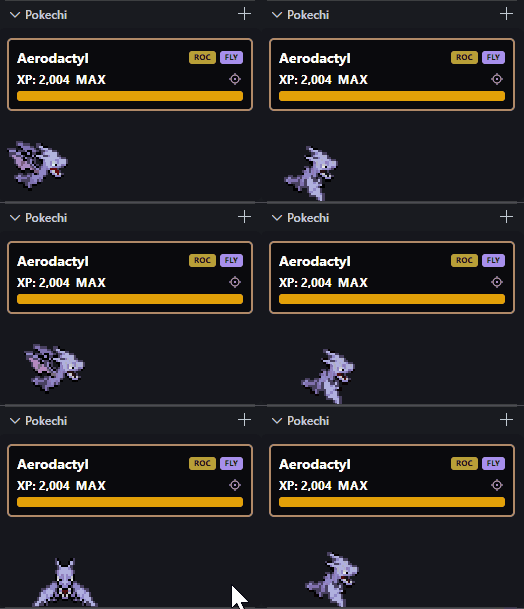
Species that do not evolve show MAX on the bar instead of a target they can never reach.
Building it yourself
git clone https://github.com/diegoponce/vs-pokechi
cd vs-pokechi
npm install
npm run compile
Press F5 to launch it in an Extension Development Host. npm test runs the state tests, npm run package builds a .vsix.
Credits
Pokémon sprites are © The Pokémon Company / Nintendo / Game Freak, used here for a non-commercial fan project. This extension is not affiliated with Nintendo, The Pokémon Company or Game Freak, and all sprite artwork belongs to its original creators.
Built on top of:
The Pokechidex, and the shiny, rarity and typing systems, were contributed by @ApuTHC.