cssdoc
Document plain CSS with structured comments — parse them plus the CSS AST into a model, then emit docs, catch drift and misuse, and get editor IntelliSense.
Author with a grammar
A small comment vocabulary — @component, @modifier, @cssproperty and more — with the machine facts derived from the selectors.
Emit anywhere
One model, many outputs — Markdown, standalone HTML, JSON schema, llms.txt — or extend with your own formats.
Catch drift and misuse
Linter rules flag undocumented or drifted styles, and validate the classes and modifiers your code actually applies with configurable rules.
Editor IntelliSense
A language server brings completion, hover, go-to-definition, and deprecation quick-fixes to any LSP editor — with a VS Code extension included.
Setup
Zero-config by default. The extension auto-detects the CSS in your workspace and reads its doc comments — no setting required.
- Add a
cssdoc.json file to customize your configuration for a workspace.
- Adjust the cssdoc settings in VS Code to customize your editor.
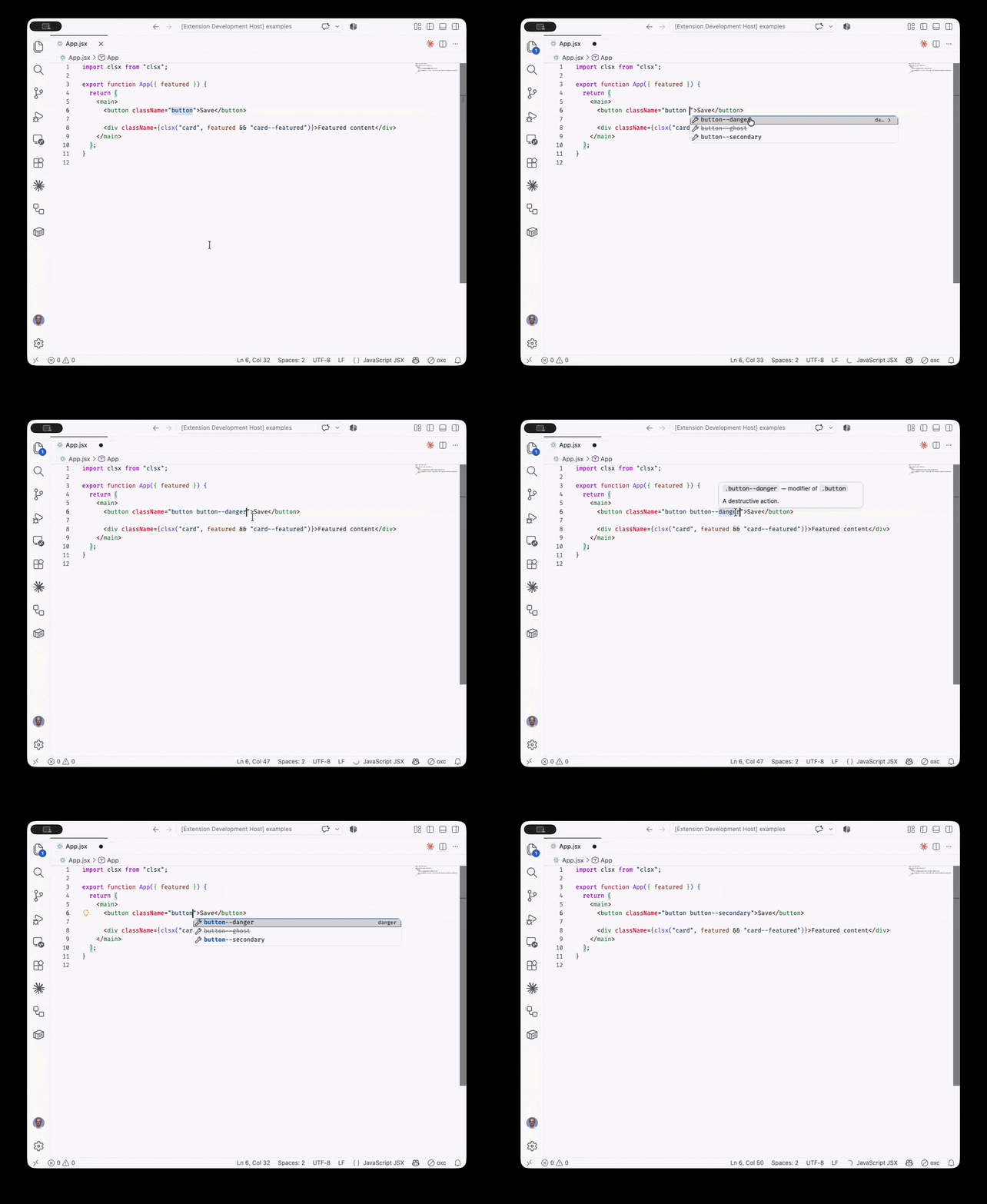
Completion
Authoring autocomplete suggestions for a component's modifiers or css var statements.
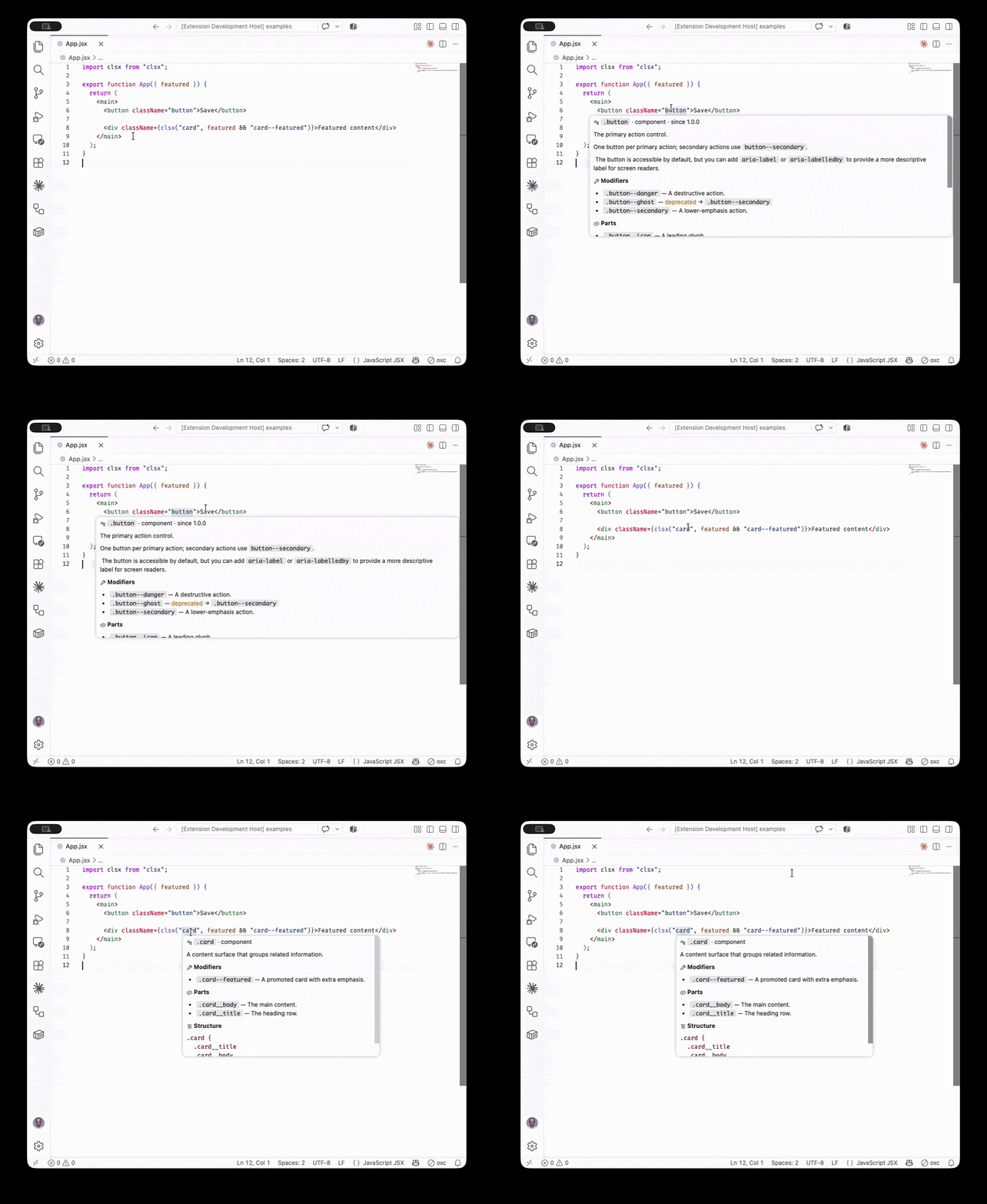
Hover
See the documentation for a modifier or custom property.
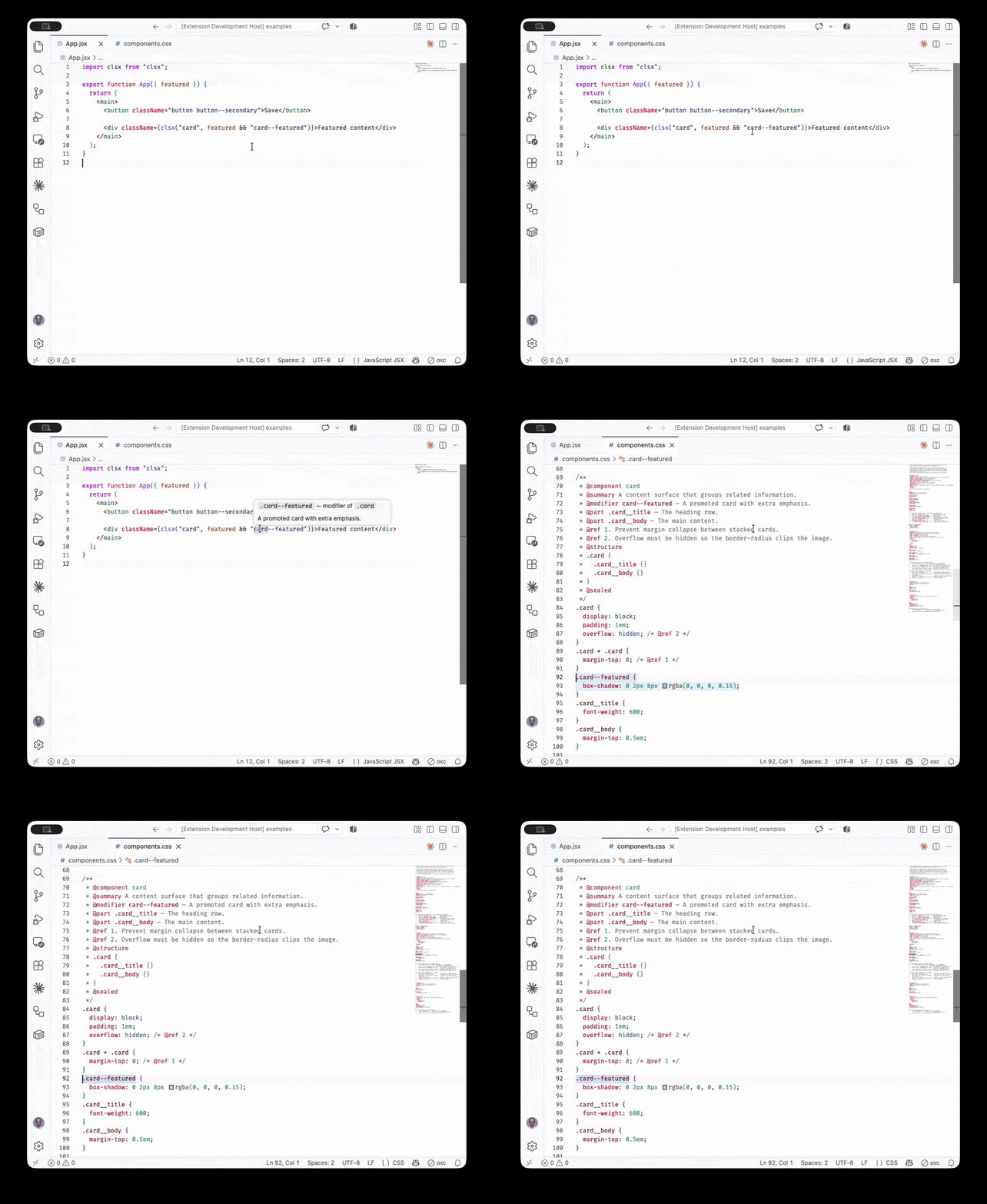
Go to definition
Jump to the CSS rule that defines a class or property.
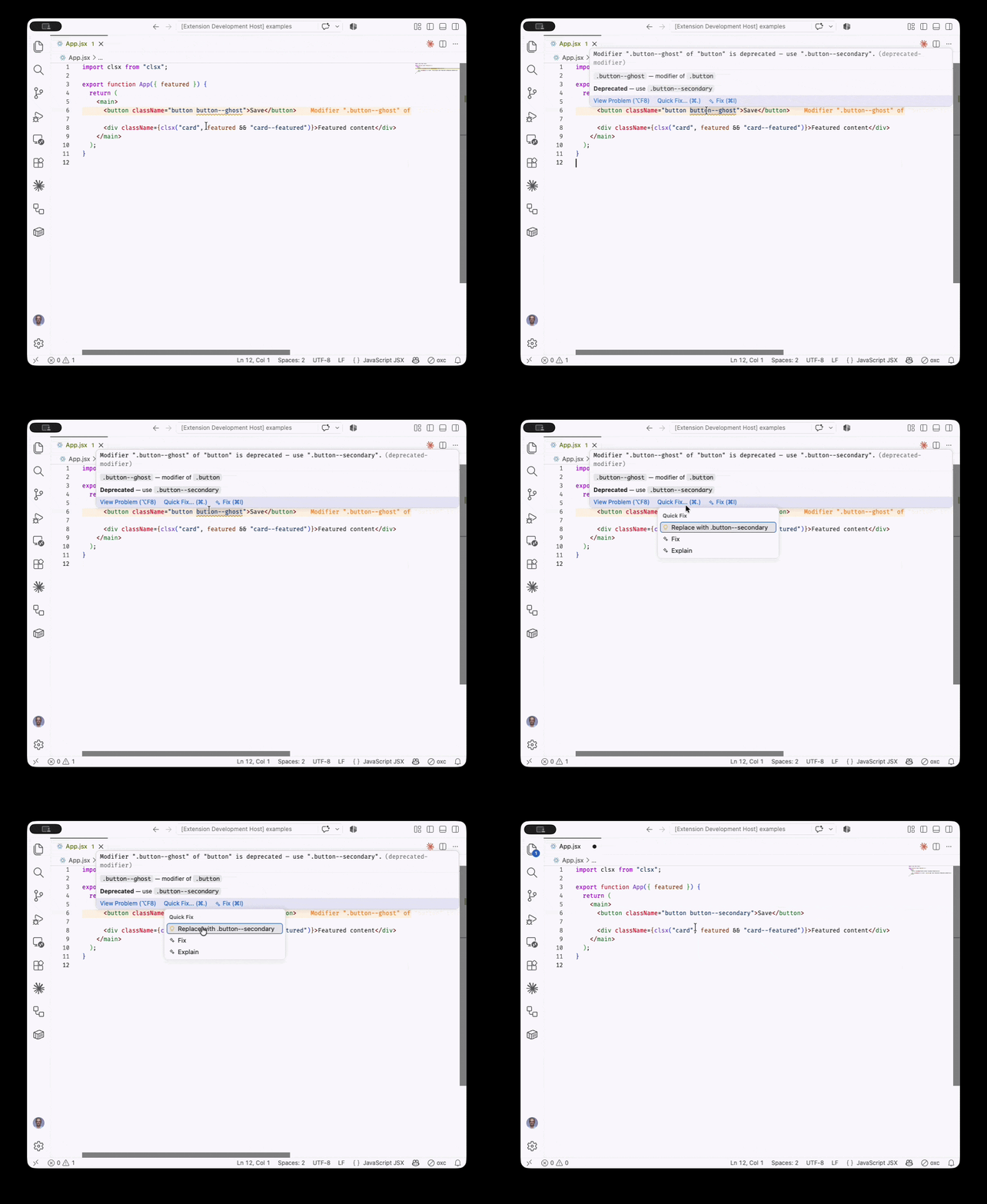
Diagnostics + quick fix
Unknown and deprecated modifiers, with a one-click replace-with-canonical fix.
Documentation
Full guides, the tag vocabulary, API reference, and editor settings are available at cssdoc.dev.
License
MIT

