ferroreport templates for VS Code
Write ferroreport report templates
(.ferro) with syntax highlighting, snippets and folding, and see the PDF change each time you
save.
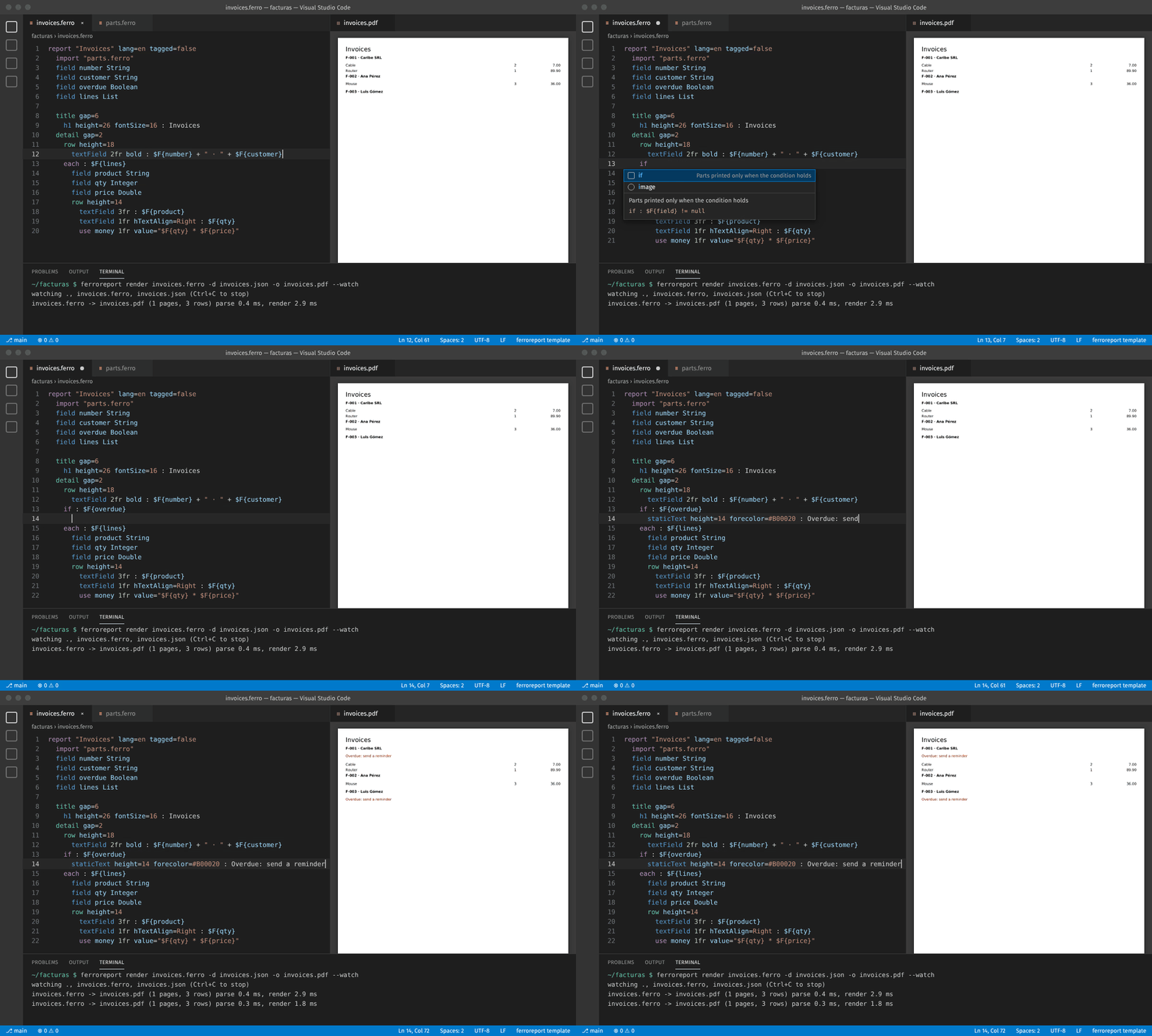
What you get
Highlighting for every part of a template: sections (title, detail, row...),
parts (text, textField, staticText, image...), declarations (field, parameter,
variable), sizes like 2fr, attributes (with colors such as red or #B00020 and
alignments such as right), and the text or expression after :, with its {field},
$F{}, $P{} and $V{} references, strings and numbers.
Snippets that type the structure for you:
| Type |
You get |
report |
A new report with a style, a title and a detail |
text |
A text with a {field} in it |
text= |
A text whose value is an expression: ={qty} * {price} |
field |
A field and its class |
row |
Parts side by side |
if |
Parts printed only when a condition holds |
each |
Parts repeated for every row of a nested list |
def / use |
A definition, and a place that uses it again |
import |
Definitions and styles from another file |
Folding by indentation, comments with Ctrl+/, and automatic indentation after a line
that opens a section.
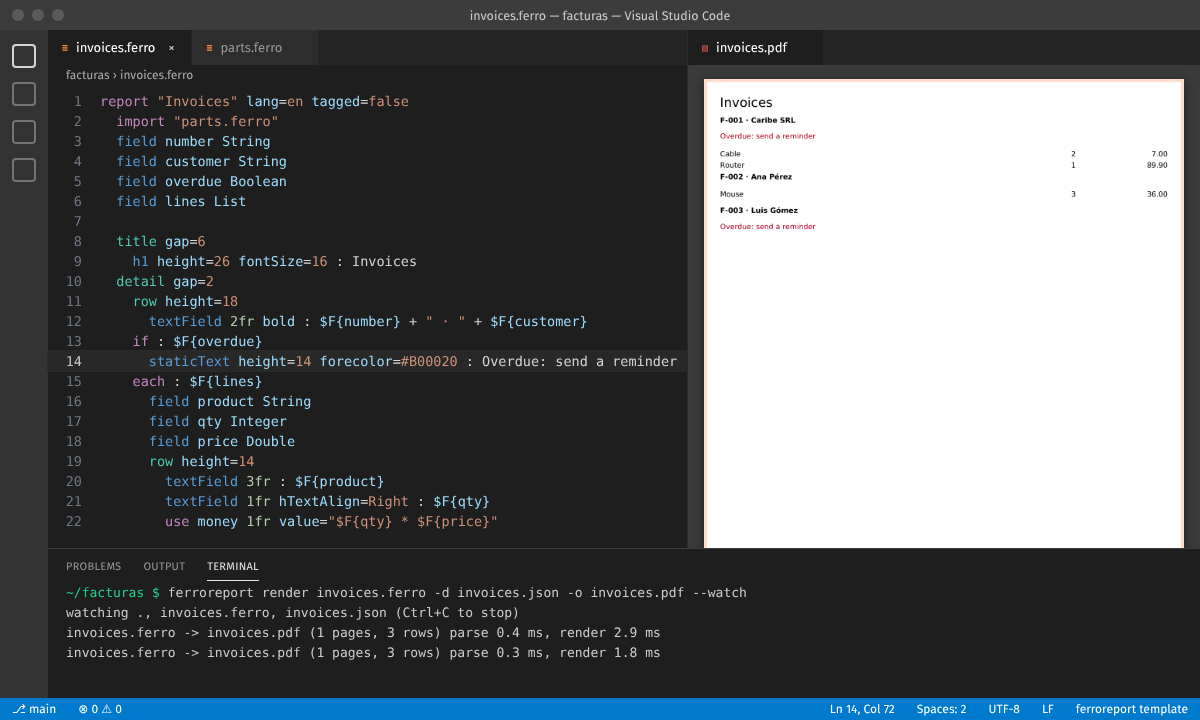
See the PDF while you edit
The extension edits the template; the ferroreport
command renders it. Run this in the terminal and keep the PDF open beside the template: it is
written again every time you save the template or the data.
ferroreport render invoices.ferro -d invoices.json -o invoices.pdf --watch
Change the extension of -o to get .xlsx, .docx, .ods, .odt, .csv or .html from the same
template. To get the command, download it from
Releases or run
cargo install ferroreport-cli.
- The .ferro format: every
section, part and attribute.
- Examples: the
invoice from the animation (
invoices.ferro, parts.ferro, invoices.json) and more.
- Already have JasperReports templates?
ferroreport renders .jrxml files as they are.
License
MIT or Apache-2.0, at your option.
| |

