Synthwave x Fluoromachine & epic animations & contrast
This theme brings crazy 80's animations into your VS Code 🚀🎉
This is a fork of @thecodemonkey's synthwave-x-fluoromachine-epic-animations, which is a fork of synthwave-x-fluoromachine, which is also fork of @robbowen's Synthwave '84 theme, merged with @fullerenedream's Fluoromachine theme and @74th's Monokai Charcoal high contrast purple theme for VSCode.
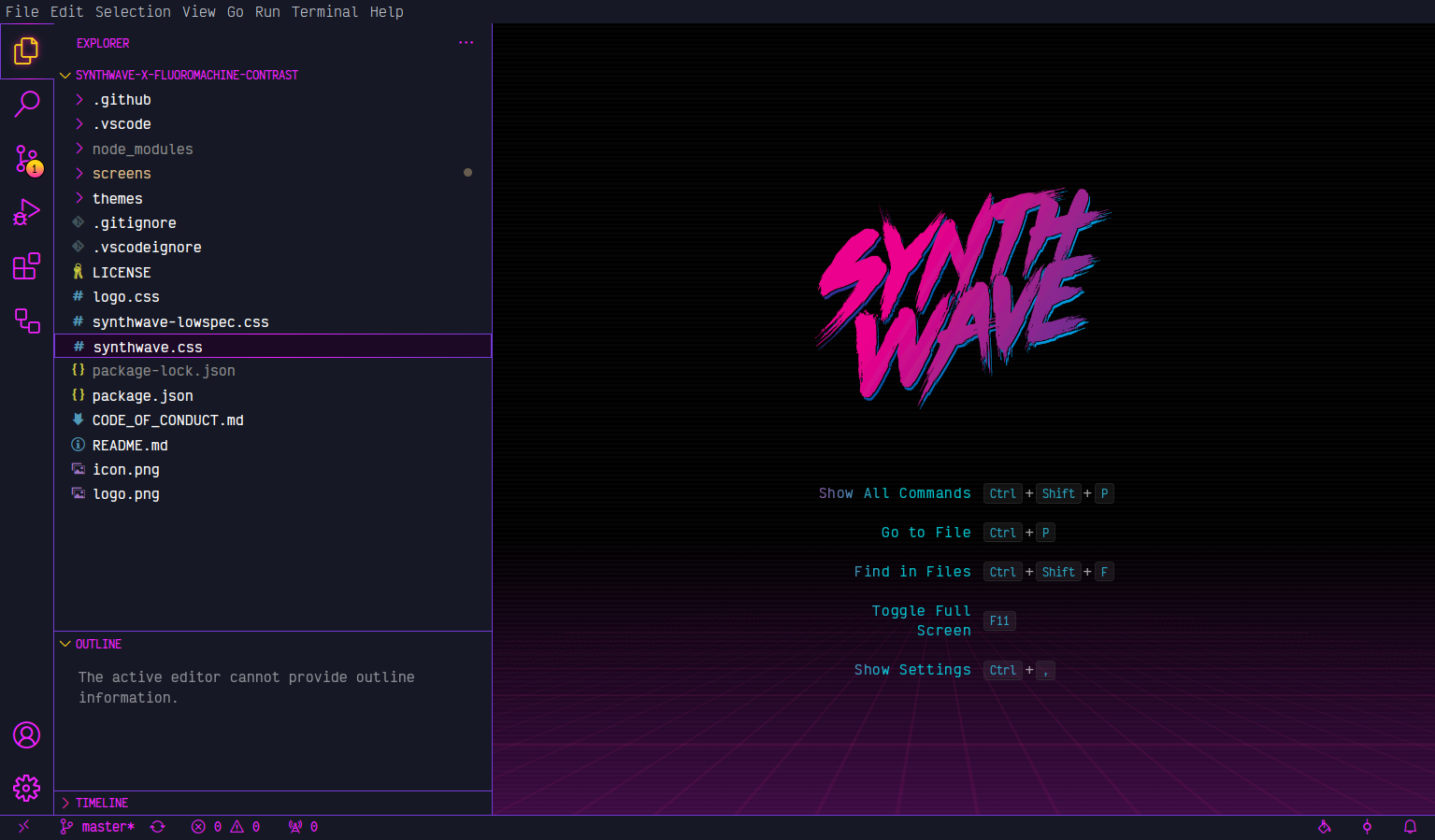
Main screen with animated background, logo and shiny text
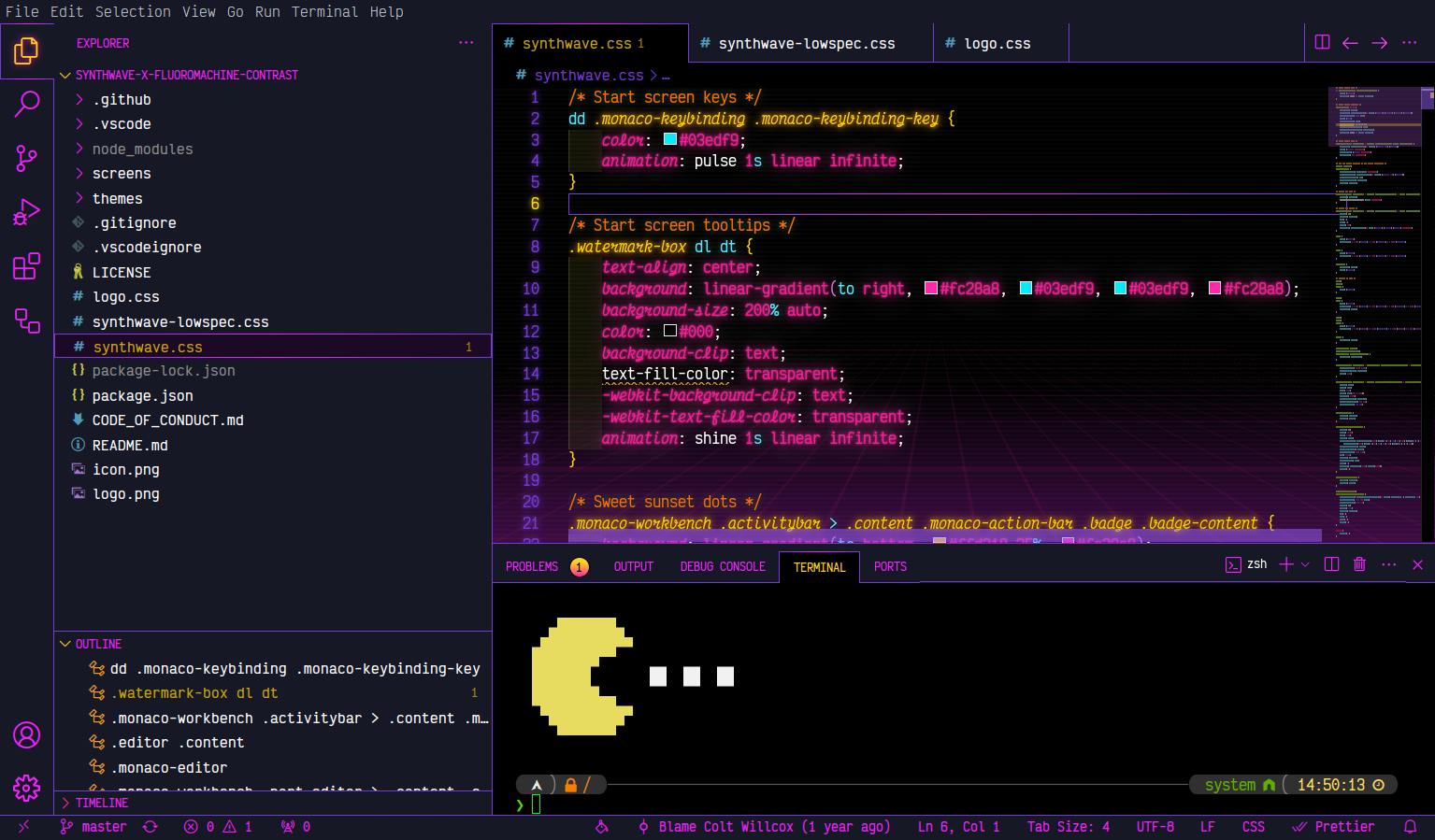
Editor screen with opened terminal and fetching art
Why?
The job of a software developer is hard and often too serious. You always have to be productive and effective. But sometimes you need to take the time to just be a nerd 🤓 or to just have fun again. This theme is exactly for such times! Such nerdy times need to be celebrated accordingly 🎉🦄
Installation
Unfortunately, the current installation is a bit complicated.
A hassle-free installation is already in development.
Until then, the following steps must be performed to install the theme:
- Install this theme
- Install Custom CSS and JS Loader VS Code extension
- Link the CSS file from this extension in your VS Code settings.json:
{
  "vscode_custom_css.imports": [
    "file:///${userHome}/.vscode/extensions/coltwillcox.synthwave-x-fluoromachine-contrast-3.2.3/logo.css",
    "file:///${userHome}/.vscode/extensions/coltwillcox.synthwave-x-fluoromachine-contrast-3.2.3/synthwave.css"
  ]
}
${userHome} is expanded by the loader, so the same snippet works on Linux, macOS and Windows. If you use VSCodium the extensions folder is .vscode-oss instead of .vscode, and VS Code Insiders uses .vscode-insiders.
The version number in the path has to be updated when this extension updates. The loader resolves each import as a single literal path, so wildcards are not supported and there is no variable for the extension version. If you would rather never touch it again, the loader also accepts https: URLs, so you can point at this repository instead and the path will never change:
{
  "vscode_custom_css.imports": [
    "https://raw.githubusercontent.com/coltwillcox/synthwave-x-fluoromachine-contrast/master/logo.css",
    "https://raw.githubusercontent.com/coltwillcox/synthwave-x-fluoromachine-contrast/master/synthwave.css"
  ]
}
The files are fetched only when you run Reload Custom CSS and JS, not on every startup. The trade-off is that you need a network connection at that moment, and you always get the latest master rather than the version you installed.
- To turn the animations off (low spec machines, or just personal taste), add to the same
settings.json:
{
  "workbench.reduceMotion": "on"
}
The default, "auto", follows your operating system's reduced-motion preference. This takes effect immediately, with no need to re-run Reload Custom CSS and JS.
Deprecated: synthwave-lowspec.css still ships and still works, but it is now generated from synthwave.css and will be removed in a future release. Use "workbench.reduceMotion" instead.
logo.css is optional and changes VS Code logo.- From the command panel, select
Reload Custom CSS and JS. You'll need to run this command every time vscode updates.
Font
The font being used in the screenshot above is Victor Mono.
Themes
Icon theme is Sweet vscode Icons.
XFCE/GTK theme is Sweet.
Contibution
All contributions are welcome, including issues, new docs as well as updates and tweaks, blog posts, workshops, and more.
License
I 💜 MIT

