
ChromeX BrowserExplore the entire internet inside VS Code, Cursor & Antigravity IDE. A real, GPU-accelerated Chromium browser with DRM video playback, native audio, and zero iframe restrictions. Installation Launch VS Code Quick Open ( Ctrl+P), paste the following command, and press enter.Copied to clipboard |

ChromeX Browser
A complete, lightning-fast Web Browser embedded directly inside VS Code, Cursor, and Antigravity IDE. 🌟 Why Use ChromeX Browser?Stop switching back and forth between your IDE and external browser windows! Traditional VS Code browser extensions use simple ChromeX Browser launches a high-performance, GPU-accelerated Chromium engine in the background and streams low-latency, 60fps frames directly into your editor using the Chrome DevTools Protocol (CDP). You get a genuine, unrestricted browser tab inside your editor. 📋 Prerequisites & System RequirementsBefore using this extension, make sure you have at least one modern Chromium browser installed on your system:
📦 Installation GuideMethod 1: Install from Marketplace (Recommended)
Method 2: Install from
|

| Feature | Description |
|---|---|
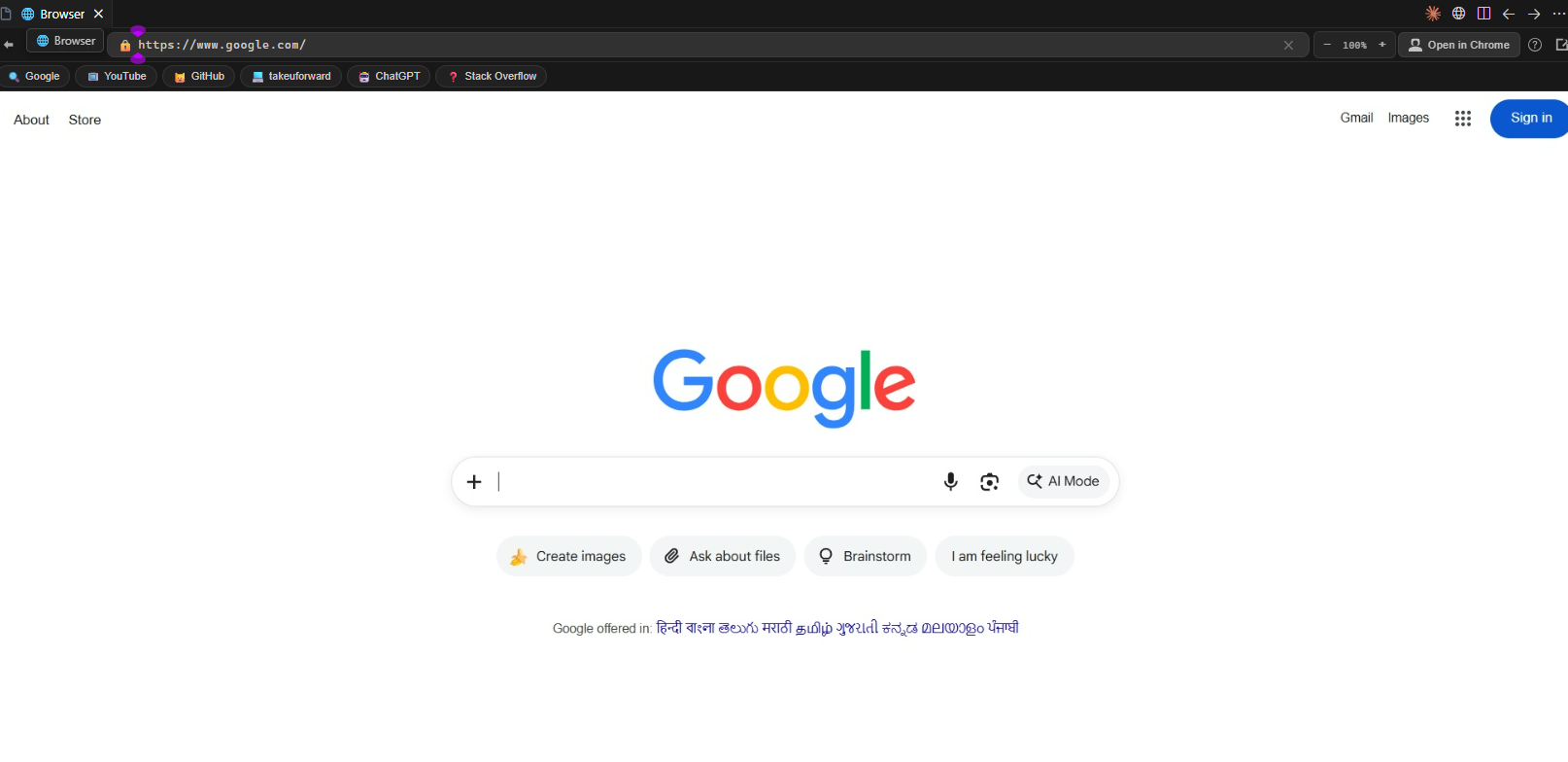
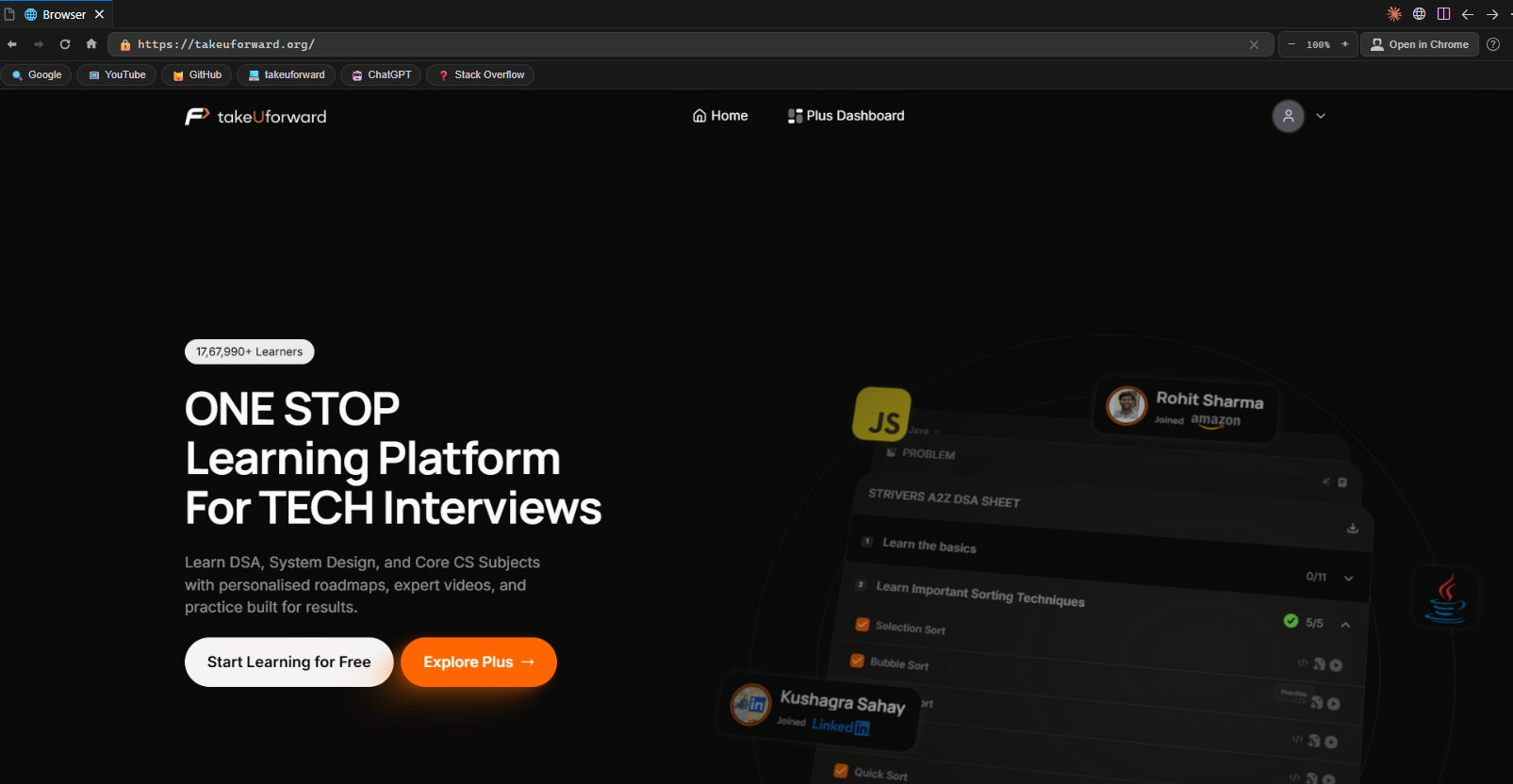
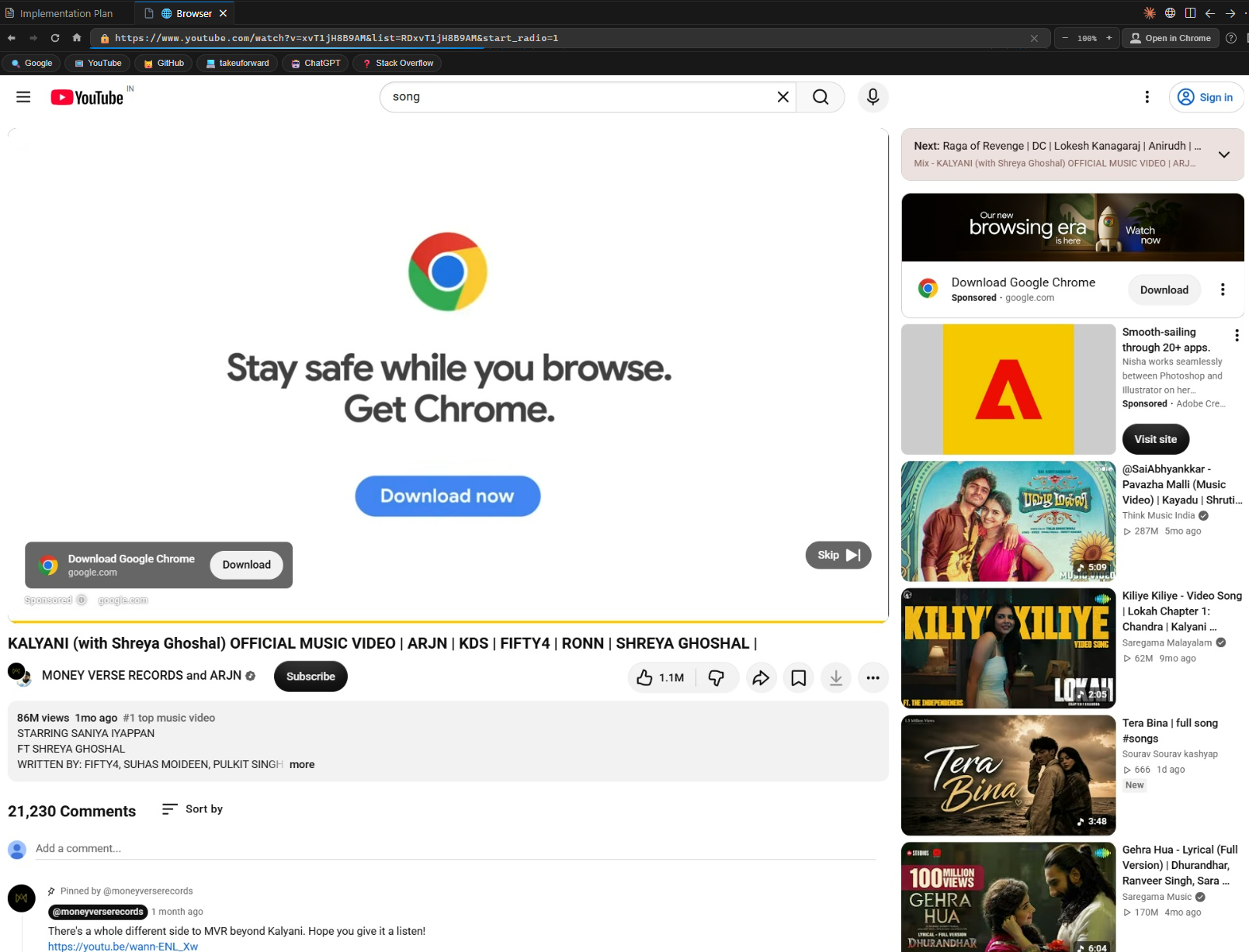
| 🌐 Unrestricted Browsing | Open any site (Google, YouTube, GitHub, ChatGPT, LeetCode, etc.) without iframe blocking |
| 🛡️ DRM & Video Playback | Widevine CDM auto-detection for protected educational videos & media |
| 🔊 Native System Audio | Full unmuted audio playback through your system speakers/headphones |
| ⚡ Hardware Accelerated | DirectX 11 ANGLE rendering, GPU rasterization, zero-copy video decode |
| ⌨️ Precise Keyboard Input | Single-keystroke accuracy, modifier keys (Ctrl, Alt, Shift), form navigation |
| 🖱️ Full Mouse Interaction | Exact coordinate mapping, drag-and-drop, text selection, wheel scrolling |
| 📐 Dynamic Viewport Sync | Automatically syncs Chrome viewport and window size on panel resize and fullscreen |
| 🍪 Chrome Session Sync | Import active login sessions and cookies from your local Chrome profile |
| 📑 Quick Bookmarks Bar | 1-click access to essentials (Google, YouTube, GitHub, TakeUForward, ChatGPT, Stack Overflow) |
| 🔍 Zoom & Scaling | In-browser zoom controls (Ctrl + Plus, Ctrl + Minus, Ctrl + 0) with live percentage display |
| 🎨 IDE Theme Integration | Automatically adapts to your editor's dark or light theme |
| 📊 Real-time Diagnostics | Live FPS counter, HTTPS security indicator, and quick help modal (?) |
🚀 How to Use
- Press
Ctrl + Shift + P(orCmd + Shift + Pon macOS) to open the Command Palette. - Type
Open Full Browserand hit Enter (or click the 🌐 icon in the Status Bar / Editor Title). - Type any URL or search term in the address bar and enjoy browsing!
⌨️ Keyboard Shortcuts (Inside Browser Panel)
| Shortcut | Action |
|---|---|
Ctrl + L |
Focus URL / Address Bar |
F5 |
Reload current page |
Alt + Left |
Navigate Back |
Alt + Right |
Navigate Forward |
Ctrl + Plus / Ctrl + = |
Zoom In (+10%) |
Ctrl + Minus |
Zoom Out (-10%) |
Ctrl + 0 |
Reset Zoom to 100% |
Escape |
Close modals / dialogs |
Enter (in URL bar) |
Navigate to URL |
⚙️ Extension Settings
Configure ChromeX Browser (v1.0.7) via Settings (Ctrl+,) → Extensions → ChromeX Browser:
| Setting | Default | Description |
|---|---|---|
fullBrowser.chromePath |
"" (auto-detect) |
Custom path to chrome.exe, msedge.exe, or brave.exe |
fullBrowser.homepage |
https://www.google.com |
Default homepage URL on launch |
fullBrowser.quality |
95 |
Screencast JPEG quality (10–100) |
fullBrowser.everyNthFrame |
1 |
Capture rate (1 = smoothest 60 FPS) |
fullBrowser.profileMode |
temporary |
Profile isolation mode (temporary, persistent, chrome) |
fullBrowser.profileDirectory |
auto |
Chrome profile directory name |
🔒 Privacy & Security
- 100% Local: Runs exclusively on your computer using your local browser installation.
- No Cloud Proxies: No data is sent to external servers or third parties.
- Secure Isolation: Your session cookies and credentials remain safe on your local drive.
🤝 Contributing & Developer Setup
We love contributions! Whether it's fixing bugs, improving performance, or adding new features, here's how to get started:
# 1. Clone the repository
git clone https://github.com/Dragonwinner/chromex-browser.git
cd chromex-browser

# 2. Install dependencies
npm install

# 3. Build & bundle
npm run build

# 4. Press F5 in VS Code to launch Extension Development Host
📖 Read our full Contributing Guide (CONTRIBUTING.md) for detailed architecture docs, debugging workflows, and pull request guidelines.
📄 License
This project is licensed under the MIT License.