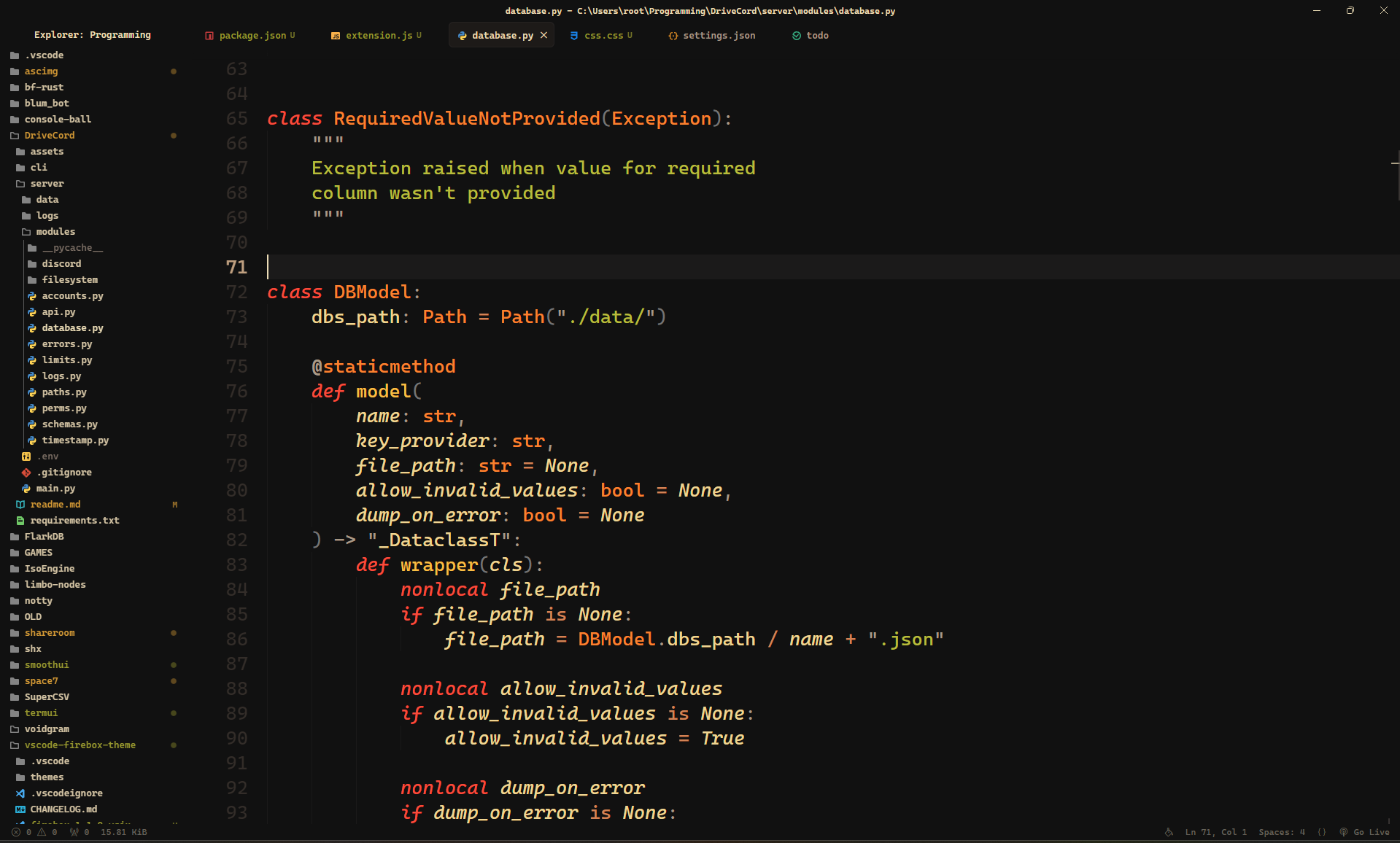
Ultra Smooth UIEnhanced build (1.2.1)Based on Smooth UI by 7hebel. This modified build adds caret motion effects and layout fixes. This build keeps the original UI and fixes the overflowing editor-top shadow and tab borders. Native smooth caret movement, phase blinking and smooth scrolling are enabled by default (explicit editor settings take precedence). A short, theme-colored motion-blur trail follows the caret without blurring code or delaying input. It resets on large jumps and scrolling, stops when idle, and respects the system's reduced-motion preference. InstallDisable or uninstall the original/local Smooth UI before enabling this fork.
The loader modifies VS Code's workbench files and can trigger VS Code's integrity notice. This is also how the original Smooth UI works. To remove injected styles, run Disable Custom CSS and JS, then reload VS Code. Tune the effectRaise Develop and verifyInstall dependencies with
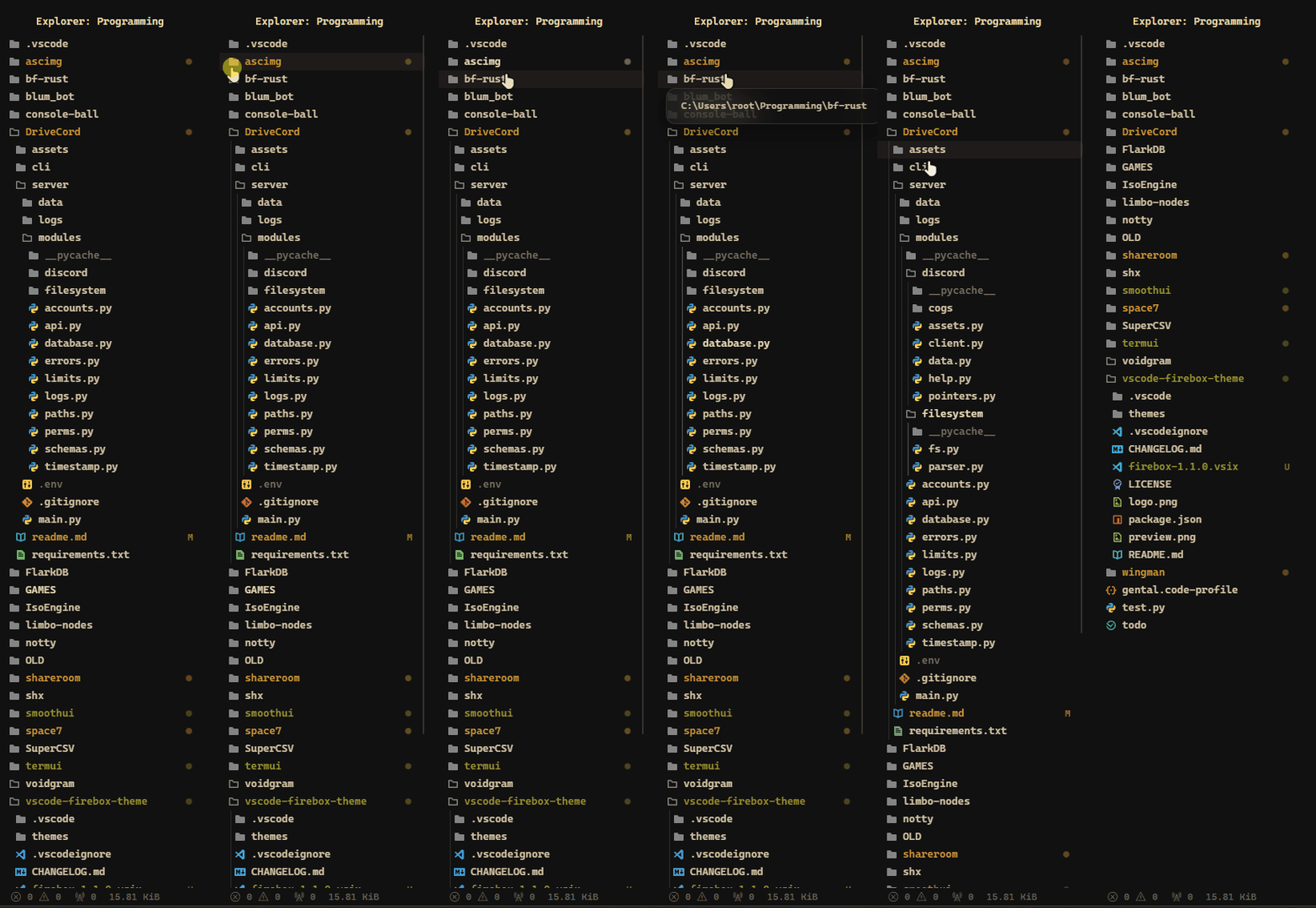
Apply greater style to the Visual Studio Code.✨ Features:Compatible with all themes (use flat, no-border for better effect.) Font changed to the Sidebar title centered. VSC icon hidden. Cleaner tabs:
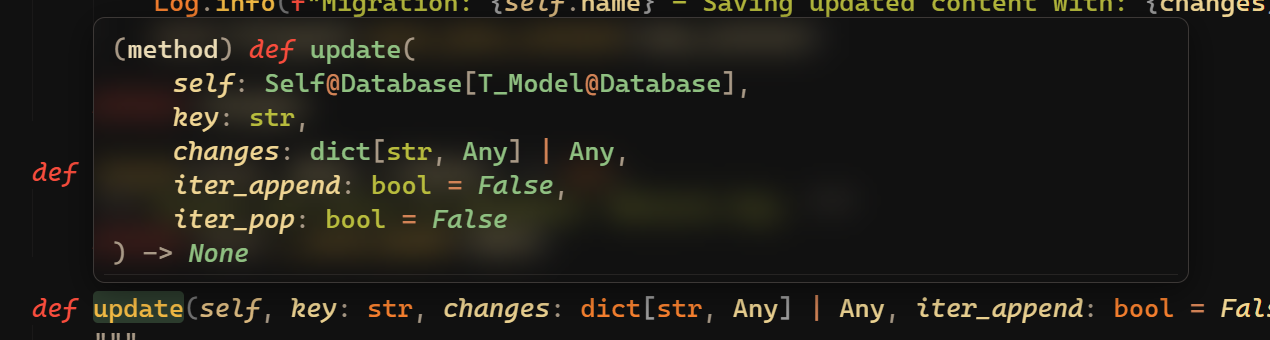
Rounded corners and background blur in all menus.
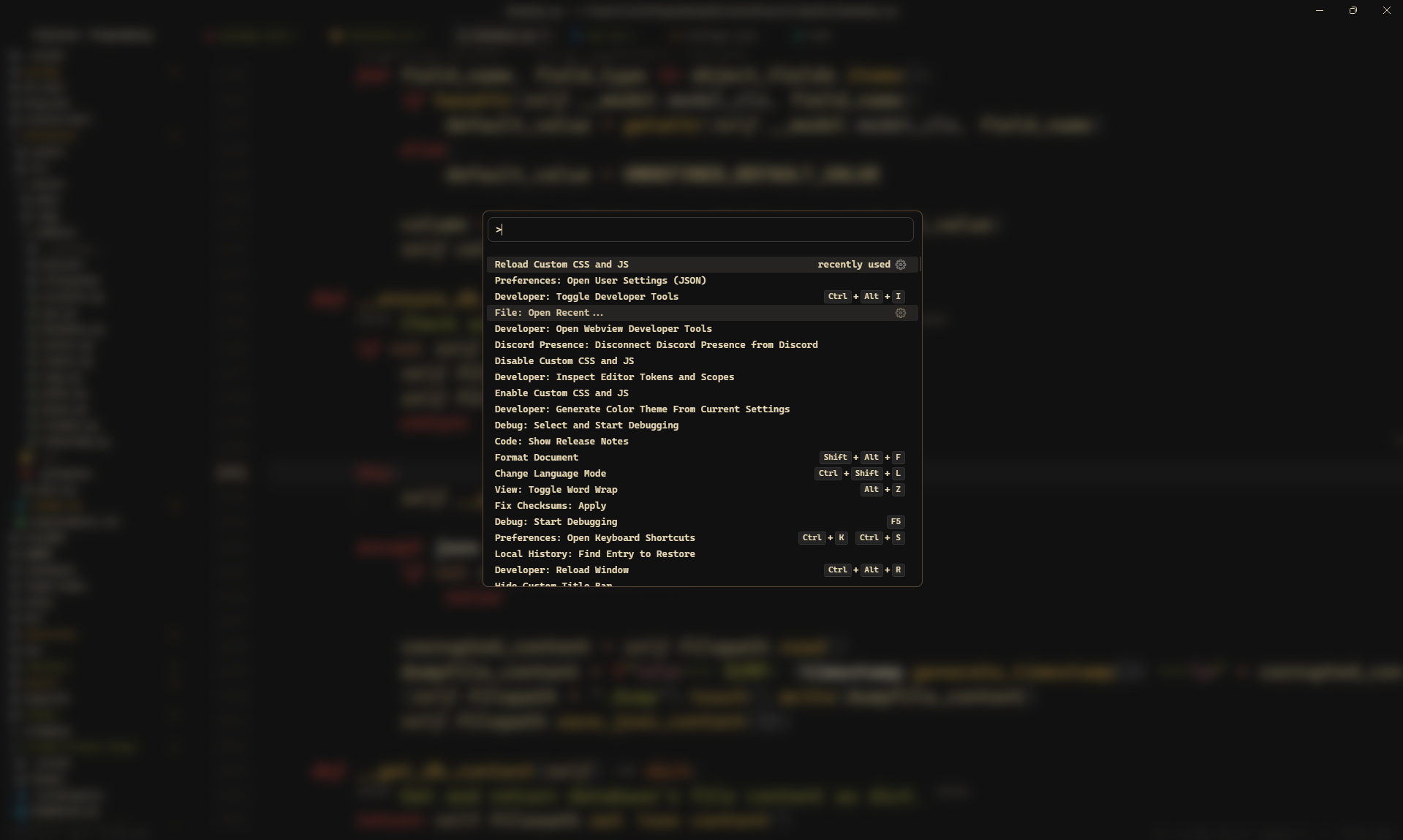
Reworked command palette:
Animations:
|