Skip to content
| Marketplace
Sign in
Visual Studio Code>AI>Codes AINew to Visual Studio Code? Get it now.
Codes AI

Codes AI

Codes

|
1 install
| (1) | Free
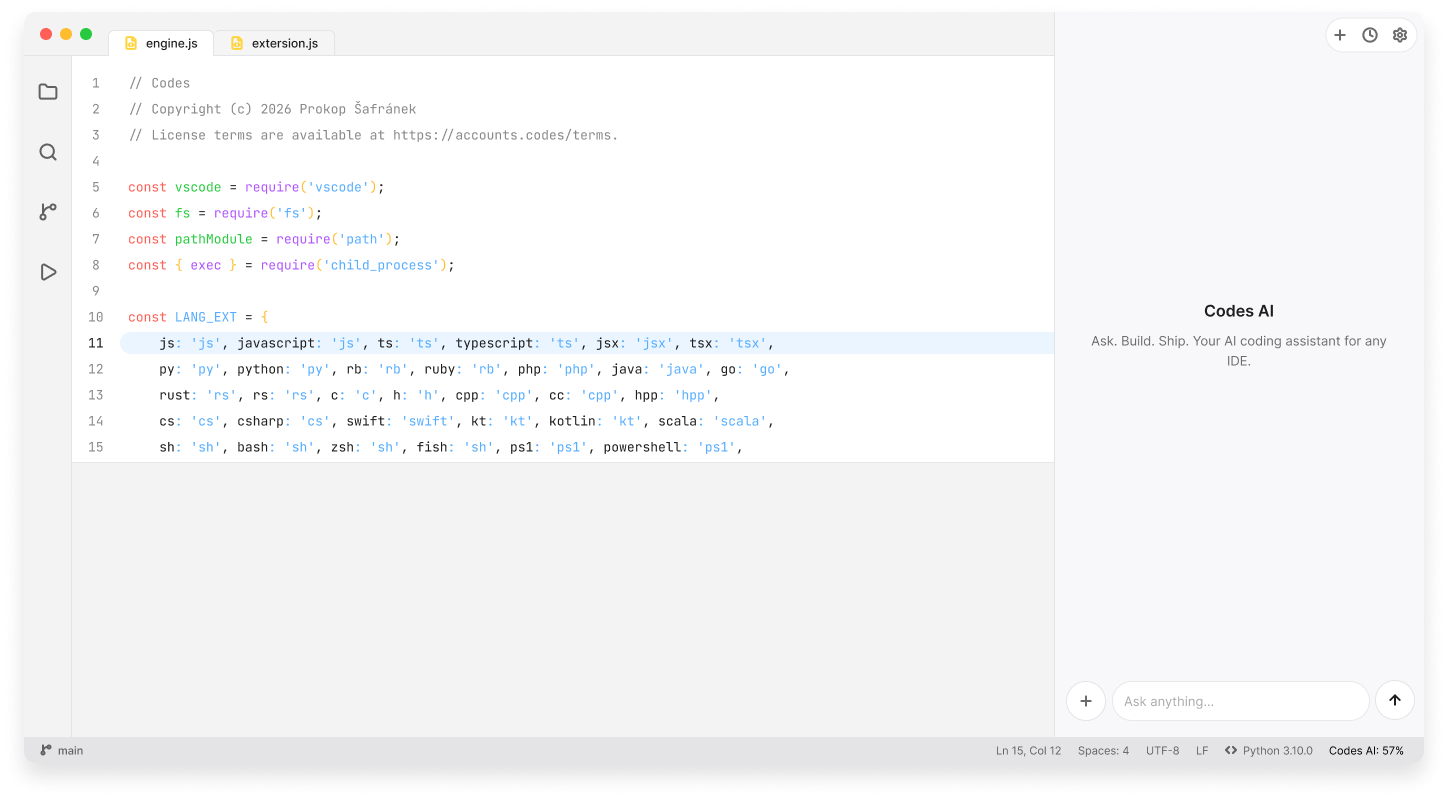
An AI coding agent built for VS Code.
Installation
Launch VS Code Quick Open (Ctrl+P), paste the following command, and press enter.
Copied to clipboard
More Info

Codes AI

An AI coding agent built for VS Code.

Try the demo →

Codes AI

Features

  • AI Chat — Chat with AI using OpenAI-compatible endpoints.
  • BYOK — Use your own API key with any OpenAI-compatible endpoint.
  • Agent Mode — Let Codes AI autonomously work through coding tasks with Autopilot mode.
  • Tool Calling & Streaming — Use tools and receive responses as they are generated.
  • Chat History & Context — Keep conversations and relevant project context available while you work.
  • Project & Code Interaction — Read and work with your project files and source code directly from VS Code.

Requirements

  • Visual Studio Code 1.80 or later
  • An API key for an OpenAI-compatible endpoint

Privacy

Codes AI uses your configured OpenAI-compatible endpoint to process AI requests. Your API key and request data are sent directly to that endpoint.

Codes AI does not proxy or store your AI requests.

License

© 2026 Prokop Šafránek. All rights reserved.

This VS Code extension is proprietary software and is governed by the terms available at accounts.codes/terms.

By installing, accessing, or using this extension, you agree to be bound by these terms.

  • Contact us
  • Jobs
  • Privacy
  • Manage cookies
  • Terms of use
  • Trademarks
© 2026 Microsoft