Skip to content
| Marketplace
Sign in
Visual Studio Code>Programming Languages>JunosNew to Visual Studio Code? Get it now.
Junos

Junos

Shintaro Kojima

|
23,828 installs
| (4) | Free
Junos for Visual Studio Code
Installation
Launch VS Code Quick Open (Ctrl+P), paste the following command, and press enter.
Copied to clipboard
More Info

Junos Extension for Visual Studio Code

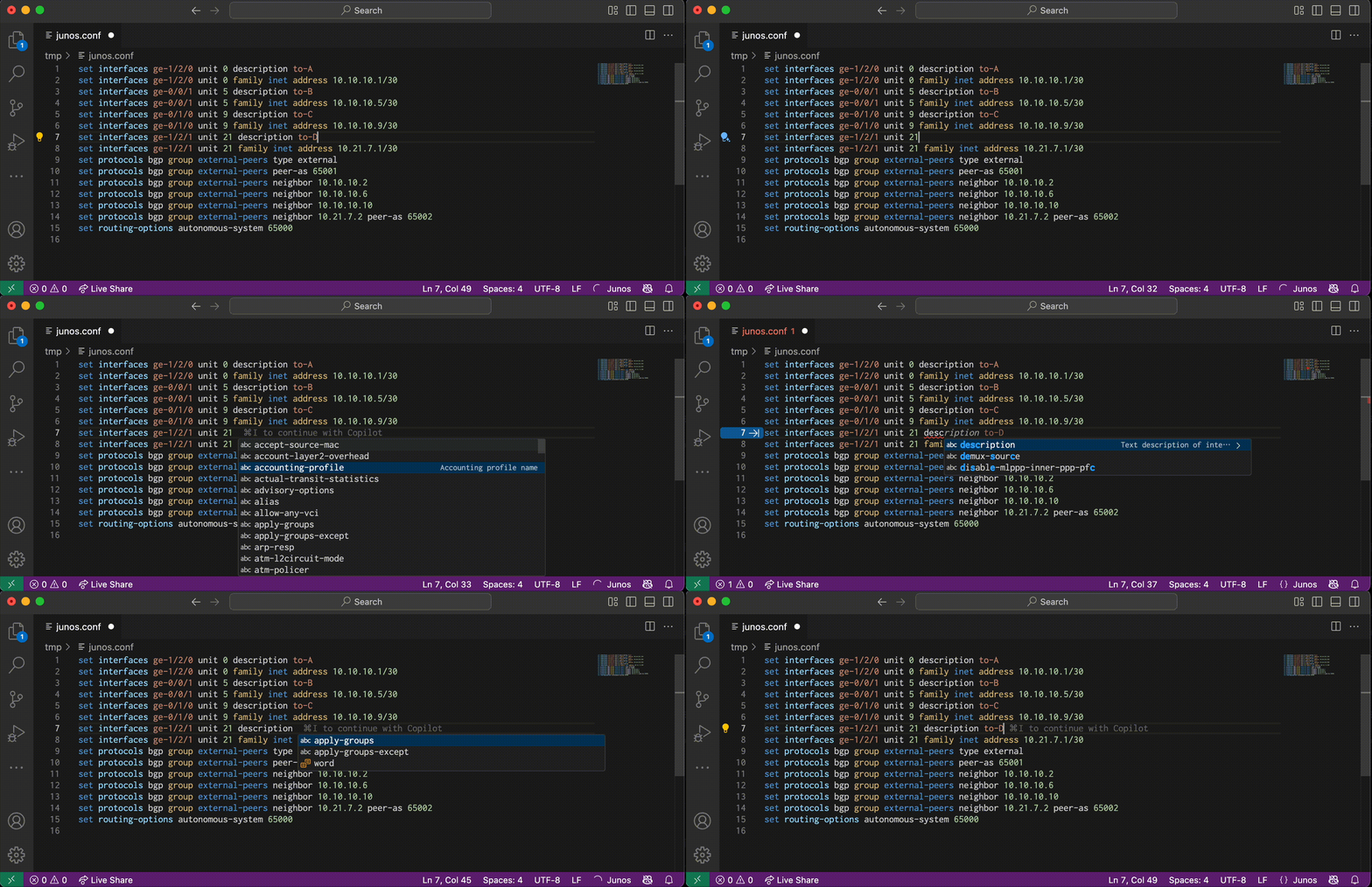
Junos extension for Visual Studio Code is a language server that provides auto-completion, validation, and syntax highlighting for Junos.

Features

The language server has the following language features:

  • Completion
  • Syntax validation
  • Syntax highlighting
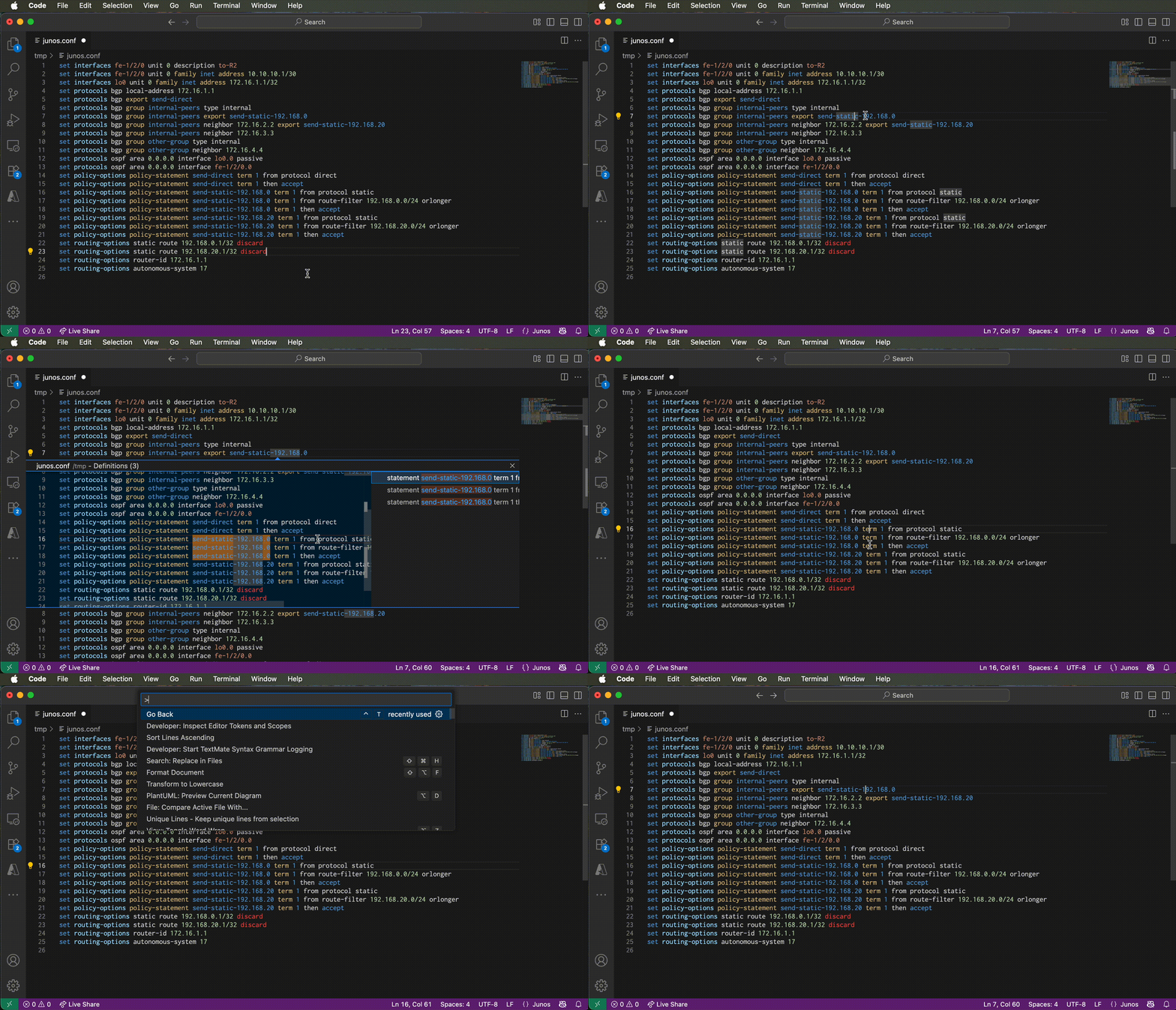
  • Go To Definition
    • interface
    • prefix-list
    • policy-statement
    • community
    • as-path
    • as-path-group
    • firewall-filter
    • NAT pool (source-pool, destination-pool, dns-alg-pool, overload-pool, security nat ... then (source|destination)-nat pool)
    • address and address-set in global and zone-specific address books, including security nat ... match (source|destination)-address and security policies ... match (source|destination)-address
    • application in security policies ... match application

Requirements

  • Visual Studio Code 1.100.0 or later

Supported Junos

Completion and validation are driven by the NETCONF schema (xsd) of Junos 23.4, converted into a parser with junoser. Syntax of other platforms is merged into the schema:

  • security, chassis cluster and chassis high-availability of vSRX 22.4
  • poe of EX 18.1
  • ethernet-switching-options of 12.1

Platform differences are not modeled; a statement unsupported on the target device may still be reported as valid. Syntax introduced after the releases above is reported as invalid.

Screen Shot

Screen Shot Screen Shot

Copyright and License

Copyright (c) 2019-2026 Shintaro Kojima. Code released under the MIT license.

  • Contact us
  • Jobs
  • Privacy
  • Manage cookies
  • Terms of use
  • Trademarks
  • Your Privacy Choices
  • Consumer Health Privacy
© 2026 Microsoft