CodeMux — AI Coding Agent with Claude, GPT & DeepSeekFix bugs, build features, write tests, and refactor in VS Code with Claude, GPT, DeepSeek, and Grok. Automatic model routing, reviewable changes, and BYOK. Installation Launch VS Code Quick Open ( Ctrl+P), paste the following command, and press enter.Copied to clipboard |

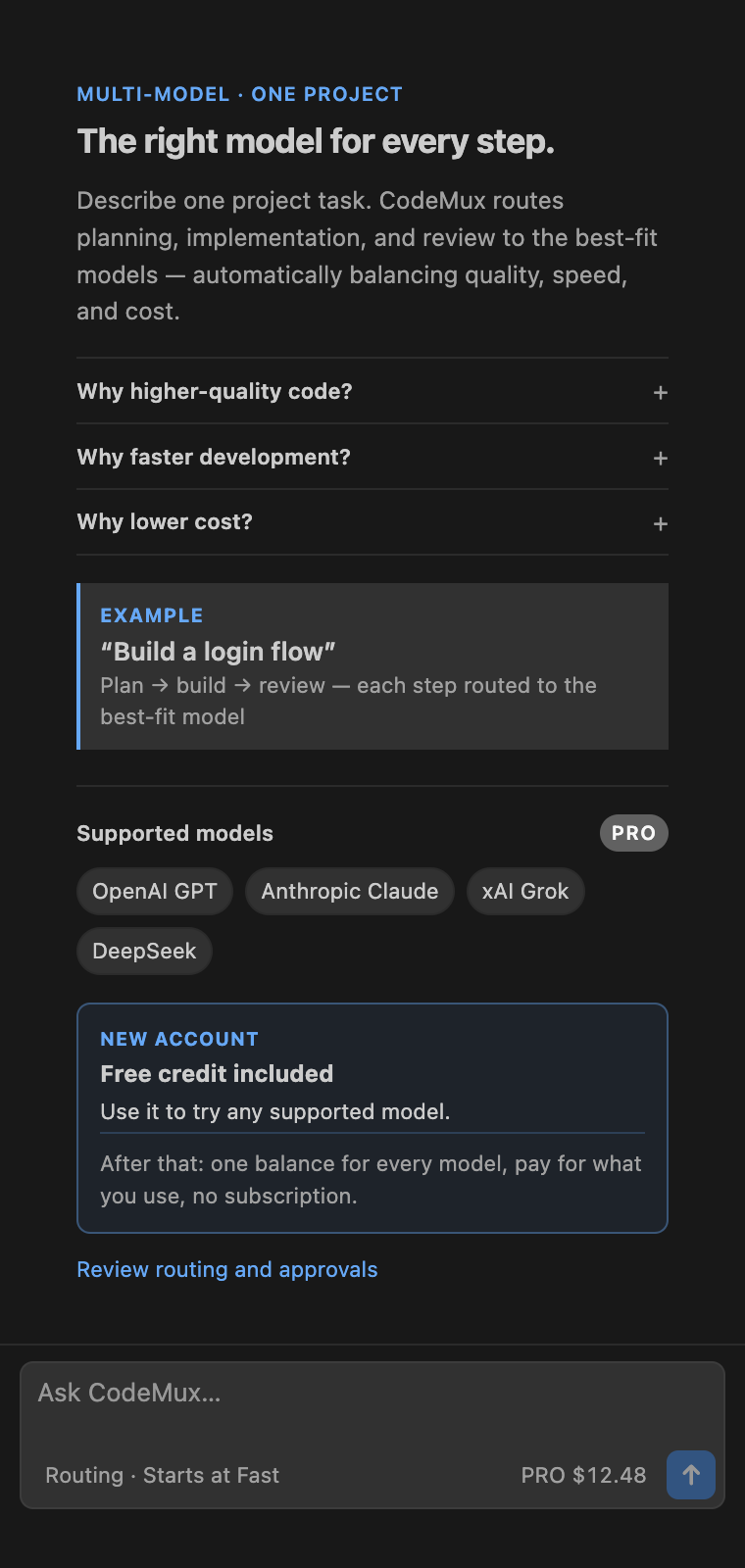
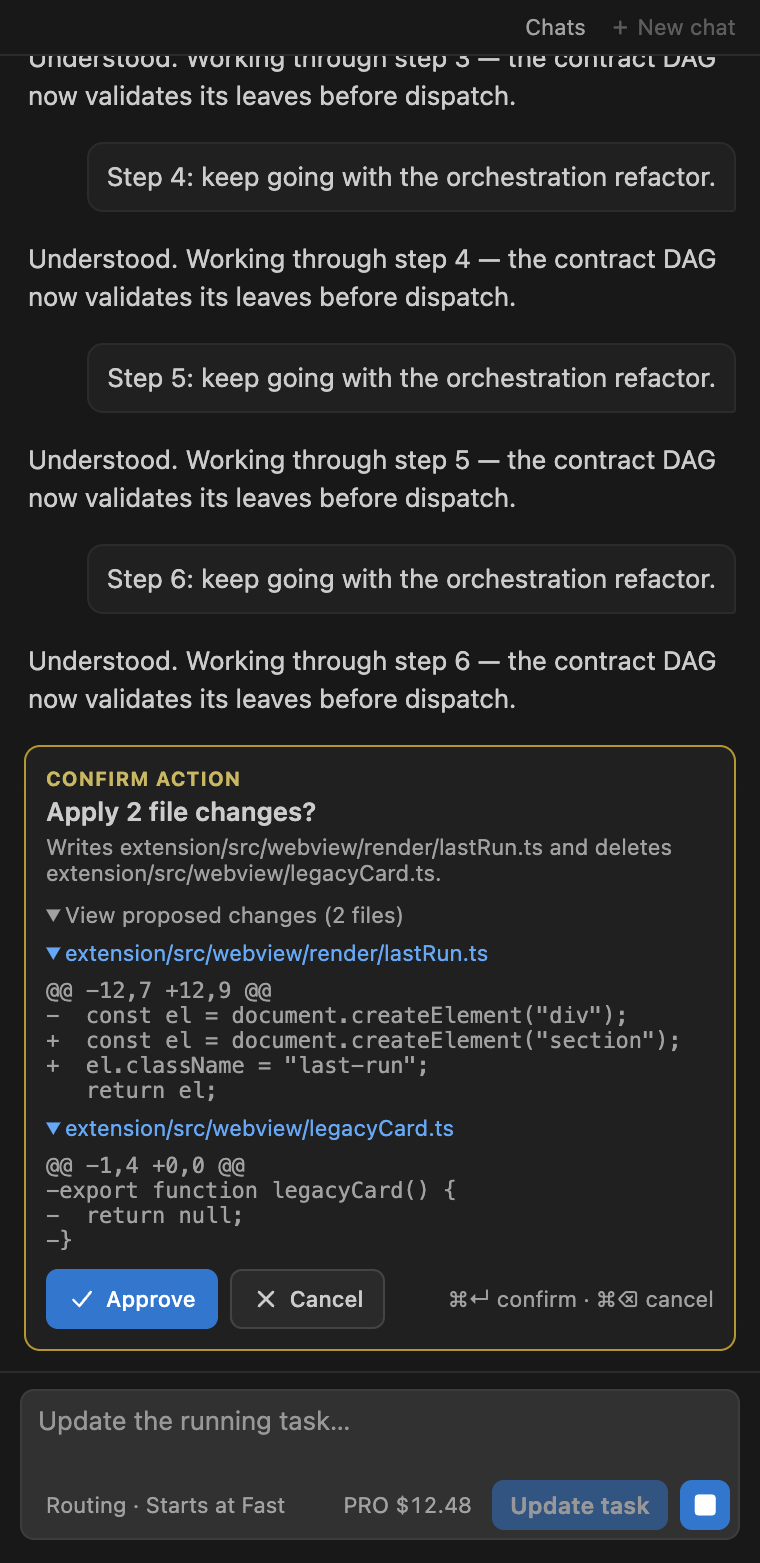
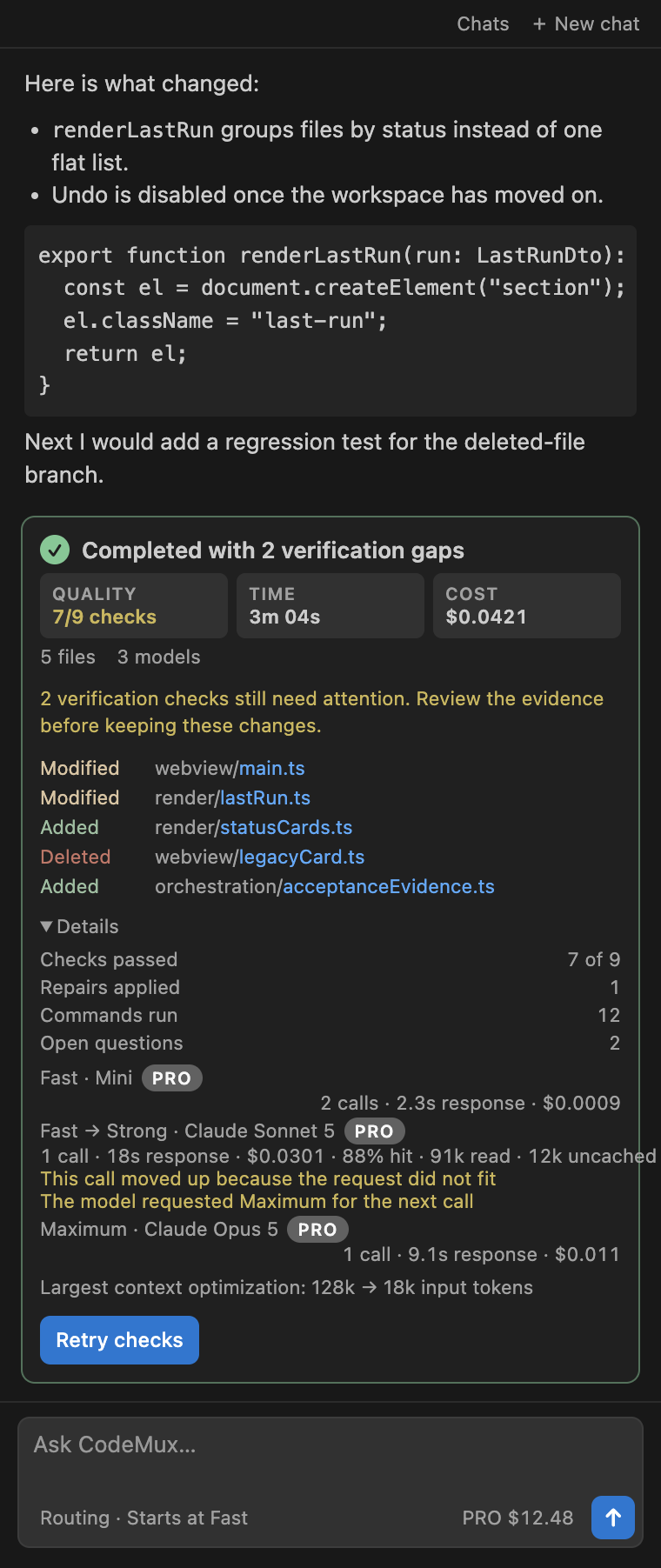
CodeMuxFix bugs, build features, and write tests with AI in Visual Studio Code. CodeMux chooses the right model for each part of your task, makes changes in your workspace, and shows you the diff, checks, and total cost. New accounts include $1 in free credit—no subscription required.
Get started in three steps
Why CodeMux
Supported AI models and providersUse OpenAI GPT, Anthropic Claude, DeepSeek, xAI Grok, and Google Gemini in one coding workflow. Check the in-product catalog for current availability.
Automatic routing is the default. You can also choose preferred models or connect a compatible API key. How it works
Language supportCodeMux can read, edit, and check projects in any text-based language. TypeScript and JavaScript work with VS Code's built-in language support. For language-aware Python and Go actions, install the corresponding VS Code extension. Select code and run CodeMux: Ask About Selection to ask about a specific section. Actions that can have broader effects still ask for confirmation. Data, billing, and licenseThe extension is free to install, and new accounts include $1 in credit. Managed models use one pay-as-you-go CodeMux balance with no subscription. Added funds never expire. Requests sent through your own compatible API are billed by that provider instead of CodeMux. Workspace excerpts required to complete a run are sent to the CodeMux service and the selected model provider. See Privacy, Terms, and the proprietary license in the installed package. SupportBilling or product questions: support@codemux.net. Help pages: https://codemux.net/support. |