Bitstream Blue
A blue dark theme tuned for VHDL, SystemVerilog, and FPGA development — with
first-class C++ and Python. Structural keywords stay a calm blue, types read
red-orange, literals orange, strings and macros teal, all on a deep
harbor-blue editor that's easy on the eyes through long synthesis runs.
Features
- HDL-tuned scopes —
begin/end, module/endmodule, and friends are
themed consistently across the popular SystemVerilog and VHDL grammars,
including VHDL based literals like 16#40#.
- Semantic token support — clangd, Pylance, and other language servers
keep the exact same palette as TextMate highlighting, so colors don't shift
when a language server kicks in.
- Consistent cross-language palette — one set of color roles (keywords,
types, literals, strings, comments) applied uniformly to HDL, C/C++,
Python, HTML/CSS, and Markdown.
- Terminal that matches the editor — the integrated terminal shares the
editor background, with a 16-color ANSI palette built from the theme's own
syntax colors.
Screenshots
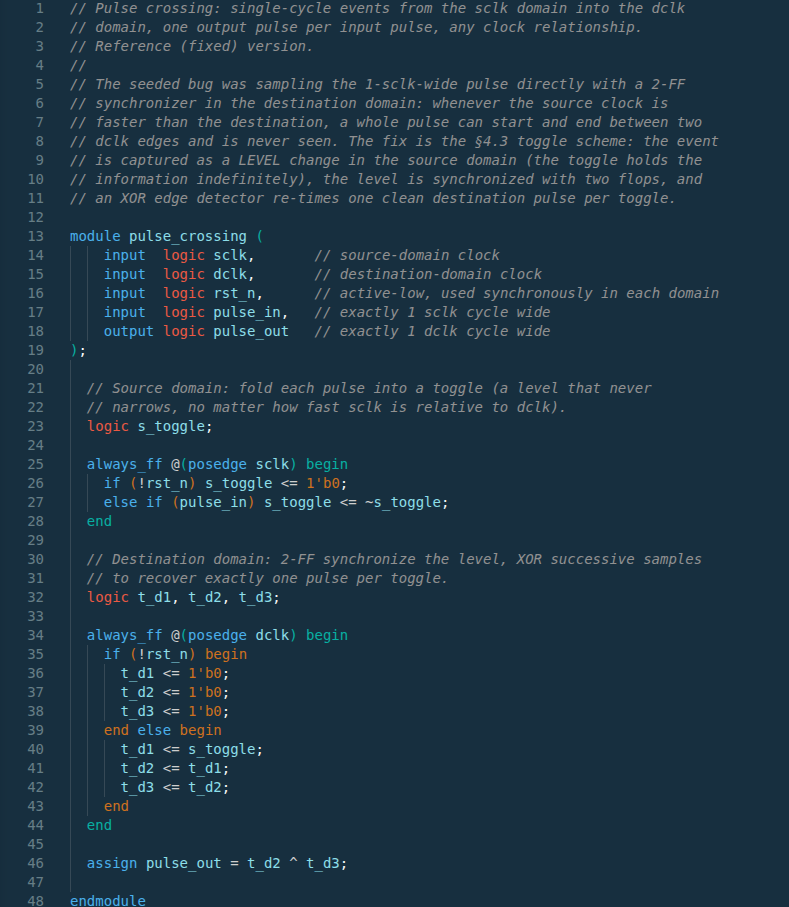
SystemVerilog — clock-domain crossing module: blue structural keywords and
port directions, red data types, italic comments.
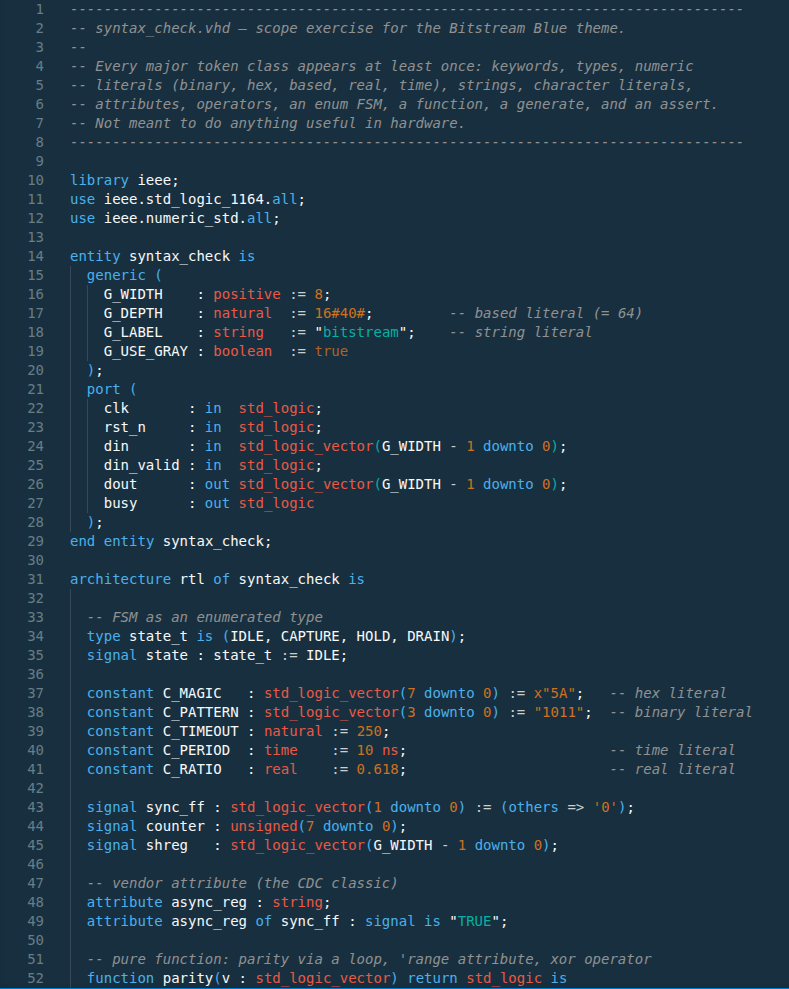
VHDL — entity/architecture with based literals (16#40#), typed generics,
and vendor attributes.
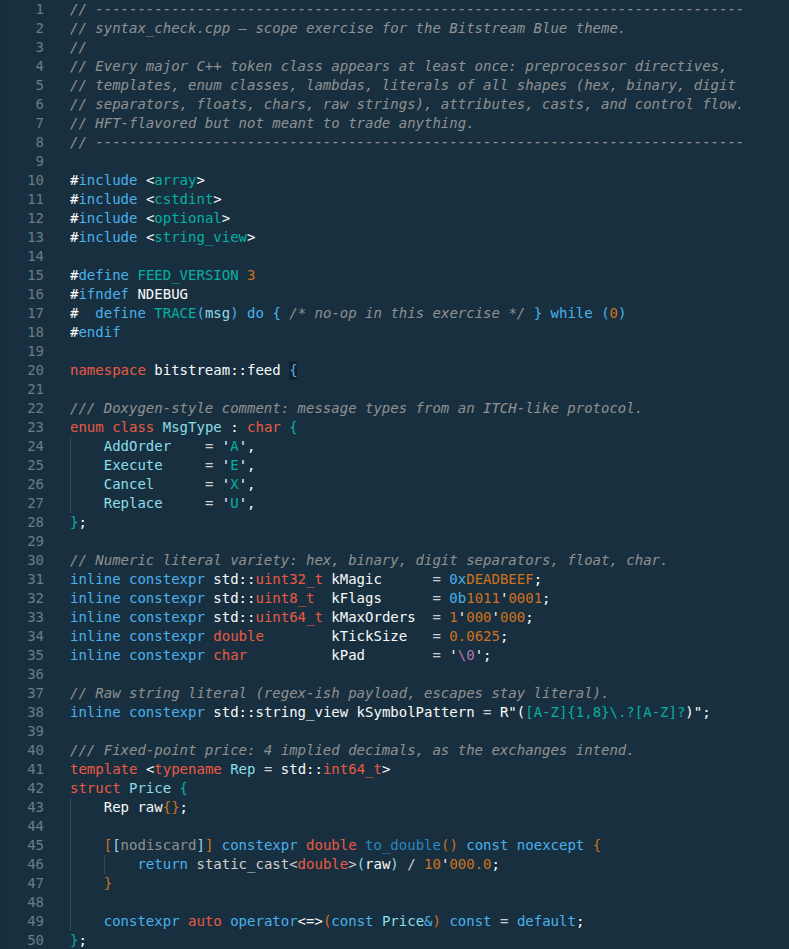
C++ — include guards and macros in teal, quiet [[nodiscard]]
attributes, the full numeric-literal zoo in orange.
Install
- Open the Extensions view in VS Code (
Ctrl+Shift+X).
- Search for Bitstream Blue.
- Click Install, then pick the theme via
Ctrl+K Ctrl+T → Bitstream Blue.
Or from the command line:
code --install-extension code-blue.codeblue
Upgrading from Code Blue? Nothing to do — Bitstream Blue is the same
extension, and your existing workbench.colorTheme setting keeps working.
License
MIT — see the LICENSE file shipped with the extension.

