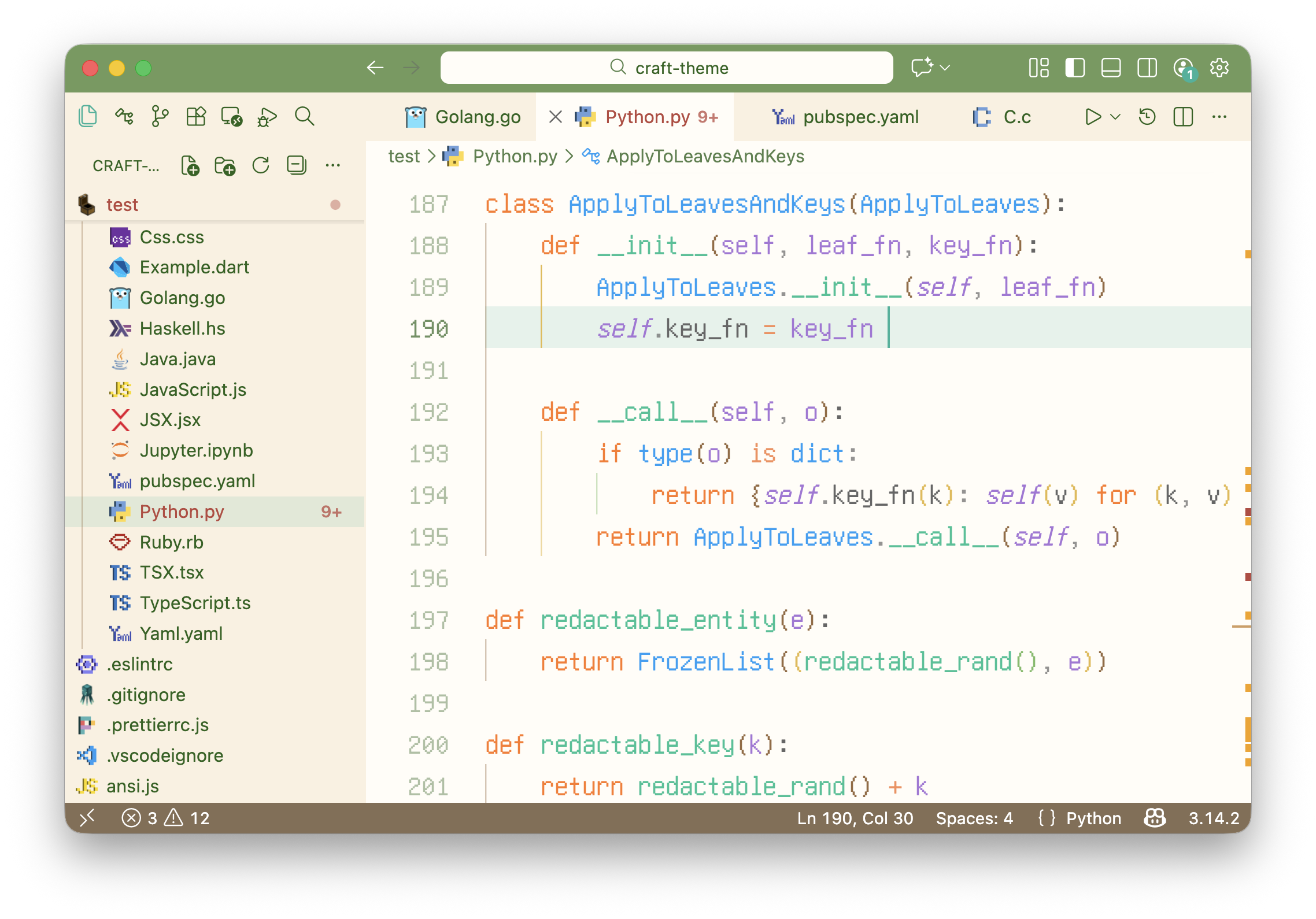
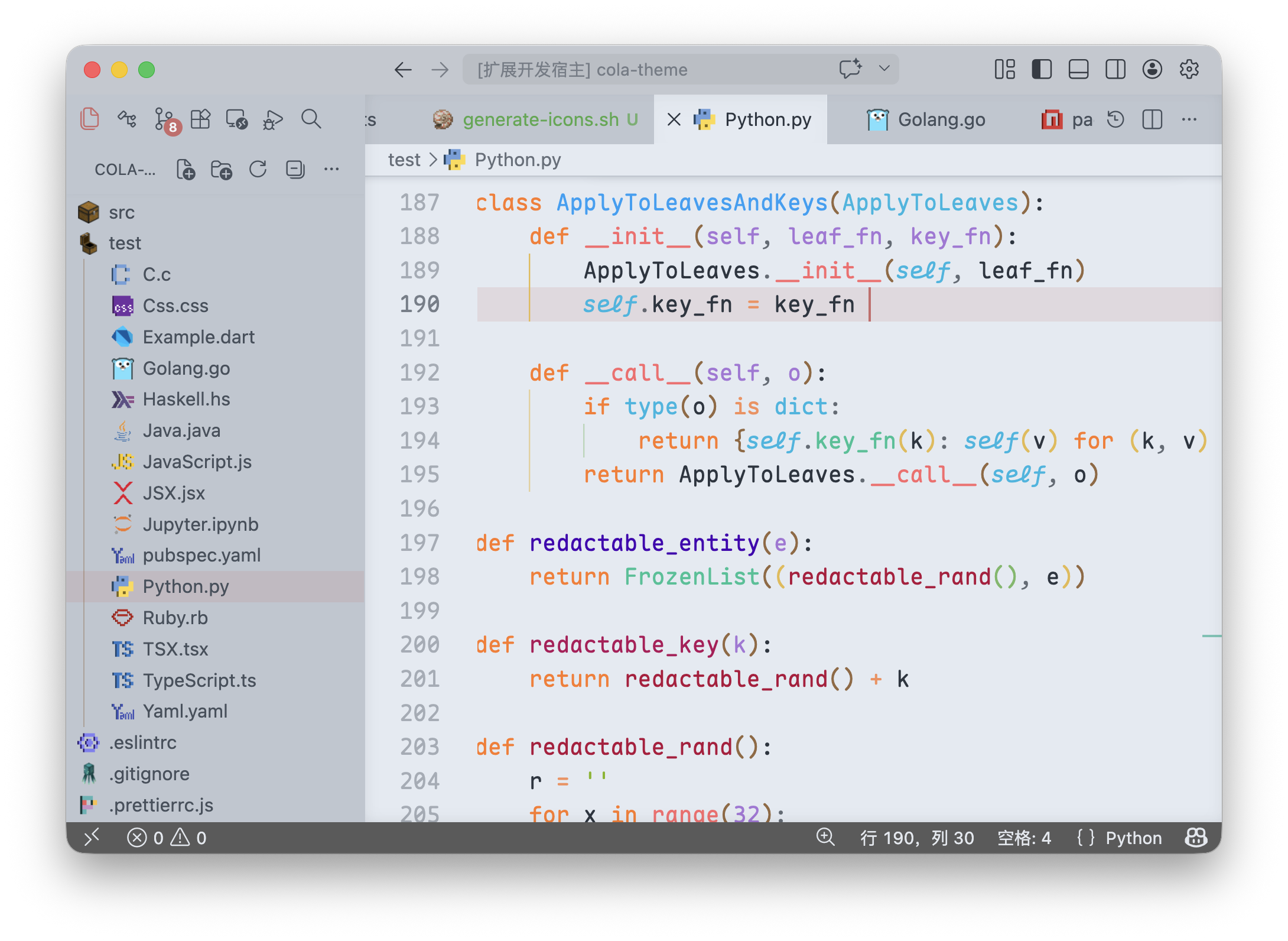
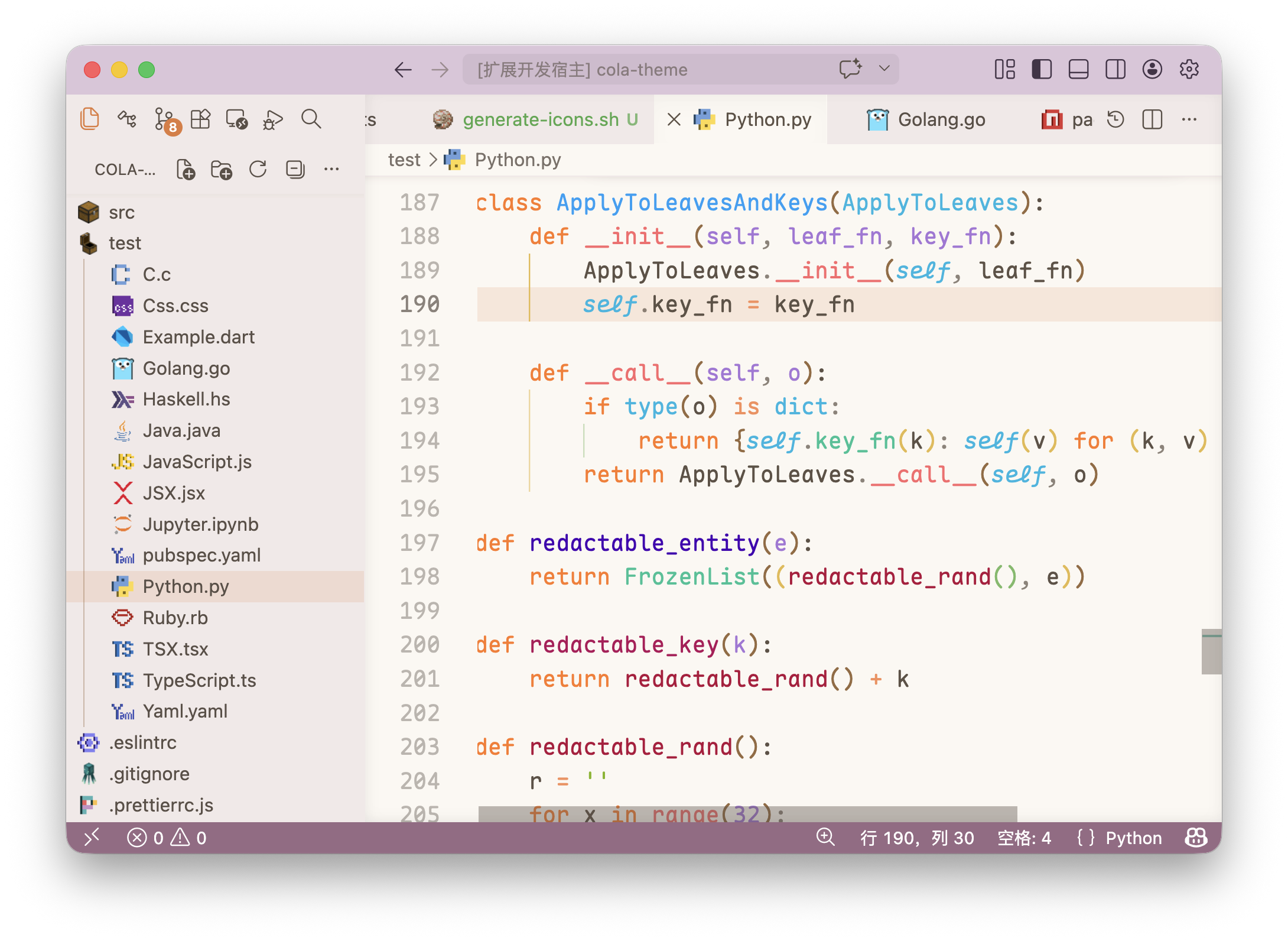
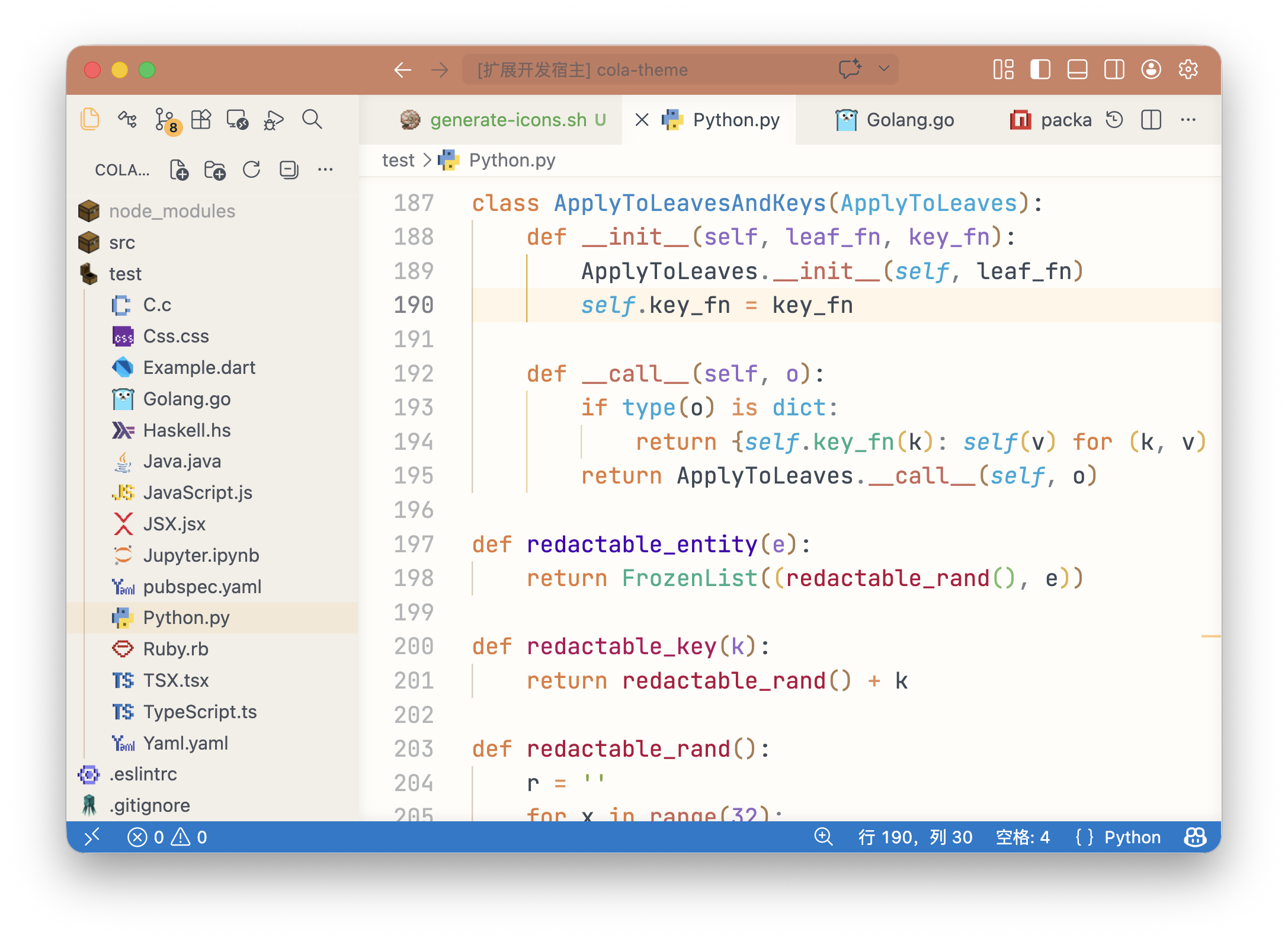
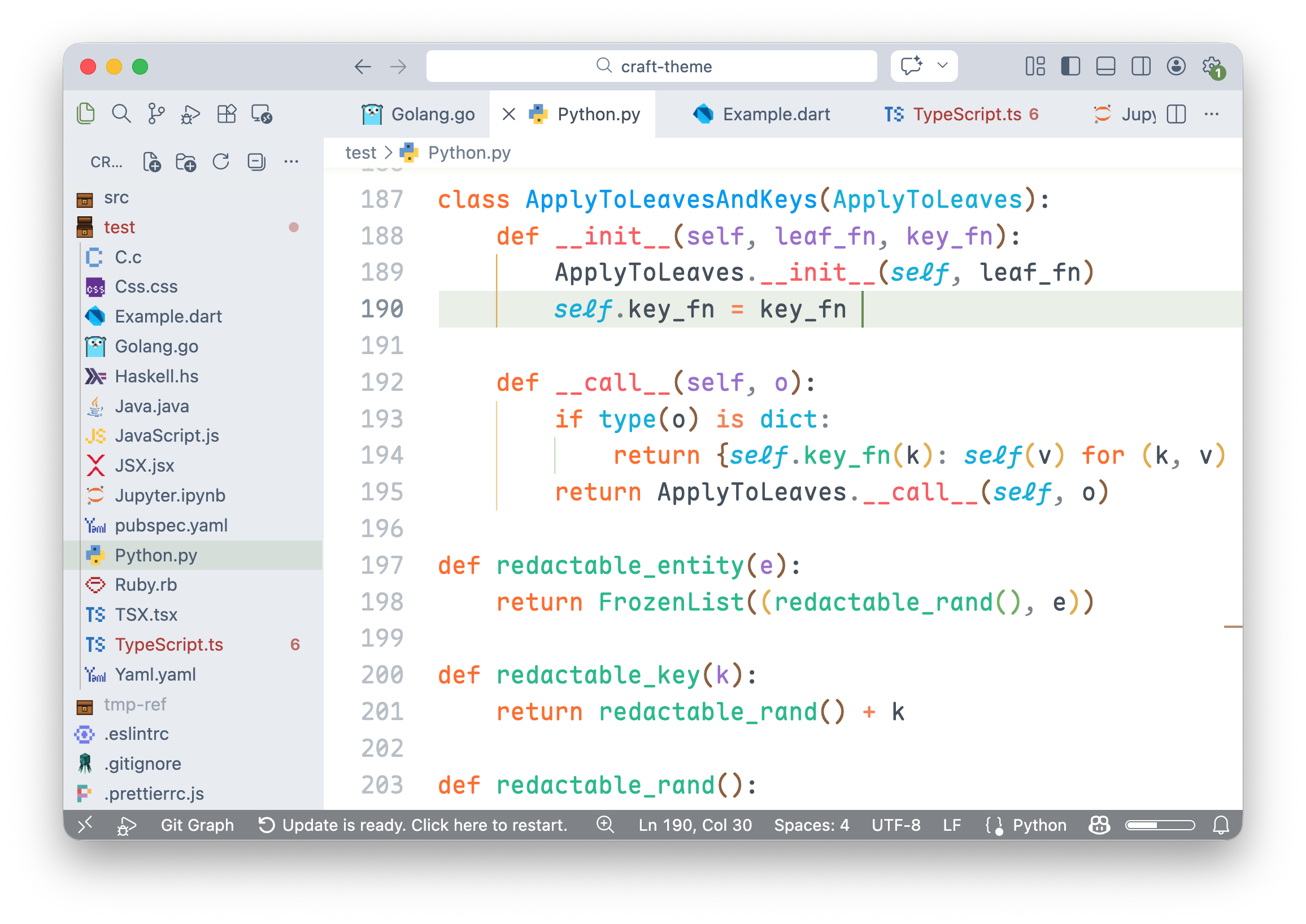
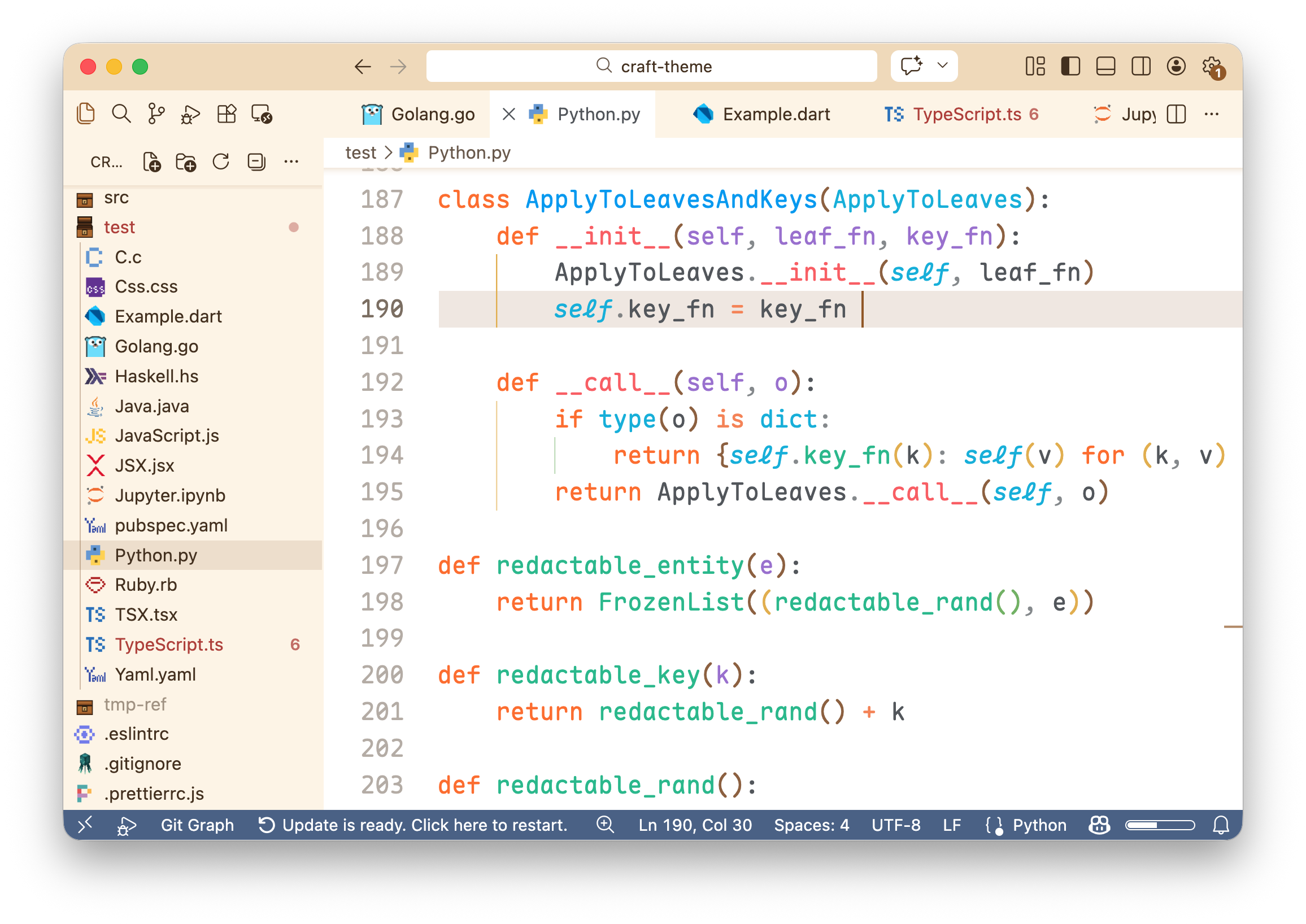
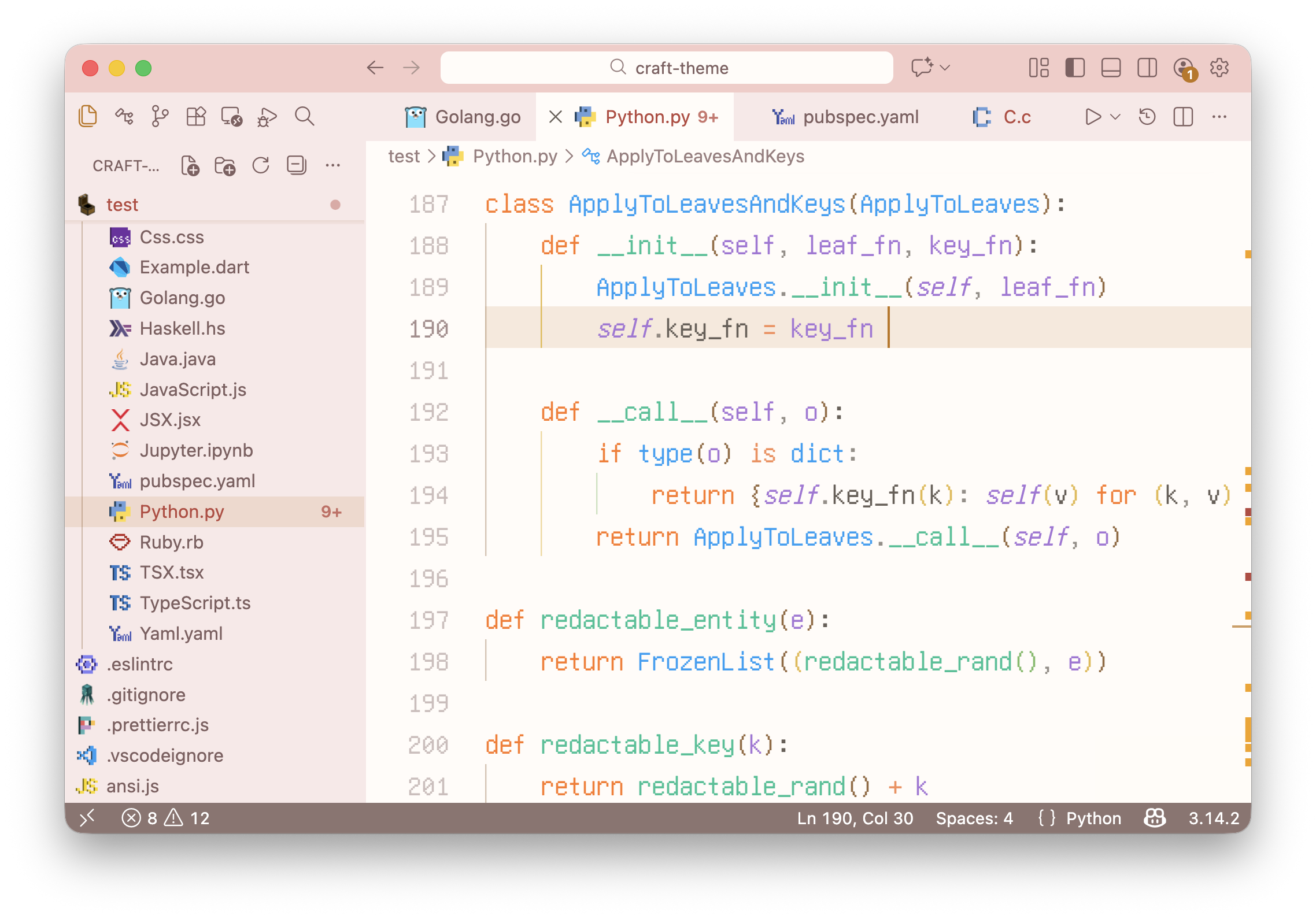
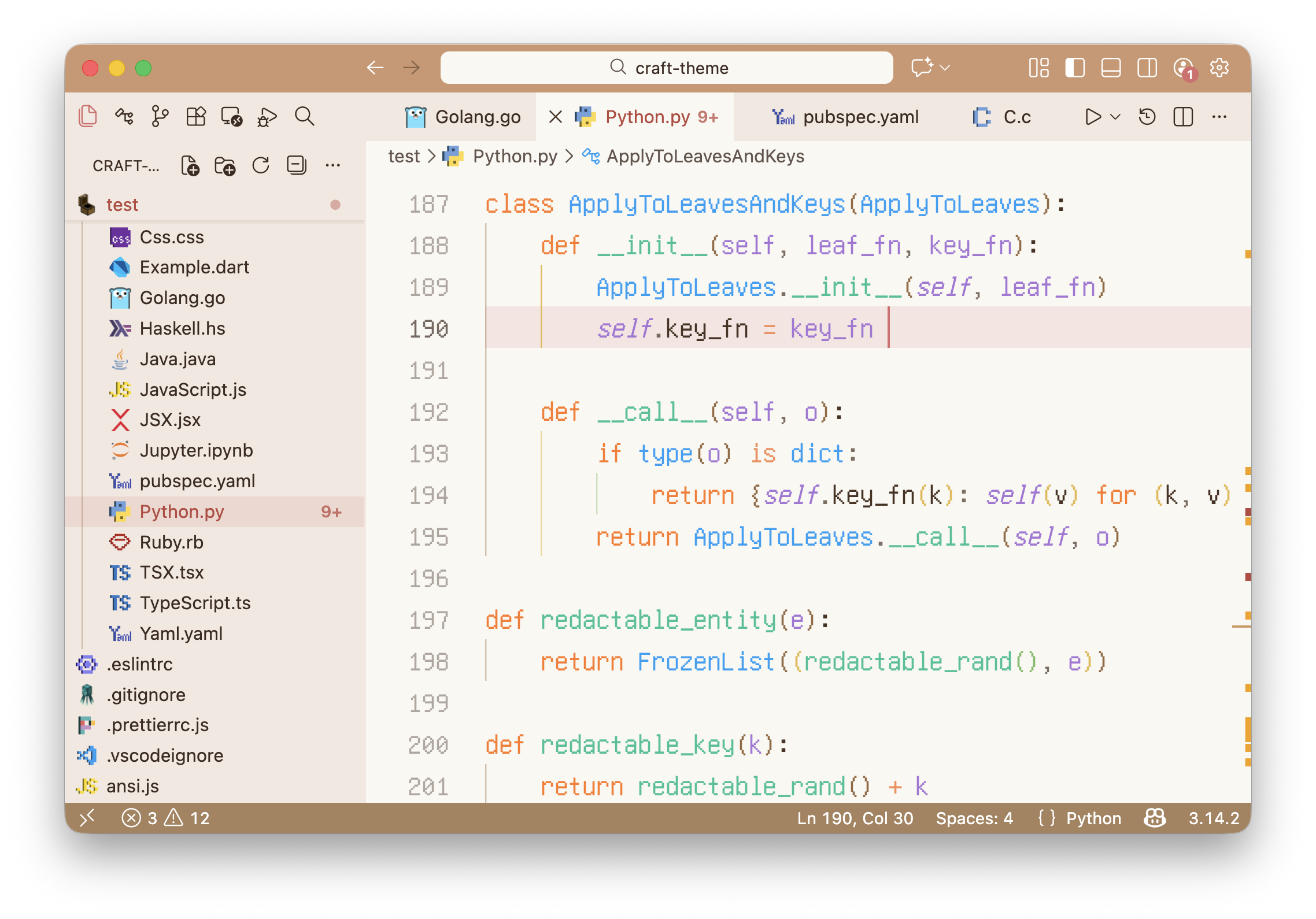
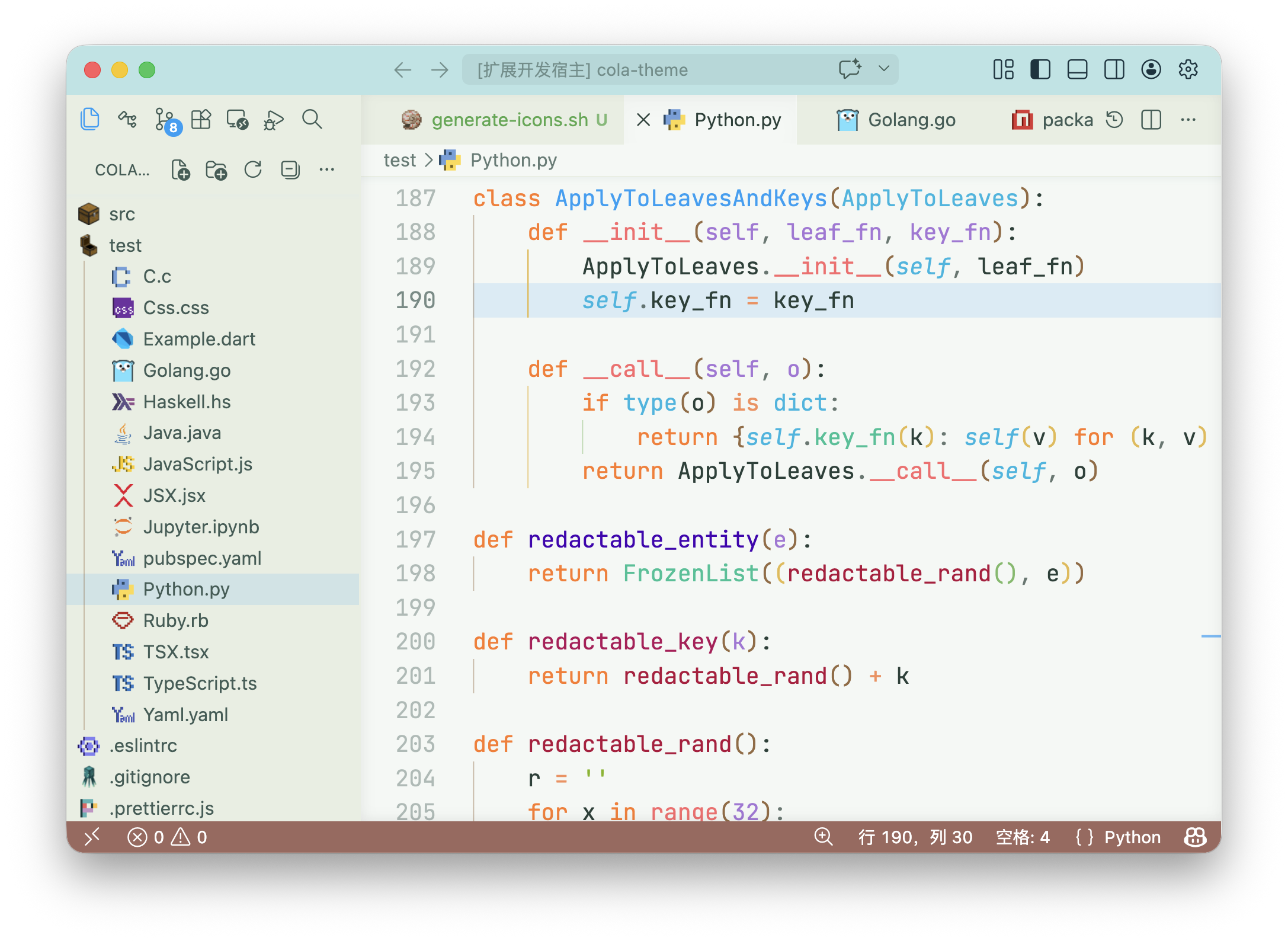
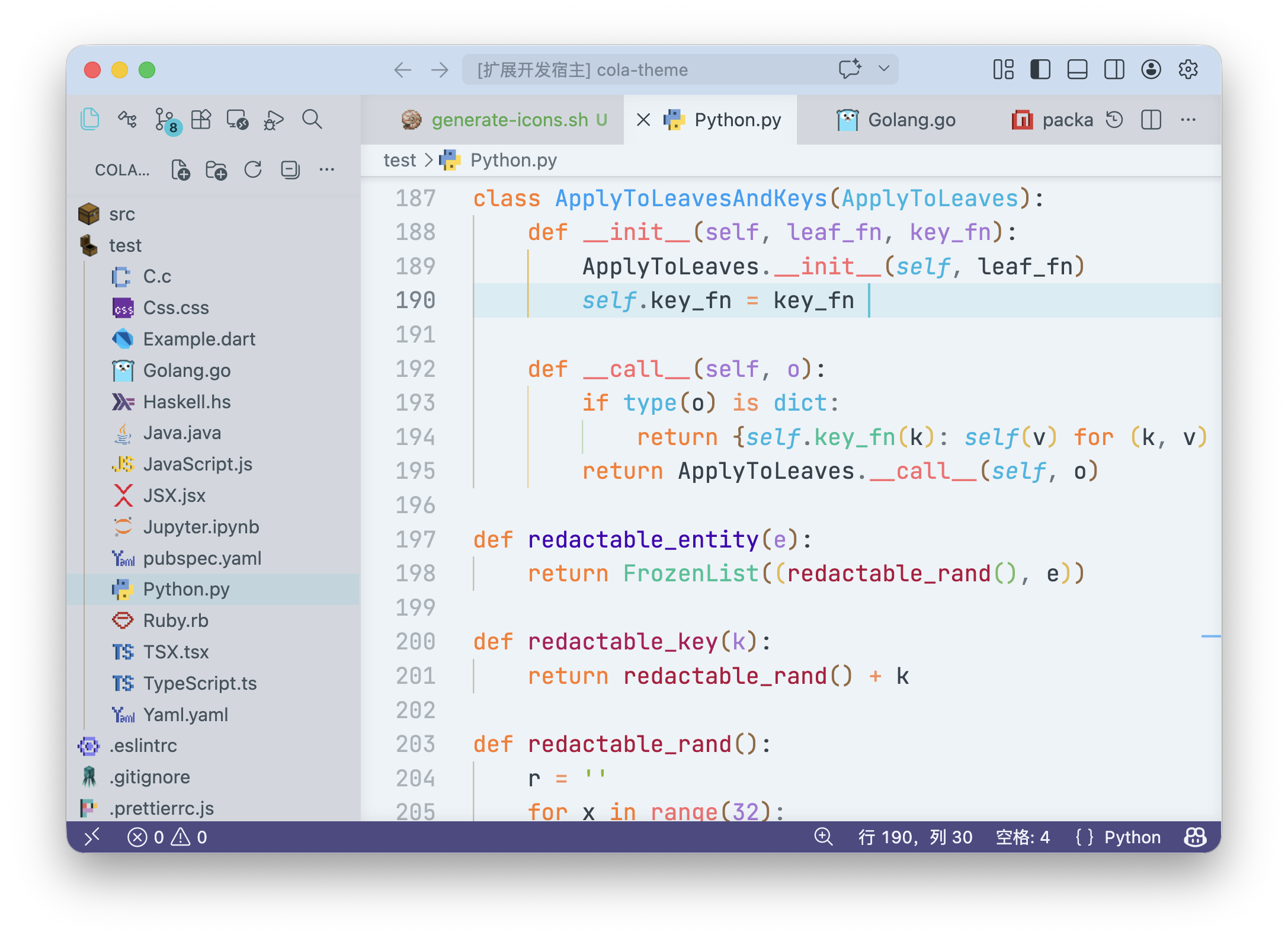
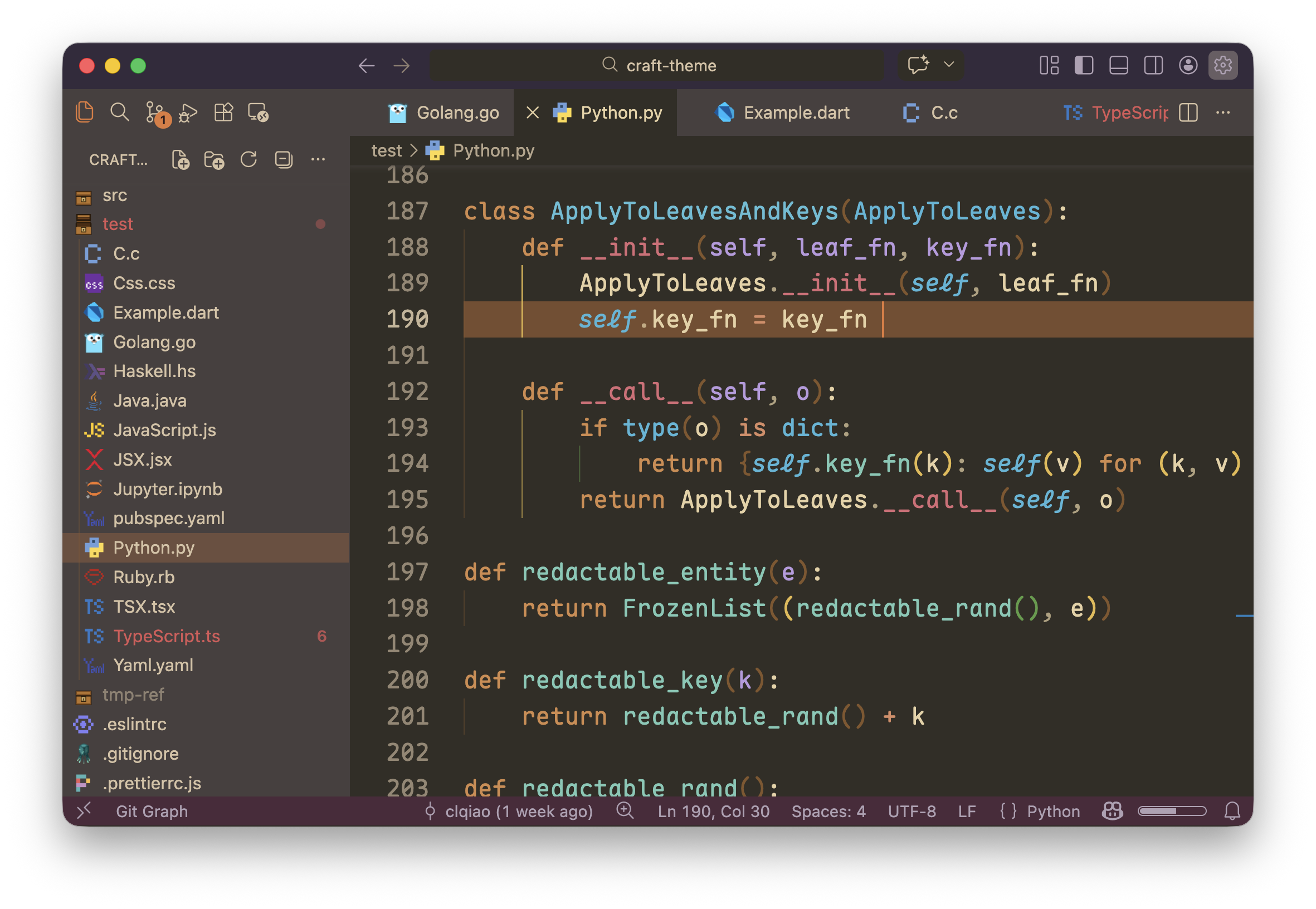
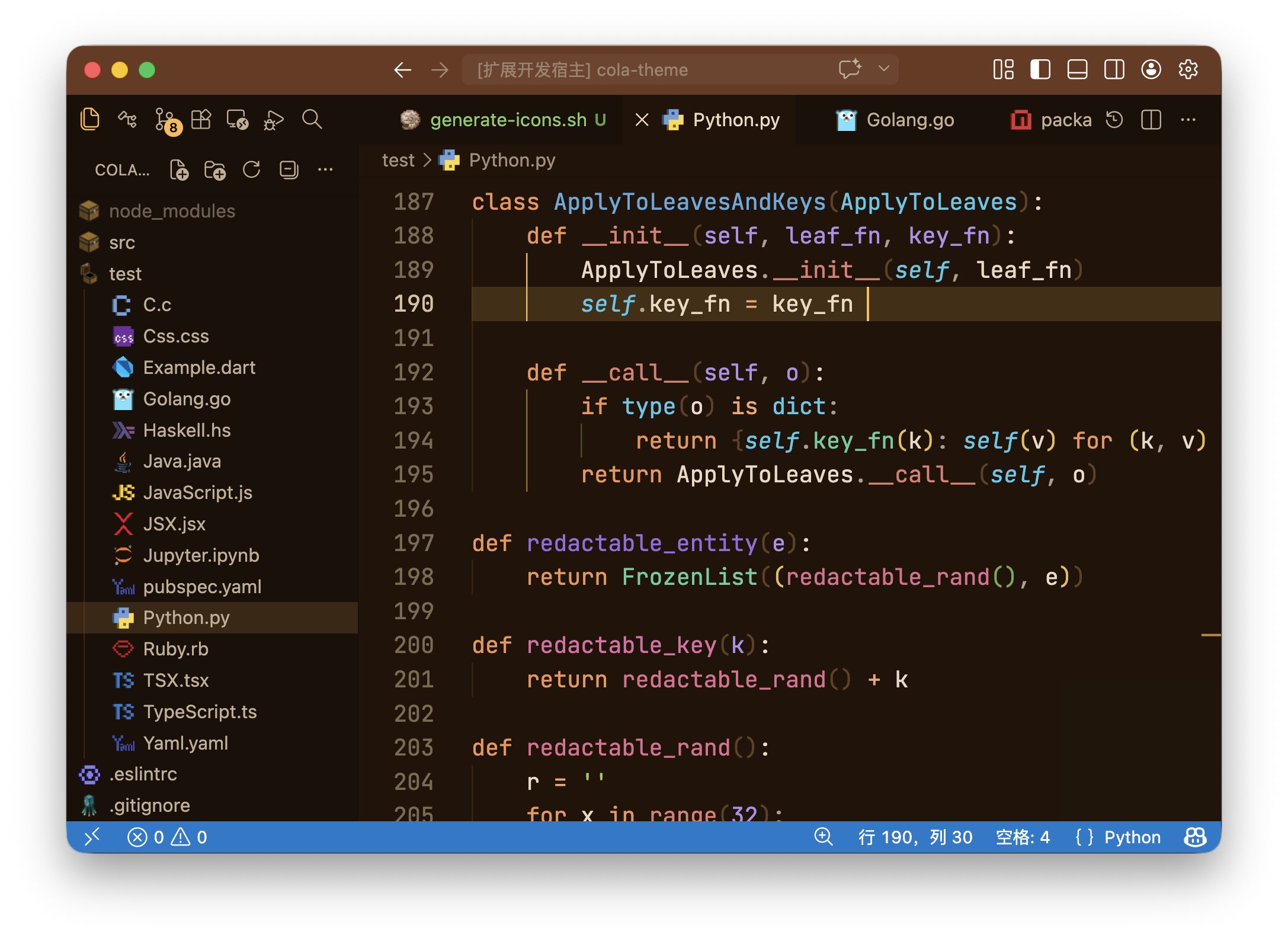
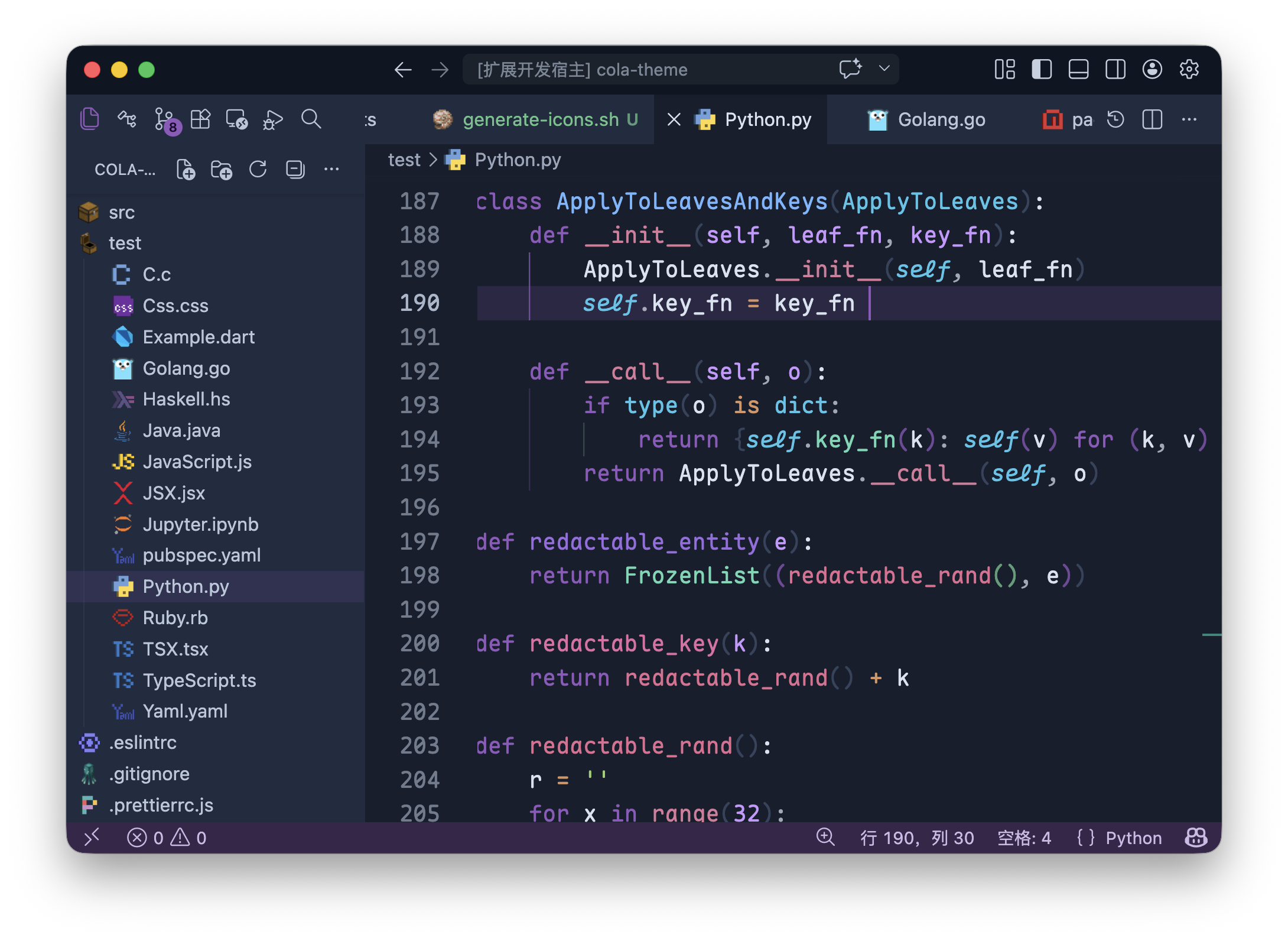
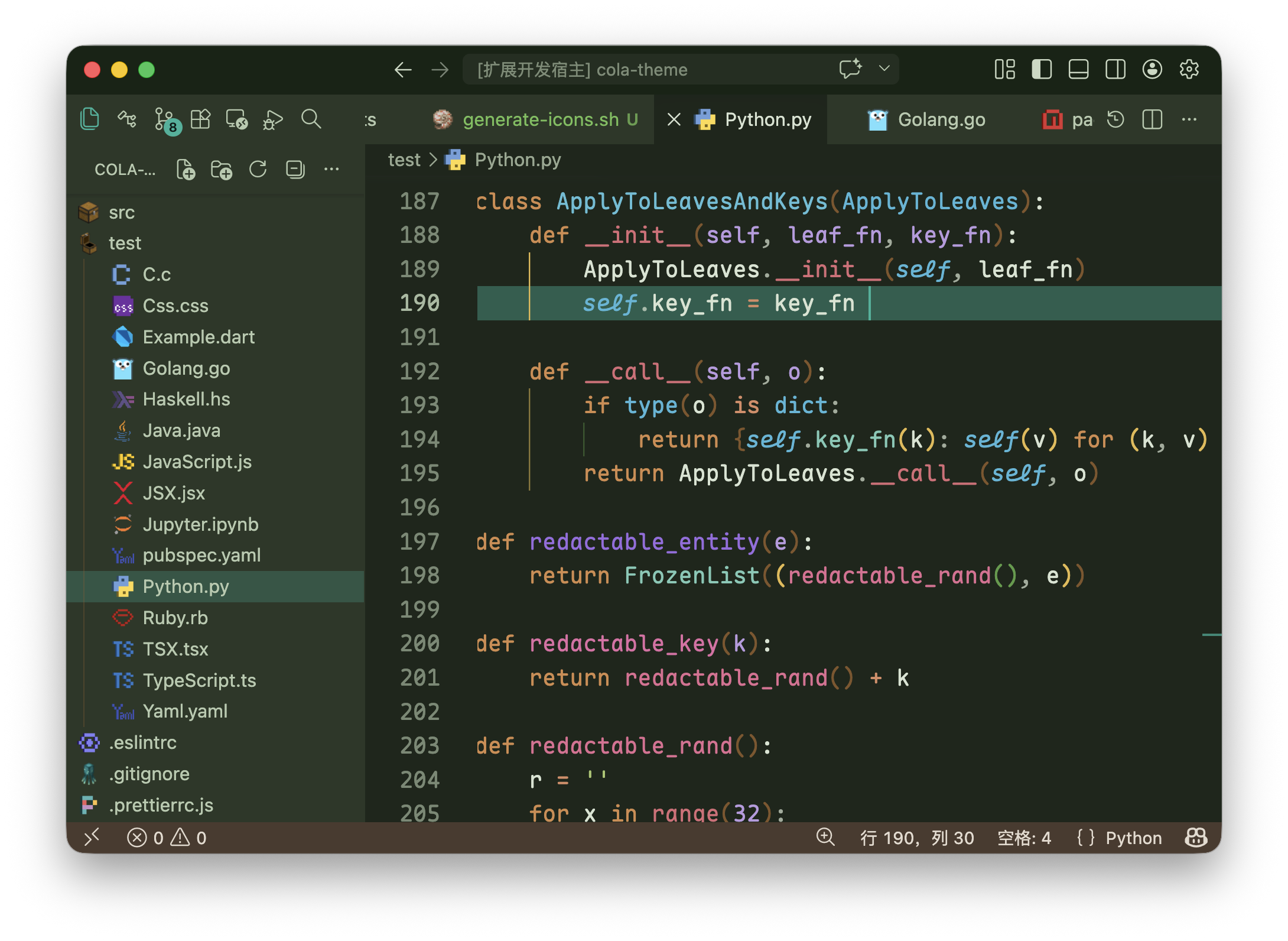
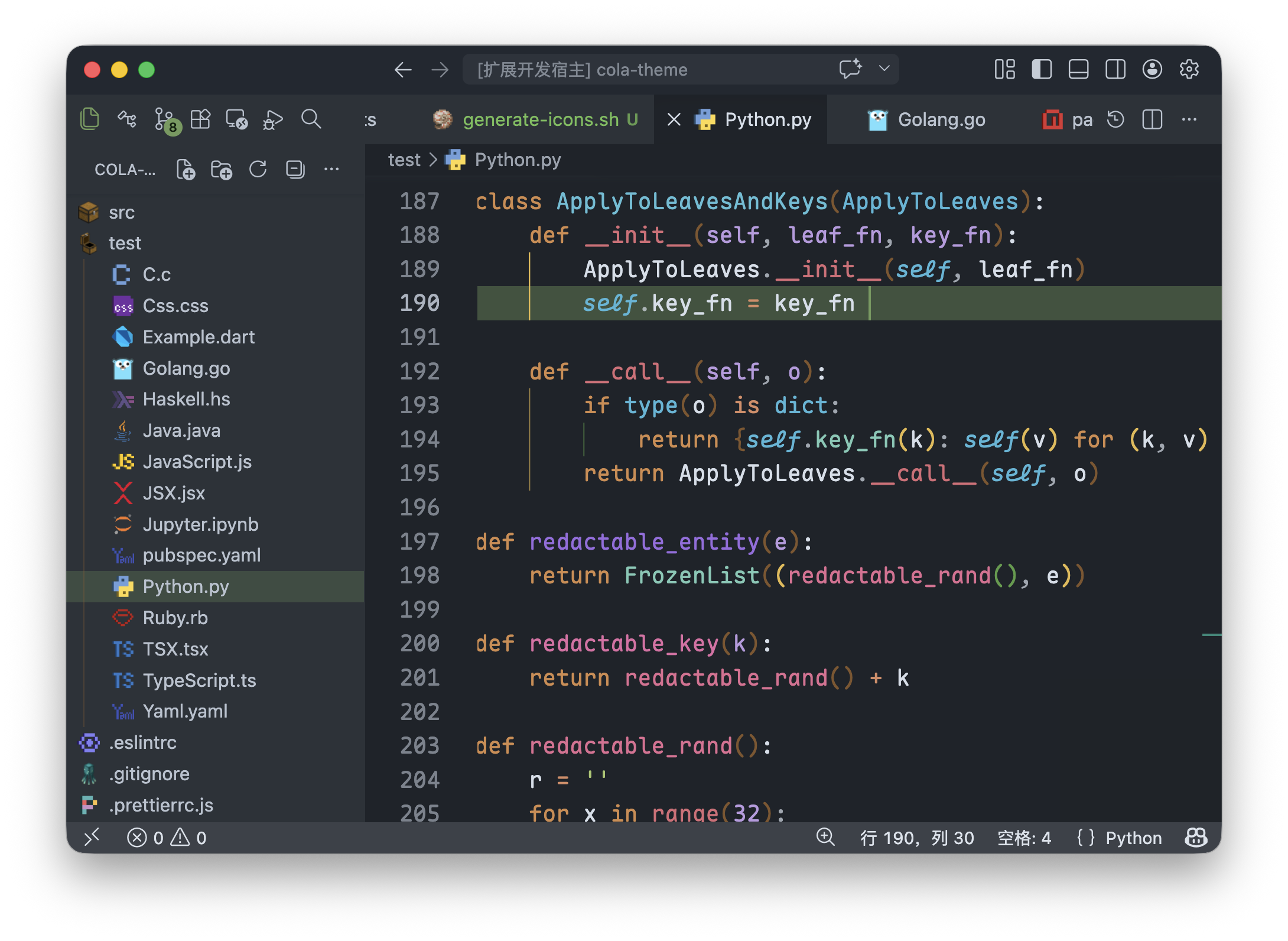
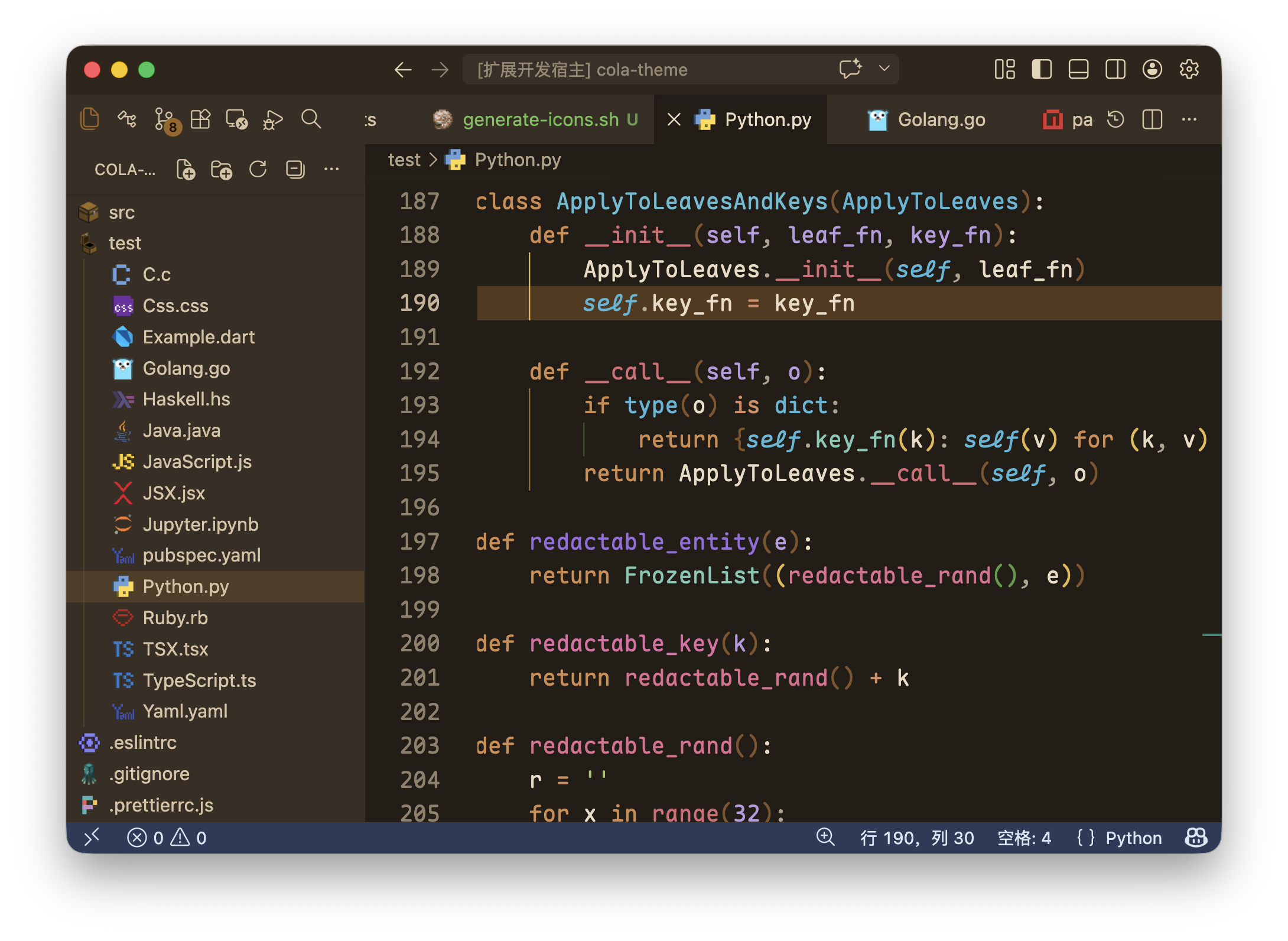
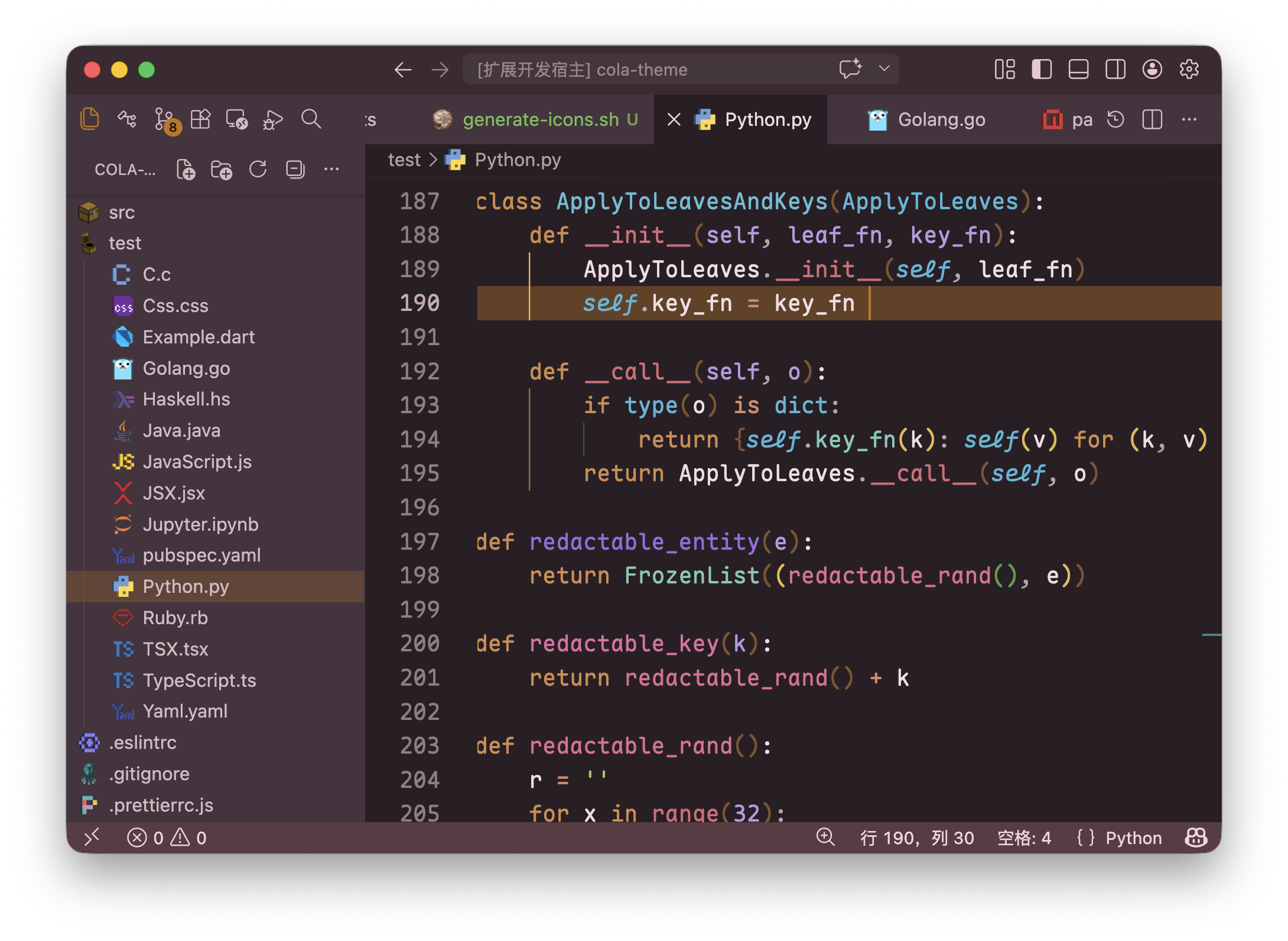
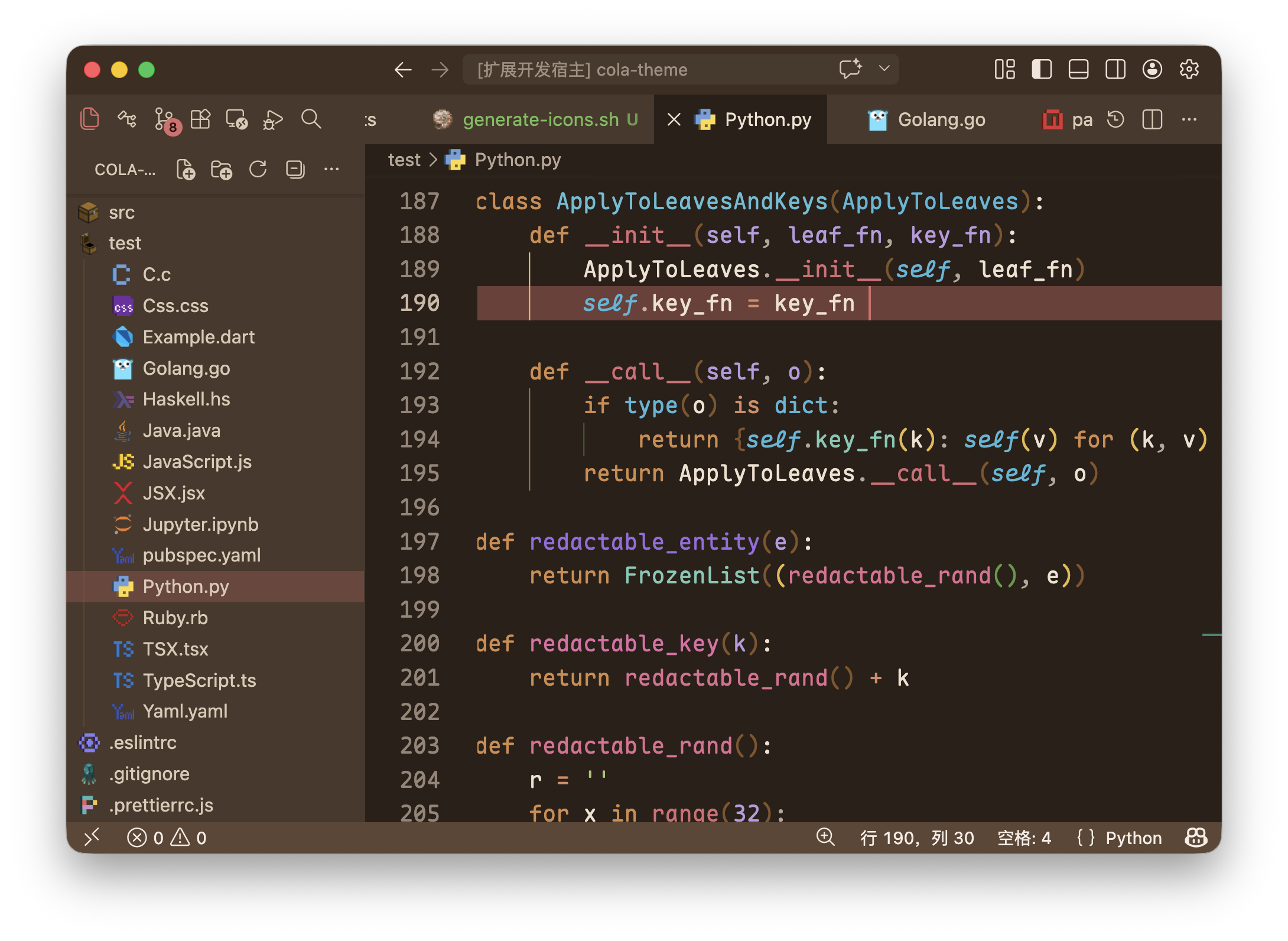
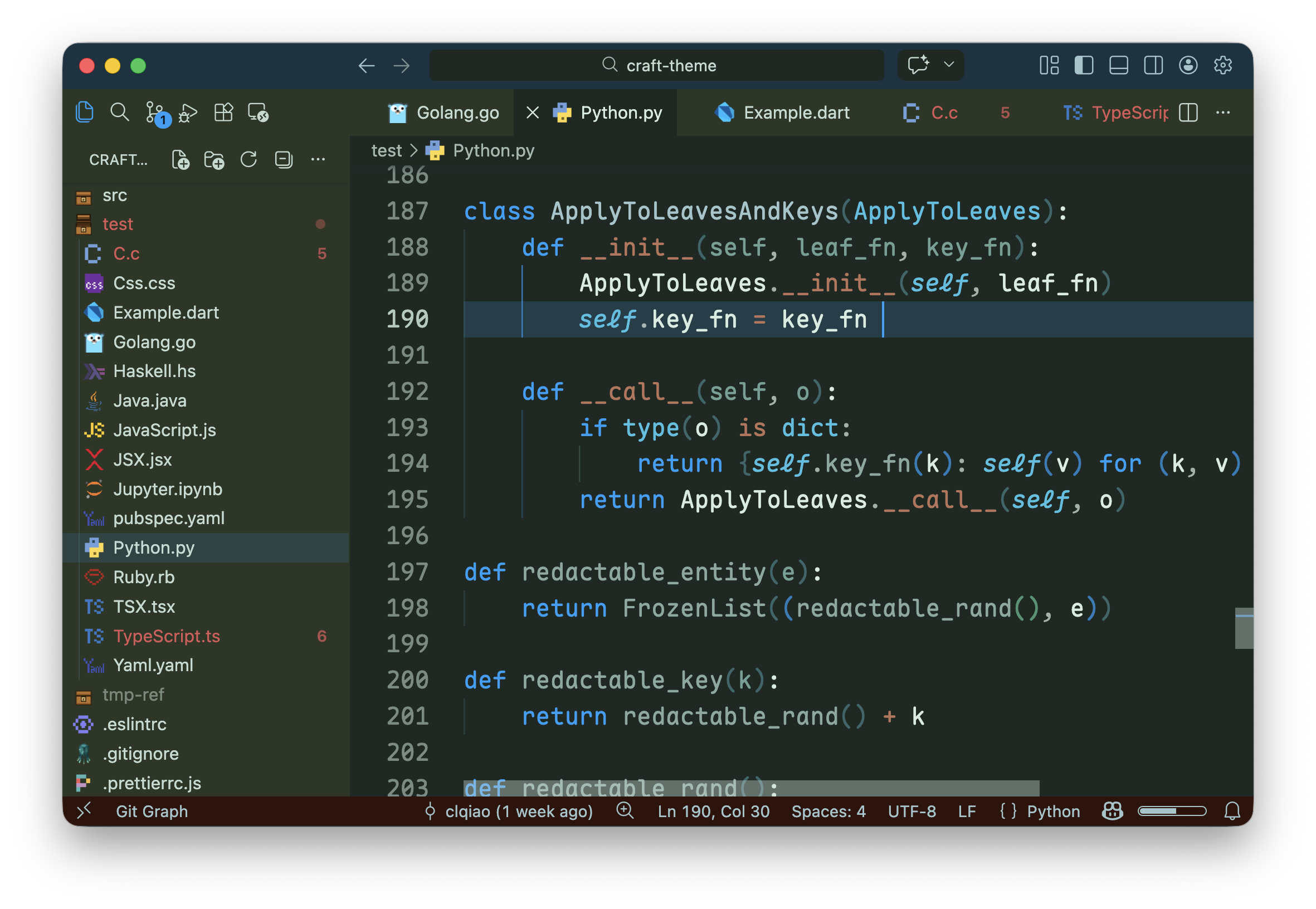
Craft ThemeA Minecraft-inspired theme with bright, blocky colors, blending classic Minecraft tones with a modern VS Code UI. Installation Launch VS Code Quick Open ( Ctrl+P), paste the following command, and press enter.Copied to clipboard |

Craft Theme brings the vibrant, pixelated charm of Minecraft to your development environment. This comprehensive package features nineteen unique color schemes and a matching custom icon set, blending iconic voxel tones with a modern UI. Engineered for long-term readability and a cohesive, blocky aesthetic, it’s designed to make you feel right at home in your code. Table of Contents
Recommended SetupFor the best experience, we recommend:
Usage
Features
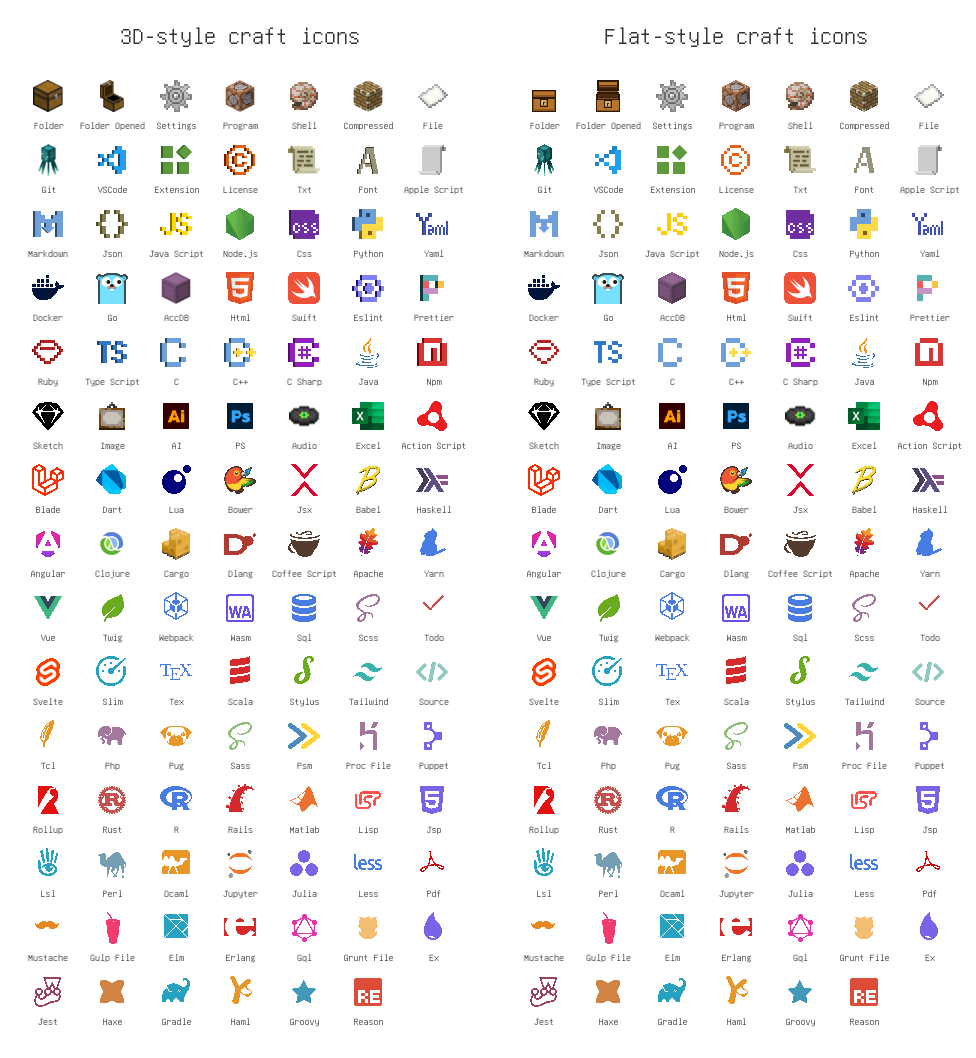
Craft IconsCraft Theme includes two complementary icon sets: Craft Icons (3D style) and Craft Flat Icons (flat style). Both pull their palette and motifs from Minecraft—grass, dirt, stone, lava—but they play those ideas differently.
Both sets prioritize recognizability over literal replication of game assets, so icons remain intuitive at a glance. Choose the 3D set for atmosphere and character, or the flat set for clarity and minimalism. Preview and compare below:
Theme Families (Quick Jump)Classic FamilyDungeons Family
Iron Golem FamilyTrader Llama FamilyCherry Blossom FamilyTable FamilyLegends FamilySteve FamilyLight ThemesCraft Classic LightCraft Classic Light is inspired by the most iconic grass block in Minecraft, offering a fresh and clean aesthetic.
Craft Classic UI LightCraft Classic UI Light keeps the classic overworld personality but shifts UI chrome toward neutral stone-gray tones for a cleaner, less saturated light-mode experience.
Craft Dungeons LightCraft Dungeons Light carries the adventurous spirit of Minecraft Dungeons into a softer daylight palette, preserving its earthy fantasy mood while improving readability for bright work environments.
Craft Dungeons 2 LightCraft Dungeons 2 Light is inspired by the sunny village concept art from Minecraft Dungeons 2 — warm greens, soft stone neutrals, and gentle cyan accents for interactive chrome. Designed for comfortable daytime coding while keeping a subtle fantasy vibe.
Craft Iron Golem LightCraft Iron Golem Light is inspired by the loyal Iron Golem from Minecraft—unpretentious and no-frills, yet a steadfast companion that stays by your side for the long haul.
Craft Trader Llama LightCraft Trader Llama Light is inspired by the Trader Llama from Minecraft, offering a sense of warmth and comfort.
Craft Cherry Blossom LightCraft Cherry Blossom Light is inspired by the cherry blossom trees in Minecraft, exuding a romantic and atmospheric vibe. Its accent color is drawn from the warm hues of honey syrup, adding a touch of toasty sweetness.
Craft Table LightCraft Table Light is inspired by the Minecraft crafting table—reliable, intuitive, and just feels right to use.
Craft Legends LightCraft Legends Light reinterprets the cinematic palette of Minecraft Legends as a clear, airy daytime theme with heroic accents and balanced contrast for long sessions.
Craft Steve LightCraft Steve Light is inspired by Steve's classic cyan-and-indigo palette, blending familiar character colors with neutral UI surfaces for playful but practical daytime coding.
Dark ThemesCraft Dungeons DarkCraft Dungeons Dark is inspired by the Minecraft Dungeons game, perfectly capturing that deep and immersive dungeon atmosphere.
Craft Dungeons 2 DarkCraft Dungeons 2 Dark borrows the nighttime promotional palette — deep navy bases, cyan rim-light accents, and warm orange highlights — delivering a cinematic, immersive environment for low-light sessions while maintaining high syntax contrast and eye comfort.
Craft Dungeons UI DarkCraft Dungeons UI Dark pushes the Dungeons atmosphere further into cinematic low-light contrast, with deeper layered chrome and restrained highlights for focused night sessions.
Craft Classic DarkCraft Classic Dark translates the familiar grass-and-dirt identity of the classic Minecraft overworld into a grounded dark palette with calm greens and warm earthy depth.
Craft Iron Golem DarkCraft Iron Golem Dark is a sturdy, metal-inspired dark theme with cool stone tones and dependable contrast, echoing the iron guardian's quiet strength.
Craft Trader Llama DarkCraft Trader Llama Dark blends warm caravan browns with a subtle trader-blue accent, creating a cozy nighttime coding atmosphere that still feels lively.
Craft Cherry Blossom DarkCraft Cherry Blossom Dark keeps the romantic sakura personality of the light variant while shifting into a dusk-like rose-and-plum palette for gentle low-light readability.
Craft Table DarkCraft Table Dark brings the trusted crafting-table character into a richer oak-and-redwood dark setting, designed for warm contrast and focused editing.
Craft Legends DarkCraft Legends Dark channels the cinematic, battle-forged spirit of Minecraft Legends into a moody, high-contrast dark theme—heroic, lore-driven accent colors, crisp syntax contrast, and dramatic highlights that keep your code readable and adventure-ready through long sessions.
|