Ayu ColaA vibrant, meticulously crafted fork of the Ayu theme with 5 unique color schemes and custom icons for a refined coding experience. Installation Launch VS Code Quick Open ( Ctrl+P), paste the following command, and press enter.Copied to clipboard |

Ayu ColaAyu Cola is a modern, vibrant, and meticulously crafted fork of the iconic Ayu theme. It brings a fresh splash of color and refined aesthetics to your development environment. With five unique color schemes and a matching custom icon set, Ayu Cola is designed for clarity, comfort, and a touch of personality in every line of code. Table of ContentsRecommended SetupFor the best experience, we recommend:
Usage
Features
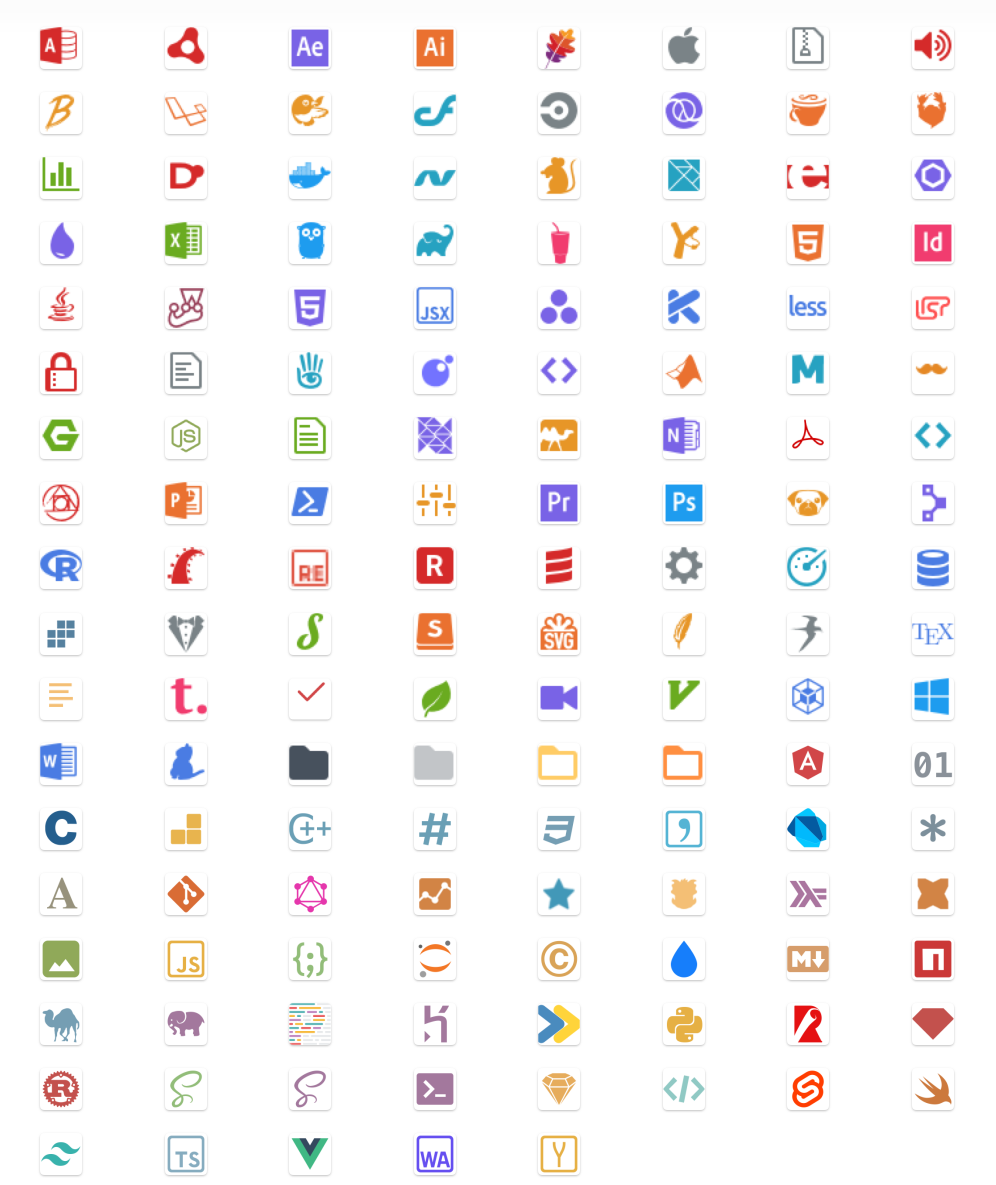
Ayu Cola Icons PreviewAyu Cola Icons are designed to be intuitive and clean, providing a cohesive look across your file explorer while making it easy to identify file types at a glance.
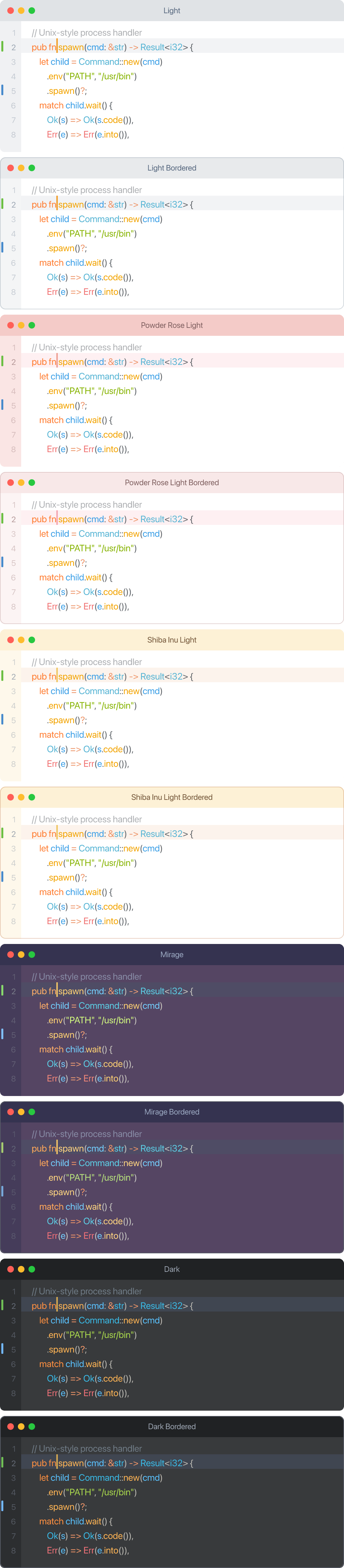
Themes Preview
Light ThemesAyu Cola LightThe gold standard of light themes. Crisp, clean, and perfectly balanced, it provides a refreshingly bright workspace for maximum daytime productivity. Ayu Cola Powder Rose LightA soft and romantic touch for your workspace. This variant blends delicate rose tones with clear syntax highlighting, creating an atmosphere that is both gentle and focused. Ayu Cola Shiba Inu LightWarm, cozy, and loyal. Inspired by the golden-cream hues of a Shiba Inu, this theme brings a friendly and inviting glow to your coding sessions. Dark ThemesAyu Cola MirageThe perfect middle ground. A sophisticated, purple-tinted medium-dark theme that offers excellent depth without the intensity of a pitch-black background. Ayu Cola DarkTotal immersion. A deep, modern dark theme designed for night owls and those who prefer a high-contrast, focused environment. CreditsAyu Cola is forked from the original ayu-theme by Ike Kurghinyan. This repository includes additional modifications and unique new variants by Qiao Changliang (clqiao@gmail.com). Licensed under MIT. |