springbok-theme
Preview
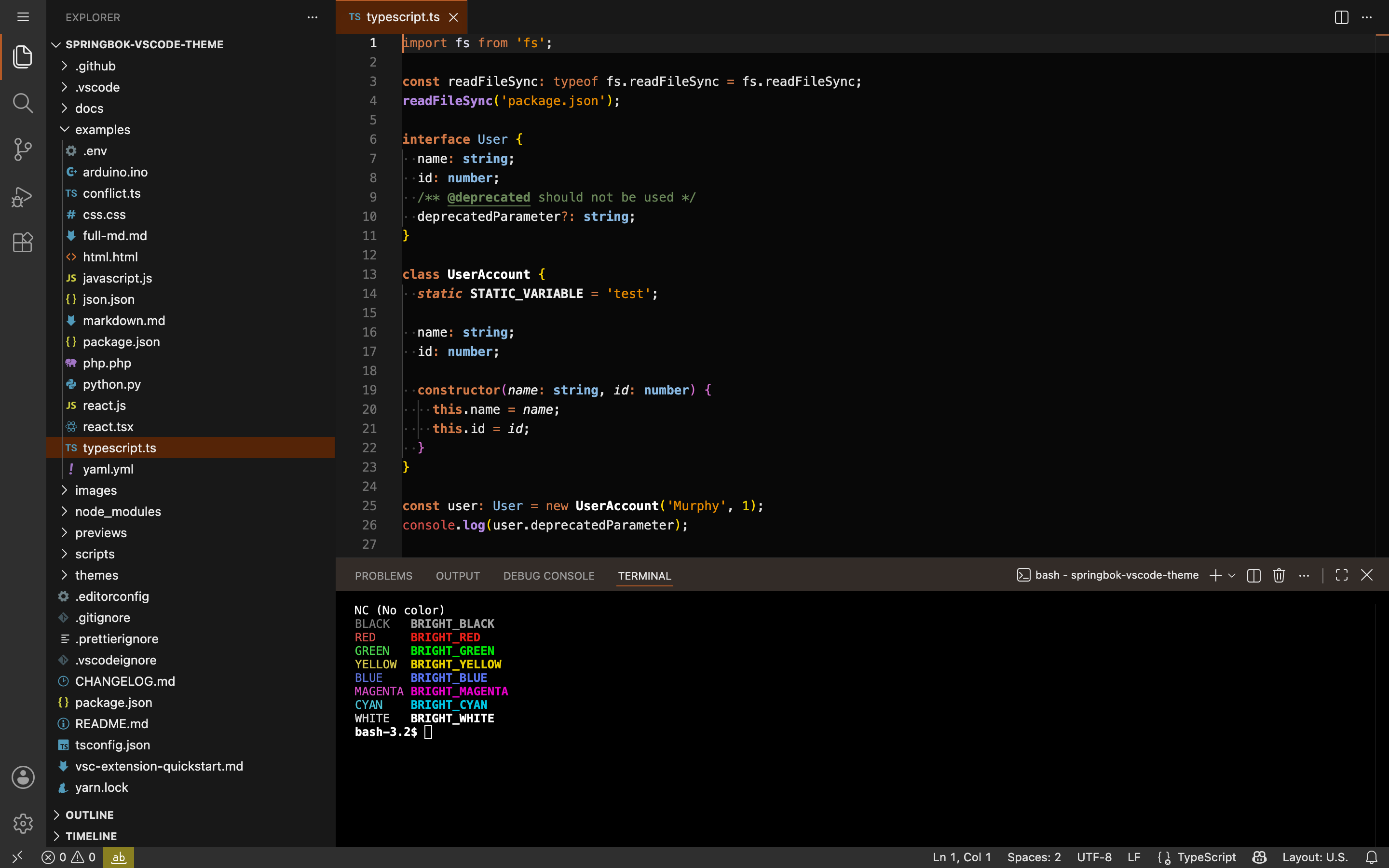
Dark Springbok
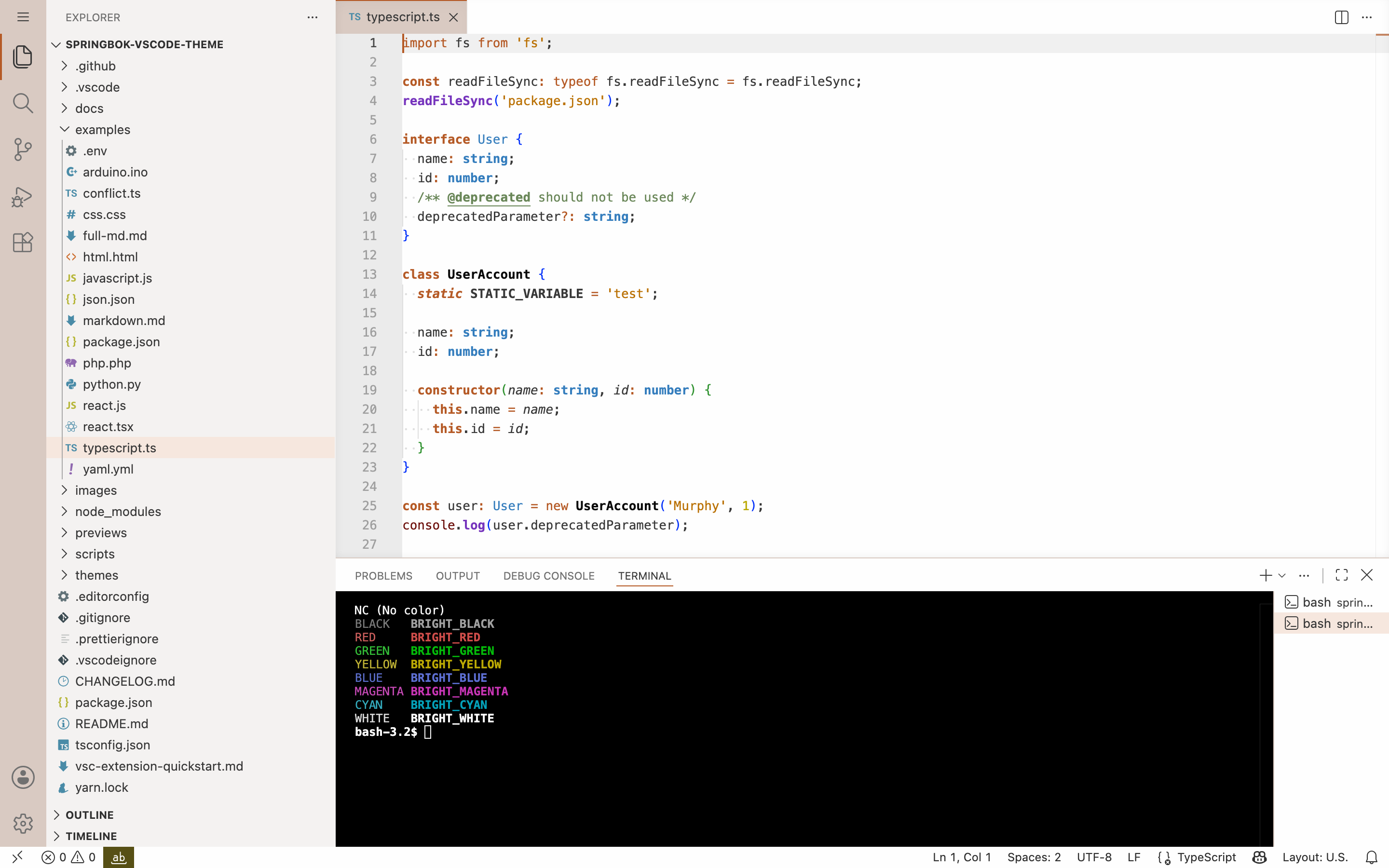
Light Springbok
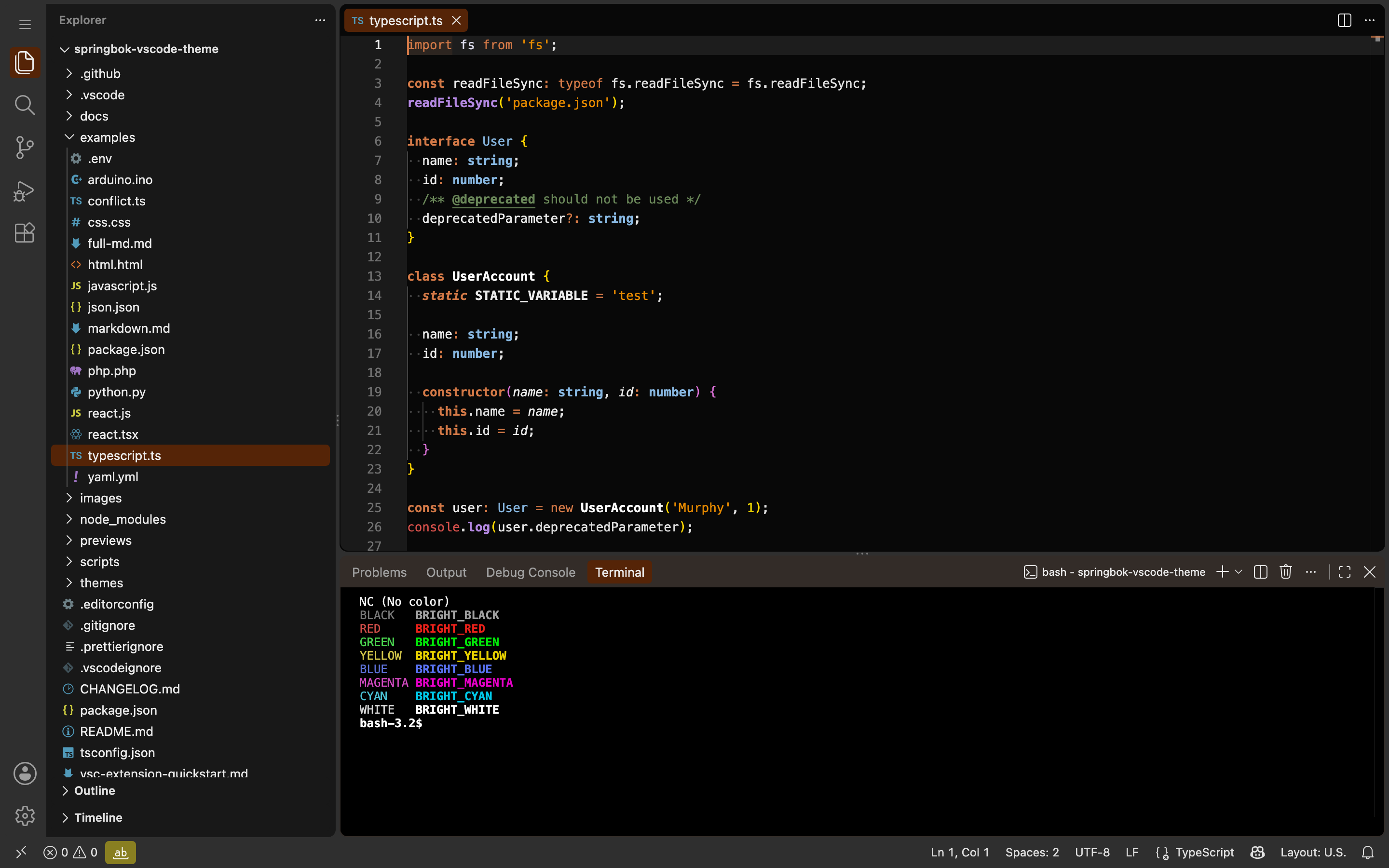
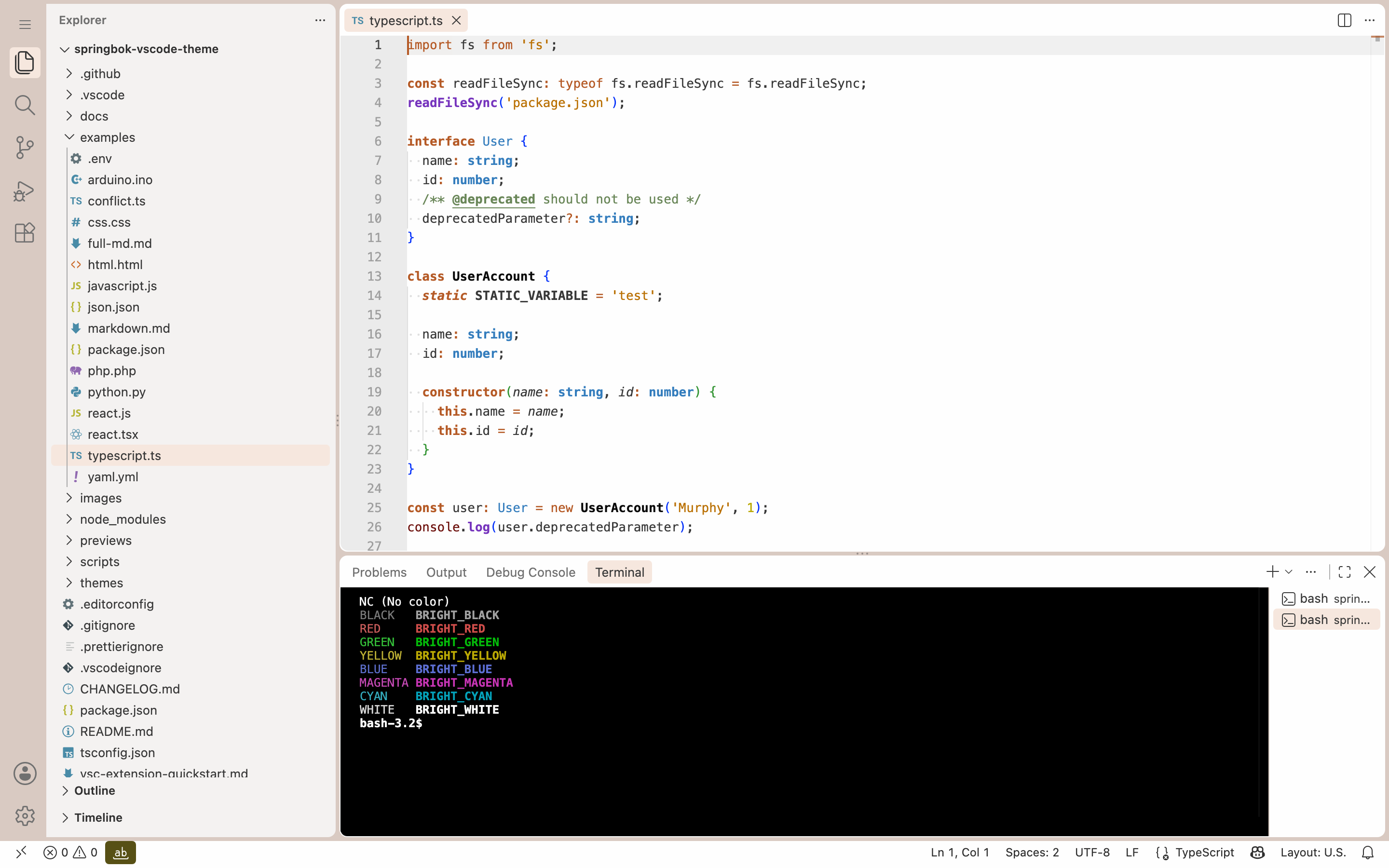
Modern UI
workbench.experimental.modernUI, where the theme only sets the surfaces and
the shell background:
| Dark |
Light |
 |
 |
Languages
|
Dark |
Light |
| TypeScript |
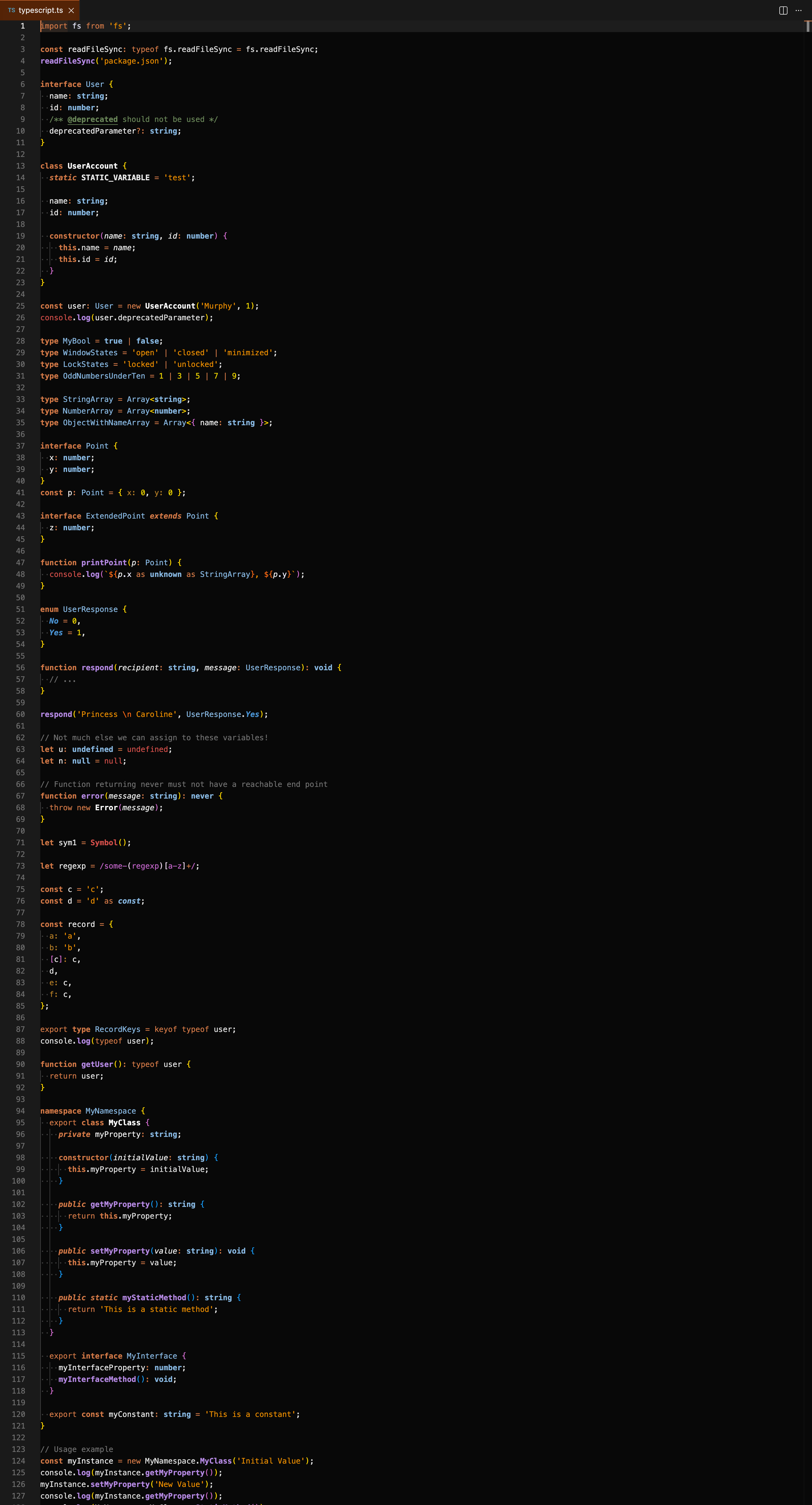 |
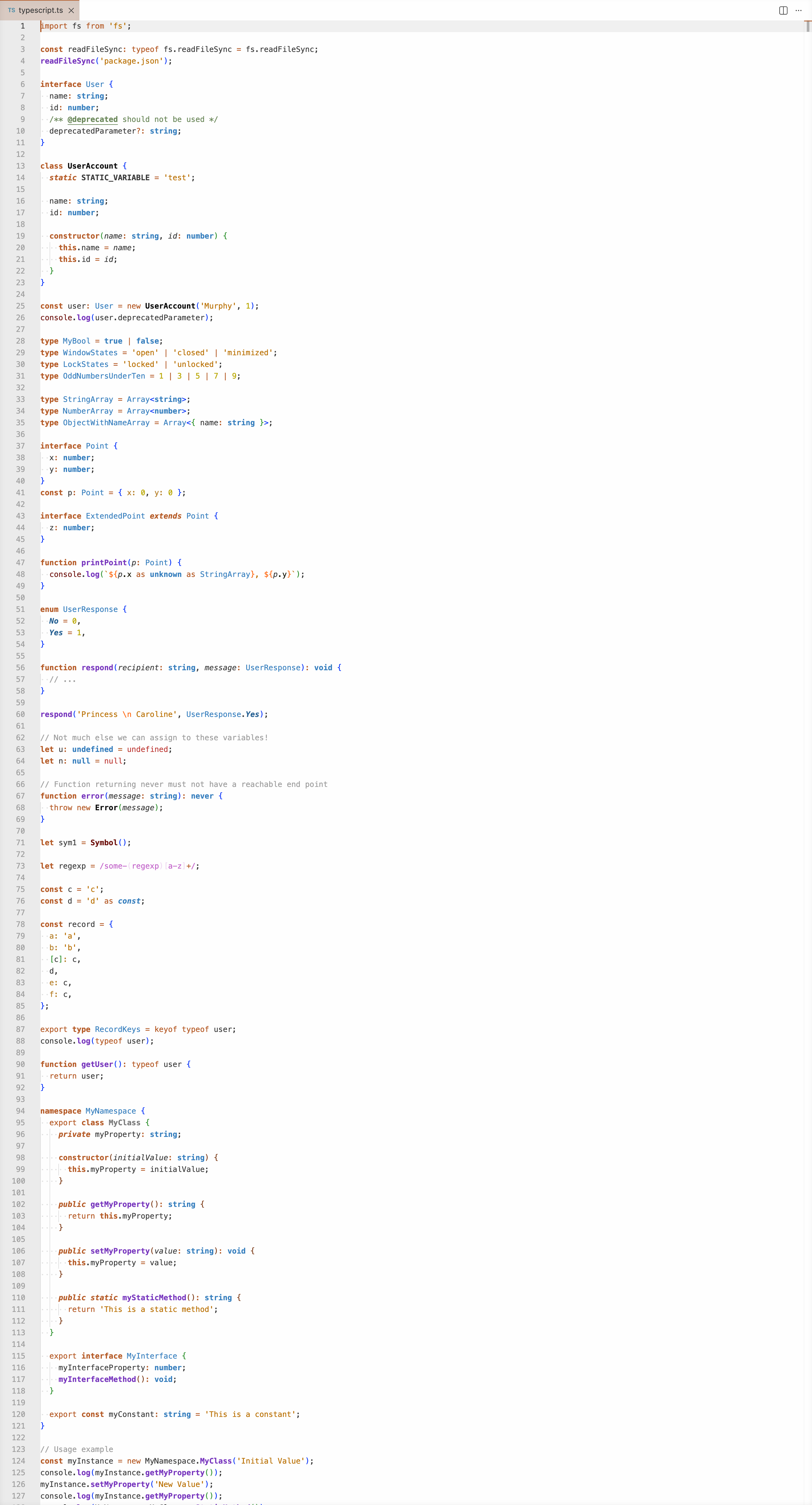 |
| Python |
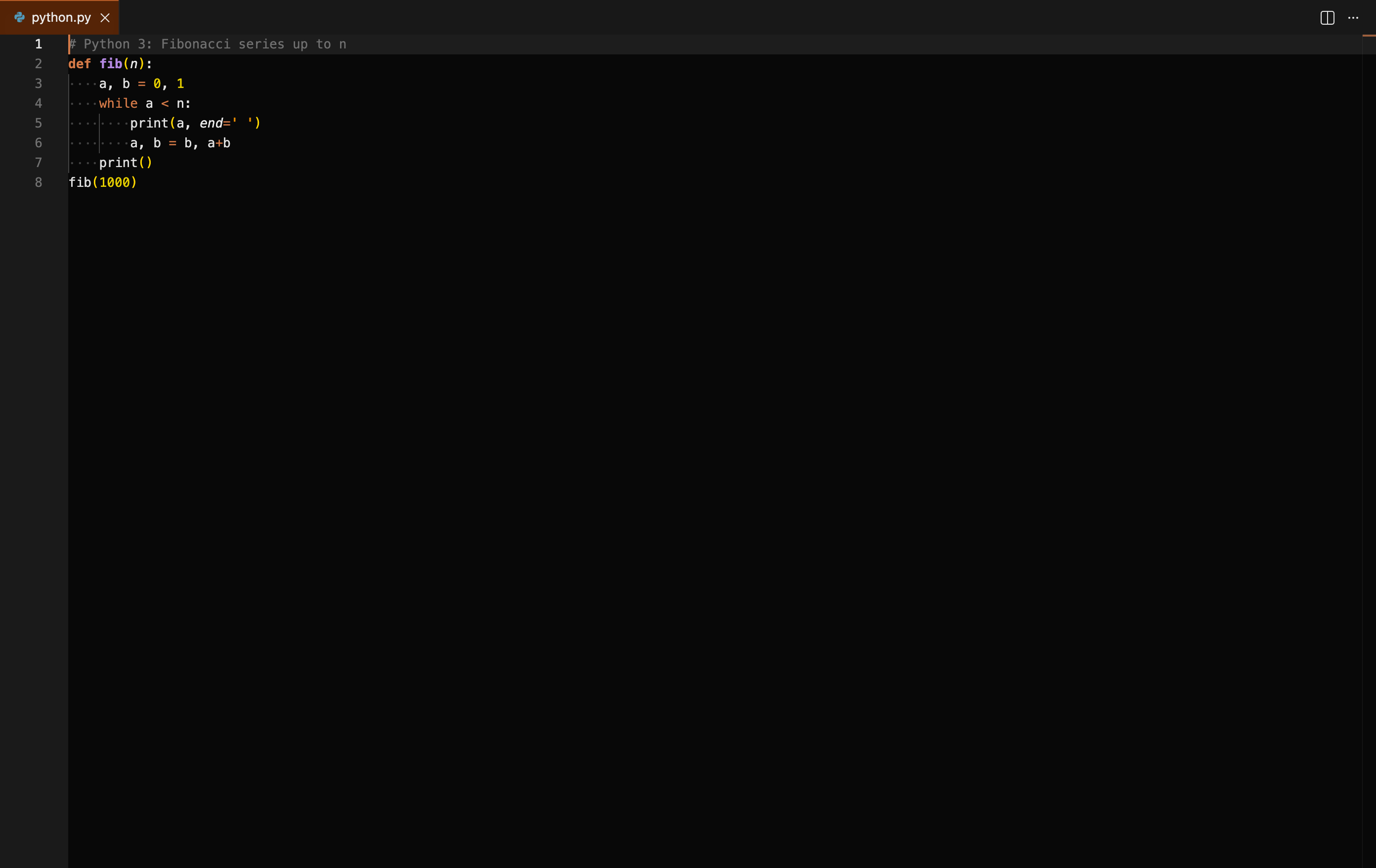 |
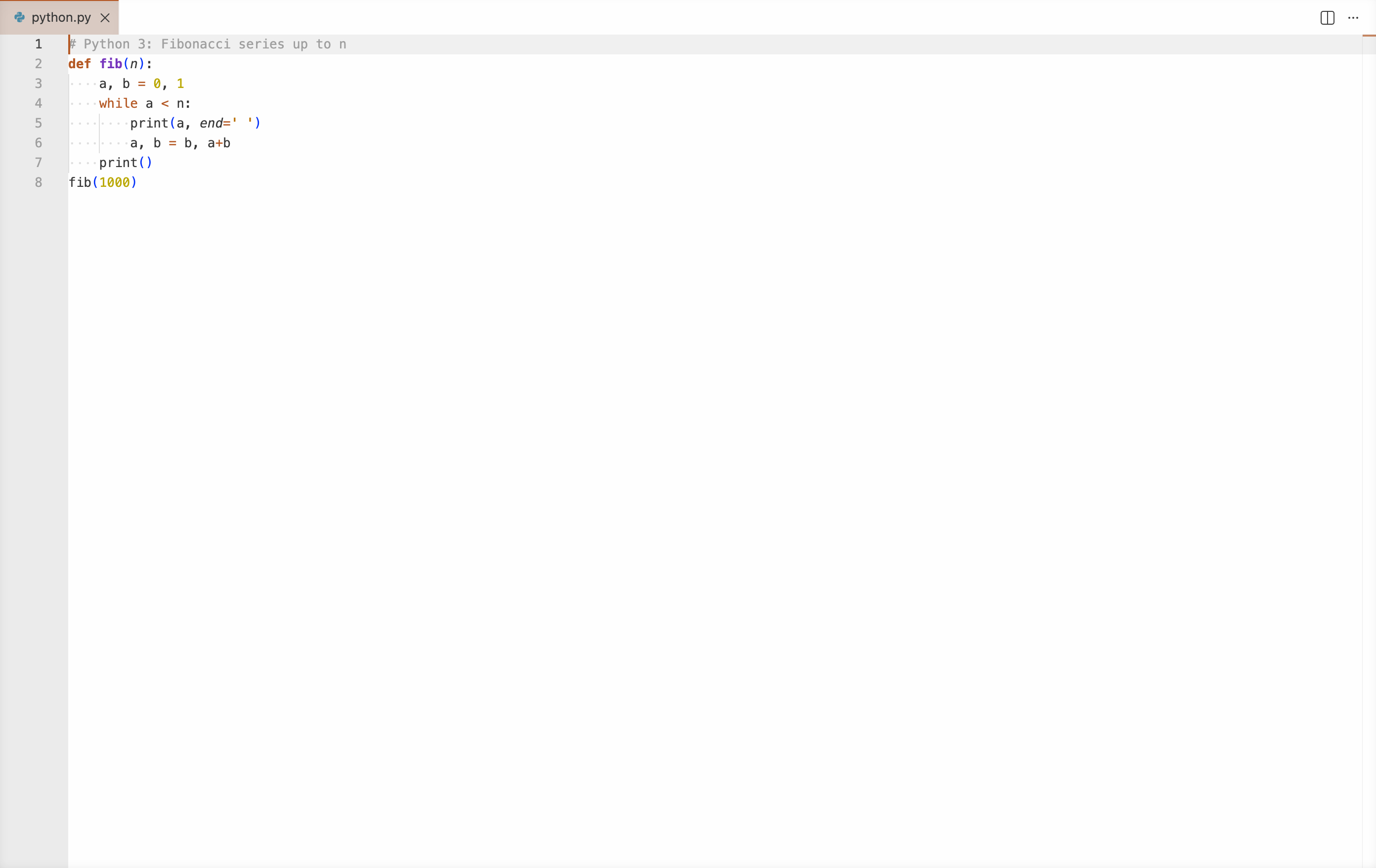 |
| Markdown |
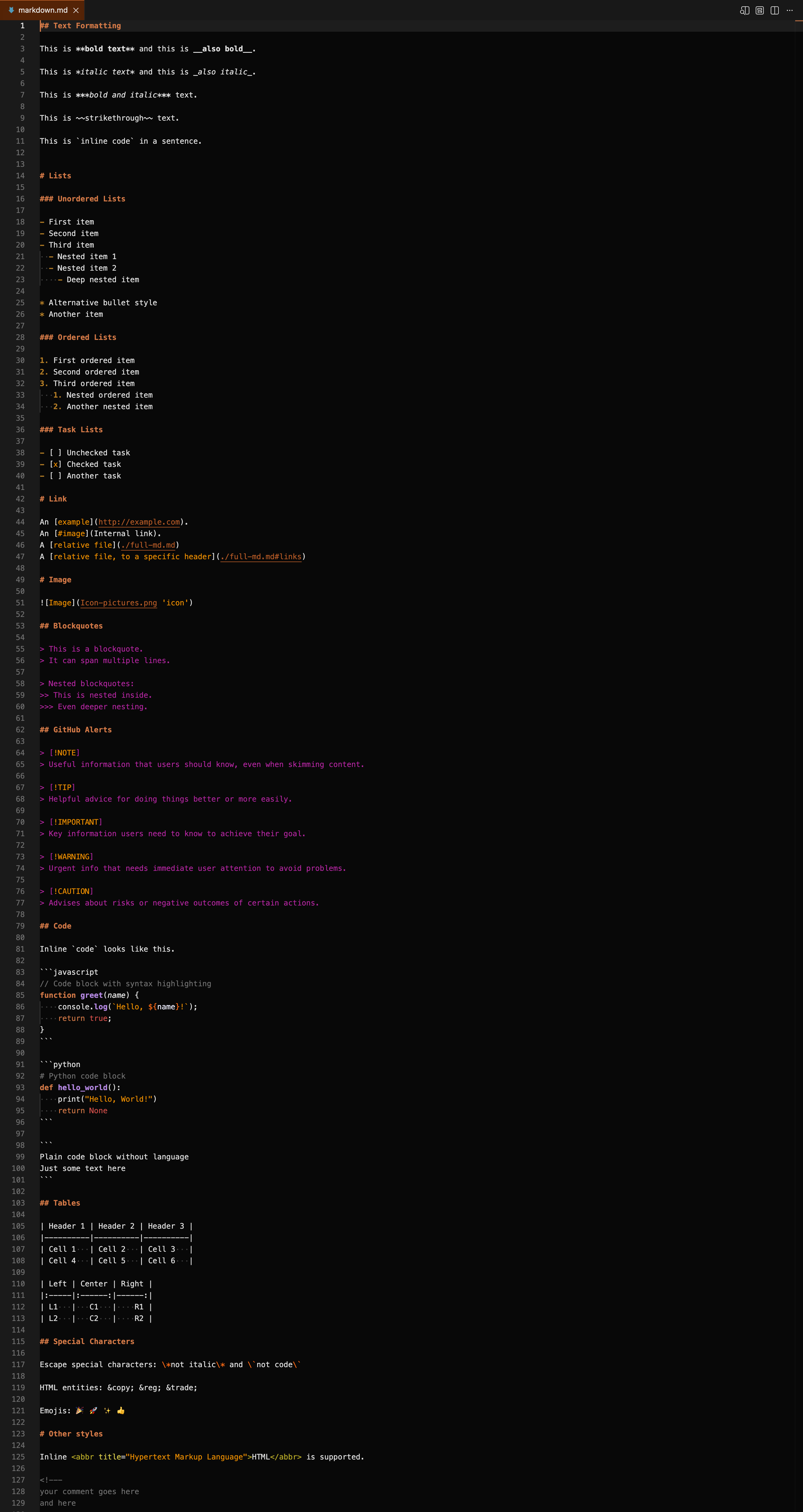 |
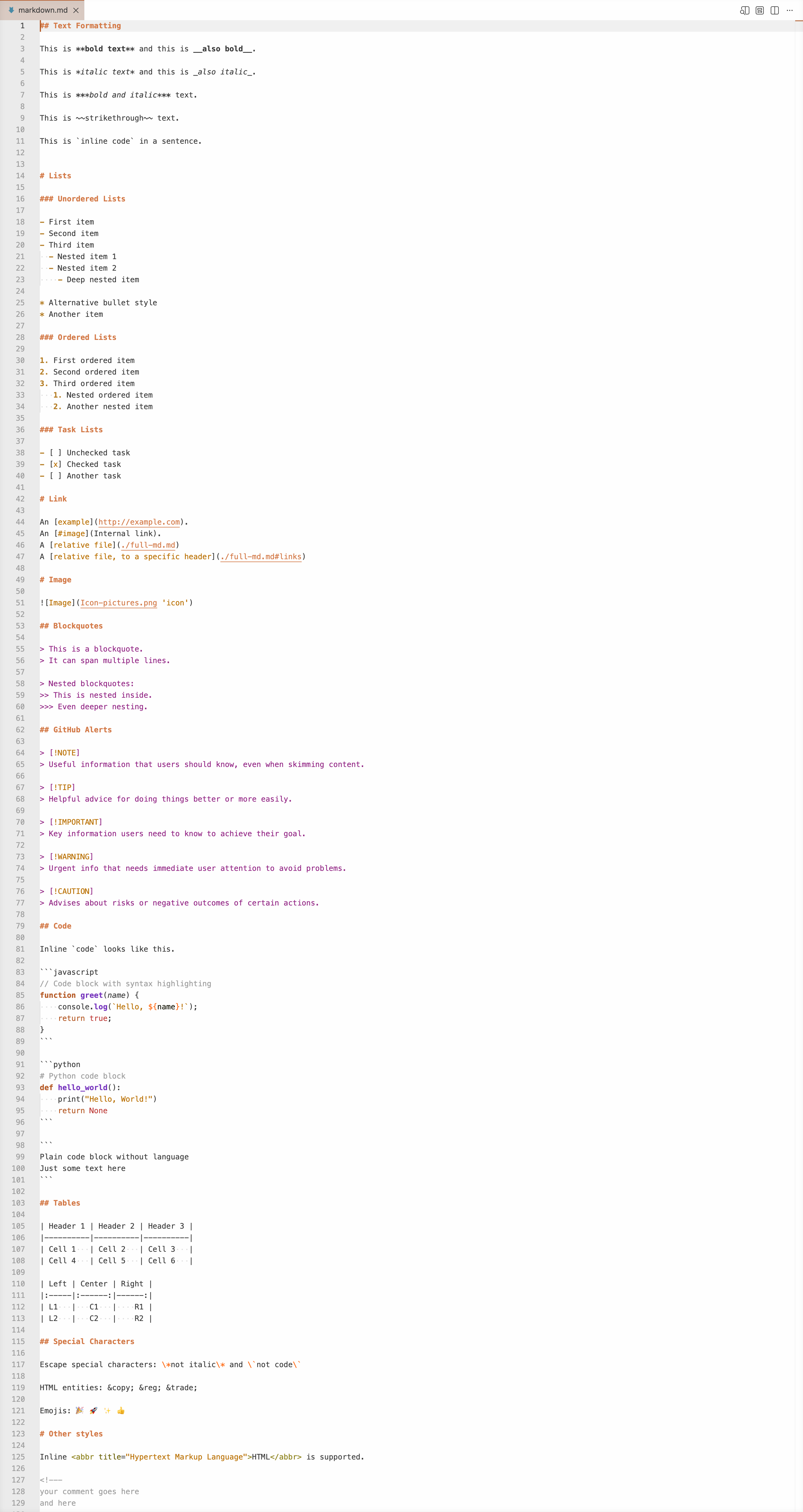 |
Development
yarn generate      # rewrite themes/ from scripts/theme/
yarn screenshots   # rewrite previews/ from themes/
yarn screenshots drives a real VS Code workbench (code serve-web plus
playwright), so the shots include semantic tokens, the workbench chrome and the
terminal palette. It needs the code CLI on the PATH and, once,
npx playwright install chromium.
Shots are the cartesian product of themes, uis, layouts and files, and are
written to previews/<theme>-<ui>-<layout>-<file>.png:
node scripts/screenshots.ts --list
node scripts/screenshots.ts --themes dark,light --layouts ide --files react,css
node scripts/screenshots.ts --uis modern --layouts chat --out /tmp/shots
| Layout |
Captures |
editor |
the editor group alone, grown to fit the whole file |
ide |
explorer, editor, status bar |
full |
ide plus a terminal running scripts/colors.sh |
chat |
full plus the secondary side bar |
--scale sets the device pixel ratio (2 by default) and --max-height caps how
tall an editor shot may grow (6000 css pixels by default, about 300 lines);
longer files are cropped at that height.
Without a filter, the default matrix is regenerated: both themes, full in both
uis, and editor for TypeScript, Python and Markdown.

