Woop README
- Use Woop to lanuch any project in the current code window.
- set the project directory
- switch between projects quickly
Usage
Dash
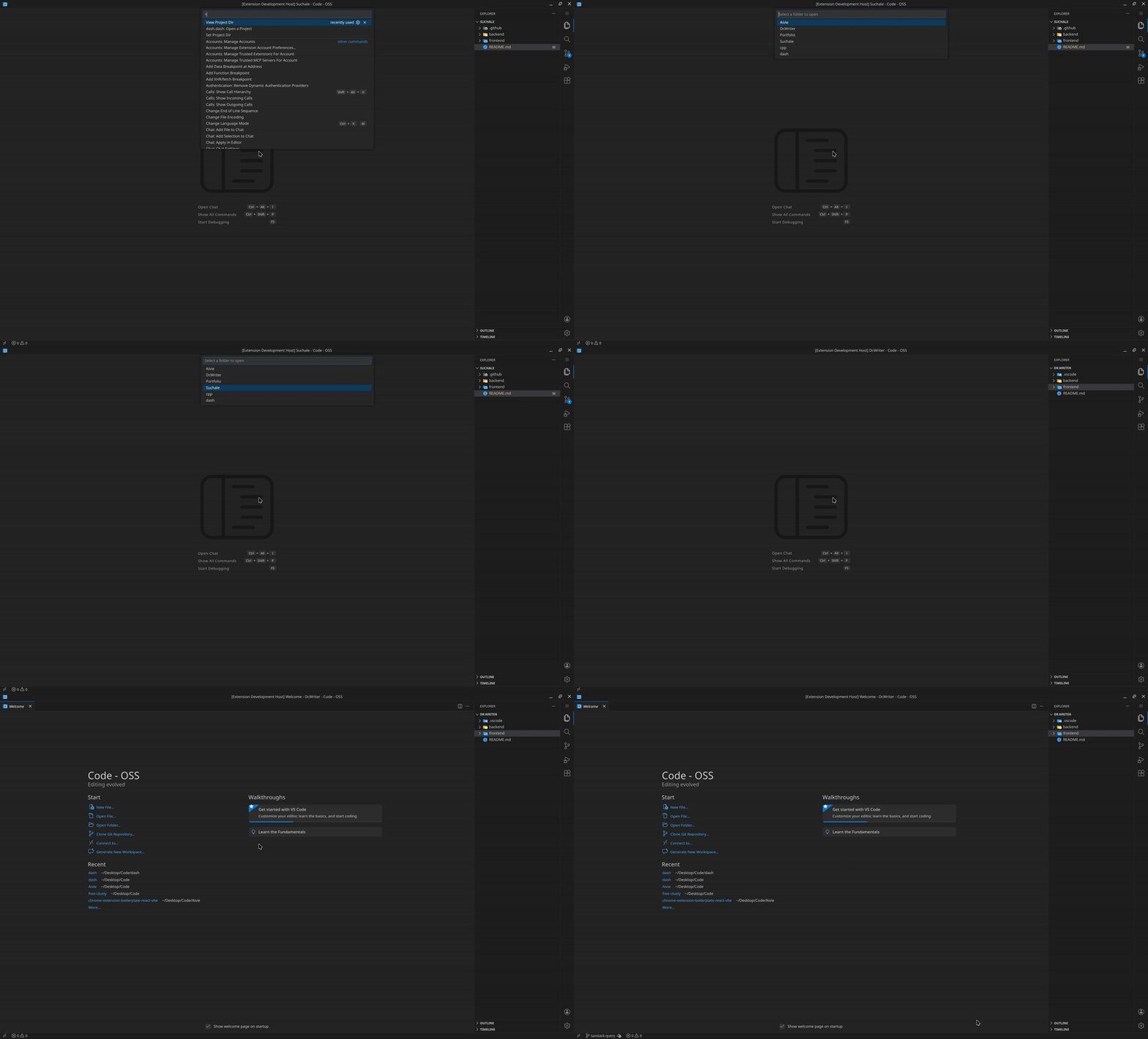
- use dash.dash command to list all projects.
- choose the project you want to work on.
- press enter and seleted project will open on the current code window.
Set dir
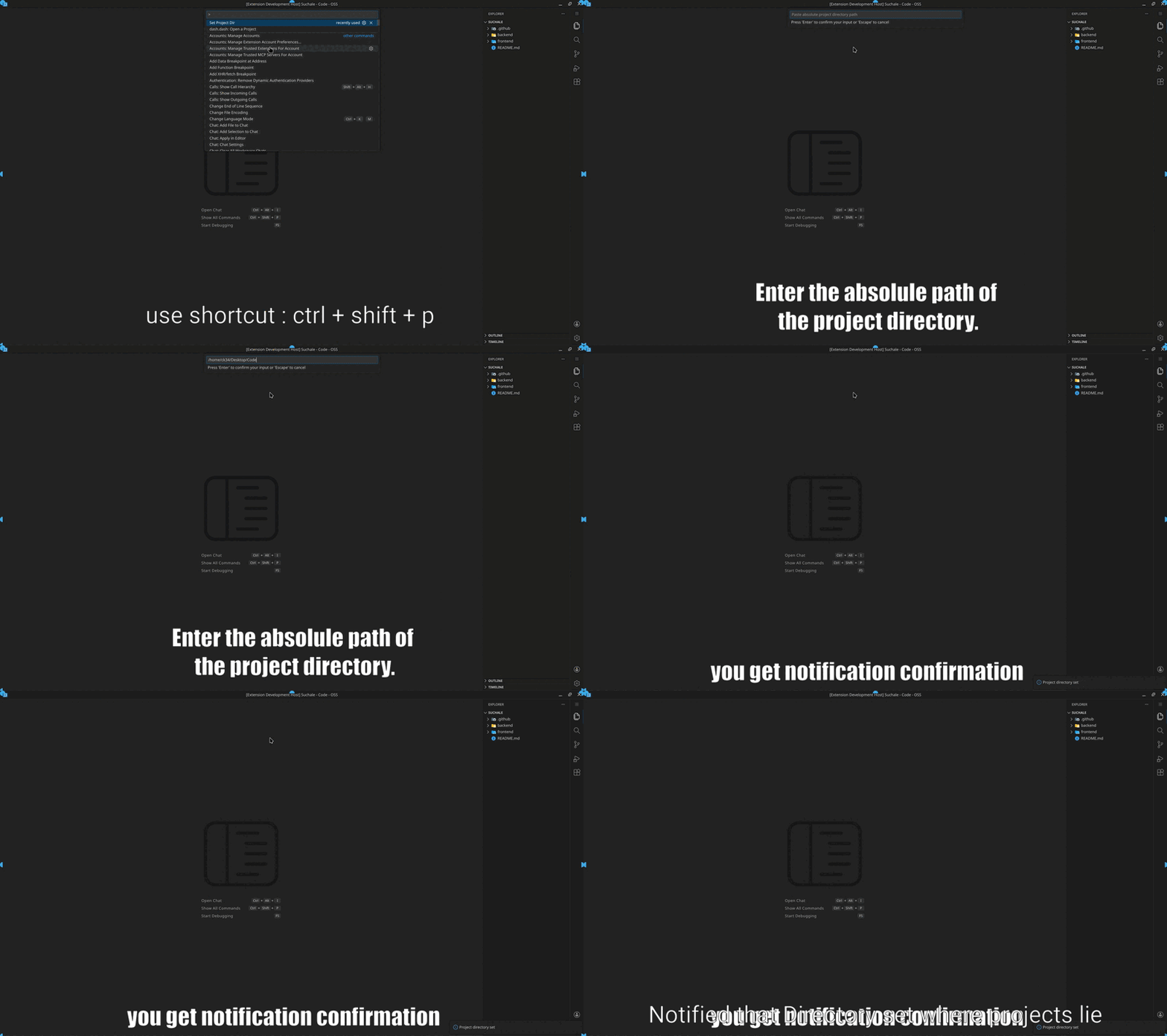
- use Set Dir to set the working dir where your projects are located.
- press ctrl + shift + p
- set dir command
- enter the path to your project directory
View
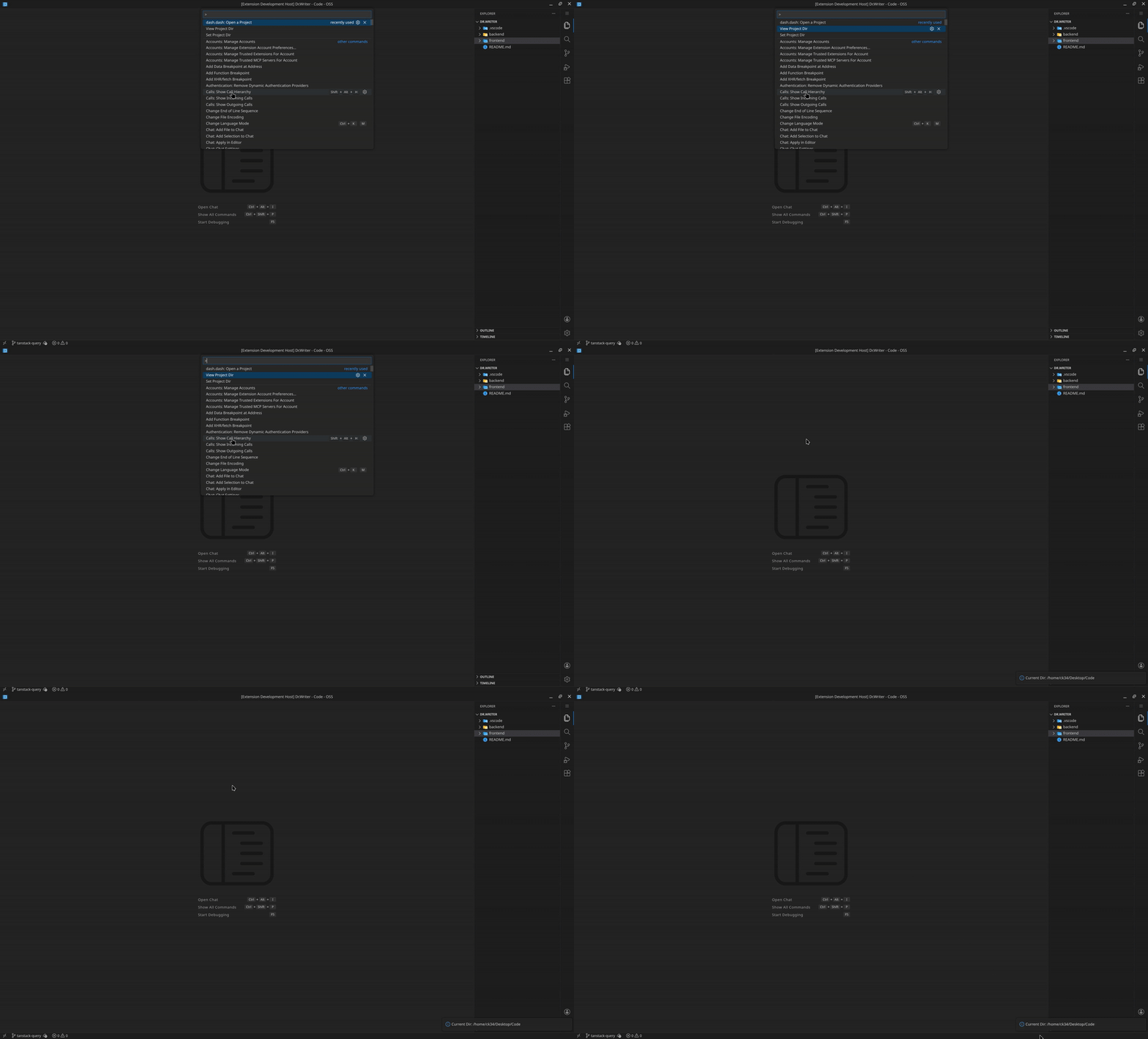
- press ctrl + shift + p.
- View dir command.
- you will get notificaiton for the path you set.
| |


