CodexplainAI powered code explanation using local LLM Installation Launch VS Code Quick Open ( Ctrl+P), paste the following command, and press enter.Copied to clipboard |

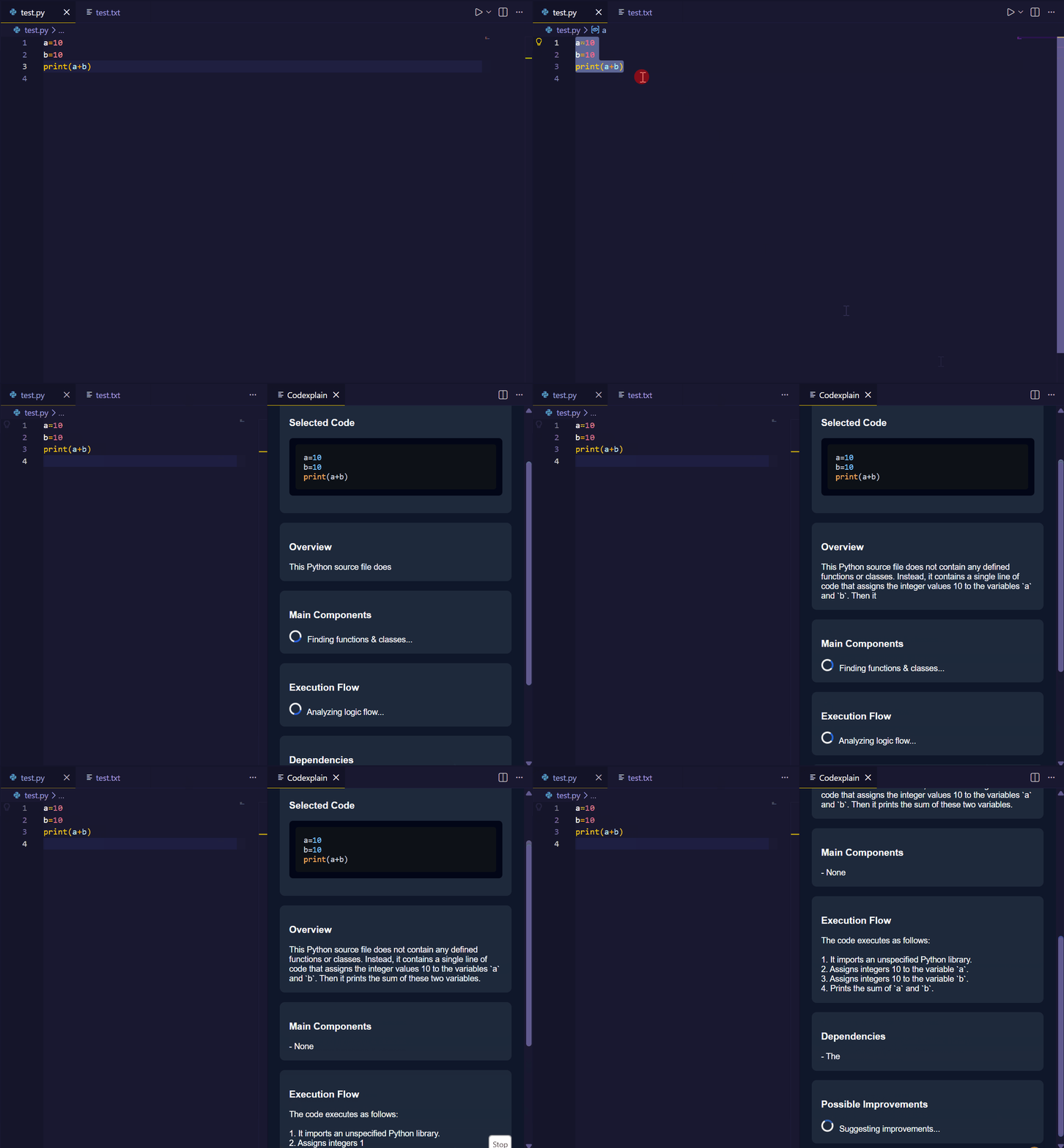
CodexplainCodexplain is an AI-powered extension for Visual Studio Code that helps developers understand, analyze, and debug code directly inside the editor using a local AI model. It allows developers to quickly generate explanations, comments, file summaries, and error analysis without leaving the editor. DemoDemo
FeaturesExplain Code Select any portion of code and get a structured explanation including:
Generate Comments Automatically generate meaningful comments for selected code to improve readability and documentation. Analyze Entire File Analyze the complete file to understand:
Explain Errors Understand coding errors directly inside VS Code. Codexplain explains:
Coding Statistics Track your coding usage such as:
Keyboard Shortcuts Feature| Shortcut Explain Selected Code| Ctrl + Shift + E Generate Comments| Ctrl + Shift + C Show Coding Stats| Ctrl + Shift + S Analyze Entire File| Ctrl + Shift + A Explain Error| Ctrl + Shift + X How To UseMethod 1 — Right Click Menu
Available commands:
Method 2 — Keyboard Shortcuts Use the keyboard shortcuts listed above for faster workflow. RequirementsCodexplain runs using a local AI model, so you must install Ollama. Install Ollama from: https://ollama.com After installing, run a model such as: ollama run qwen2:1.5b This model will power the AI responses inside the extension. Extension SettingsNo additional configuration is required. Known IssuesLarge files may take longer to process depending on system performance and AI model speed. AuthorCreated by Chandana N. LicenseThis project is licensed under the MIT License. |