Postrboard
A VS Code color theme in light and dark variants for those who prefer things that are aesthetically beautiful.
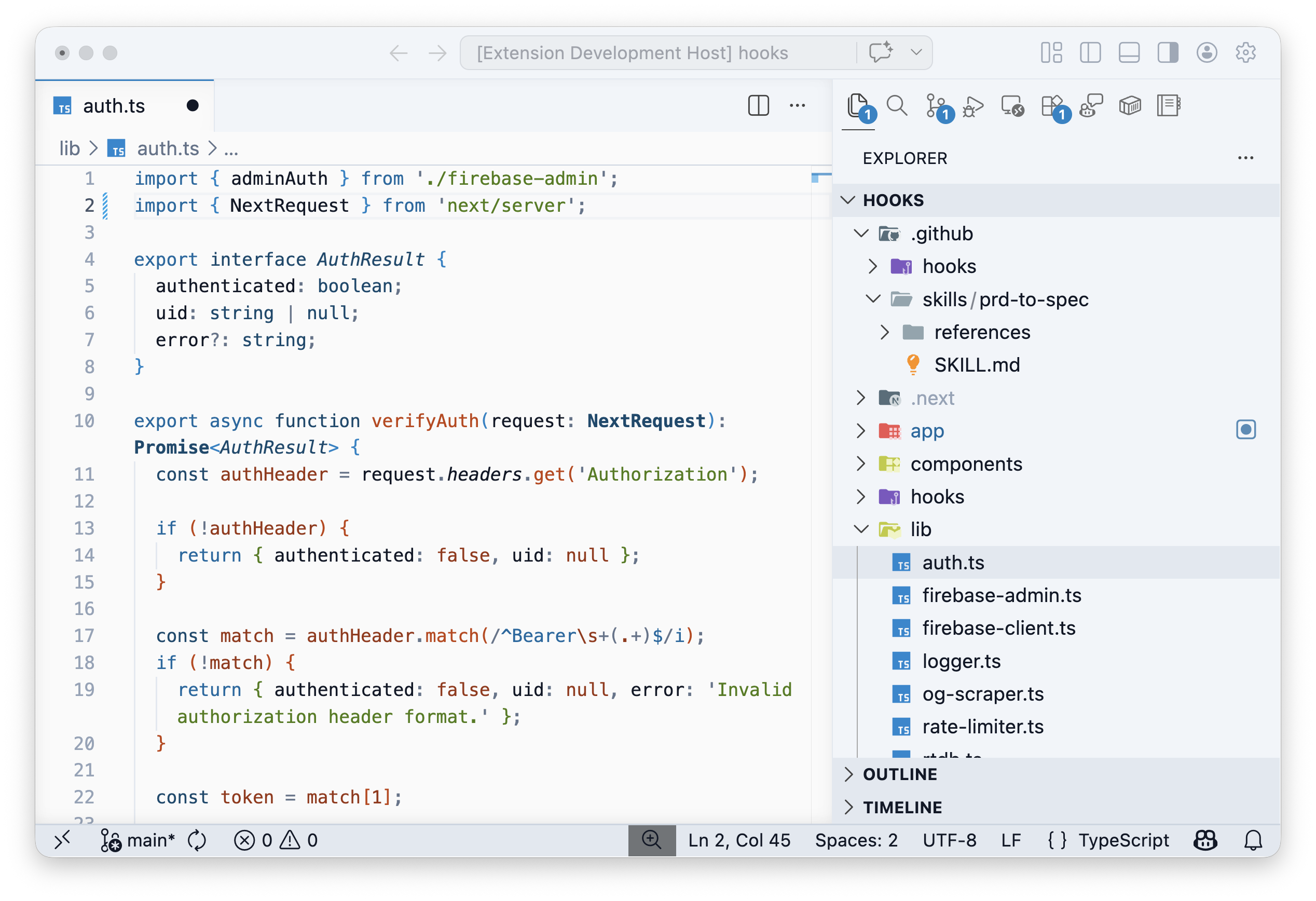
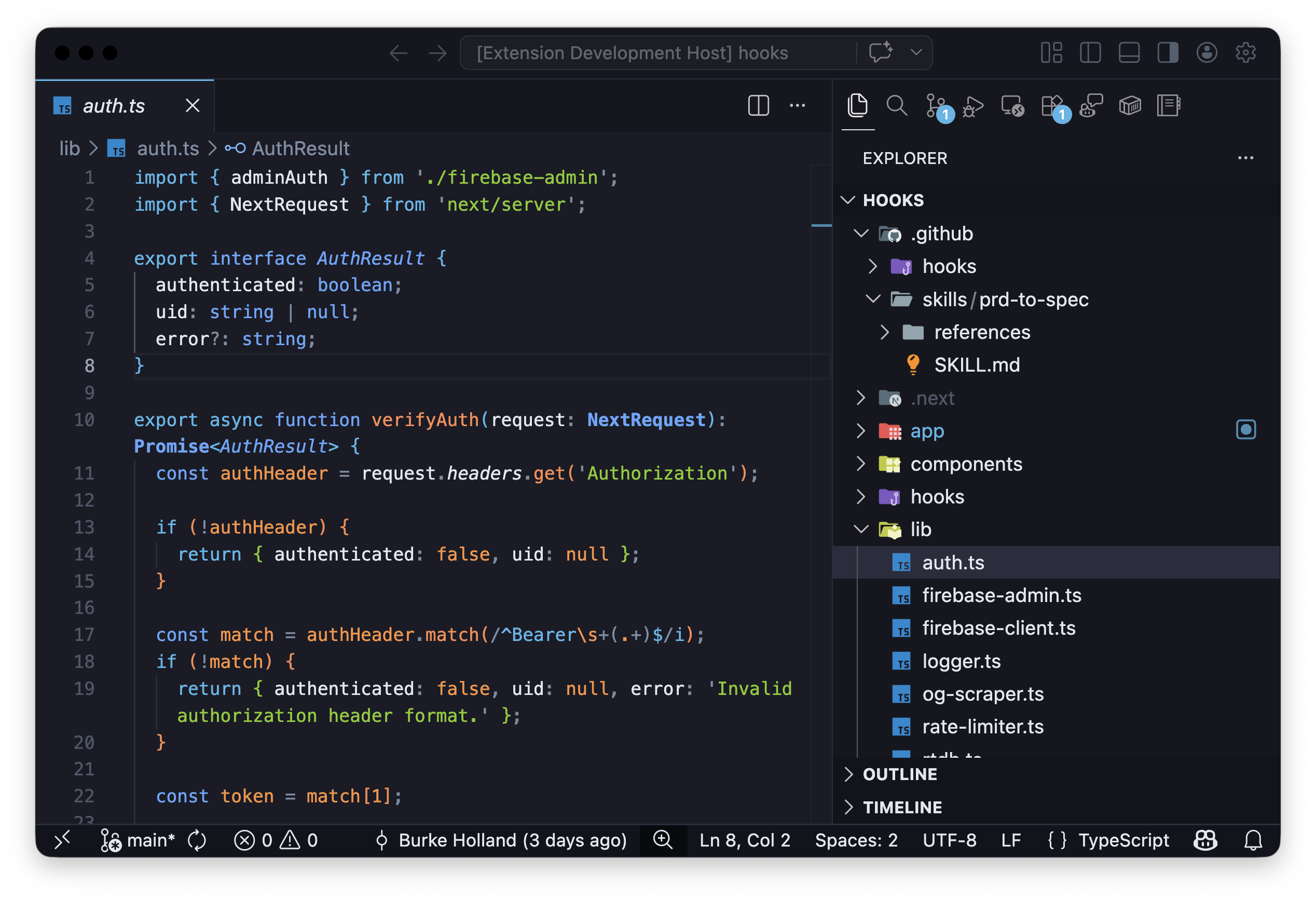
Color Palette
Built on three brand accent colors with WCAG AA–compliant contrast:
Light Theme
| Role |
Color |
Hex |
| Coral |
🟠 Functions, errors, decorators |
#c2410c |
| Azure |
🔵 Keywords, tags, links |
#0369a1 |
| Sage |
🟢 Strings, success states |
#4d7c0f |
| Deep Azure |
Types, interfaces, classes |
#0c4a6e |
| Warm Brown |
Constants, numbers |
#9a3412 |
| Slate |
Comments, punctuation |
#64748b |
Background surfaces use soft whites (#fafafa editor, #f1f5f9 sidebar).
Dark Theme
| Role |
Color |
Hex |
| Coral |
🟠 Functions, errors, decorators |
#fb8a4d |
| Azure |
🔵 Keywords, tags, links |
#4fb6e8 |
| Sage |
🟢 Strings, success states |
#84cc16 |
| Deep Azure |
Types, interfaces, classes |
#60a5fa |
| Warm Brown |
Constants, numbers |
#fb923c |
| Slate |
Comments, punctuation |
#7c8da3 |
Background surfaces use deep blues (#1a1b26 editor, #16171f sidebar).
Features
- Light and Dark variants — same brand palette, tuned for each background
- 183 UI color keys — every surface of VS Code is themed
- 68 syntax token rules — covering JS/TS, HTML, CSS, JSON, YAML, Markdown, and more
- Semantic highlighting — enhanced coloring for TypeScript, Python, Rust, and others
- Bracket pair colorization — azure → coral → sage cycling
- WCAG AA accessible — all text colors meet 4.5:1 minimum contrast
Installation
- Open Extensions in VS Code (
Cmd+Shift+X)
- Search for
Postrboard
- Click Install, then Set Color Theme → choose Postrboard (light) or Postrboard Dark
Or install from the command line:
code --install-extension postrboard.postrboard
License
MIT
| |

