Skip to content
| Marketplace
Sign in
Visual Studio Code>Themes>HighGruvNew to Visual Studio Code? Get it now.
HighGruv

HighGruv

bullptr

|
1 install
| (1) | Free
High contrast Gruvbox-based theme.
Installation
Launch VS Code Quick Open (Ctrl+P), paste the following command, and press enter.
Copied to clipboard
More Info

HighGruv

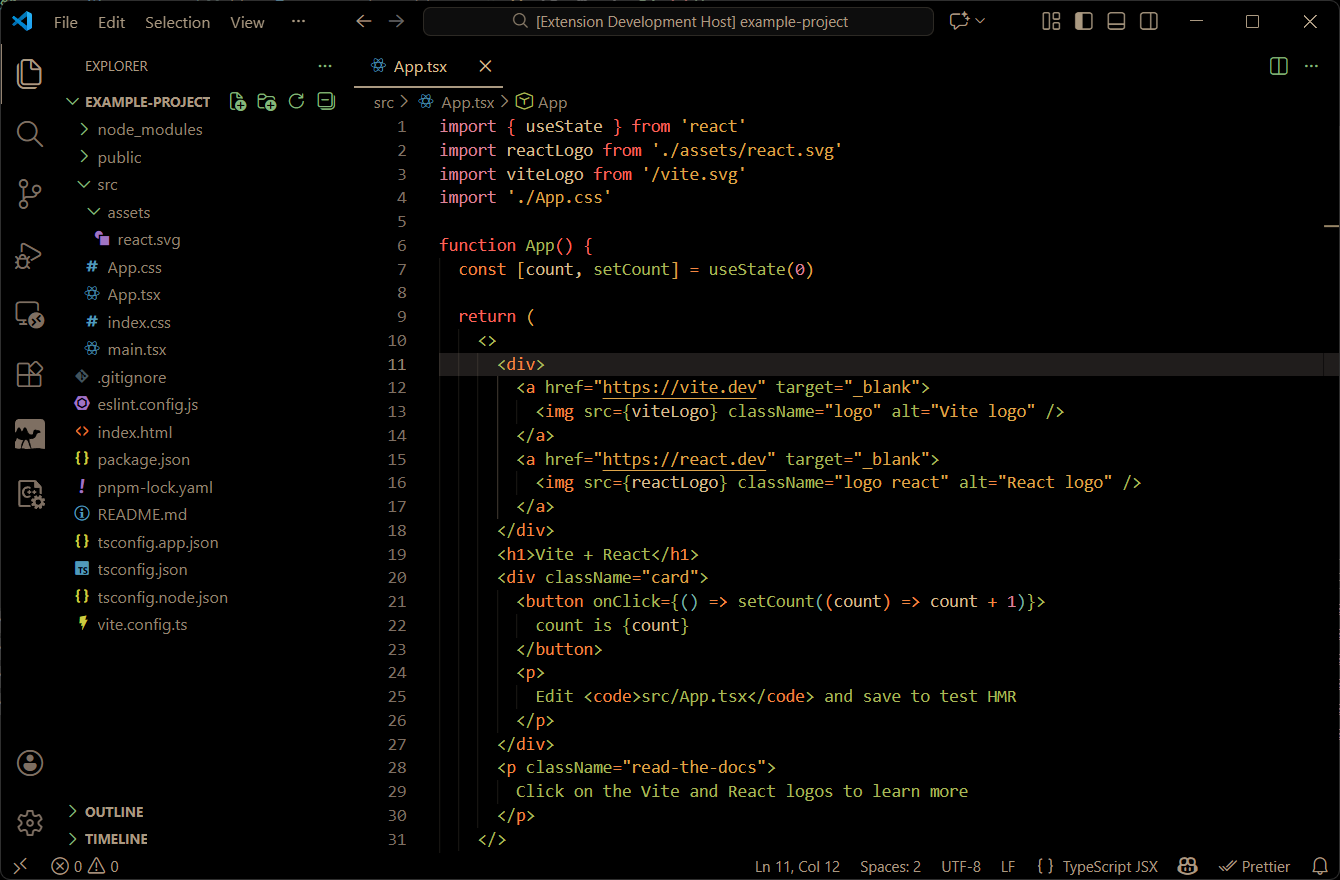
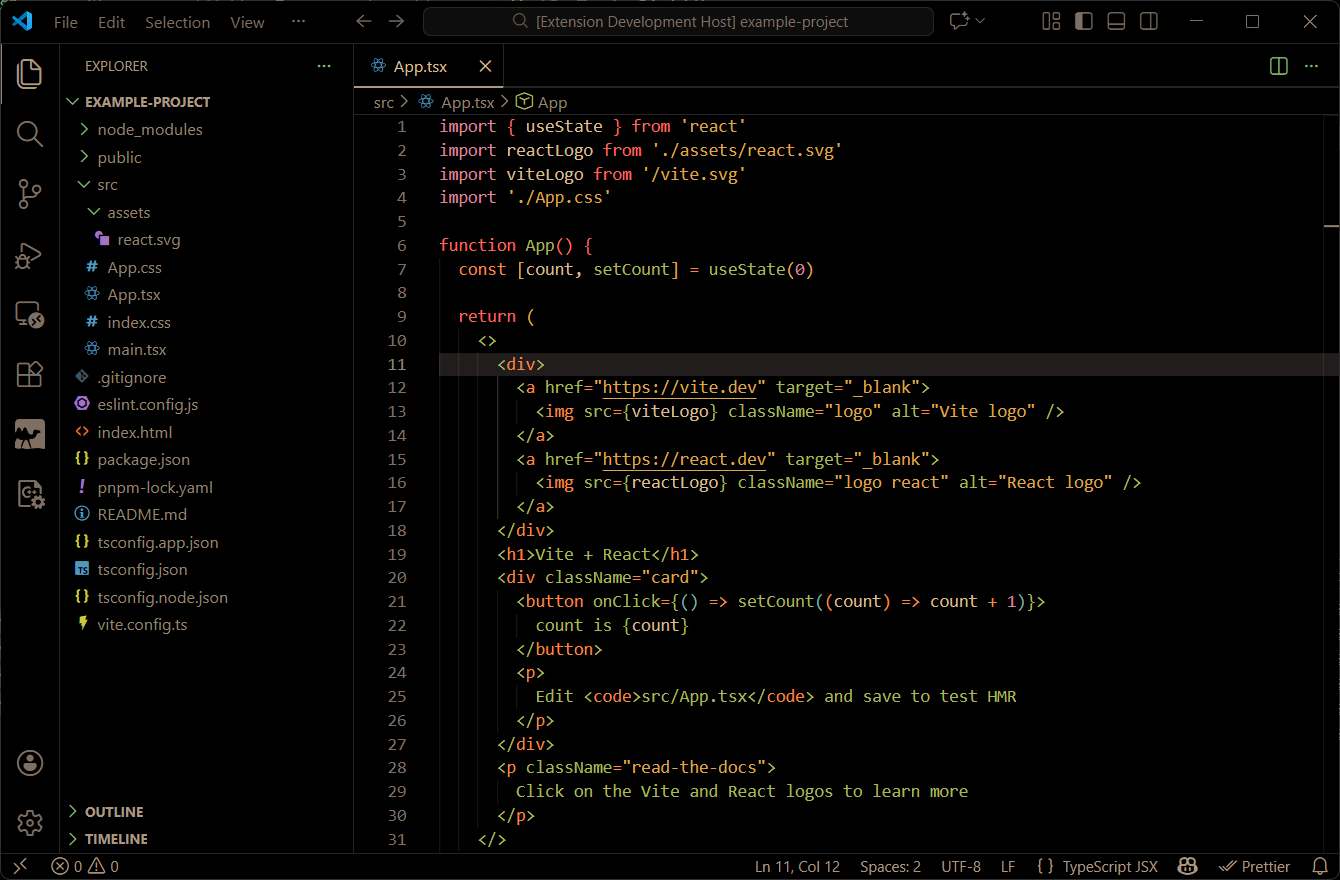
High contrast dark Gruvbox-based VS Code theme.

Default Bordered
Sample Sample

Features

  • High contrast colors for better visibility.
  • Inspired by the popular Gruvbox color scheme.
  • Optimized for long coding sessions to reduce eye strain.

Contributing

Contributions are welcome! If you have suggestions or improvements, please open an issue or submit a pull request.

License

This project is licensed under the MIT License. See the LICENSE file for details.

Acknowledgements

  • Gruvbox in Black.
  • Contact us
  • Jobs
  • Privacy
  • Manage cookies
  • Terms of use
  • Trademarks
© 2026 Microsoft