Ctrl/Cubicles — Pixel Office for AI Coding AgentsWatch your AI coding agents work in a live pixel art office — real-time activity tracking, multi-agent support, and a shareable web dashboard. A pixel agent office for Claude Code. Installation Launch VS Code Quick Open ( Ctrl+P), paste the following command, and press enter.Copied to clipboard |

Ctrl — Pixel Office for AI Coding AgentsWatch your AI coding agents work in a live pixel art office, right inside VS Code.
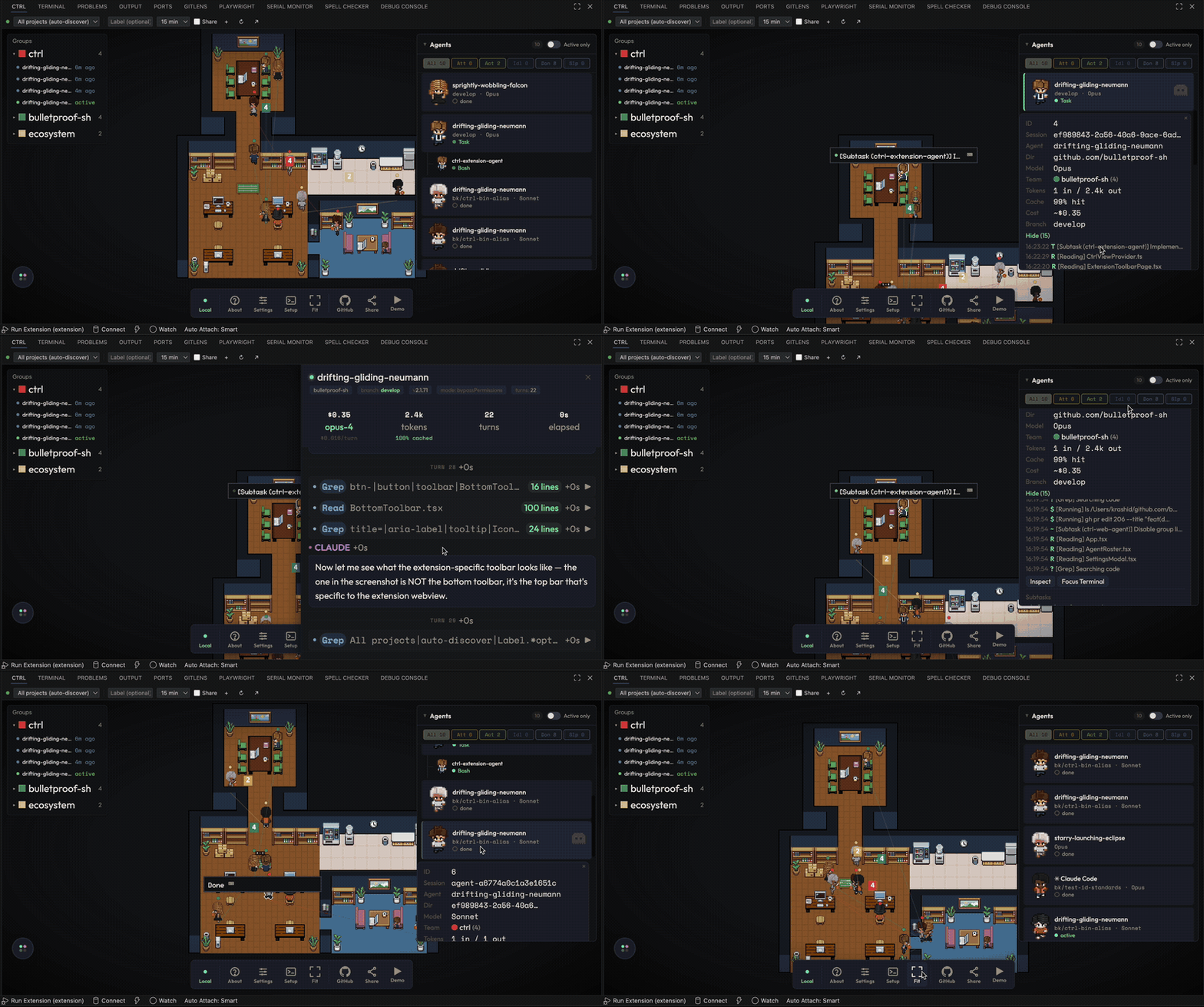
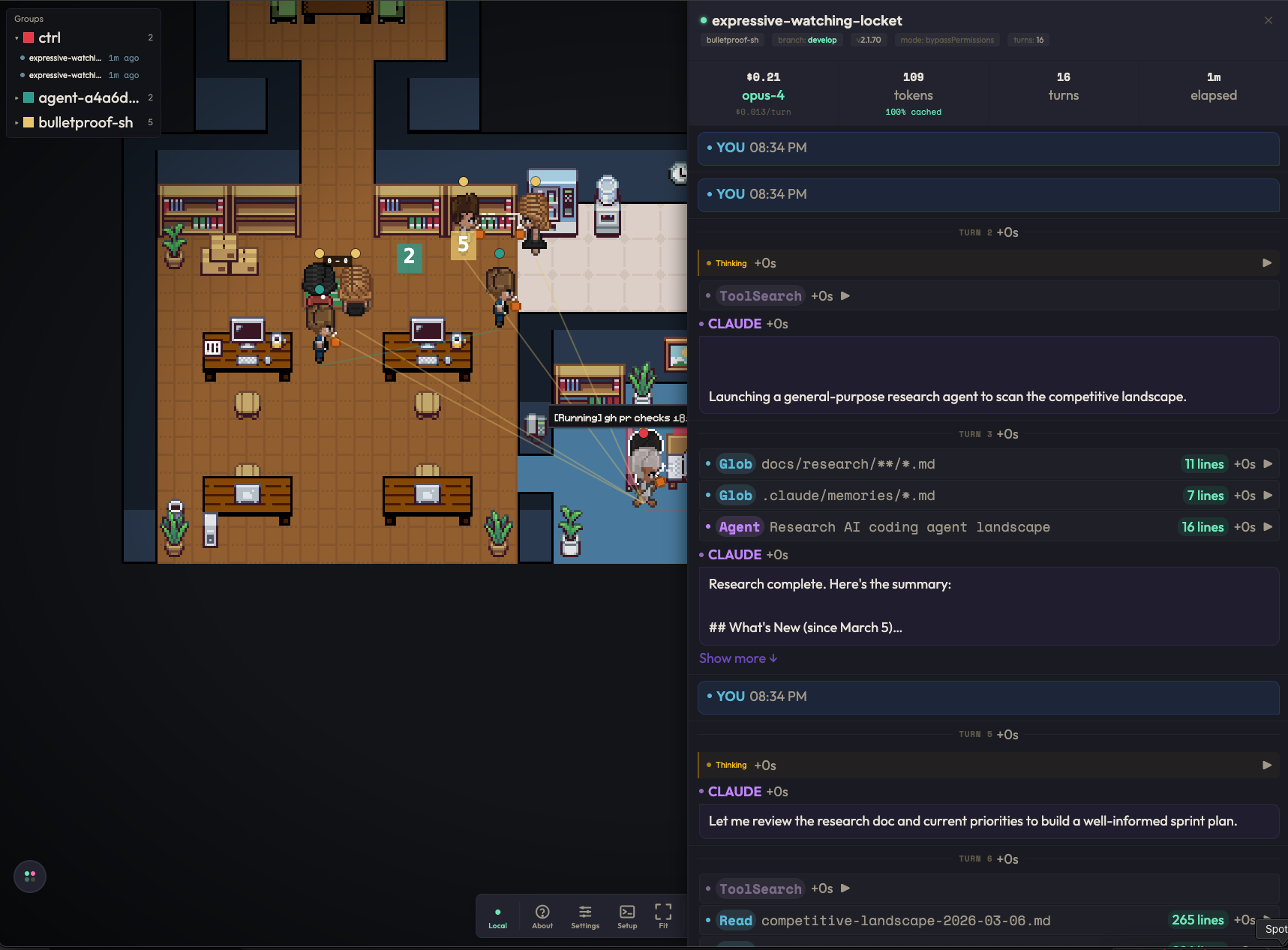
FeaturesReal-Time Agent TrackingSee your AI agents appear as animated pixel characters the moment they start working. Each agent walks to a desk, sits down, and shows live tool activity — file edits, API calls, terminal commands — as floating indicators above their head. Supported agents:
Multi-Agent OfficeRun multiple agents simultaneously and watch them all work in the same office. Parent agents and their subagents are displayed together, so you can see your entire team at a glance. Click any agent to focus on them, or right-click for quick actions.
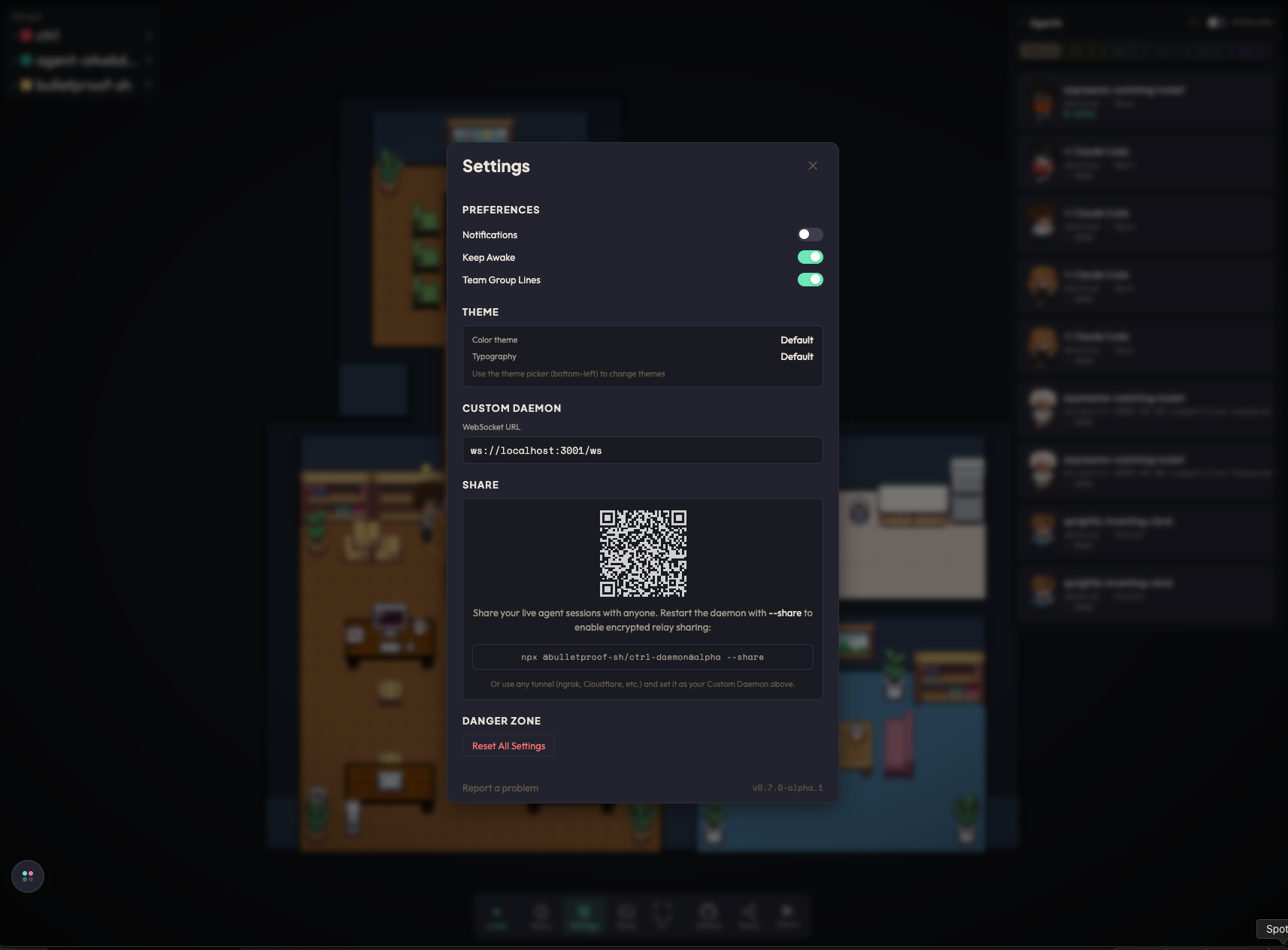
Session InspectorClick any agent to see their full conversation in real-time — messages, tool calls, code output, and cost tracking. Watch the AI think and work, step by step. Multi-Daemon SupportConnect to multiple daemons running on different machines or projects. Use the 56 Color ThemesPersonalize your office with 56 built-in color themes. Switch between warm, cool, vibrant, and muted palettes from settings. Layout EditorCustomize your office floor plan with the built-in layout editor. Choose from 4 presets — Default, Startup, Agency, and Enterprise — or drag furniture to create your own arrangement. Web Dashboard & SharingShare your office with anyone using the companion web app at ctrl.bulletproof.sh. Spectators can watch your agents work in real-time from any browser — no VS Code required. Generate a QR code or share link directly from settings.
FoosballWhen agents finish their work, they might challenge each other to a game of foosball. A pixel art mini-game that plays out automatically in the office. Sound NotificationsGet audio alerts when agents complete tasks or need attention. Toggle sounds on/off in settings. Persistent Sessions (tmux)Enable tmux mode to keep agents running across terminal restarts. Ctrl automatically detects and adopts already-running agent sessions. Getting Started
Run Commands
How It WorksCtrl watches JSONL session transcripts from your AI coding agents in real-time. When an agent starts, it appears in the office. As the agent uses tools (reading files, writing code, running commands), those actions appear as animated indicators. When the agent finishes, it leaves the office. No configuration needed — Ctrl auto-detects agent sessions in your workspace. Requirements
Web App & DaemonThe standalone web app at ctrl.bulletproof.sh connects to a local daemon for browser-based monitoring. Start the daemon, then open the web app. The daemon watches your local agent sessions and streams them to the browser via WebSocket. LinksLicense |