Your Claude Code sessions power an RPG hero — privacy-first.
You code. Your hero levels up. Your IDE picks your side. BrawlCode turns your Claude Code
activity into a real-time RPG: every tool call — write, read, run a command, spawn a sub-agent —
becomes an action that earns XP, levels your hero, and fights for your faction. In VS Code you're a
Lightbringer.
What you get
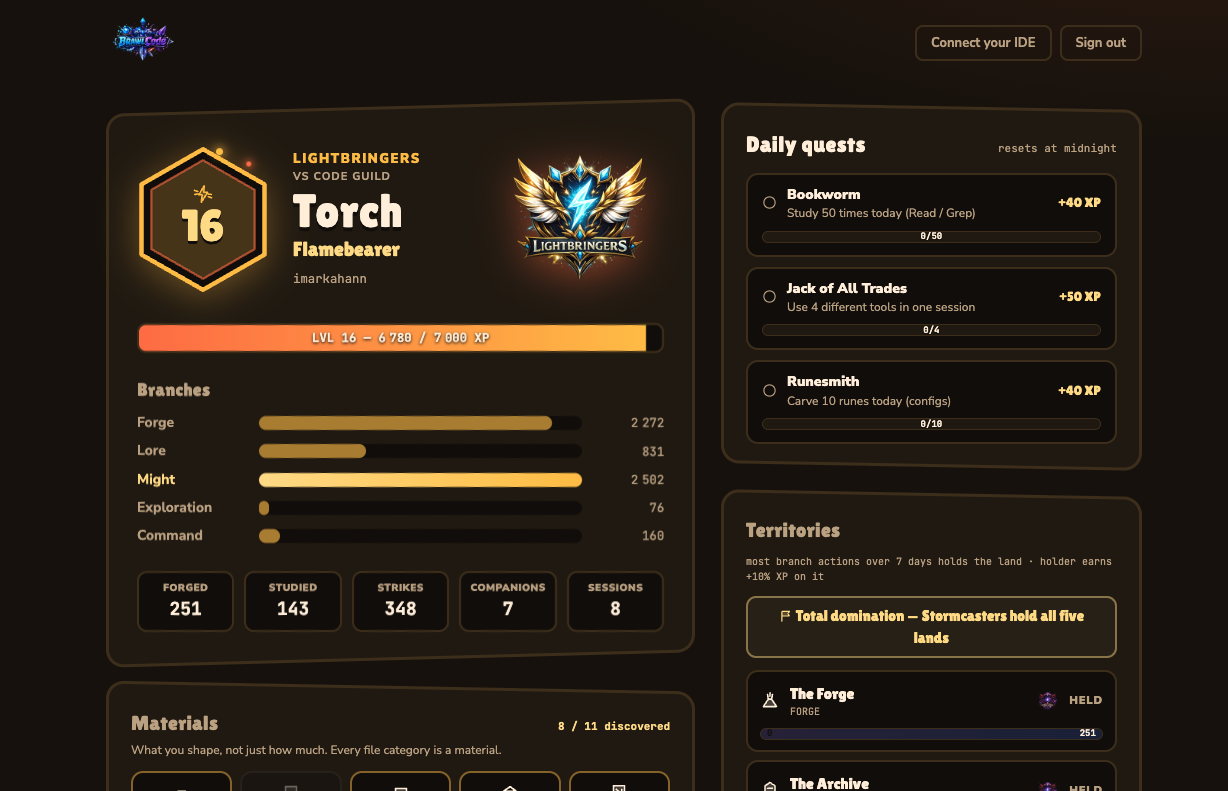
- A living hero — XP across five branches (Forge, Lore, Might, Exploration, Command), levels,
ranks, and an emergent class from how you code.
- Quests, badges & materials — daily quests, achievements, and file categories reimagined as
craftable matter (Steel, Runes, Parchment…).
- A faction war — Lightbringers (VS Code) vs Stormcasters (JetBrains) fight over five
territories in a rolling weekly war.
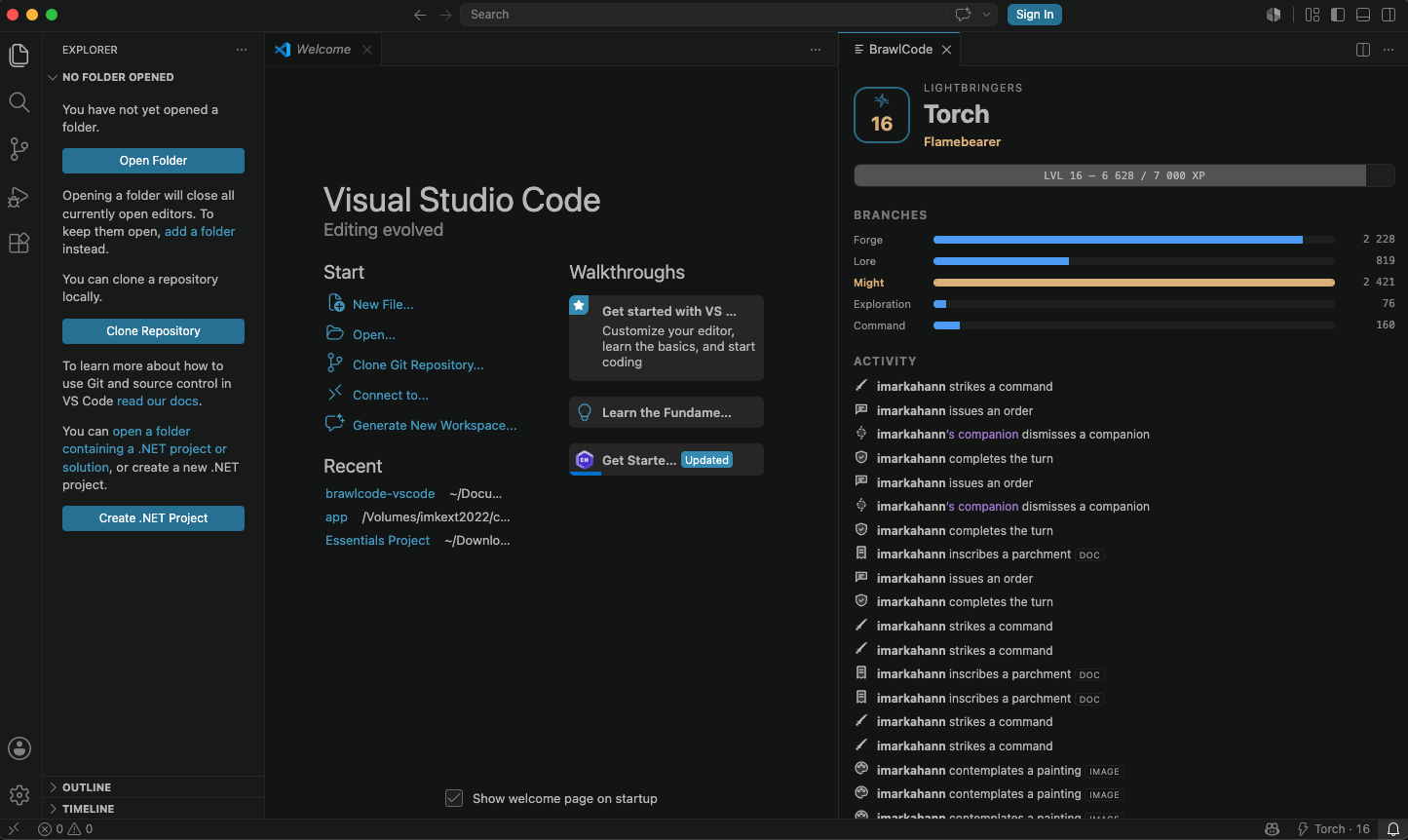
- A live game panel right inside VS Code.
Privacy-first — by design
BrawlCode never sees your code. It only reads Claude Code's public hooks, and the single script
that transmits anything is open source and auditable — your file contents, prompts, commands
and file paths never leave your machine; only anonymized game metadata does.
That script is copied byte for byte from its public repository, and the build fails if the two
ever differ. That is the whole audit promise: what you read is what runs.
👉 Read the exact script: github.com/brawlcode/brawlcode-filter
What lives on your machine
~/.claude/brawlcode/
├── brawlcode-filter.js   the script that runs (public, auditable)
├── token                 identifies your account
├── secret                signs each send
├── passphrase            salts every hash — NEVER transmitted
└── server                which server to talk to
Credentials are never stored in VS Code settings — those sync to the cloud, and a passphrase that
leaves the machine is no longer a secret.
Get started
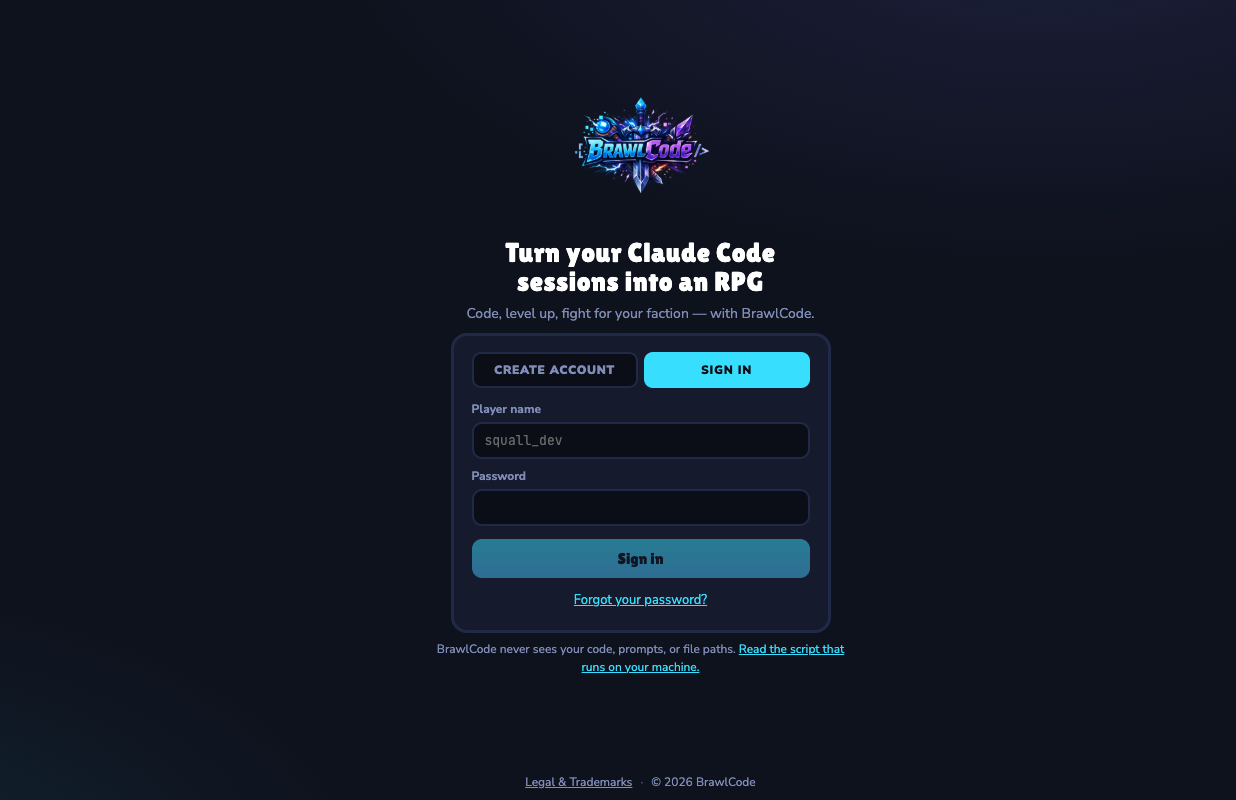
- Run BrawlCode: Connect (or open the welcome panel).
- Sign in on app.brawlcode.com and paste the connection string back.
- That's it — code as usual and watch your hero grow.
Commands
| Command |
What it does |
| BrawlCode: Connect |
Link your account to this machine |
| BrawlCode: Open the Game |
Show your hero, XP branches and live activity |
| BrawlCode: Show My Passphrase |
Reveal it so you can reuse it on another machine |
| BrawlCode: Reinstall Script and Hooks |
Repair a drifted install |
| BrawlCode: Disconnect This Machine |
Remove the hooks, the script and the credentials |
Independent project. Not affiliated with Anthropic, Microsoft, or JetBrains.
Legal & privacy.

