Skip to content
| Marketplace
Sign in
Visual Studio Code>Themes>Chalkboard VSCNew to Visual Studio Code? Get it now.
Chalkboard VSC

Chalkboard VSC

Boon & Moil

|
4 installs
| (0) | Free
A green chalkboard-inspired colour theme — easy on the eyes, easy on the soul.
Installation
Launch VS Code Quick Open (Ctrl+P), paste the following command, and press enter.
Copied to clipboard
More Info

Chalkboard Colour Theme

Researches have revealed that green is the color that gives a calming effect for the eyes. The green color also avoids the eyes from getting fatigued.

A dark theme built on chalkboard green — calm, readable, and easy on the eyes in any light. Colour is used deliberately to distinguish language constructs, not just to decorate.


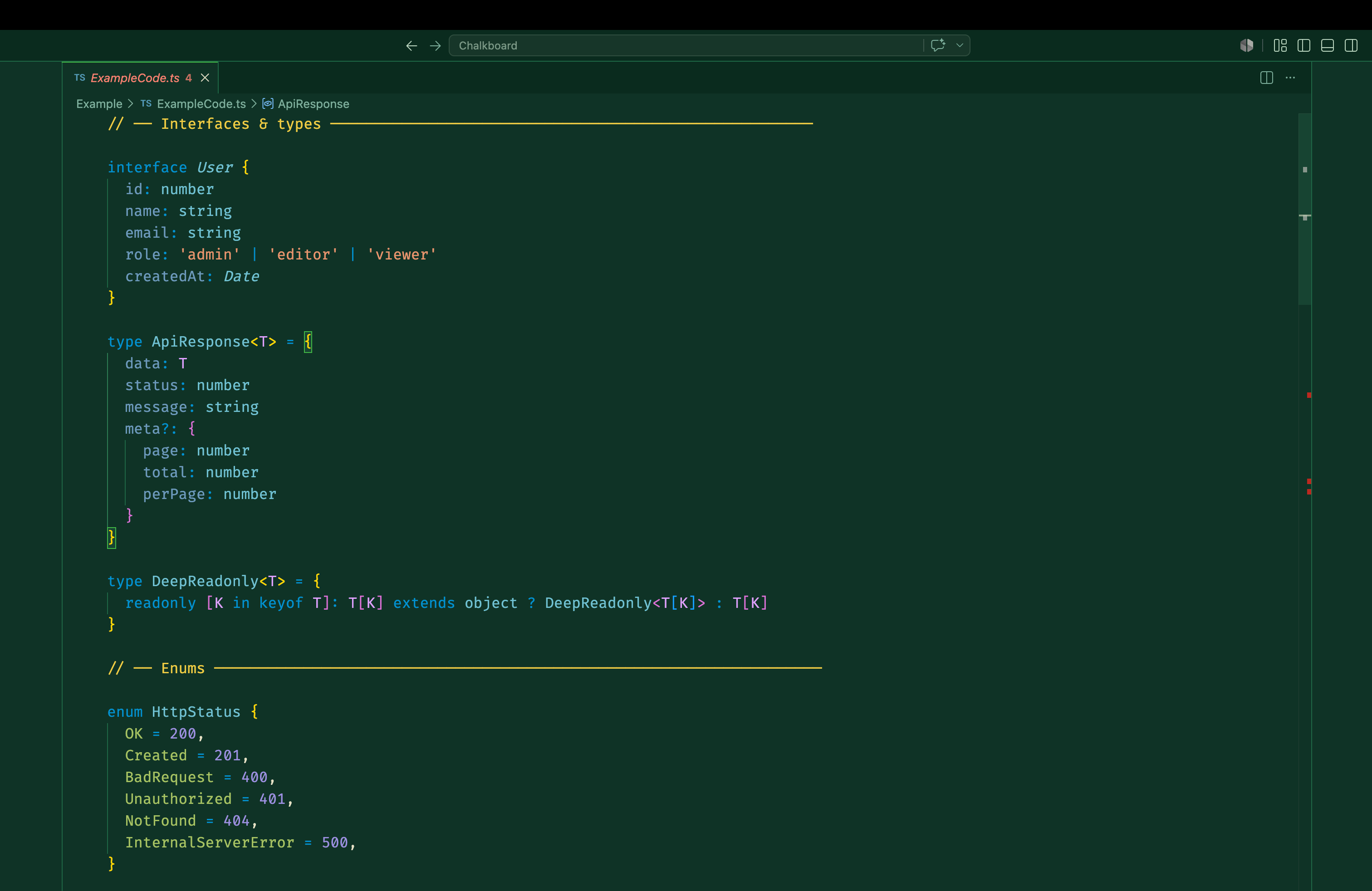
TS

What's covered

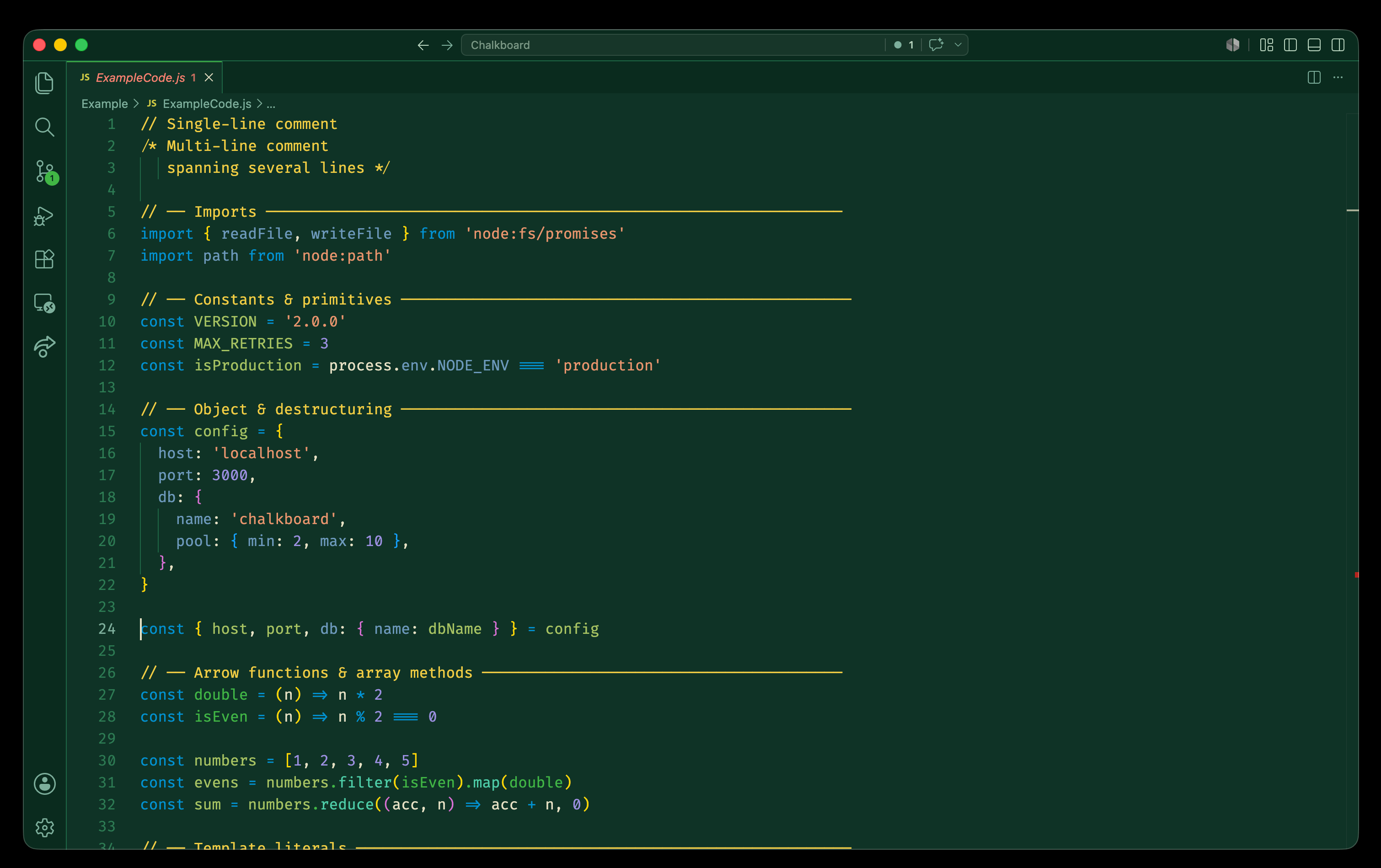
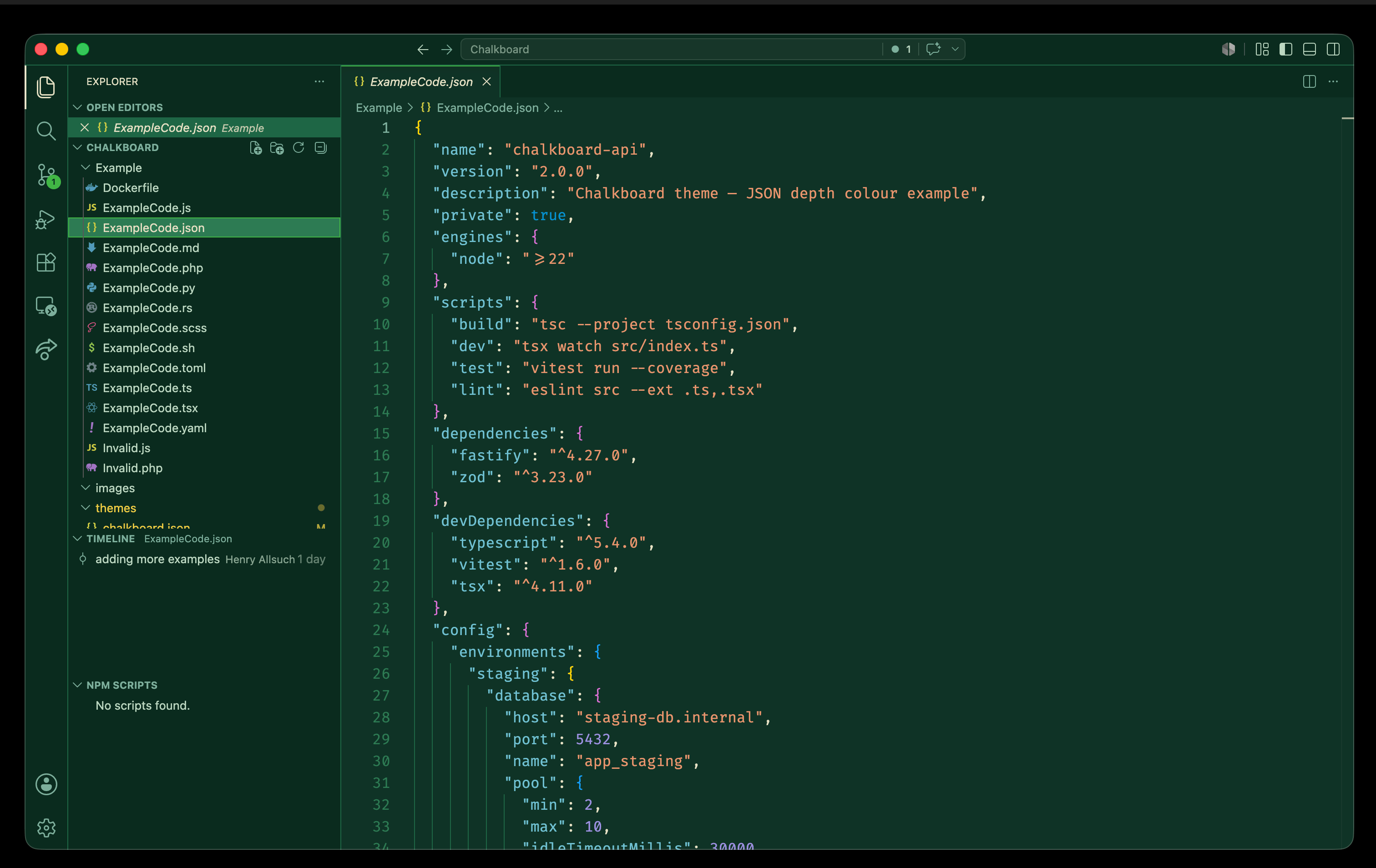
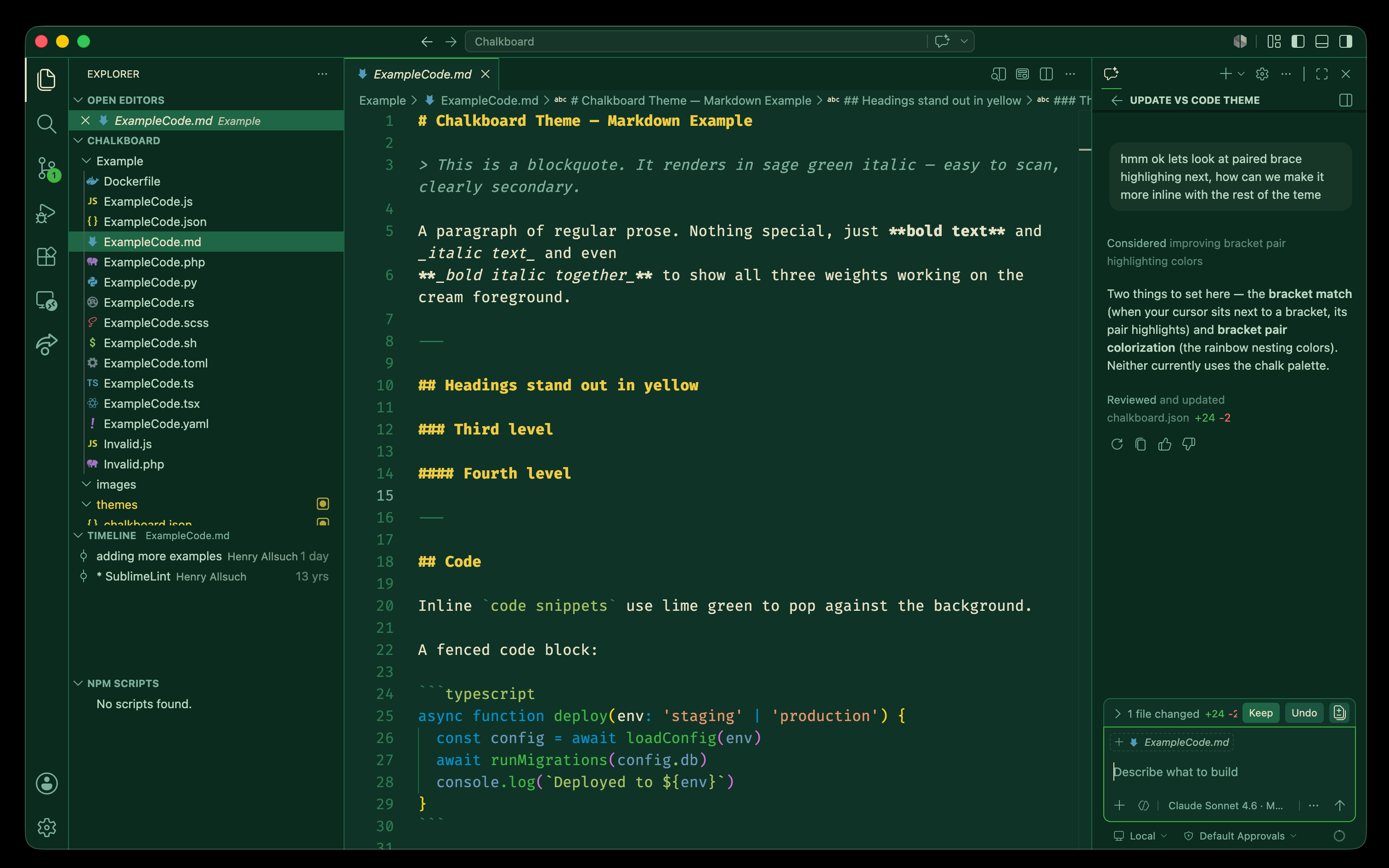
Languages: JavaScript, TypeScript, TSX/JSX, PHP, Python, CSS, SCSS, HTML, Markdown, YAML, TOML, Shell/Bash, Dockerfile, Rust, JSON, XML, Regex

Agentic / CLI: Shell variables, flags, pipes, heredocs, subshells — all distinctly coloured. YAML keys vs values distinguished so GitHub Actions, MCP configs, and Copilot instruction files are easy to read at a glance. Terminal ANSI colours are tuned to the chalk palette so git diff, npm, and agent tool output all stay on-theme.

Workbench: Sidebar, activity bar, status bar, tabs, panels, terminal, breadcrumbs, diffs, and git decorations — all using green tones derived from the chalkboard background.

Semantic highlighting: LSP-powered token colours for TypeScript types, Rust lifetimes, Python self, decorators, and more.


Colour palette

Loosely based on colours available in a real chalk set:

Role Hex
Background #154734 — Chalkboard green
Foreground #e6e1c4 — Chalk cream
Comments #efcb43 — Yellow chalk
Keywords / storage #0092d1 — Blue chalk
Functions #41b644 — Green chalk
Strings #C4622D — Orange-red chalk
Classes / types #6FC1D2 — Teal chalk
Variables #6c99bb — Steel blue chalk
Decorators #B6B8FE — Lavender chalk
Numbers #6F59C2 — Purple chalk
Operators #bbd7c1 — Sage chalk
Builtins #E0A1FF — Dusty pink chalk
Macros / heredoc #efac32 — Amber chalk
Enum members / flags #a5c261 — Lime chalk

Design principles

  • Colours work with the green background with enough contrast to distinguish constructs
  • Works in low light and bright light environments
  • Helps reduce reflection on glass screens
  • Similar colours used for similar syntax constructs across languages
  • Limited palette — not too busy

Screenshots

JS

JSON

Markdown

  • Contact us
  • Jobs
  • Privacy
  • Manage cookies
  • Terms of use
  • Trademarks
© 2026 Microsoft