DevmateBB Theme

DevmateBB is a modern, clean dark VS Code theme entirely based on the official Android Material 3 dark color palette.
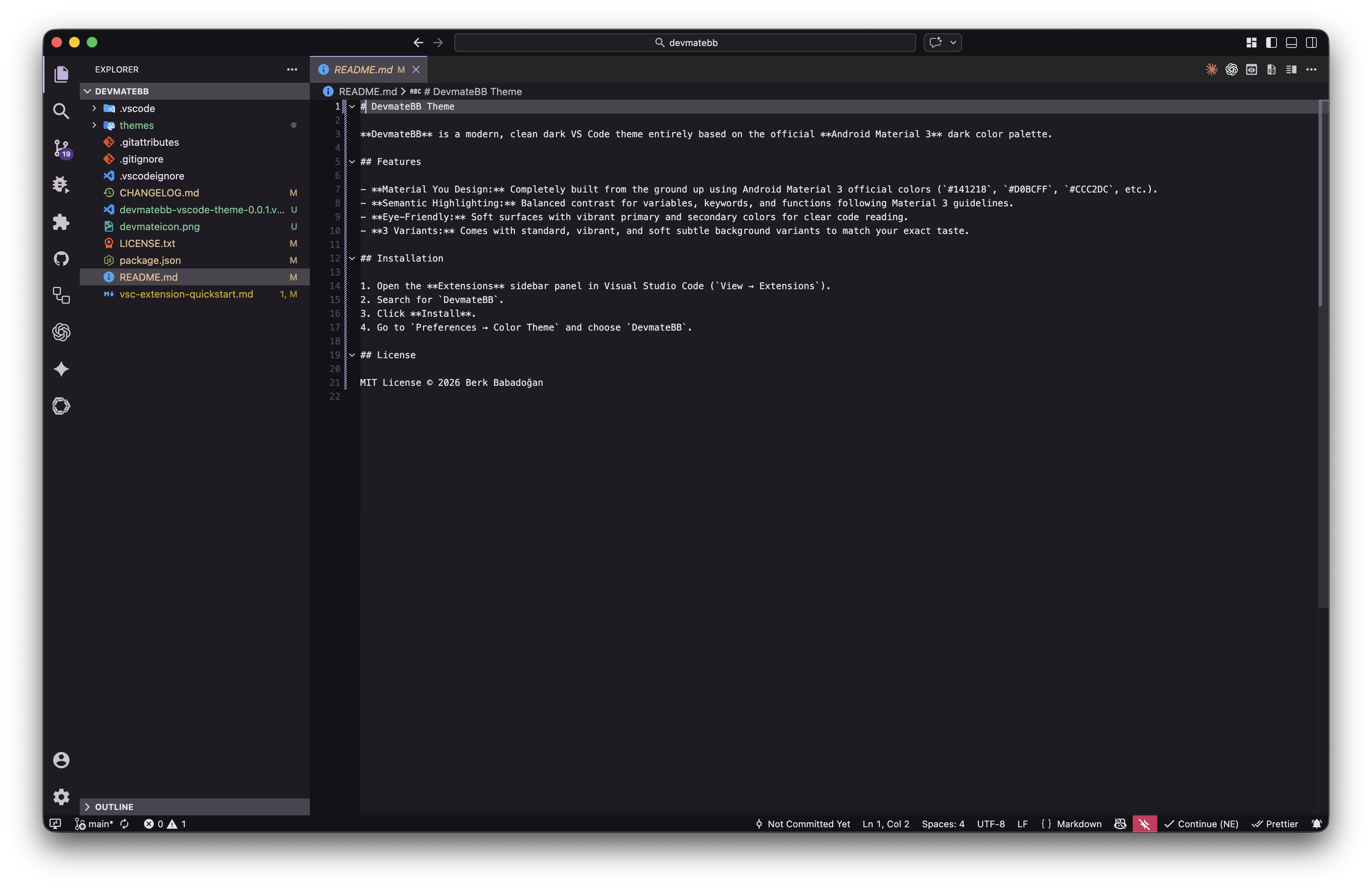
Features
- Material You Design: Completely built from the ground up using Android Material 3 official colors (
#141218, #D0BCFF, #CCC2DC, etc.).
- Semantic Highlighting: Balanced contrast for variables, keywords, and functions following Material 3 guidelines.
- Eye-Friendly: Soft surfaces with vibrant primary and secondary colors for clear code reading.
- 3 Variants: Comes with standard, vibrant, and soft subtle background variants to match your exact taste.
Installation
- Open the Extensions sidebar panel in Visual Studio Code (
View → Extensions).
- Search for
DevmateBB.
- Click Install.
- Go to
Preferences → Color Theme and choose DevmateBB.
License
MIT License © 2026 Berk Babadoğan
| |

