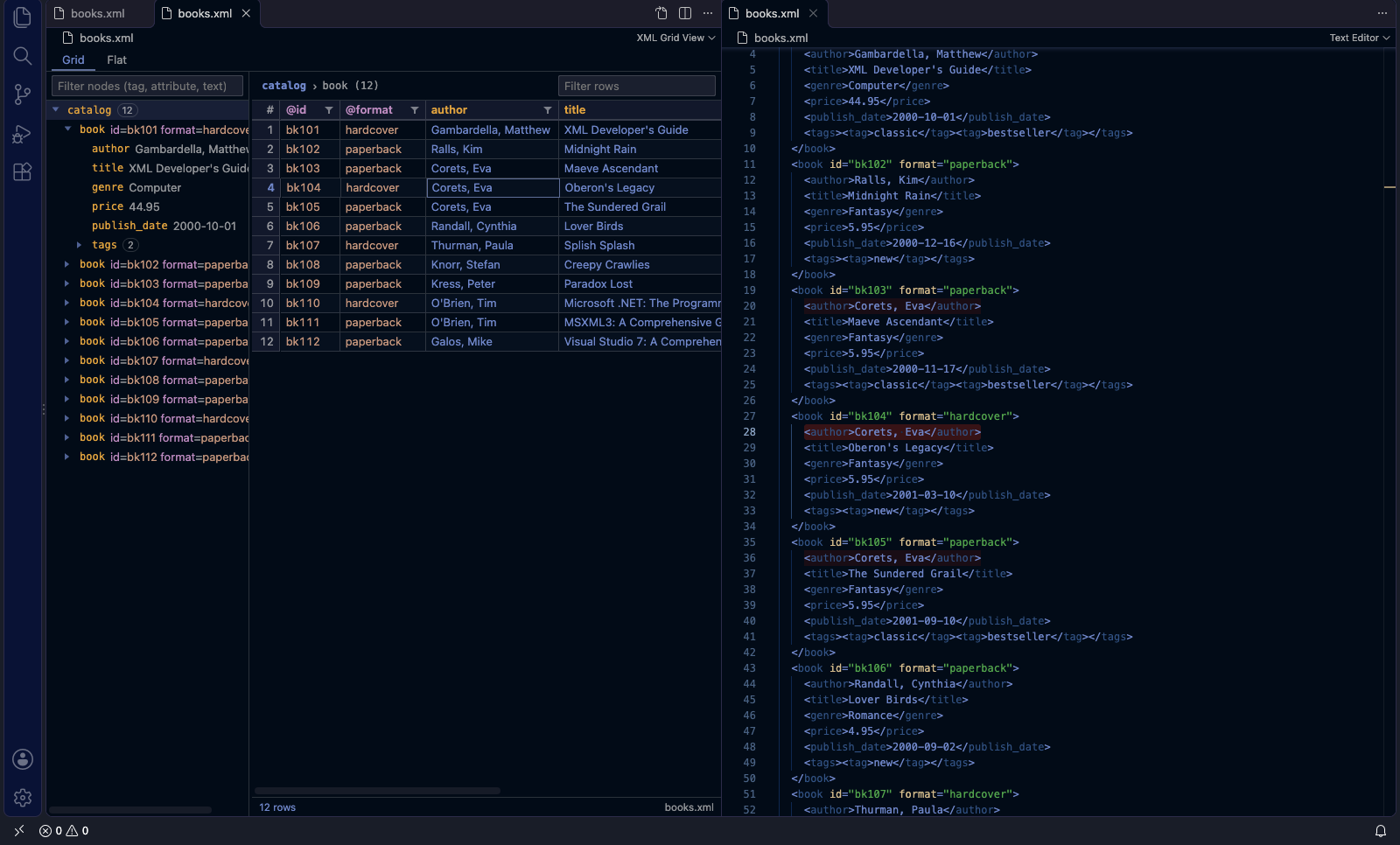
A read-only viewer for XML files. It shows a tree on the left and a grid on the
right, with search and XPath.
The normal text editor stays the default for .xml files. To open the viewer,
use Open With XML Grid View. It's available from:
the editor title bar (table icon)
the Explorer context menu
the Command Palette
You can also use Reopen Editor With… → XML Grid View.
Features
Tree: keyboard navigation. Enter or F4 jumps to the element in the text editor.
Grid: one row per child element of the selected node, grouped by tag.
Columns are attributes (@name), text-only child elements, and #text.
Nested repeats appear as {tag ×n} cells. Click one to drill down.
Sort, quick filter, and per-column filters (text plus a value checklist).
Multi-cell selection. Ctrl/Cmd+C copies as TSV; add Shift to toggle the header row.
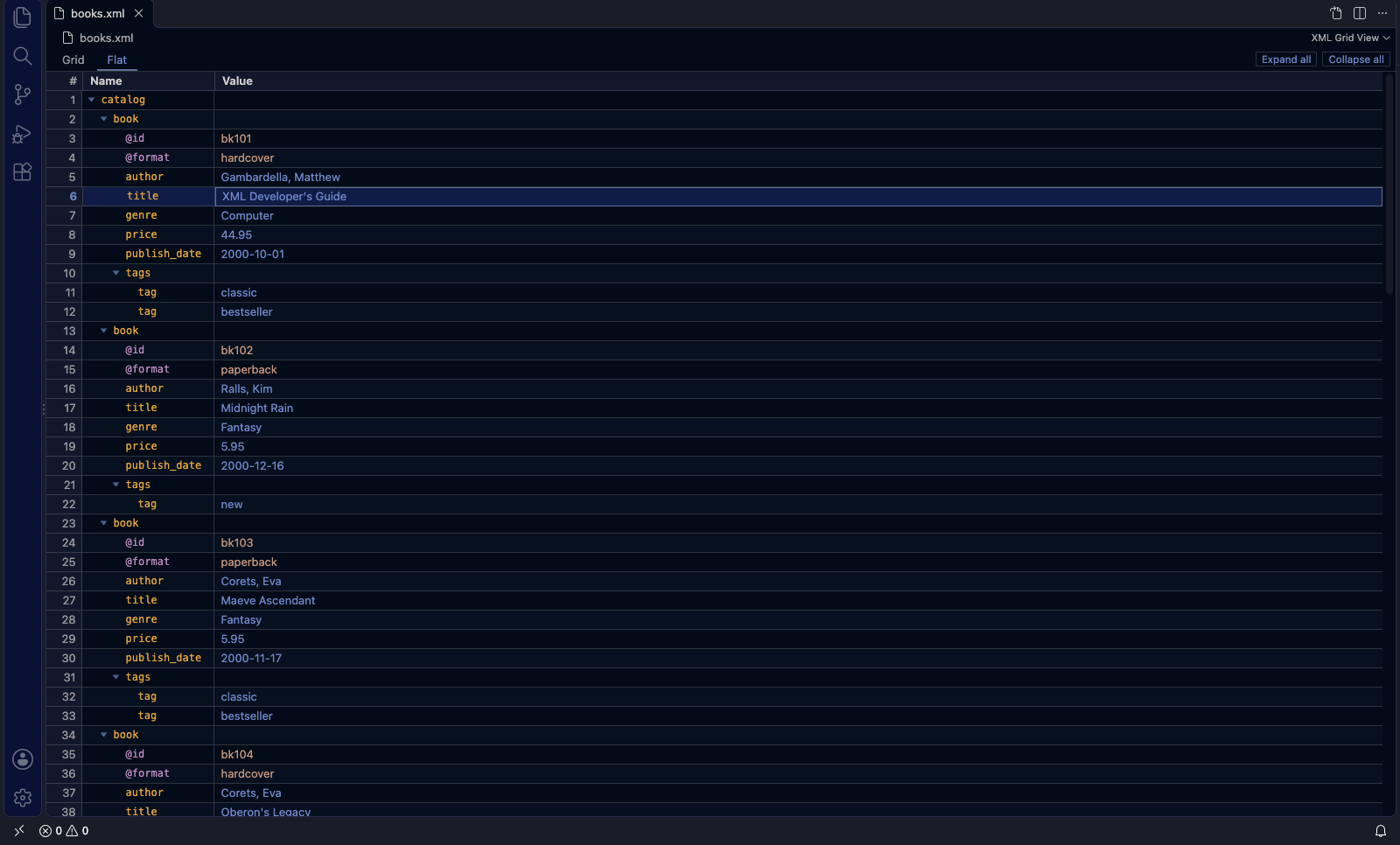
Flat view: switch with Grid | Flat at the top.
The whole document as an outline sheet, with Name and Value columns.
Attributes appear as @name rows under their element.
Collapse/expand, Expand all / Collapse all, copy as indented TSV, and
Enter to jump to the source.
Editing values: select a cell and press F2, or just type. Enter commits
and Esc cancels. Edits are normal undoable changes; set
xmlGridView.readOnly to turn editing off.
Value inspector (Shift+Enter or ⤢): shows long text in full, with
search. JSON gets Tree, Grid and Text tabs, with collapse, search and
drill-down.
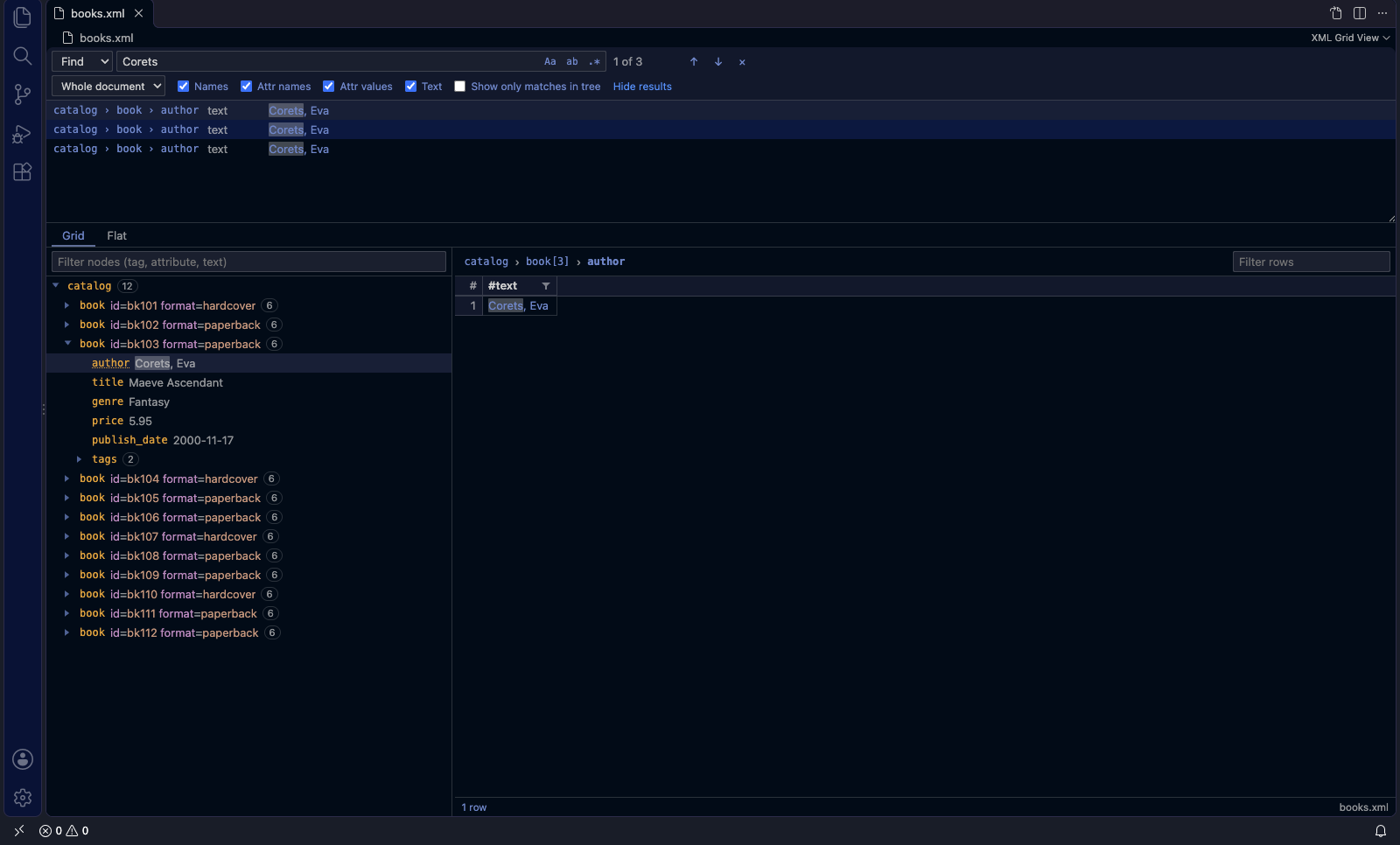
Find (Ctrl/Cmd+F):
Toggles for match case, whole word and regex.
Search the current grid or the whole document, by names, attribute names,
attribute values and text.
Results list, and an option to show only matching nodes in the tree.
XPath mode: the document's namespace prefixes are bound automatically,
and the default namespace is available as d:.
Live updates: the view refreshes as you edit the text. Expansion,
selection, sort and filters are kept.
Malformed XML: the view keeps the last valid version and shows a banner.
Click the banner to go to the error.
Settings
Setting
Default
xmlGridView.copyWithHeader
false
Include the header row when copying cells
xmlGridView.largeFileThresholdMB
50
Files above this size need an explicit "Load anyway"