This repo is a fork of the repo Etheram68
42 Lyon/Paris Canonical Class for CppInstallLaunch Quick Open with ⌘+P and enter UsageInsert a header
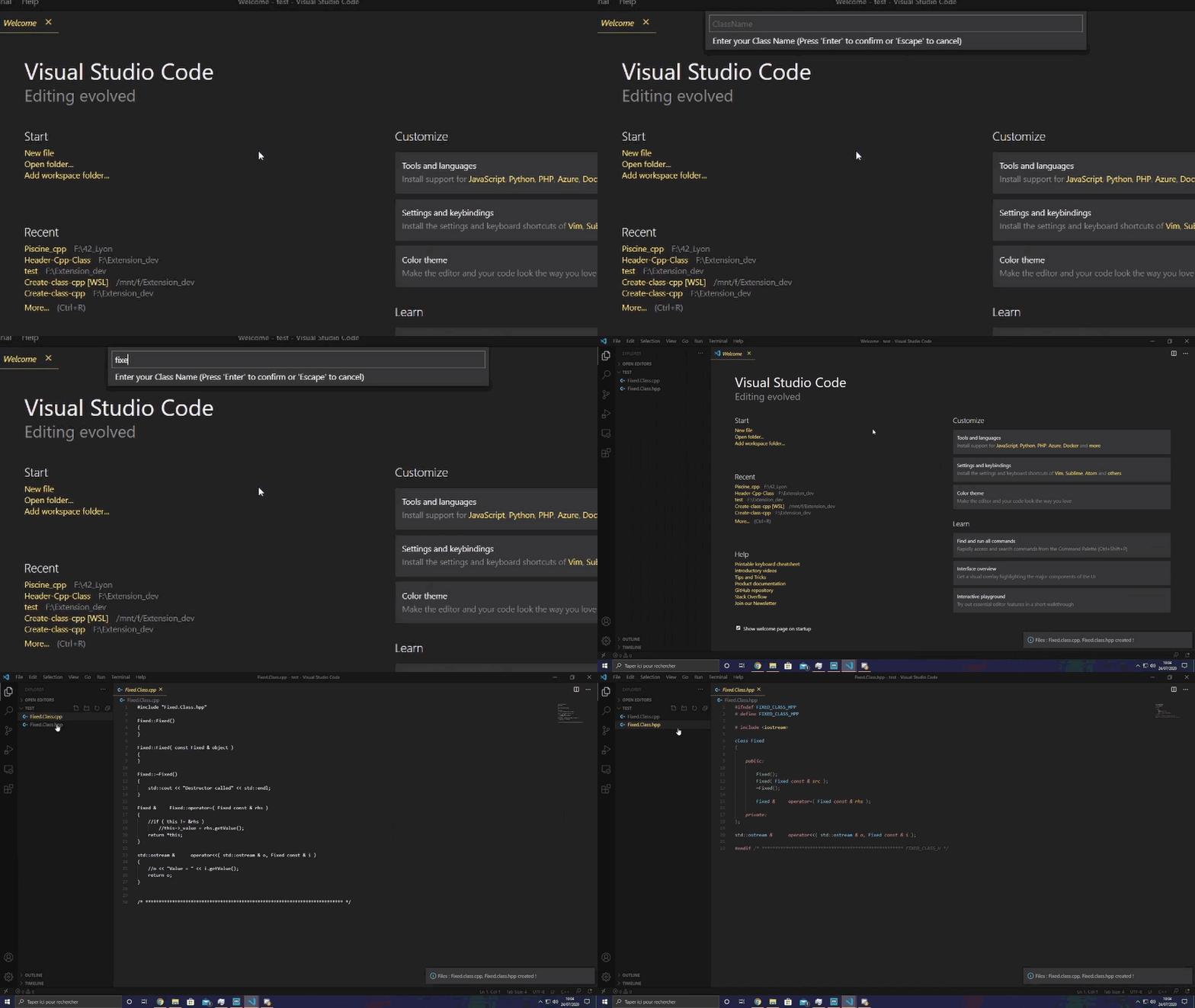
Enter the Class Name
Create file Cpp and Hpp
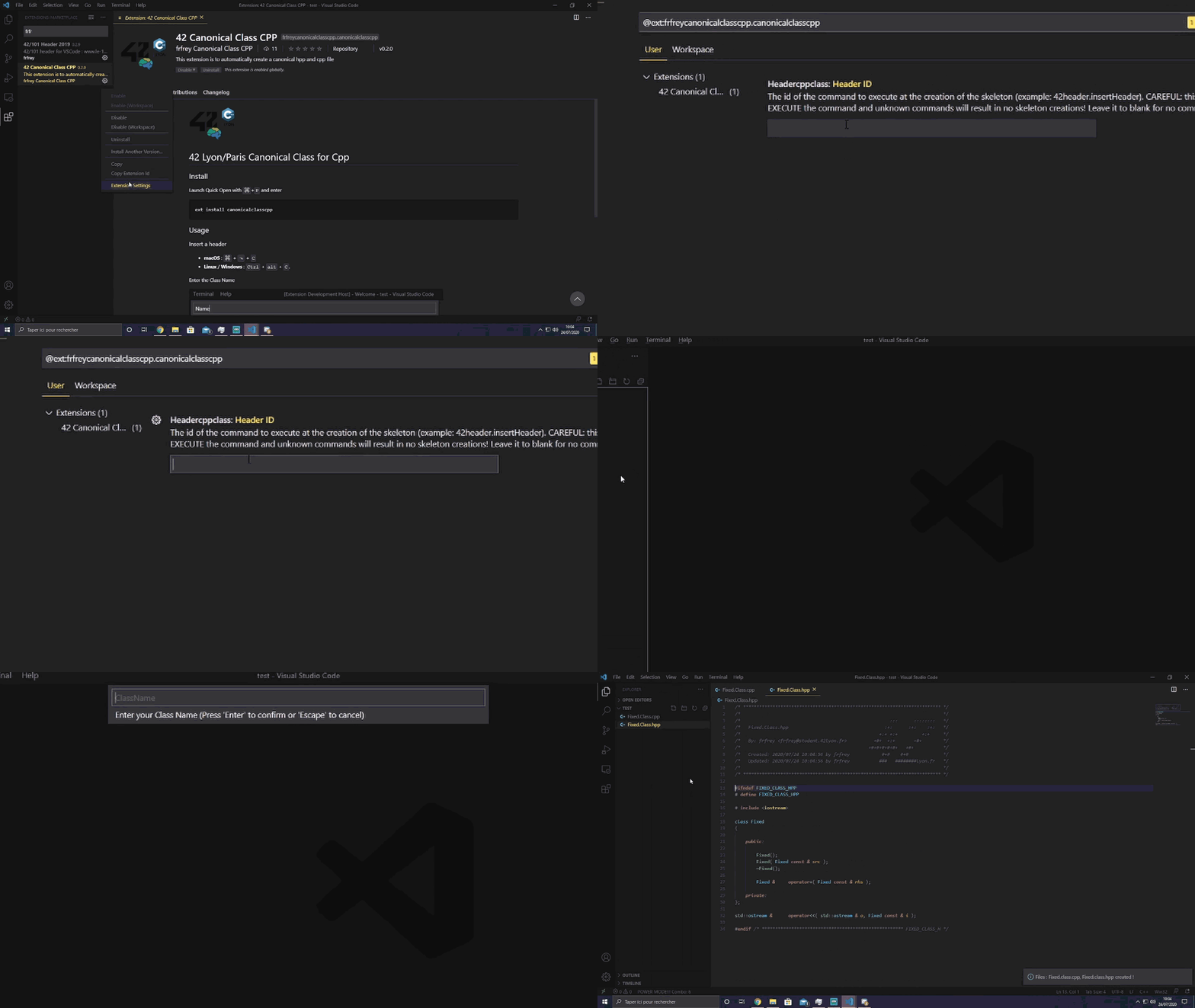
Create file Cpp and Hpp with Header
Create file Template (.tpp)Enter on the box "MyTemplateName.tpp" IssuesTo report a bug or ask for a feature, please open a Github issue. adaptated version of me1.0.2Changed some spacing and naming. updated the logo and readme Release Notes (fork version)0.3.3 / 0.3.4Add on template line Accessor 0.3.2Modify template for more lisibility and correct error new line 0.3.0 / 0.3.1Add canonical Class for template (file extension .tpp) 0.2.8Modify Template 0.2.6 / 0.2.7First letter is upper, other letter is sensitive case And modify Template 0.2.3 / 0.2.5Modify template for align call function on cpp file 0.2.1 / 0.2.2Add gif Tuto, and modify template 0.2.0Add function for adding header on file 0.1.9Remove multi choice for working in 0.1.7Add multi posibiliter choice for create a class 0.1.6First Version of Auto Create canonical Class for the Cpp language |