
Tiny TODO List
A clean sidebar TODO list for VS Code with groups, keyboard editing, and completion tracking.
English |
中文
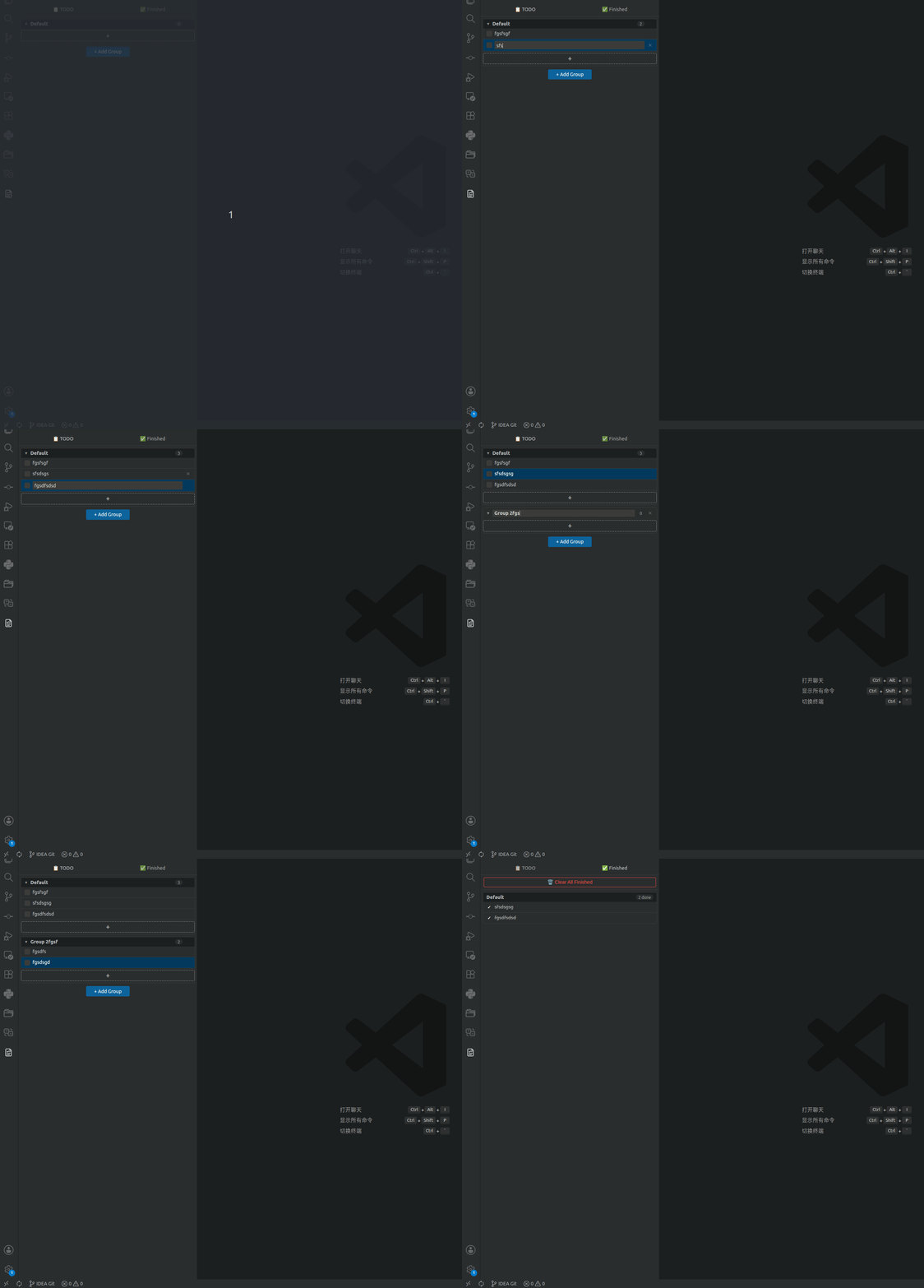
Features
- Sidebar TODO list — Open your tasks from the VS Code Activity Bar without leaving the editor.
- Grouped tasks — Organize TODOs into collapsible groups with item counts.
Usage
- Click the Tiny TODO List icon in the VS Code Activity Bar.
- Add tasks in the sidebar view.
- Double-click task text to edit, click checkboxes to complete, and use groups to keep related work together.
Keyboard Shortcuts
| Key |
Action |
Enter on selected item |
Start editing |
Enter while editing |
Save and create a new TODO below |
Escape while editing |
Cancel edit |
Backspace / Delete |
Permanently delete selected items |
Escape with selected items |
Clear selection |
Mouse Actions
| Action |
Result |
| Click checkbox |
Toggle complete or incomplete |
| Click item |
Select item |
| Ctrl/Cmd + Click |
Toggle multi-select |
| Shift + Click |
Select range |
| Double-click text |
Edit inline |
| Click group header |
Collapse or expand group |
Development
npm install
npm run compile
npm run watch
Press F5 in VS Code to launch the Extension Development Host.
Changelog
See CHANGELOG.md.
License
MIT
| |

