📑 Table of Contents
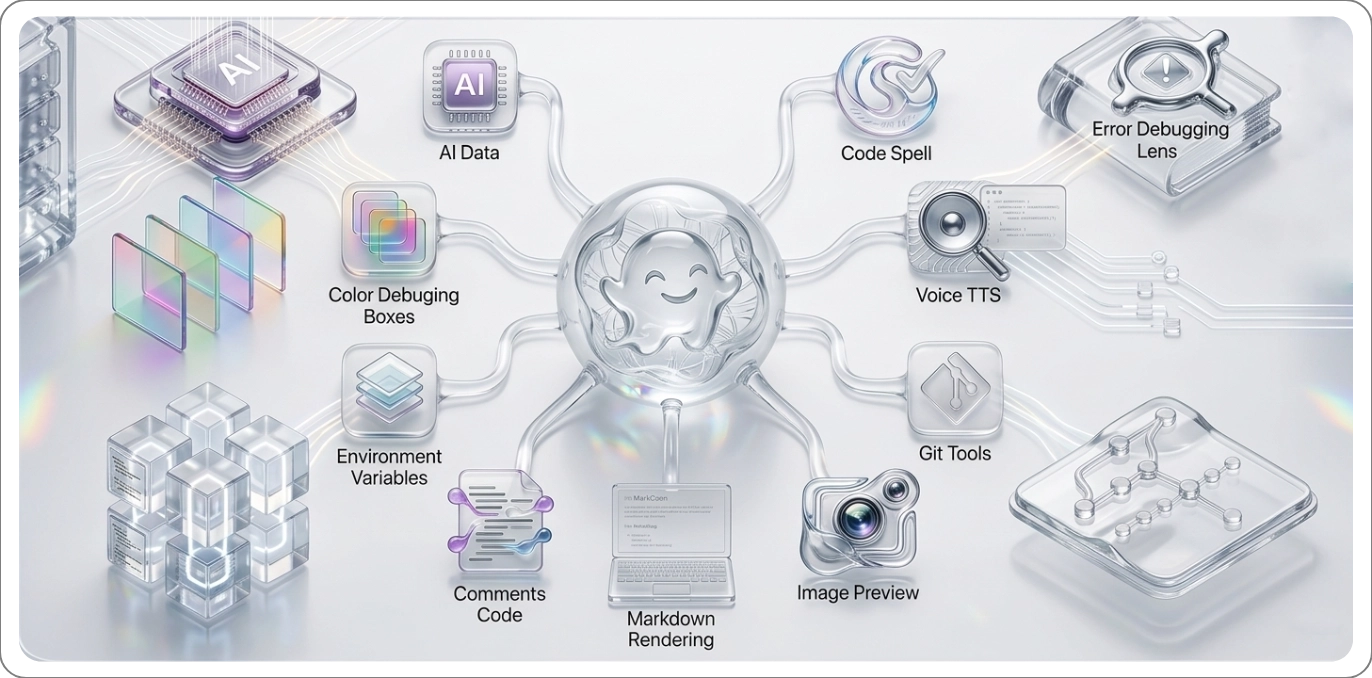
🧩 Extensions Included
| Icon |
Extension |
Description |
 |
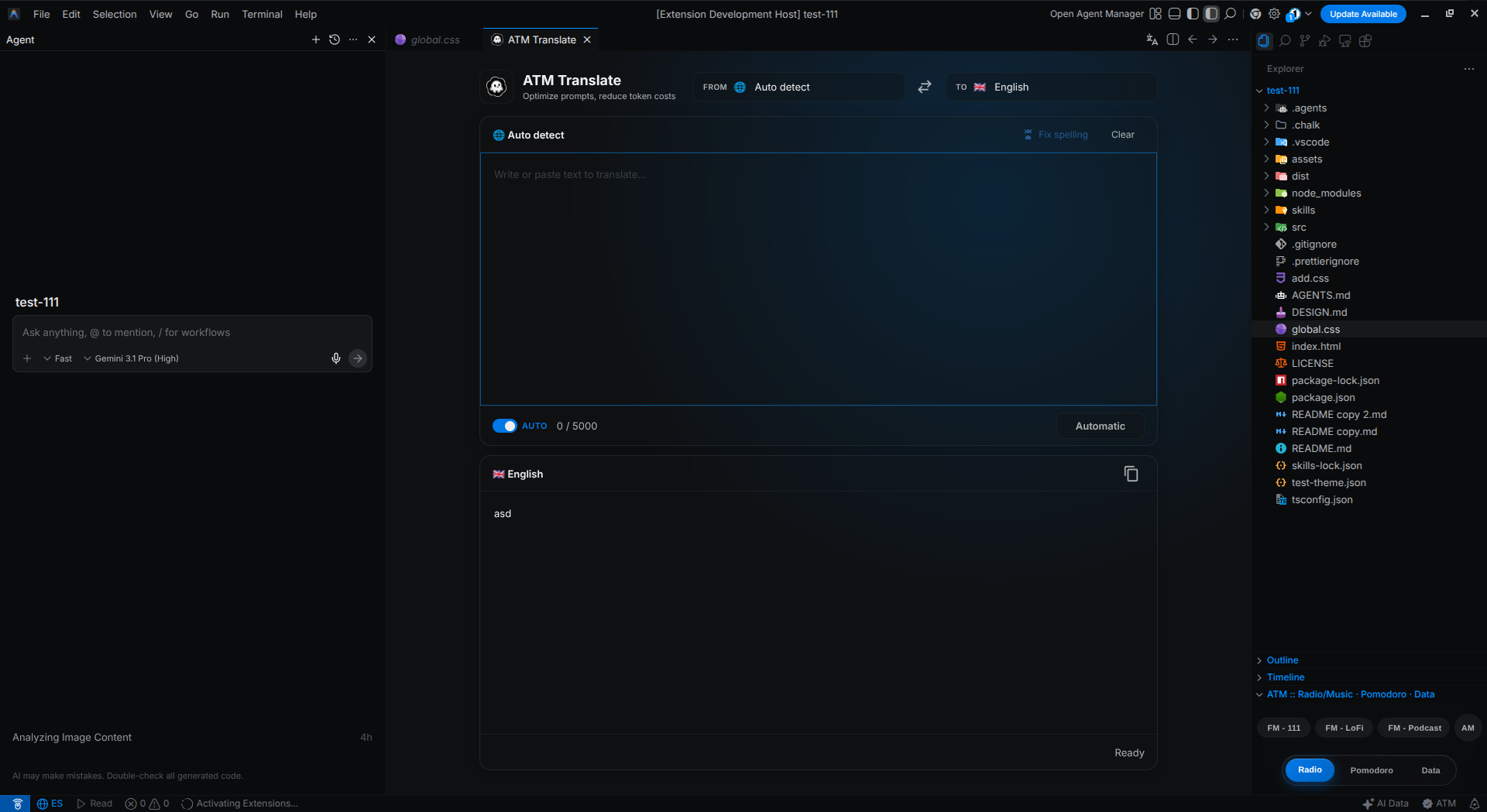
ATM Translate |
Seamlessly translate code, documentation, and text directly in the editor using an intuitive webview panel and secure API integration. |
 |
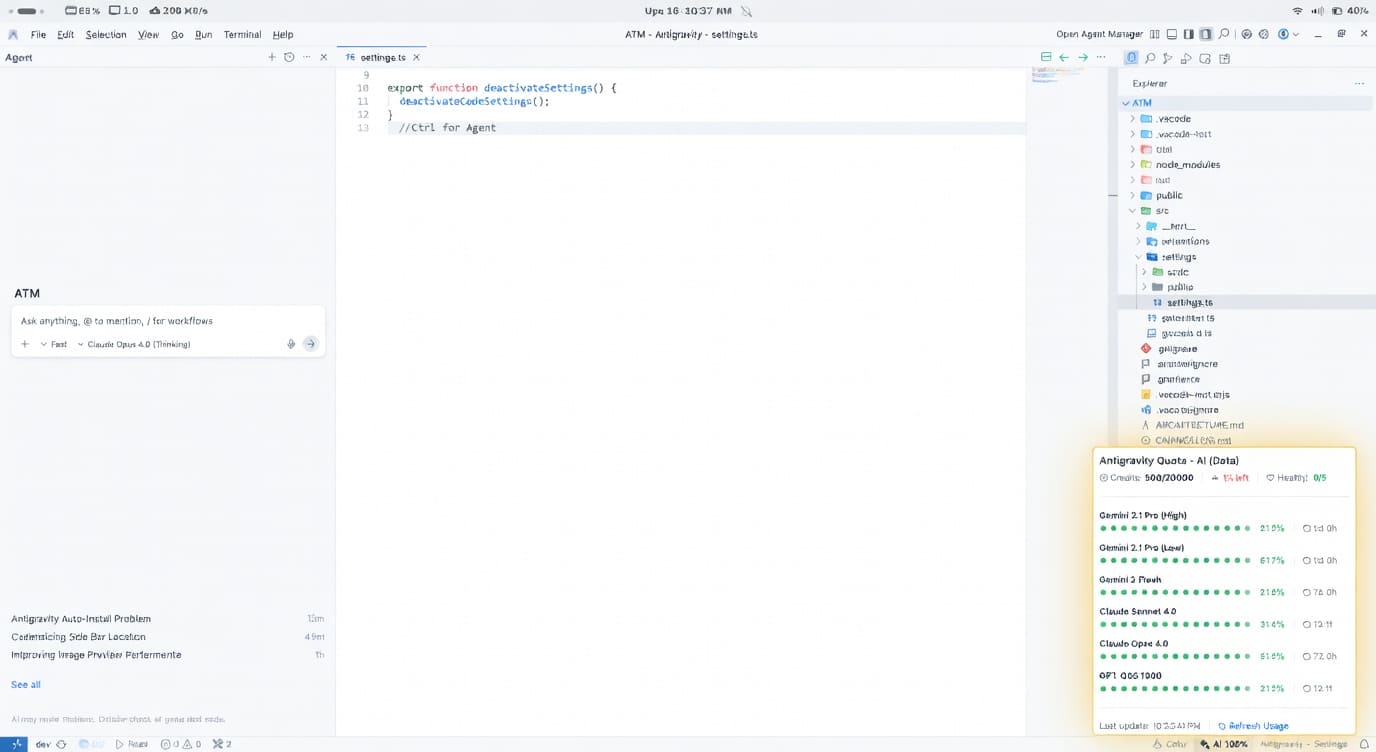
AI Data |
Monitors and displays AI (Antigravity) data consumption with real-time informative tooltips. |
 |
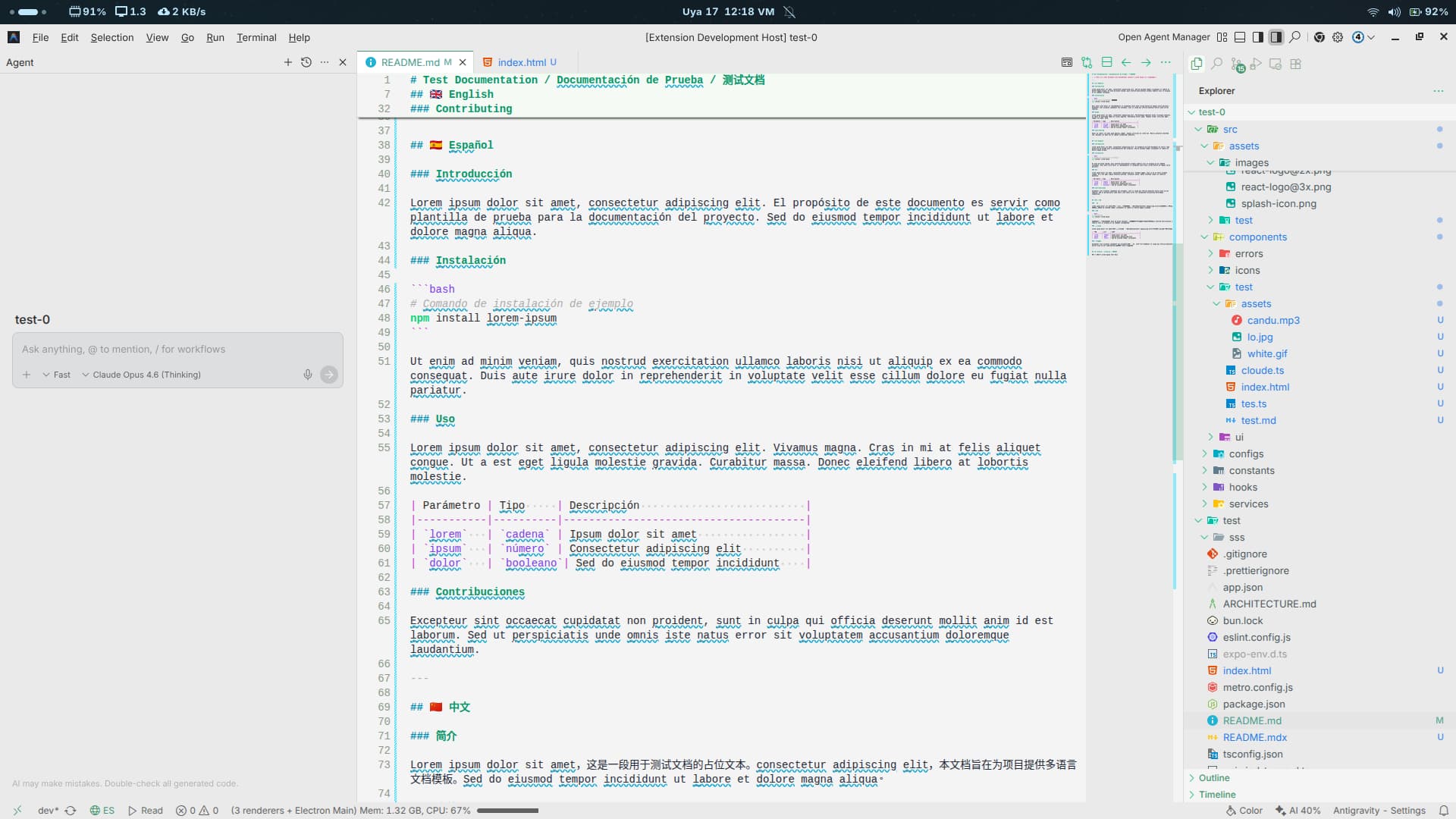
Code Spell |
Spell checker for code with an English dictionary, technical terms, quick actions, and configurable exclusions. |
 |
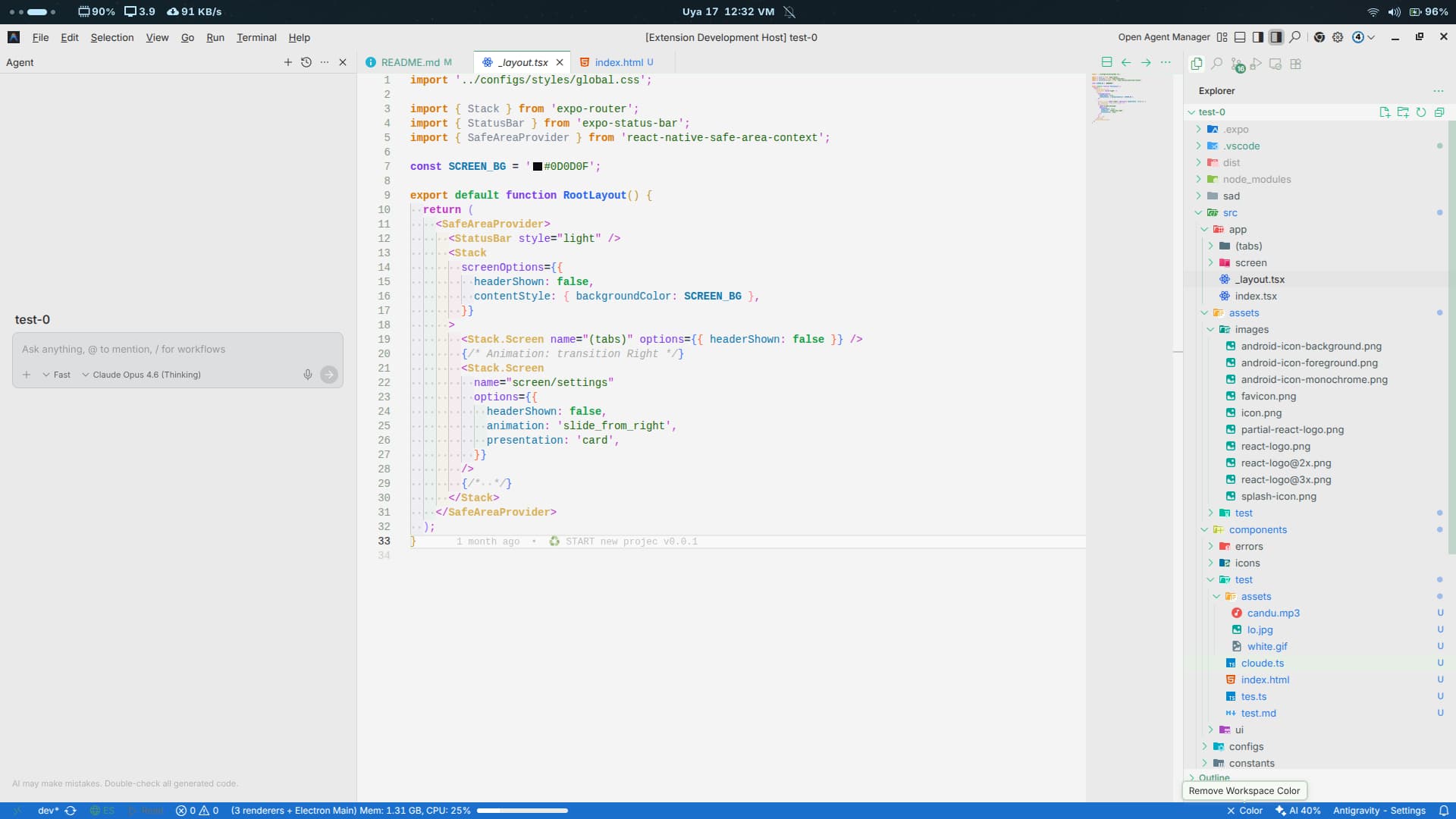
Color Debugging |
Visual color debugging tools with state management and integrated bottom bar controls. |
 |
Comments Code |
Enhances comment readability with visual decorations, language control, and optimized rendering. TODO: / FIXME: / MARK: |
 |
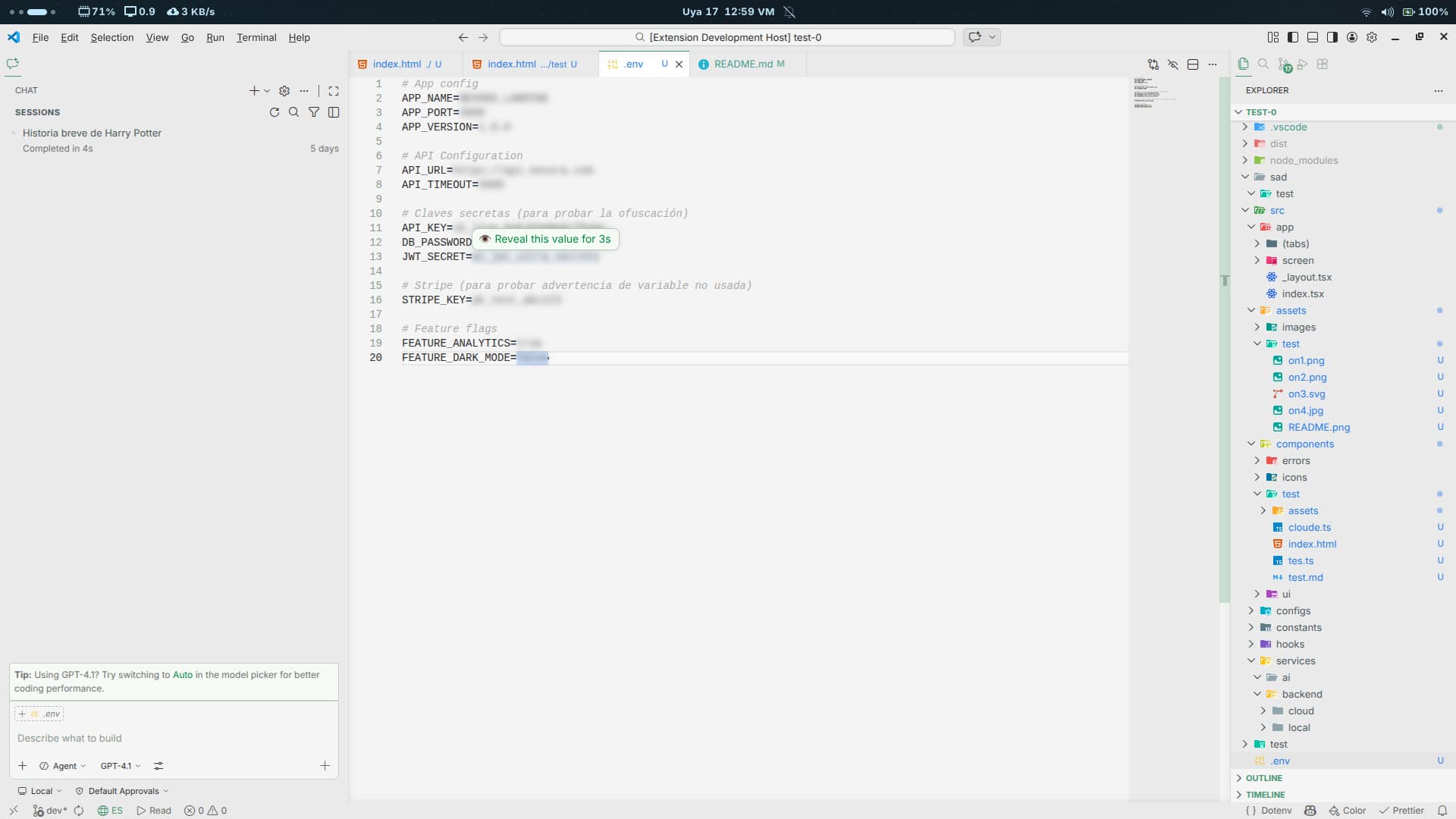
Env Lens |
Parses .env files securely and hides values with BLUR or MASK using decorators and hover interactions. |
 |
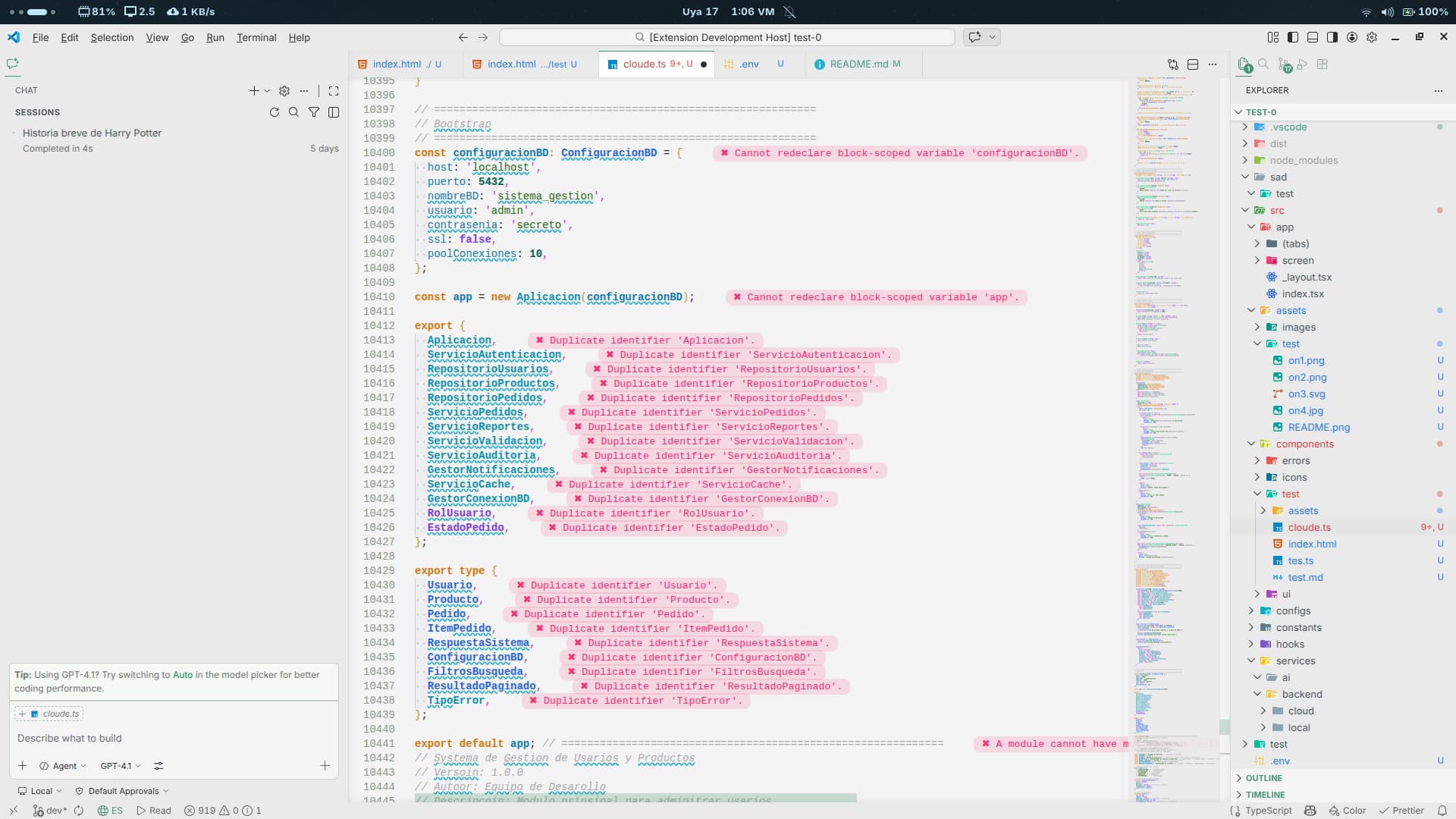
Error Lens |
Displays errors and warnings directly inline to accelerate the detection and resolution of diagnostics. |
 |
Git Better |
Enhanced Git panel with a mini-blame view and beautiful visual tools to review repository history and changes. |
 |
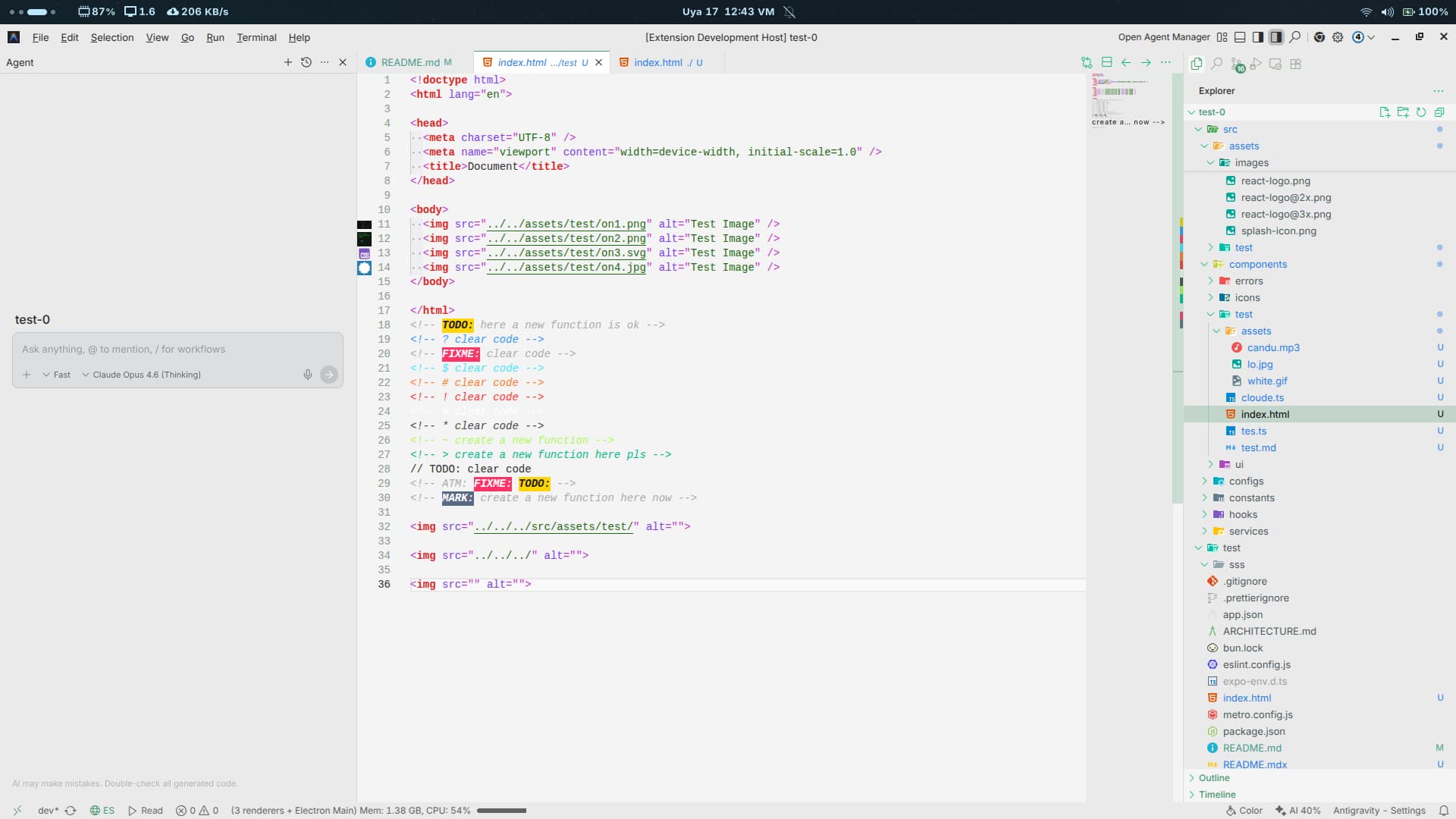
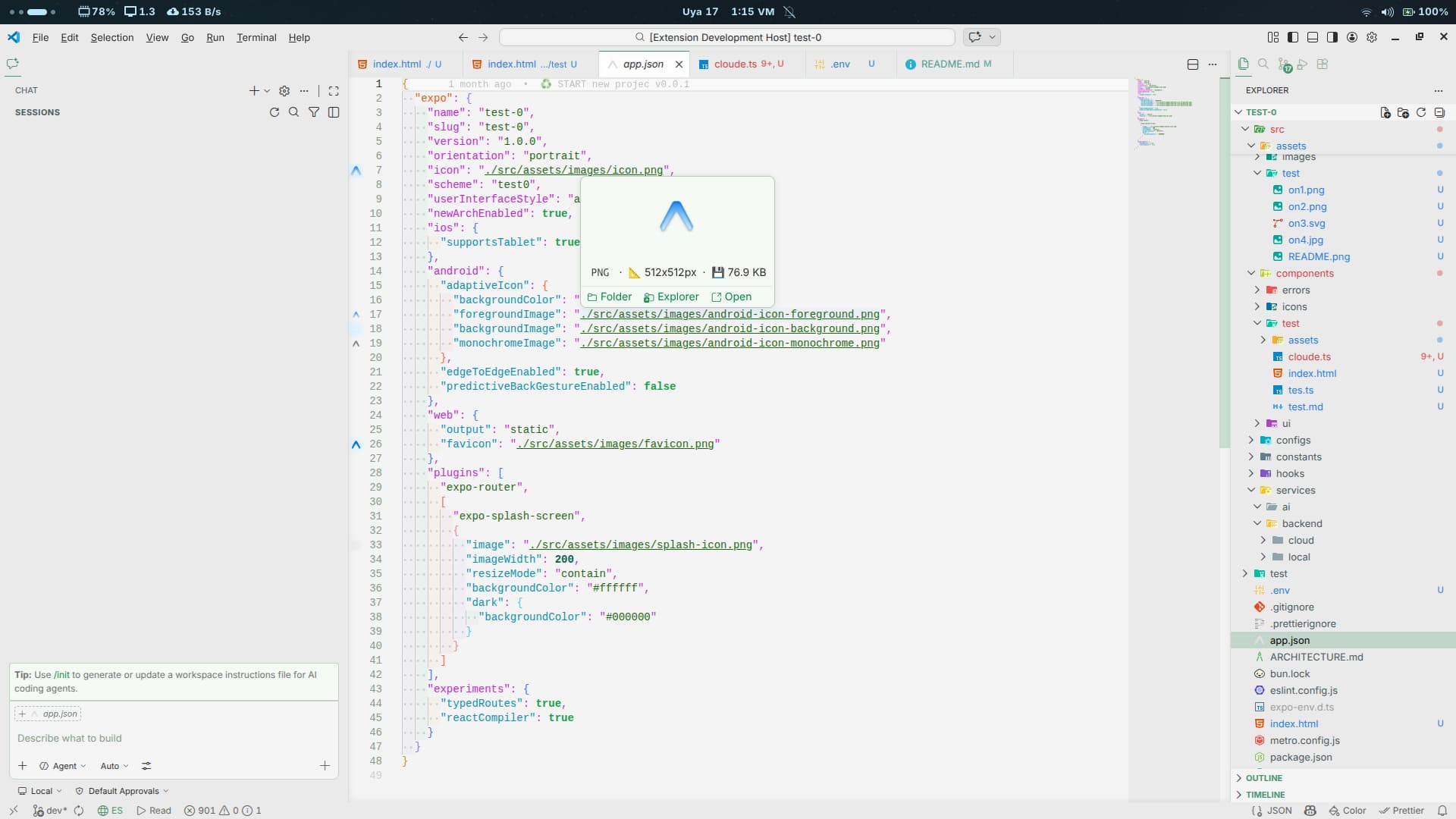
Image Preview |
Preview images complete with dimensions and file size directly inline within your code editor. |
 |
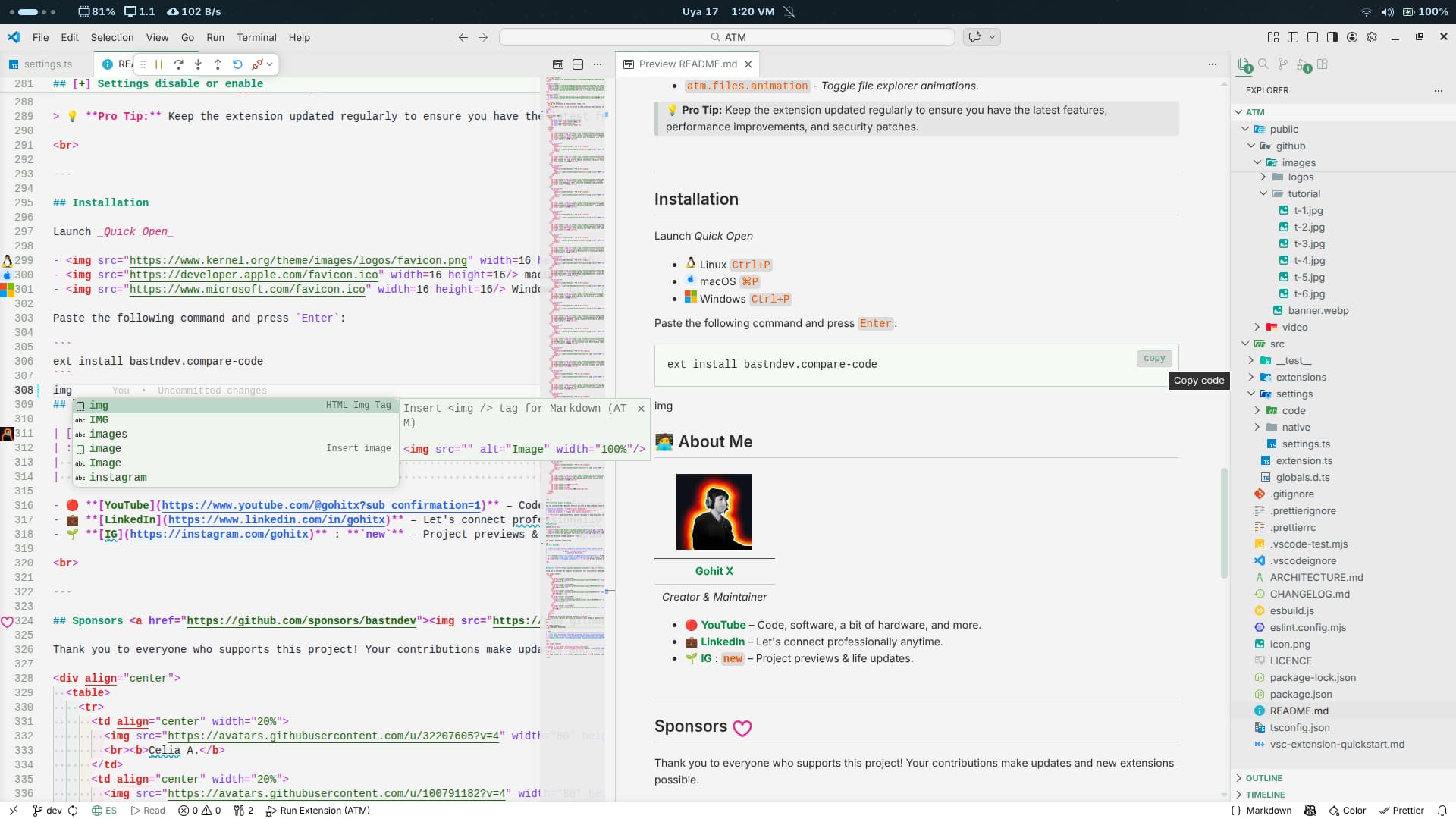
Markdown Text |
Supercharges your Markdown, making it smarter with modern features like integrated Mermaid diagram previews and snippets. |
 |
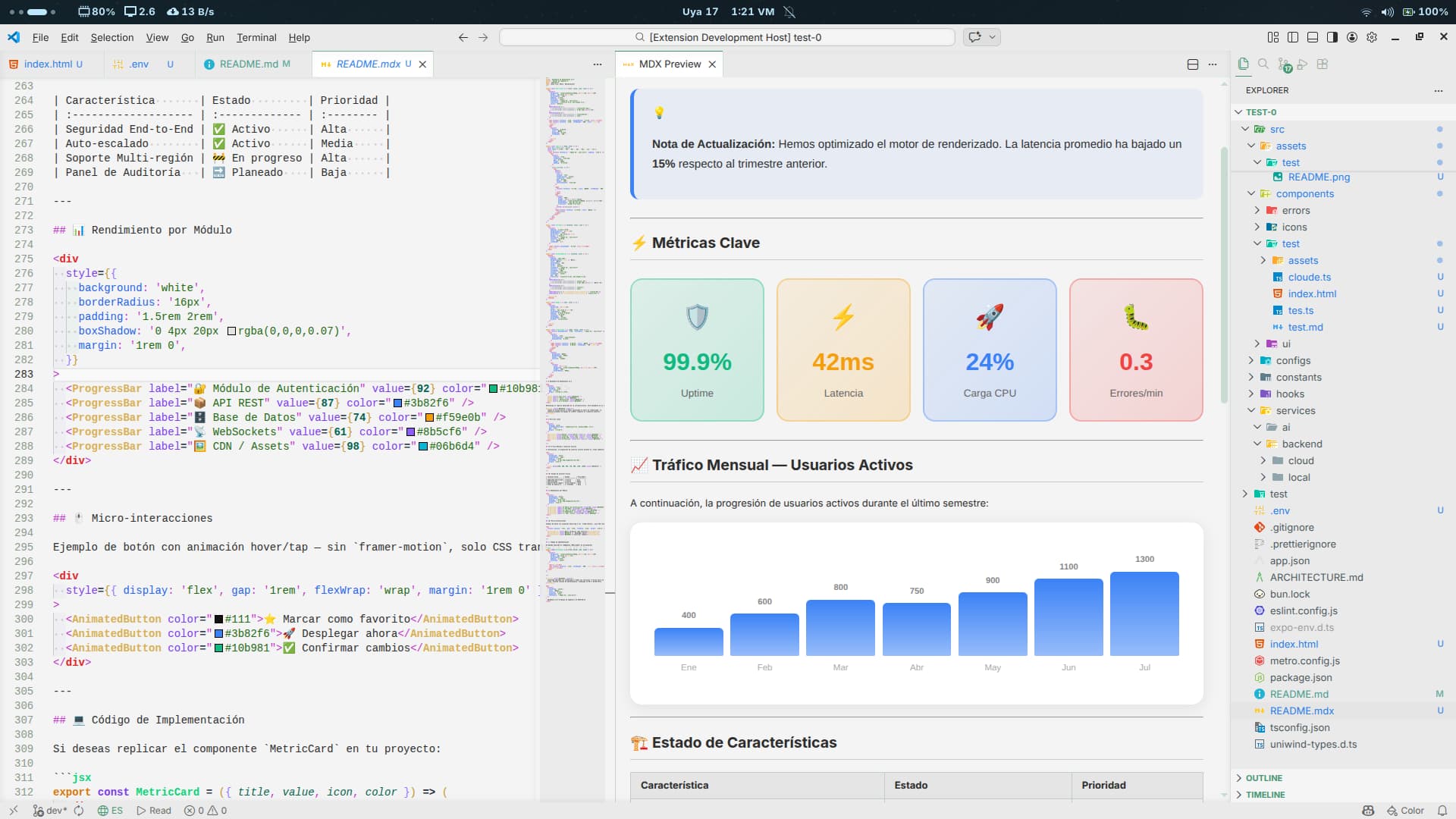
Markdown MDX |
Full MDX syntax support and live preview using React/esbuild compilation. Quick access via Shift + Alt + M. |
 |
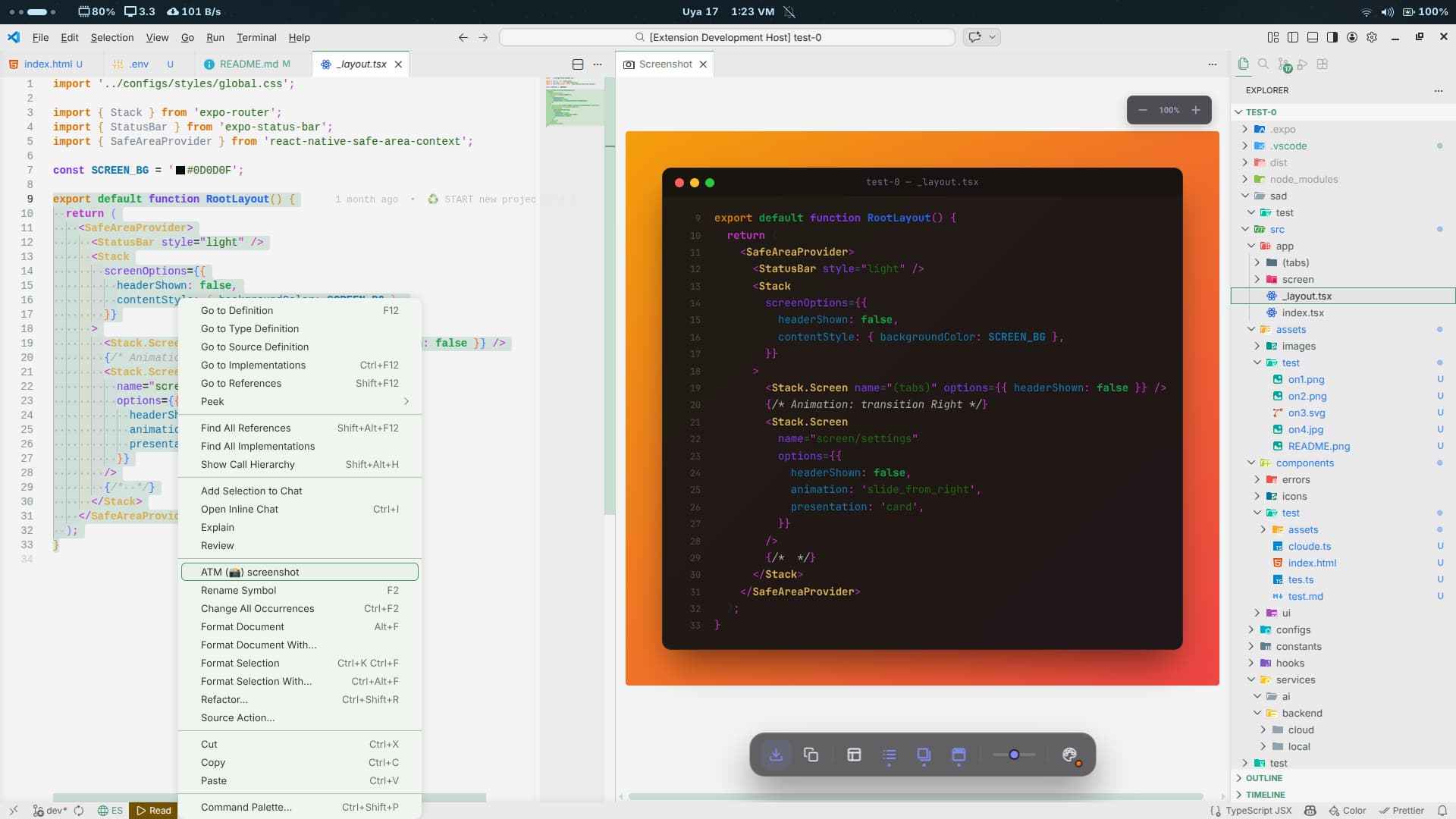
Screenshot Code |
Generate breathtaking screenshots of your code snippets with presentation styles ready to share on social networks. |
 |
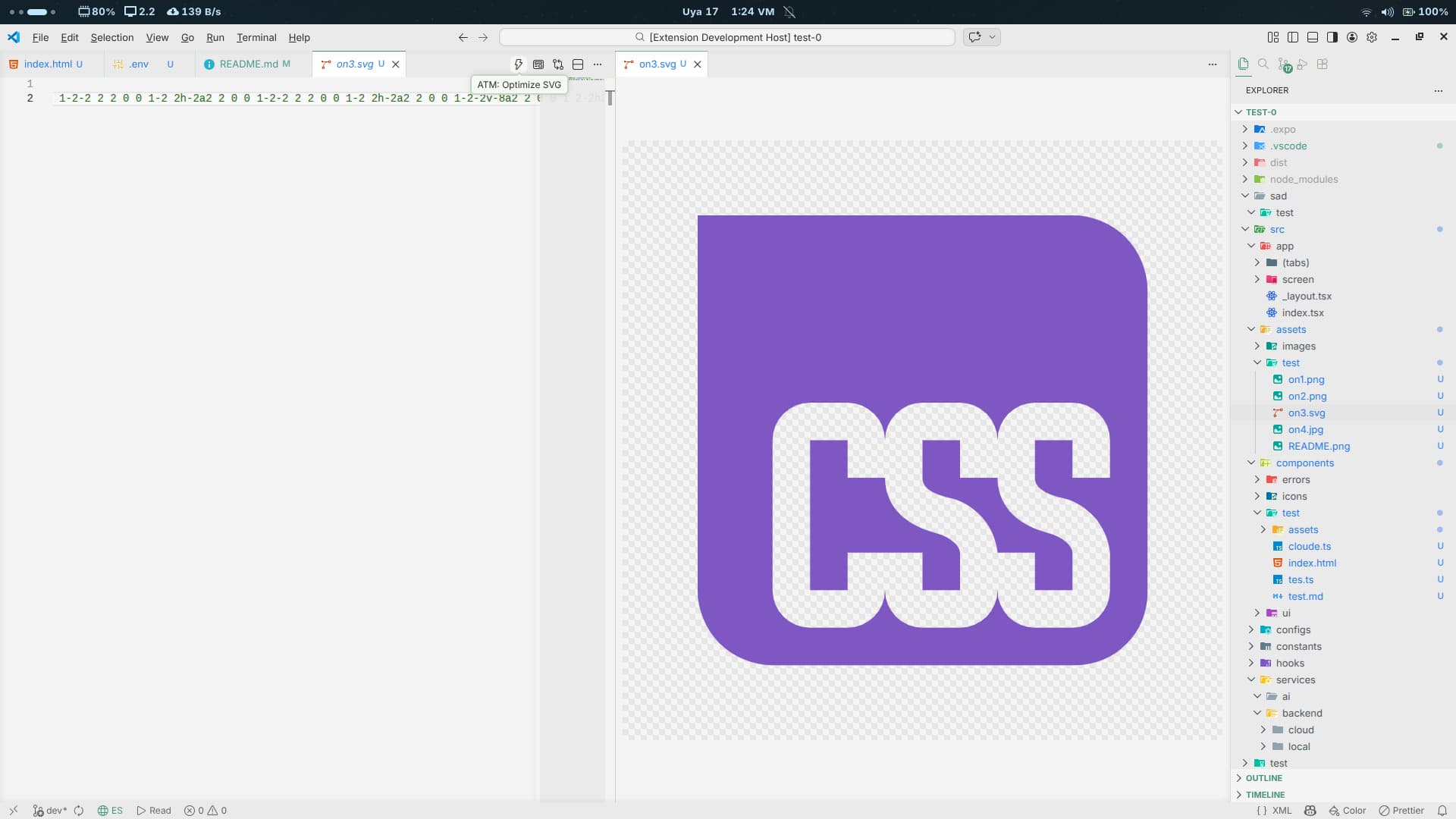
SVG Better |
Elevates your SVG workflow via an automatic split view and built-in file optimization. |
 |
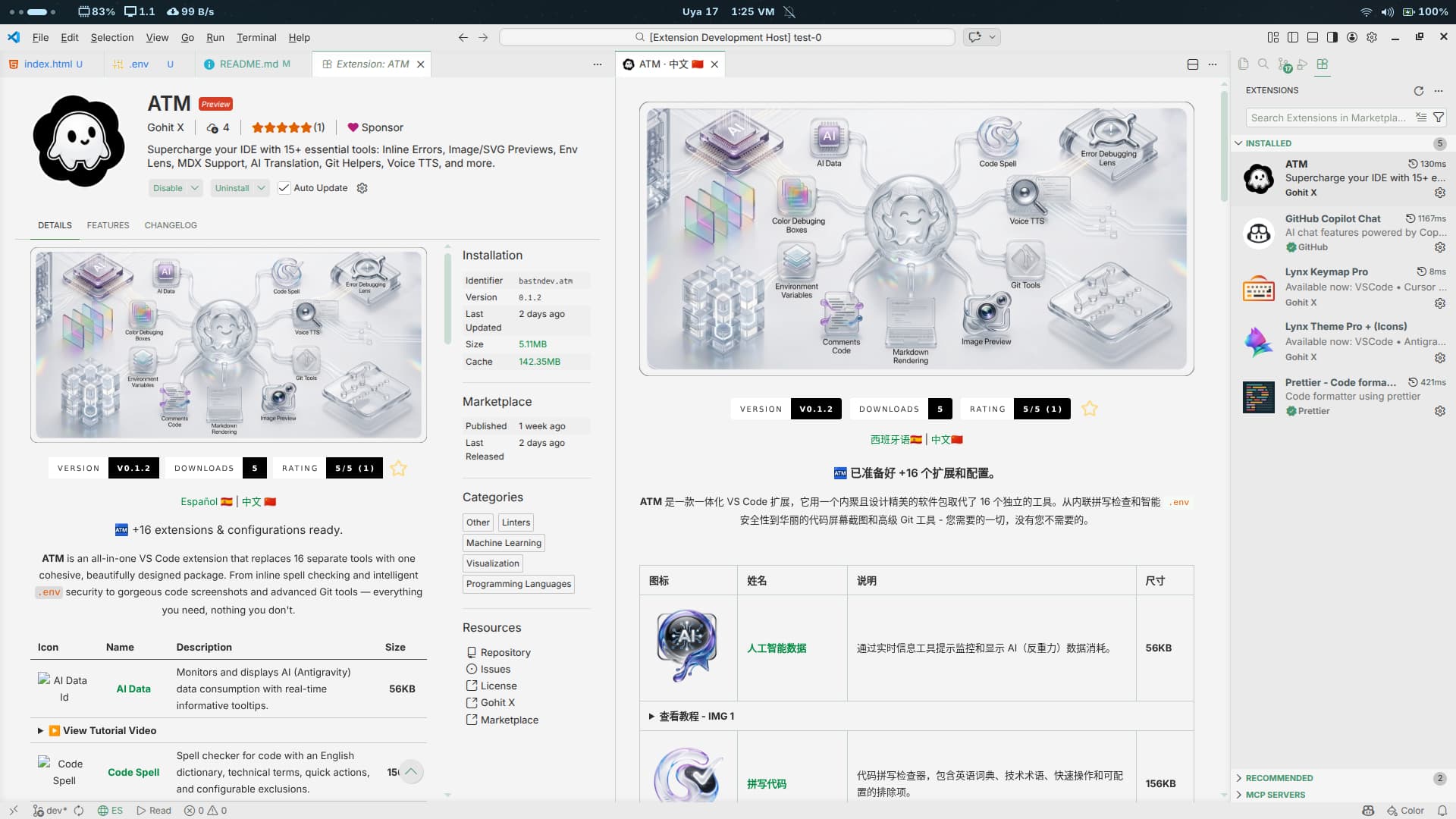
Translate Doc |
Translates documentation and release notes natively inside your editor using Ctrl + Shift + Space. |
 |
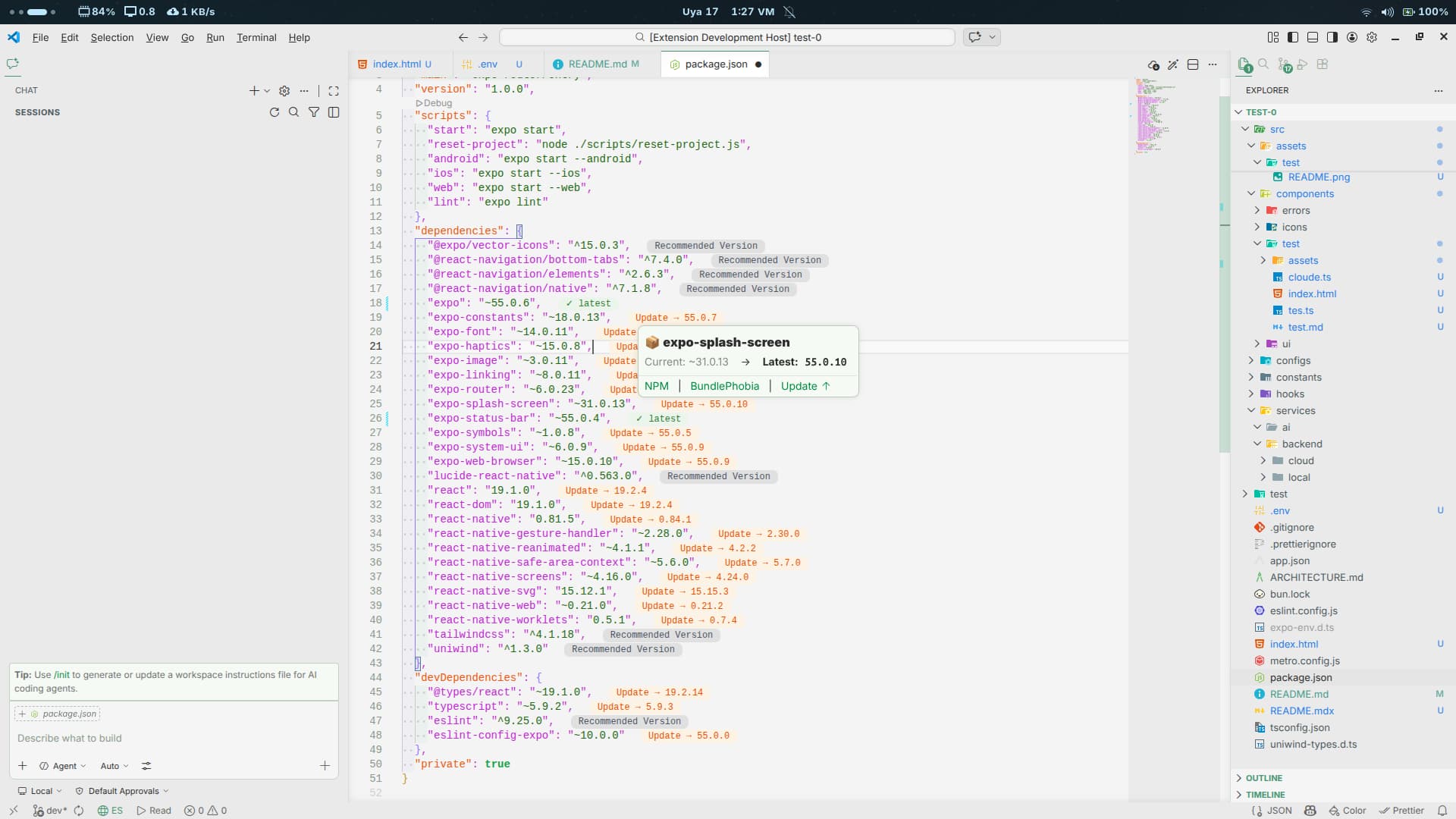
Version Package |
Seamlessly manage package versions in package.json with a semantic parser, hover states, and decorators. |
 |
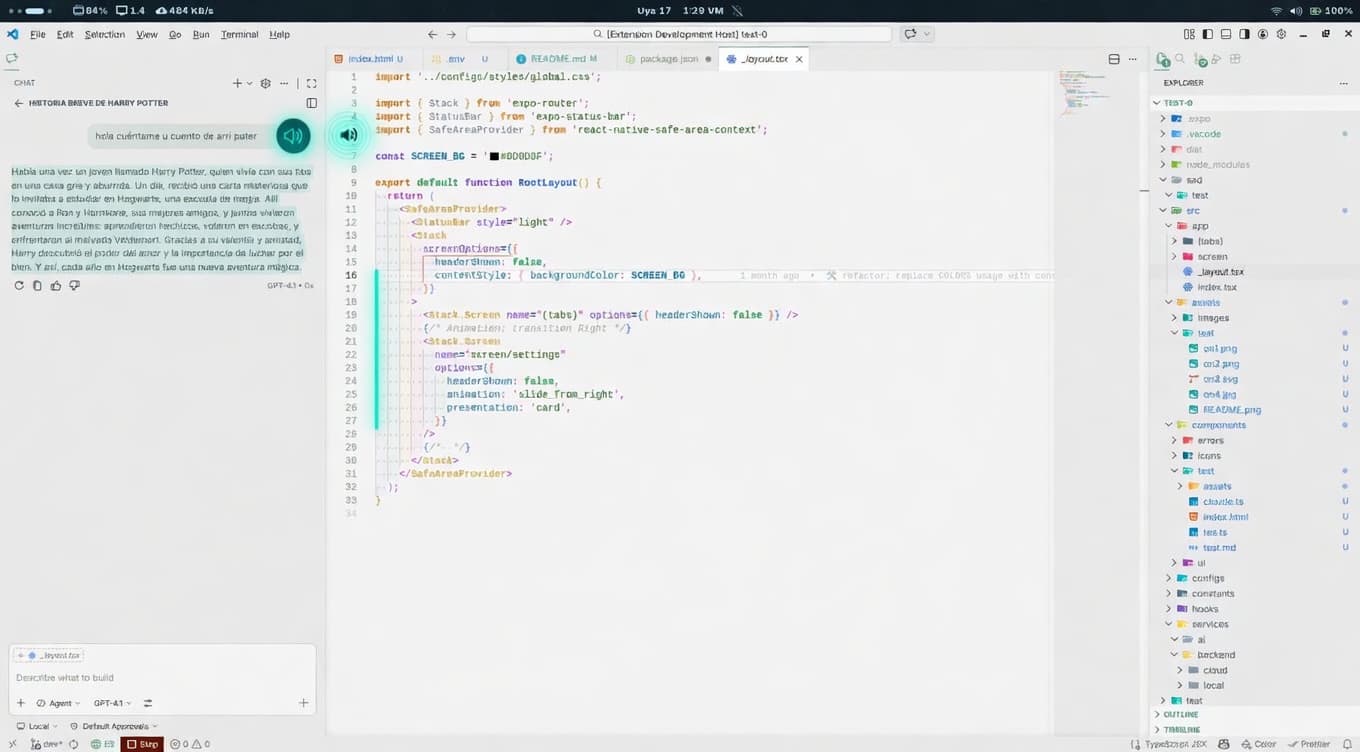
Voice TTS |
Reads text back to you directly inside the editor. Use Shift + Space to read and Shift + Alt + Space to select voices. |
 |
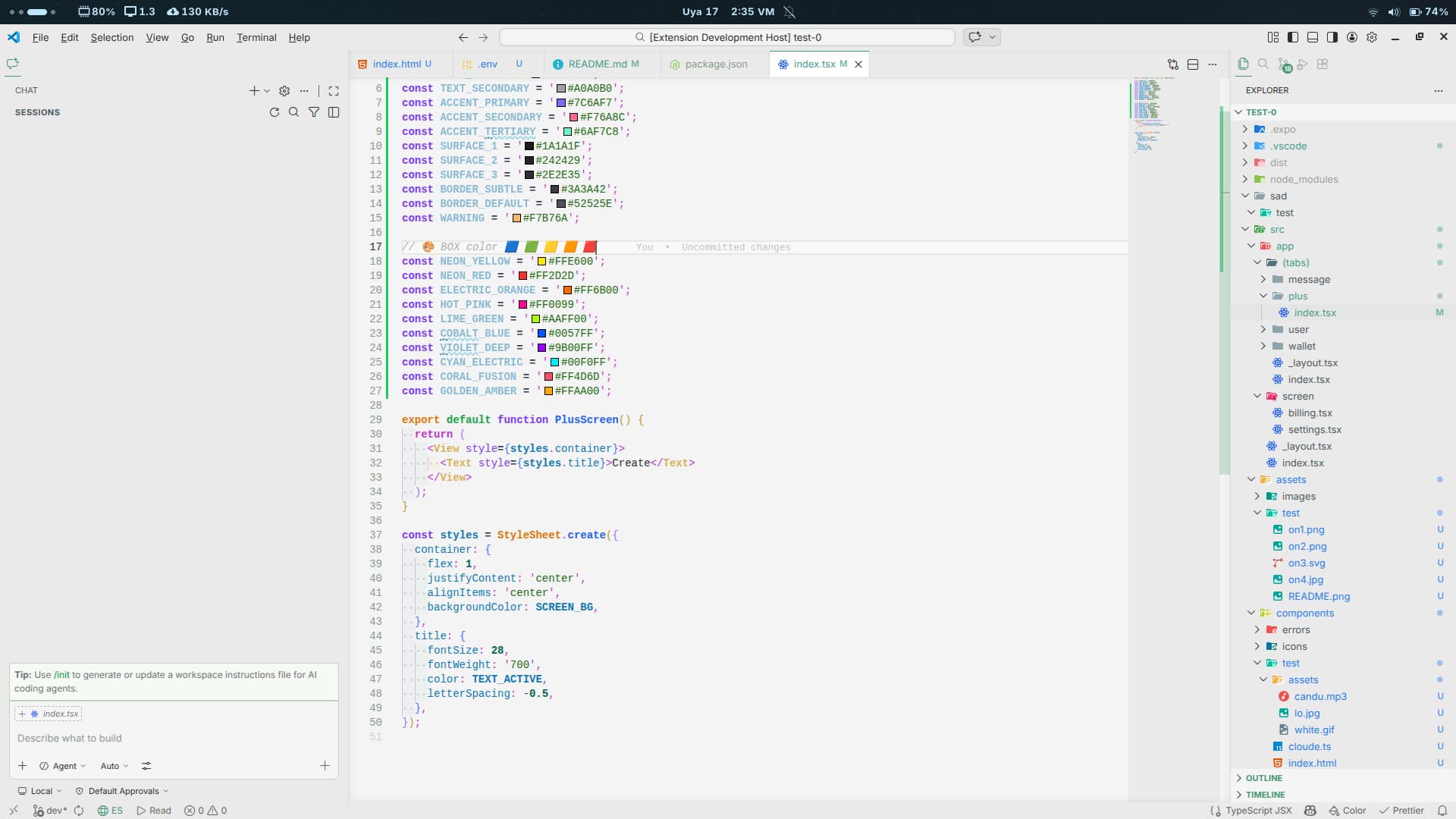
Color Box |
Lightning-fast detection and highlighting of inline colors across multiple modern web formats. |
 |
ATM Focus |
Productivity dashboard with Pomodoro timer, YouTube Music / AM Radio, and AI data consumption view. |
|
Tailwind CSS |
Fold/unfold Tailwind CSS class strings and toggle the extension without leaving the editor. |
|
Terminal Sound |
Audio feedback for terminal commands using VS Code shell integration, with adjustable volume and custom sounds. |
 |
Bracket Lynx |
Framework-aware bracket decorations and helpers to keep complex code structures readable at a glance. |
|
Git Commands |
Visual Git command reference panel — browse categories, copy commands, and learn Git without leaving VS Code. |
|
Compare Code |
Side-by-side code comparison view for quick diffs and code reviews directly in the editor. |
|
ATM Browser |
Embedded Chromium-based browser inside VS Code with configurable search engine and quality. |
|
NPM Run |
Release helpers for npm packages — run patch, minor, major, or beta releases from the status bar. |
|
Go Live |
Local development server with live reload, SPA fallback, HTTPS support, and custom headers. Alt + L, Alt + O. |
|
Run Dev |
Auto-detects your framework dev script and runs it in one keystroke, then opens the local URL. Alt + G. |
|
ATM Lint |
Lightweight lint engine with suggestion-based Quick Fixes and optional ESLint operational warnings. |
|
ATM Formatter |
Prettier-based formatter for TypeScript, TSX, CSS, Astro, and JSON with .atmignore support. |
|
Commit Emoji |
Insert conventional commit emojis into the SCM message box, with auto-match, custom emojis, and usage sorting. Alt + . |
|
Before After |
Preview the current selection as it existed in Git HEAD, then copy or restore the original code. Alt + V. |
🖼️ Preview Gallery
Click any preview to expand it.
ATM Translate
AI Data
Code Spell
Color Debugging
Comments Code
Env Lens
Error Lens
Git Better
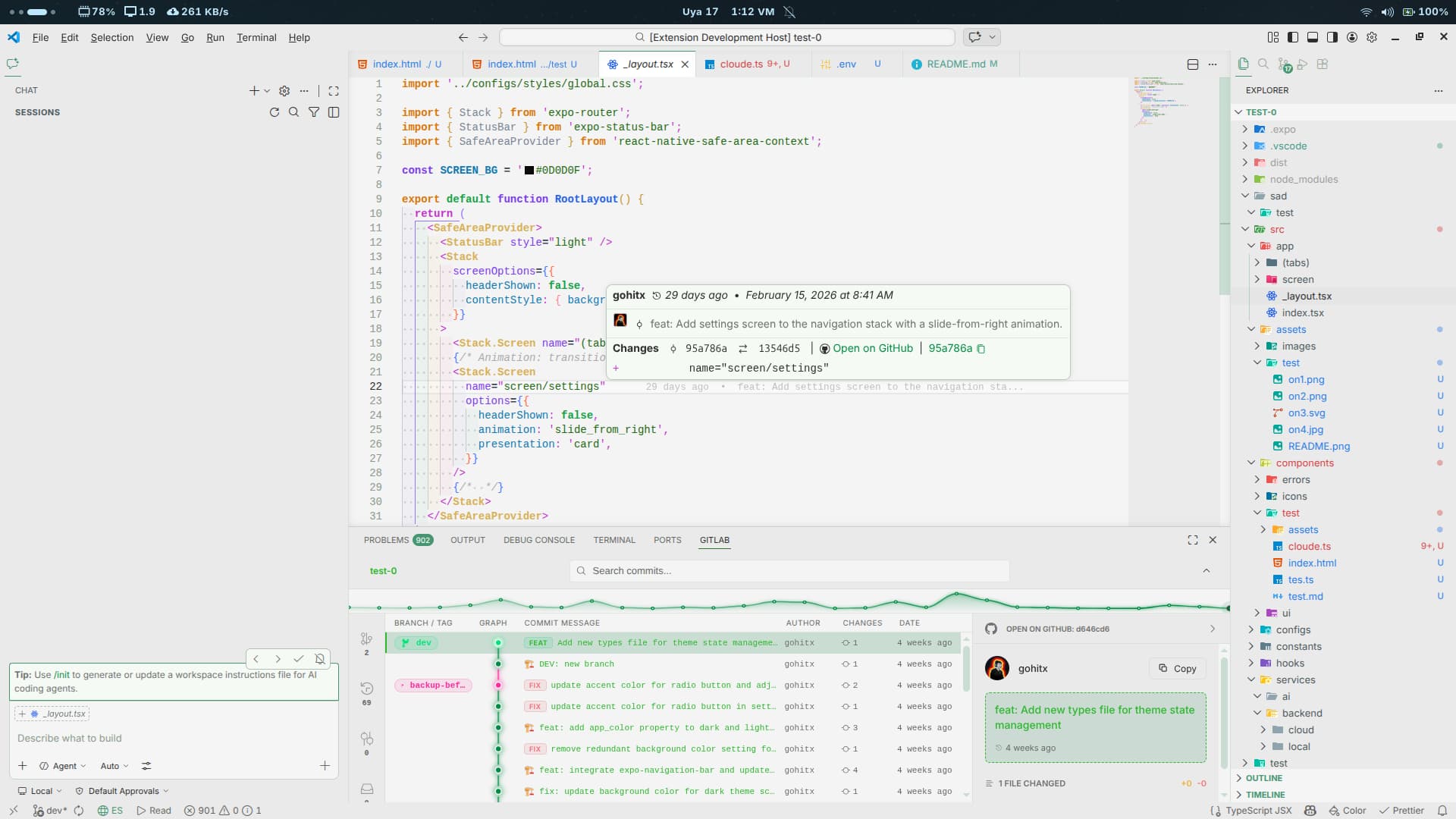
Image Preview
Markdown Text
Markdown MDX
Screenshot Code
SVG Better
Translate Doc
Version Package
Voice TTS
Color Box
[+] Enable or Disable Settings
You can customize ATM's behavior directly via your VS Code settings. Tweak the experience to your exact liking:
Appearance & Animations
atm.cursor.animation — Toggle cursor animations.atm.breadcrumbs.animation — Toggle breadcrumb path animations.atm.files.animation — Toggle file explorer animations.
Code Quality
atm.lint.enableSuggestions — Enable suggestion-based Lint Quick Fixes (for example, == to ===).atm.lint.showOperationalWarnings — Show operational ESLint warnings as diagnostics.atm.codeSpell.customWords — Custom words added to the ATM Code-Spell dictionary.
Security & Privacy
atm.envLens.renderMode — How .env values are hidden: blur keeps shape visible, mask hides text fully.atm.envLens.revealDurationMs — How long a revealed env value stays visible.atm.envLens.ultraSecureMode — Disable all hover reveal actions for maximum safety.
atm.formatter.enable — Enable ATM Formatter for TypeScript, TSX, CSS, Astro, and JSON files.atm.formatter.printWidth, atm.formatter.tabWidth, atm.formatter.useTabs, atm.formatter.semi, atm.formatter.singleQuote, atm.formatter.trailingComma — Prettier-compatible formatting options.atm.formatter.ignorePath — Path to the ignore file (default .atmignore).
Dev Servers
atm.goLive.port — Port for the live server; the next free port is used automatically if busy.atm.goLive.host — Host interface Go Live binds to (use 0.0.0.0 to expose on your LAN).atm.runDev.packageManager — Package manager used to run the dev script (auto, bun, npm, pnpm, yarn).atm.runDev.autoOpen — Automatically open the browser once the dev server prints its local URL.
Translation
atm.translate.provider — Primary translation provider (auto, Google Unofficial, MyMemory, LibreTranslate, DeepL, Google Cloud).atm.translate.fallbackProviders — Fallback order used when the primary provider fails.atm.translate.deepLEndpoint — DeepL endpoint type (free or pro).
Git Commits
atm.commitEmoji.outputType — Insert emoji character or commit code (e.g. :sparkles:).atm.commitEmoji.insertPosition — Where to insert the emoji: start, end, or cursor.atm.commitEmoji.addCustomEmoji — Add your own emoji entries to the picker.
💡 Pro Tip: Open settings.json (or search atm. in the Settings UI) to explore every option. Keep the extension updated regularly to ensure you have the latest features, performance improvements, and security patches.
⌨️ Keyboard Shortcuts
ATM registers productivity-focused shortcuts out of the box. You can override any of them in File → Preferences → Keyboard Shortcuts.
| Shortcut |
Command |
Context |
| Alt + V |
Preview Selection Before Changes |
Editor with selection |
| Alt + </kbd> |
Commit Emoji (Auto-assign best) |
Global |
| Ctrl + Alt + . |
Commit Emoji Picker |
Global |
| Alt + Shift + </kbd> |
Compare Code |
Global |
| Ctrl + Alt + </kbd> |
Open ATM IRA |
Global |
| Alt + Shift + B |
Open ATM Browser |
Global |
| Shift + Space |
Voice TTS: Copy & Read |
Global |
| Shift + Alt + Space |
Voice TTS: Select Voice |
Global |
| Ctrl + Shift + Space |
Translate Extension Page |
Extension page active |
| Ctrl + Shift + Space |
Music: Toggle Play/Pause |
Otherwise |
| Shift + Alt + M |
Open MDX Preview |
MDX file |
| Ctrl + Shift + R |
Translate Release Notes |
Release notes active |
| Alt + R |
Music: Random AM Station |
Global |
| Alt + L, Alt + O |
Go Live: Start Server |
Global |
| Alt + L, Alt + C |
Go Live: Stop Server |
Global |
| Alt + G |
Run Dev: Start |
Global |
| Ctrl + G |
Run Dev: Restart |
Global |
| Ctrl + Alt + G |
Run Dev: Stop |
Global |
🍎 On macOS, Ctrl becomes ⌘ for shortcuts that specify a macOS keybinding. Run Dev restart/stop intentionally use Ctrl on both platforms.
Installation
Launch Quick Open
 Linux Linux Ctrl+P macOS macOS ⌘P Windows Windows Ctrl+P
Paste the following command and press Enter:
ext install bastndev.atm
Method 2 — Extensions View
- Open Extensions (
Ctrl+Shift+X / ⌘+Shift+X)
- Search "ATM"
- Click Install
About Me
- 🐦 X : For questions and discussions.
- 🌱 IG :
new – Project previews & life updates.
- 🔴 YouTube : Code, Software and development insights.
Thank you to everyone who supports this project! Your contributions make updates and new extensions possible.
🧩 Complementary Extensions
| Icon |
Extension |
Description |
 |
F1 |
The ultimate AI control center. Centralize Claude, Copilot, or Cursor in interactive terminals, create custom workflows with 'My Skills', and give the AI instant codebase context with 'My Memory'. |
 |
Lynx Theme Pro |
A professional extension with six available themes: Dark, Light, Night, Ghibli, Coffee, and Kiro—with integrated icons. Each theme is optimized to offer a more pleasant visual experience. |
 |
Lynx Keymap Pro |
Standardizes keyboard shortcuts across all code editors, giving you instant access to any functionality with a single key combination—boosting your workflow and dev experience. Now includes shortcuts for 75% keyboards |
**Enjoy 🎉 — (ATM) is now installed!**
*If you find any bugs or have feedback, feel free to [open an issue](https://github.com/bastndev/ATM/issues/new).*
Made in 🇵🇪 by Gohit X · Licensed under MIT
| |