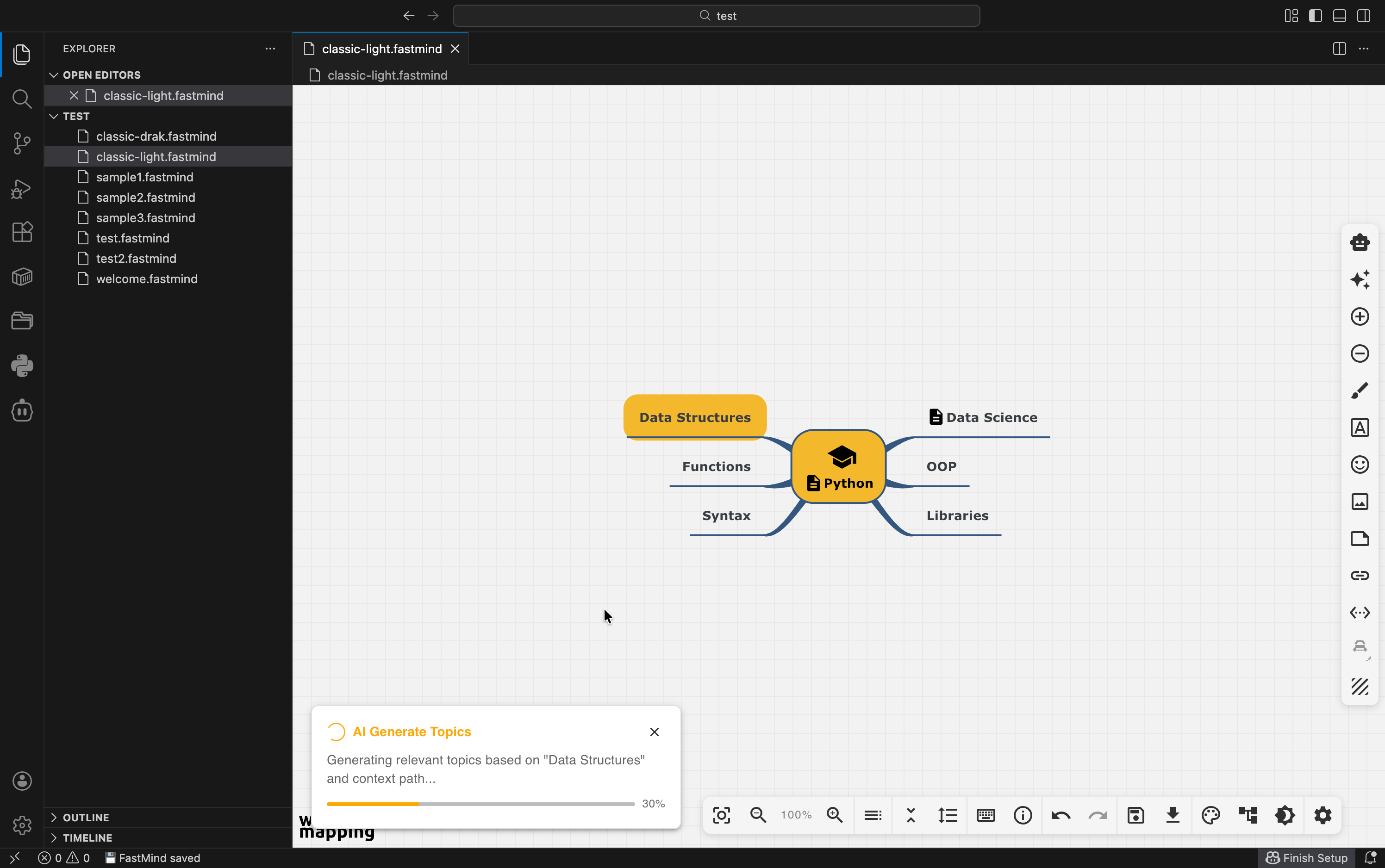
Fastmind is an open-source VS Code extension that integrates AI-driven mind mapping into your workflow, using large language models to generate context-aware subtopics and improve ideation directly inside the IDE.
Installation
Launch VS Code Quick Open (Ctrl+P), paste the following command, and press enter.
FastMind is a native VS Code mind mapping extension built for developers. Brainstorm, design architectures, take study notes, and plan projects without ever leaving your editor.
Create a Mind Map in One Click
Create a new file with the .fastmind extension (e.g., architecture.fastmind)
It automatically opens in the immersive visual editor
Smooth and intuitive
Powerful AI Features
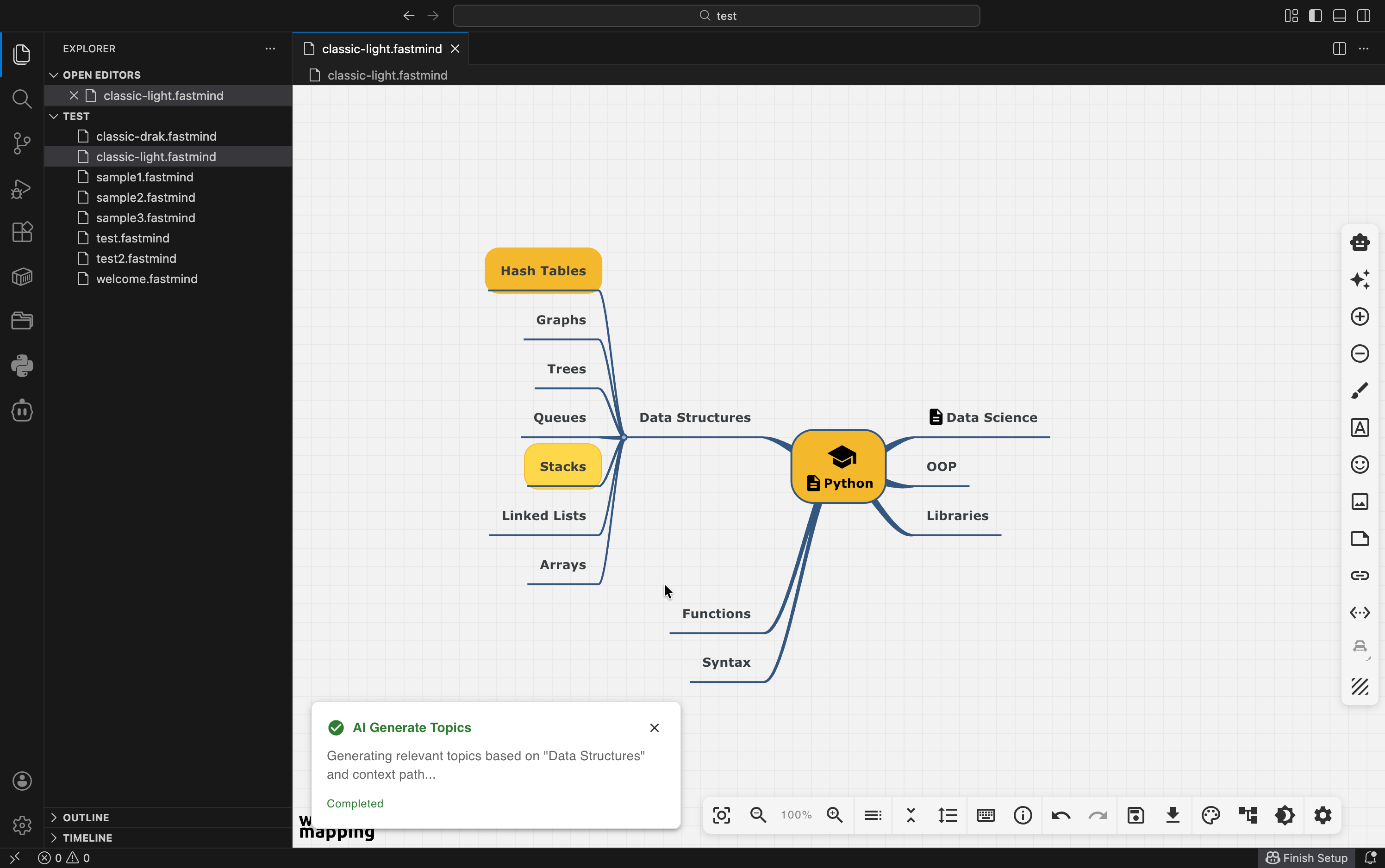
AI Topic Generator
Select a topic → “AI Generate Topics”
Instantly generates up to 8 (customizable) smart, context-aware subtopics in seconds.
The AI understands the selected topic, its parent, siblings, and your entire map structure.
AI Explainer
Select any topic → “AI Explain Topic”
Get in-depth explanations, real-world applications, examples, and even code snippets.
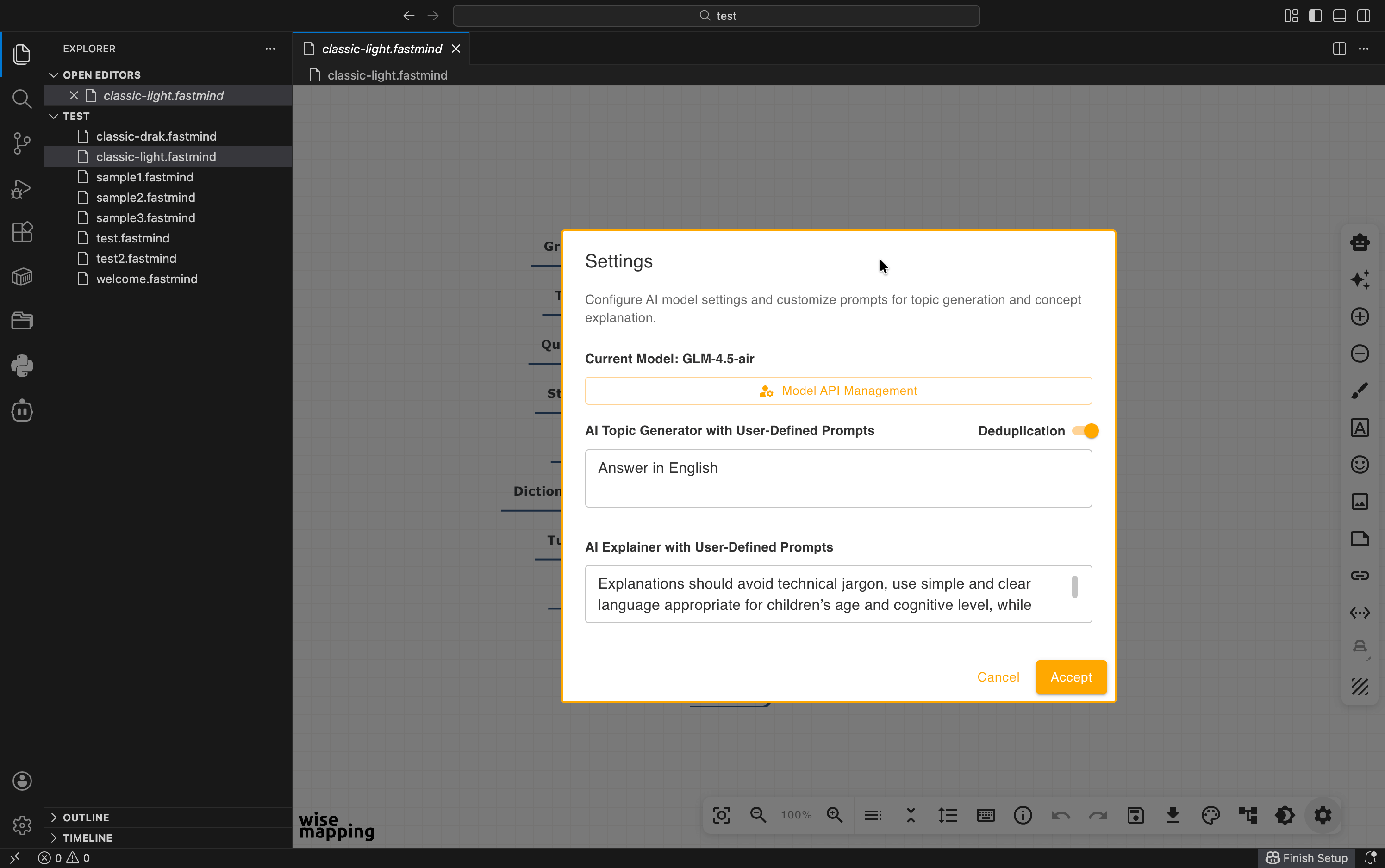
Fully customizable length and focus.
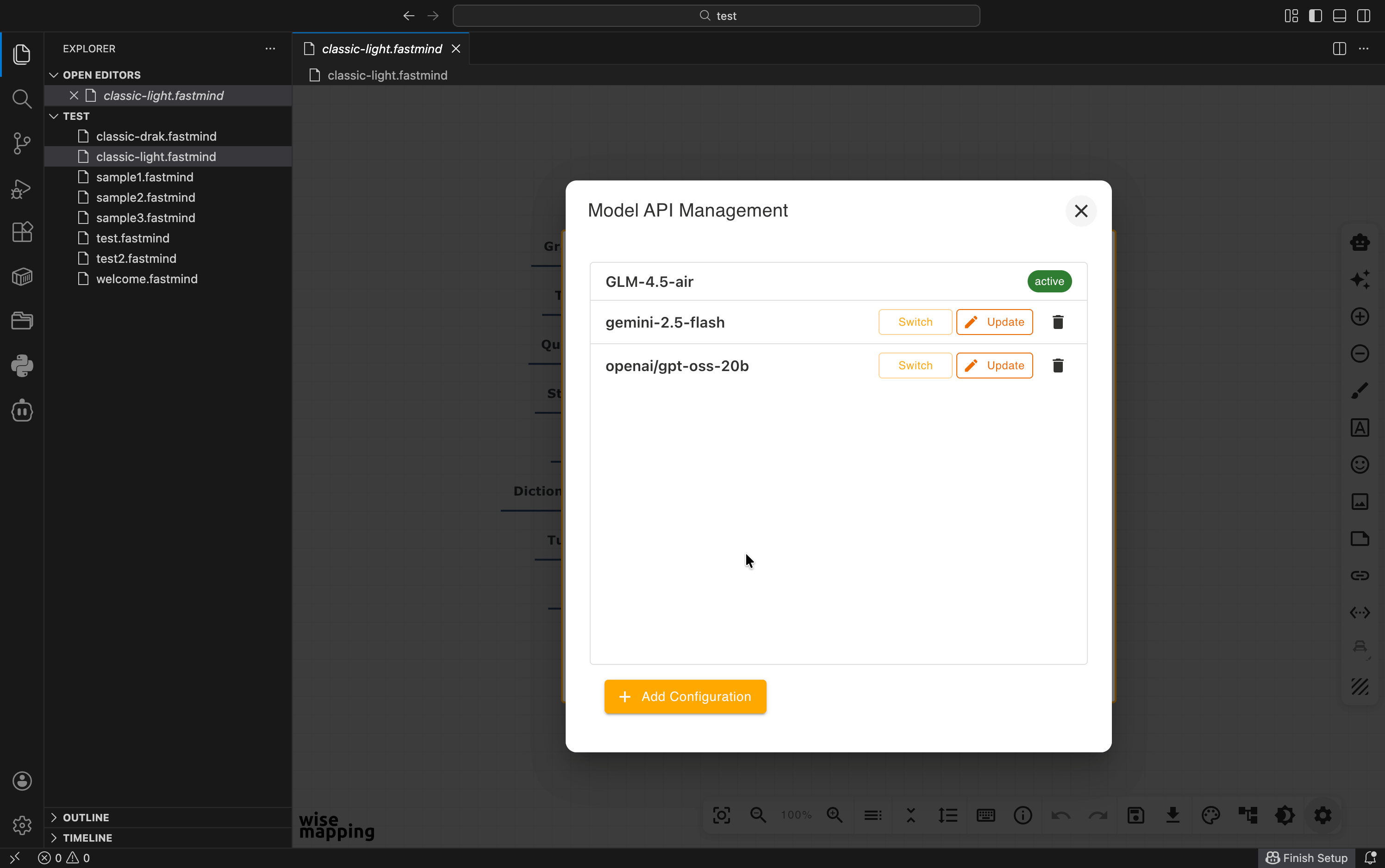
Supports Almost Every Major LLM
OpenAI (gpt-4, gpt-3.5-turbo, etc.)
Anthropic Claude (all models)
Azure OpenAI
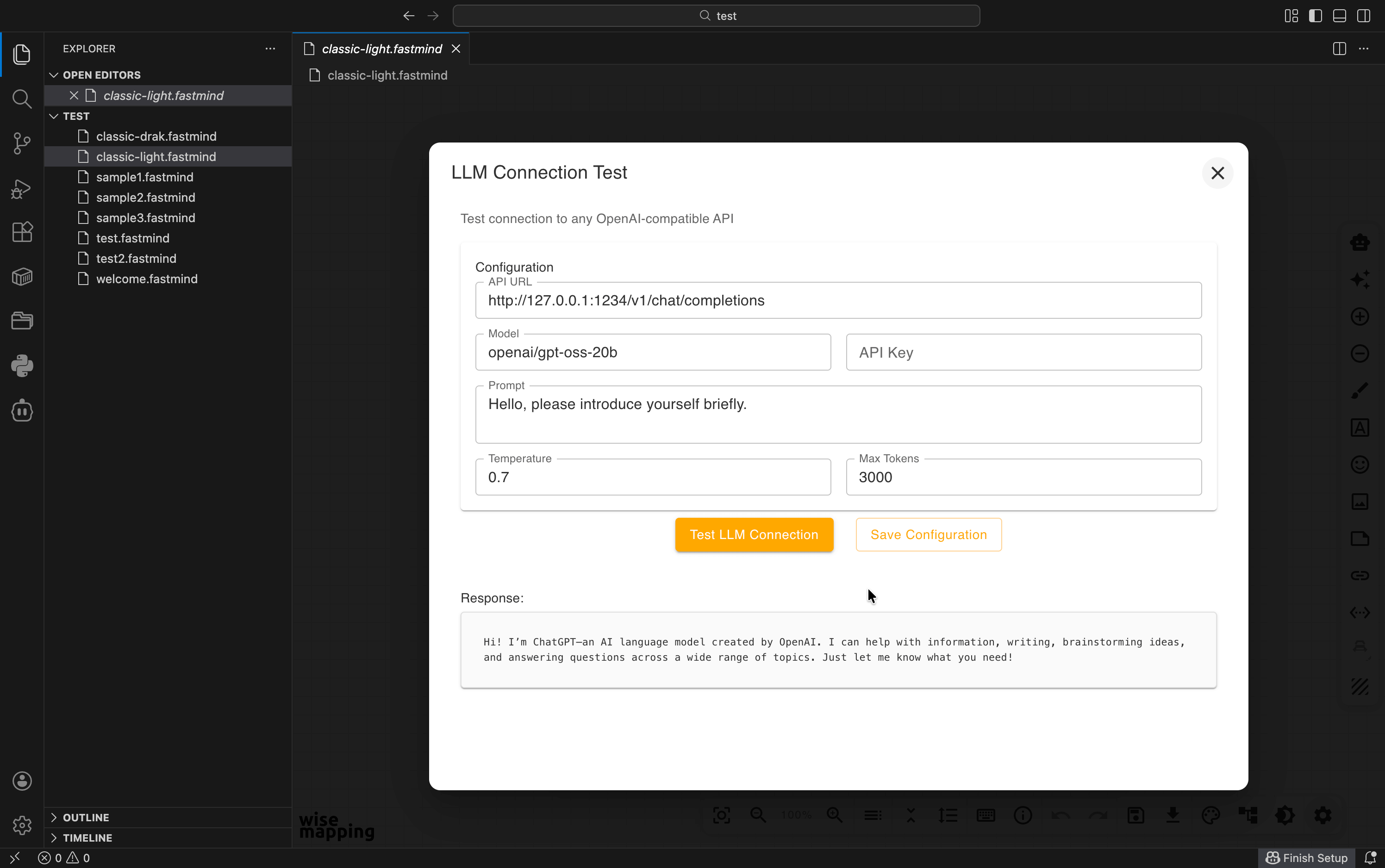
Local models (Ollama, LM Studio, llama.cpp - any OpenAI-compatible endpoint)
Any custom OpenAI-compatible API
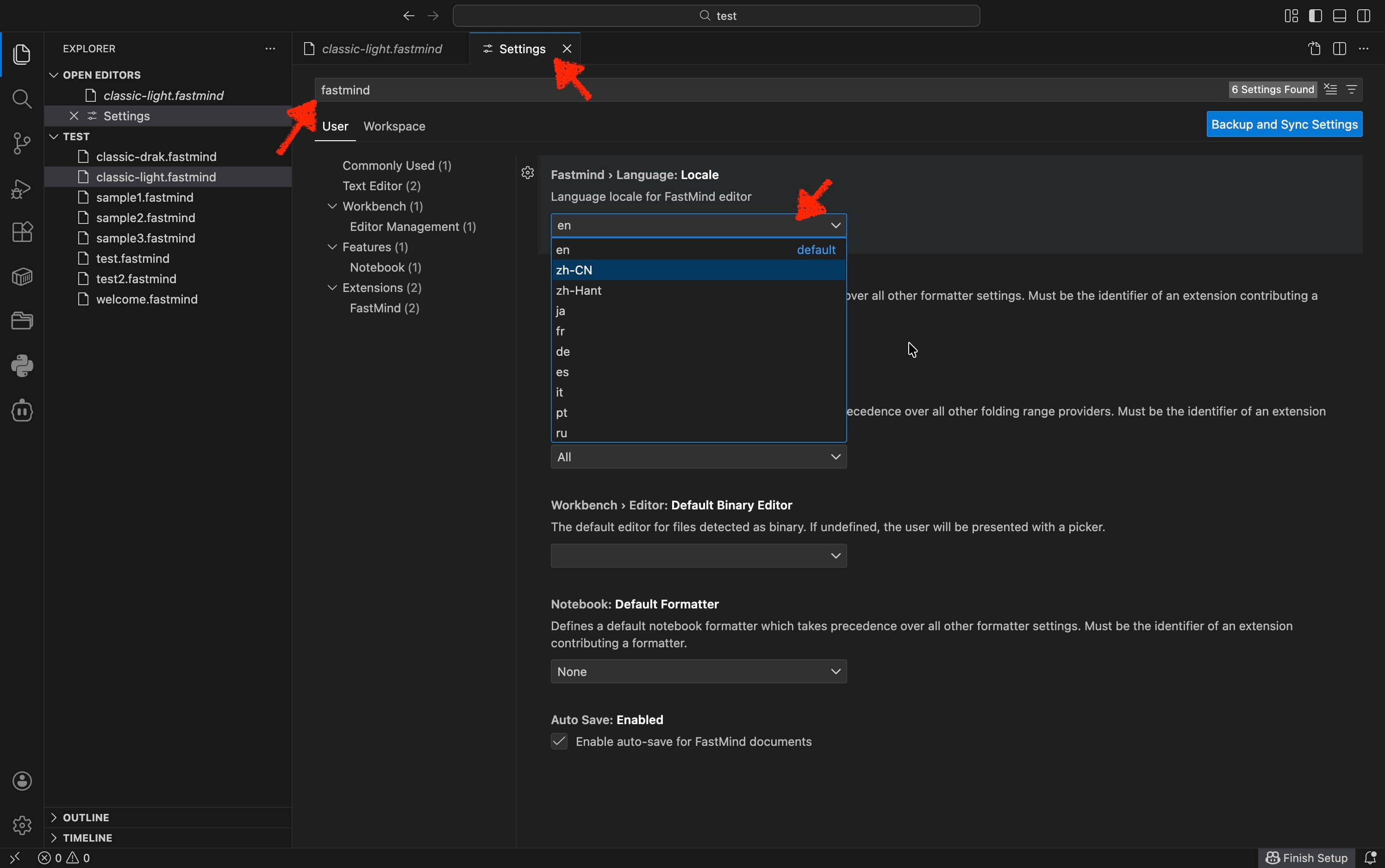
Quick config example (set once in VS Code settings):