Skip to content
| Marketplace
Sign in
Visual Studio Code>Other>DumplineNew to Visual Studio Code? Get it now.
Dumpline

Dumpline

barroit

|
1 install
| (0) | Free
Dumping selected lines into image.
Installation
Launch VS Code Quick Open (Ctrl+P), paste the following command, and press enter.
Copied to clipboard
More Info

dumpline

dumpline is the fastest code snipping tool in the vscode extension for now.

How to use

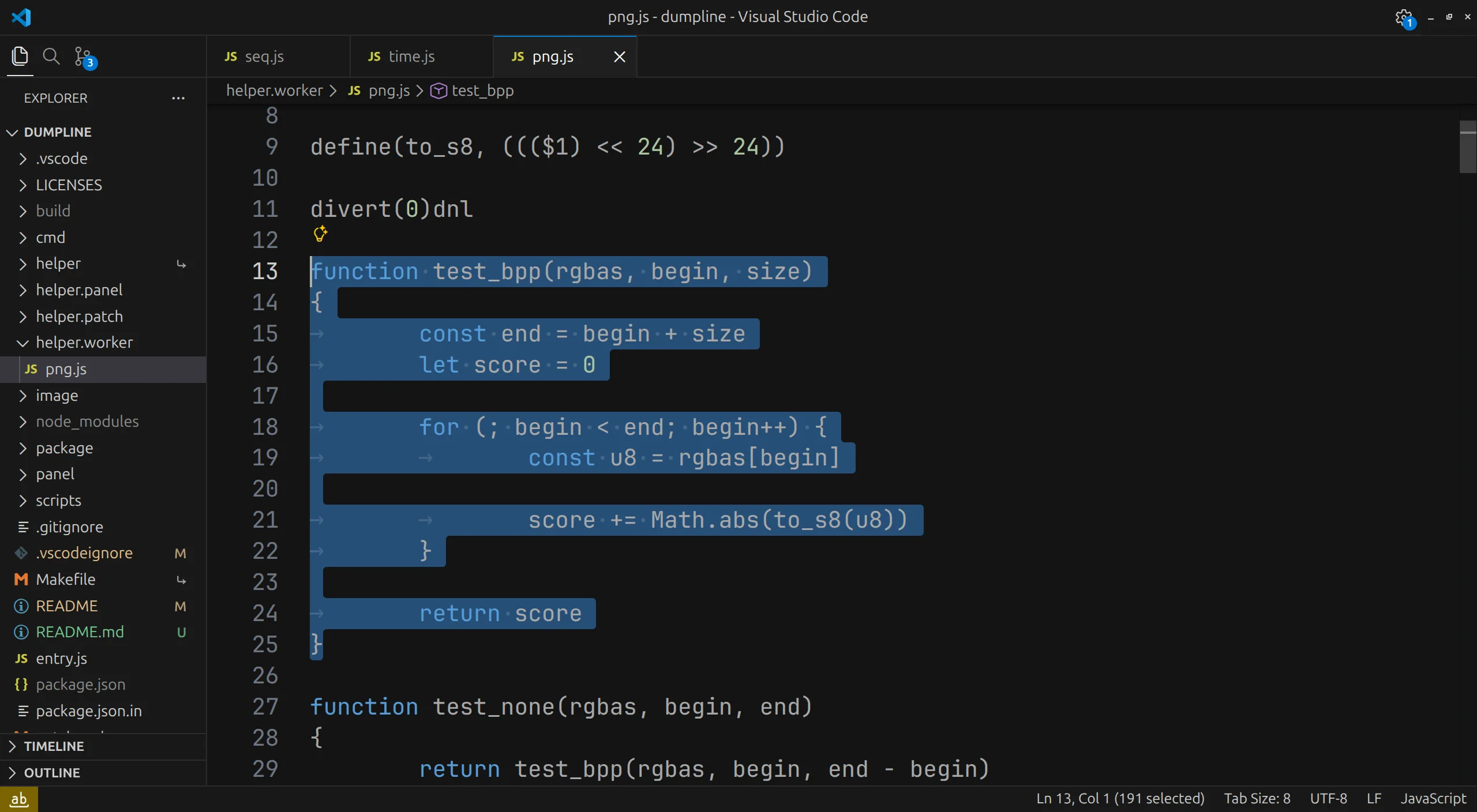
Select the region you want to dump:

step 1

Execute dumpline: copy and preview result:

step 2

You get the result:

step 3

There are three buttons at the top right. First one is for copying, second one opens the directory where image lives, last one opens image itself.

Licenses

image/.png and image/.webp are licensed under LicenseRef-MDM-2.1. For other files, their license is defined by SPDX header.

  • Contact us
  • Jobs
  • Privacy
  • Manage cookies
  • Terms of use
  • Trademarks
© 2026 Microsoft