GoLR Extension
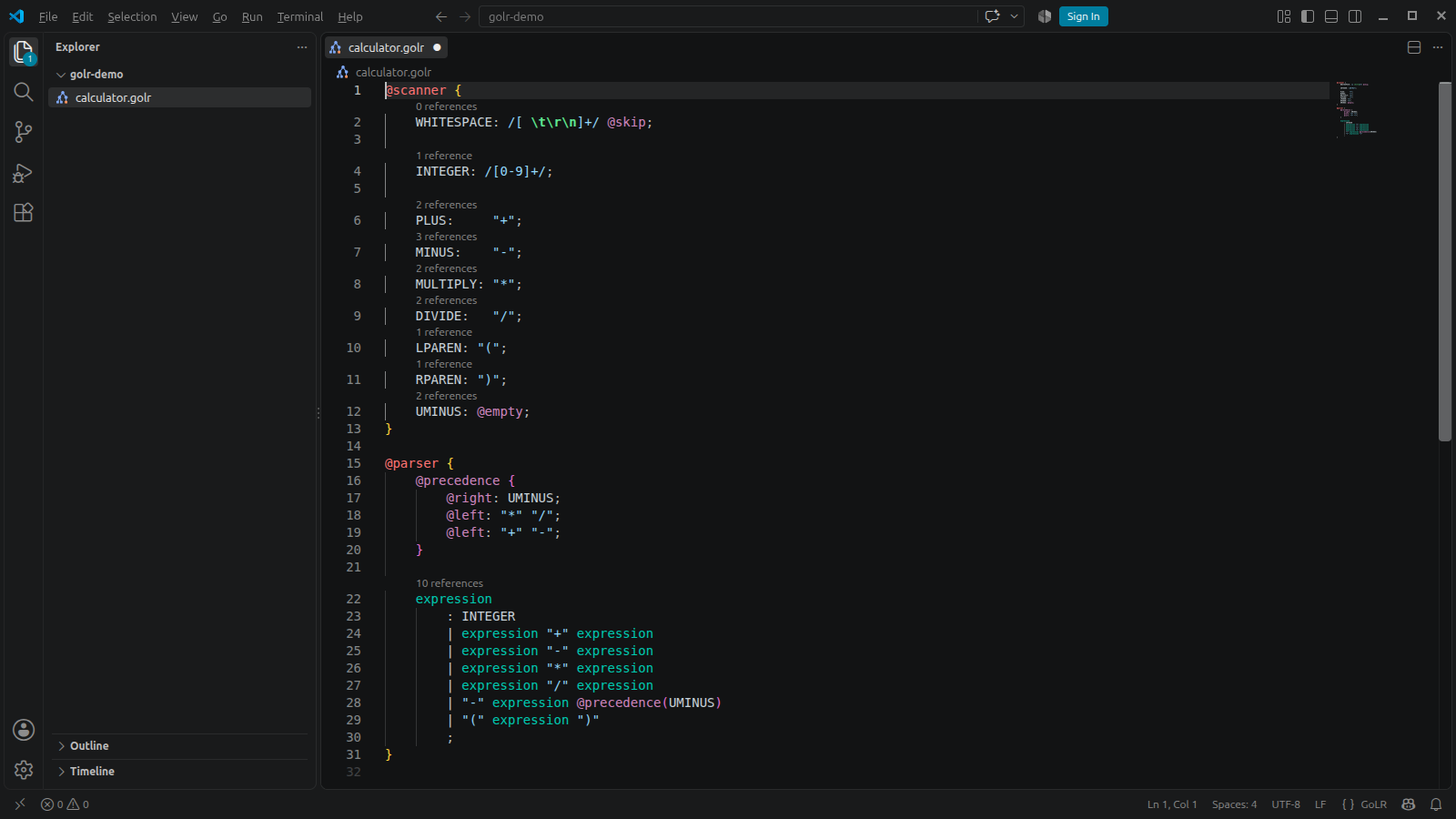
This extension for Visual Studio Code provides language support for GoLR grammar
files (.golr) with:
- Syntax highlighting
- Code completion for terminal names, nonterminal names and keywords in the context they are valid
- Rename symbol for terminal names, terminal string aliases and nonterminal names
- Go to definition for terminal names, terminal string aliases and nonterminal names
- Reference count above every terminal and nonterminal declaration, which opens the references on click
- Find all references for terminal names, terminal string aliases and nonterminal names
- Format document
- Toggle line and block comments
- Bracket matching and auto closing of brackets and quotes
Requirements
Visual Studio Code 1.120 or later.
Supported Grammar Syntax
The extension supports the .golr syntax of GoLR v0.5.0, which is described in
Parser Generator Frontend GoLR and
Scanner Generator Frontend GoLR.
Limitations
Errors in the grammar file are not reported in the editor. Run golr parser or golr scanner on the file to see them.
| |

