ArguseyeRender React, browser-compatible Next.js, and Vue components from real source. Visual evidence for coding agents and VS Code, without starting the app. Installation Launch VS Code Quick Open ( Ctrl+P), paste the following command, and press enter.Copied to clipboard |

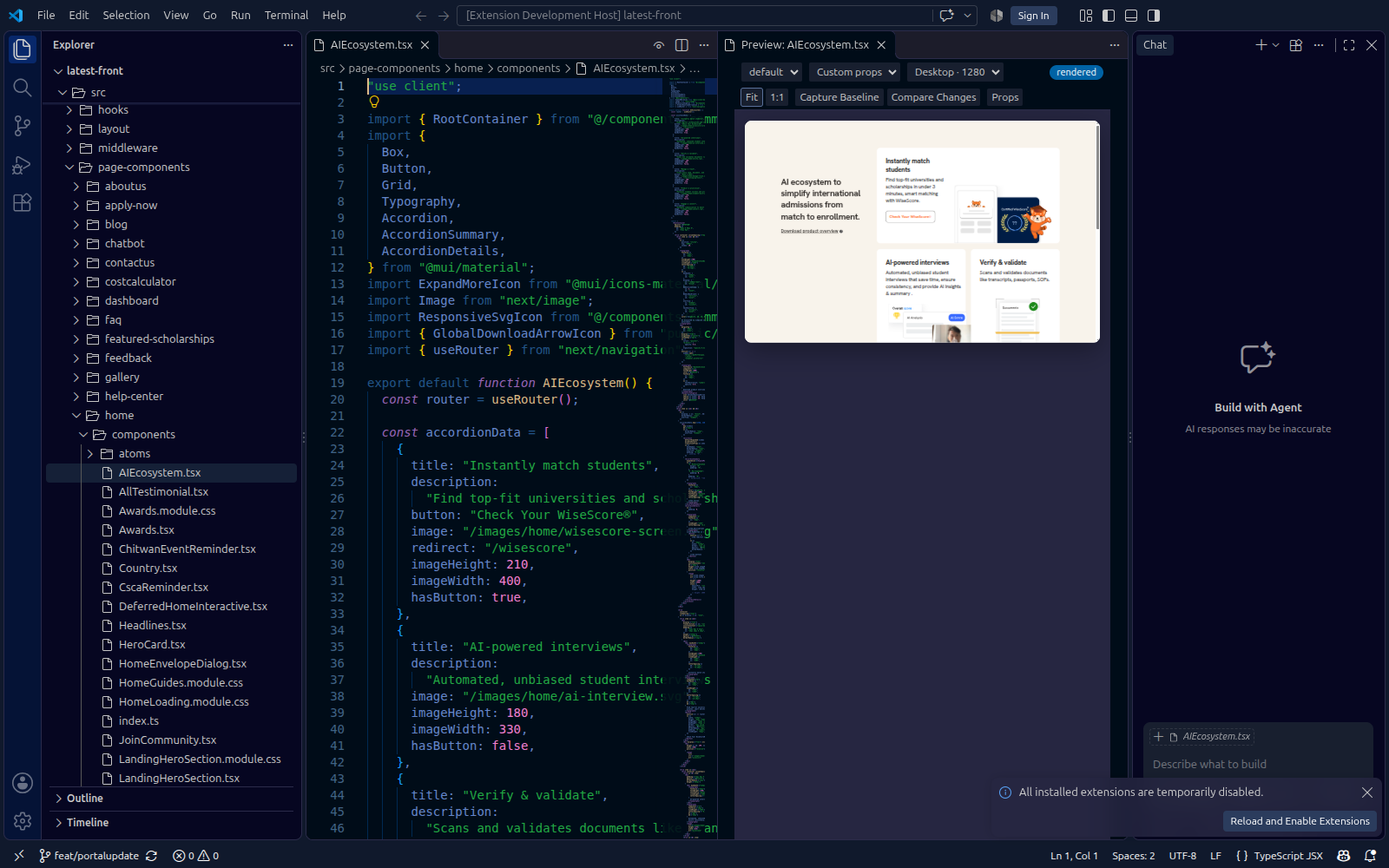
Arguseye — component previews beside your codePreview React, browser-renderable Next.js, and Vue 3 components from your project without starting the app or writing stories. Inspect unsaved edits, choose real usage props, and compare a change against a saved baseline.
Start in VS Code
Your project's dependencies must be installed. Headless CLI and MCP use also require Node.js 22+ and Chromium or Google Chrome. Installation and prerequisites. Release builds target Windows x64, macOS Apple Silicon, and Linux x64. Screenshots below were captured in a real VS Code extension host on Linux; Windows and macOS builds are packaged separately. Images use public HTTPS URLs and load independently of your operating system. A preview that follows your work
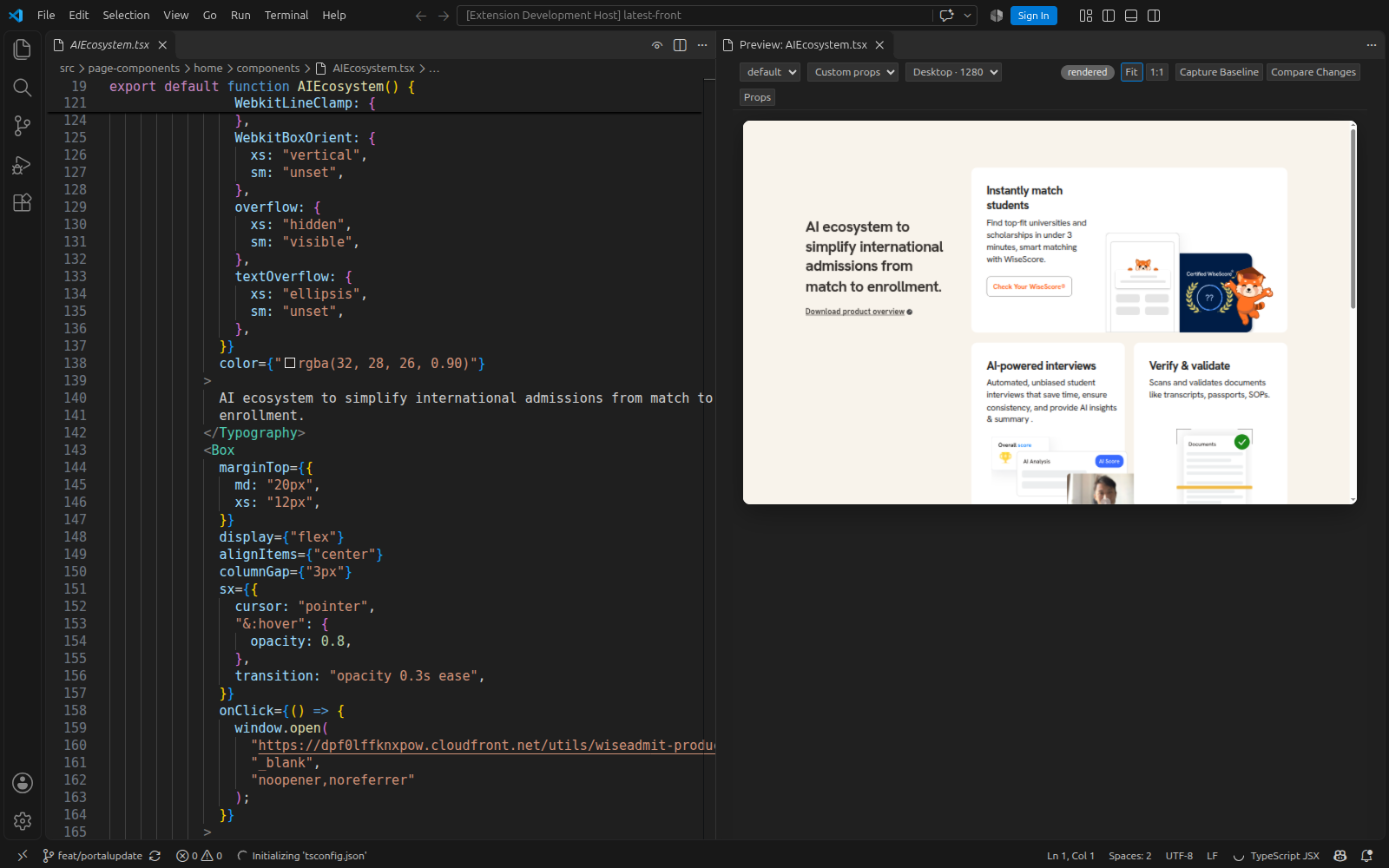
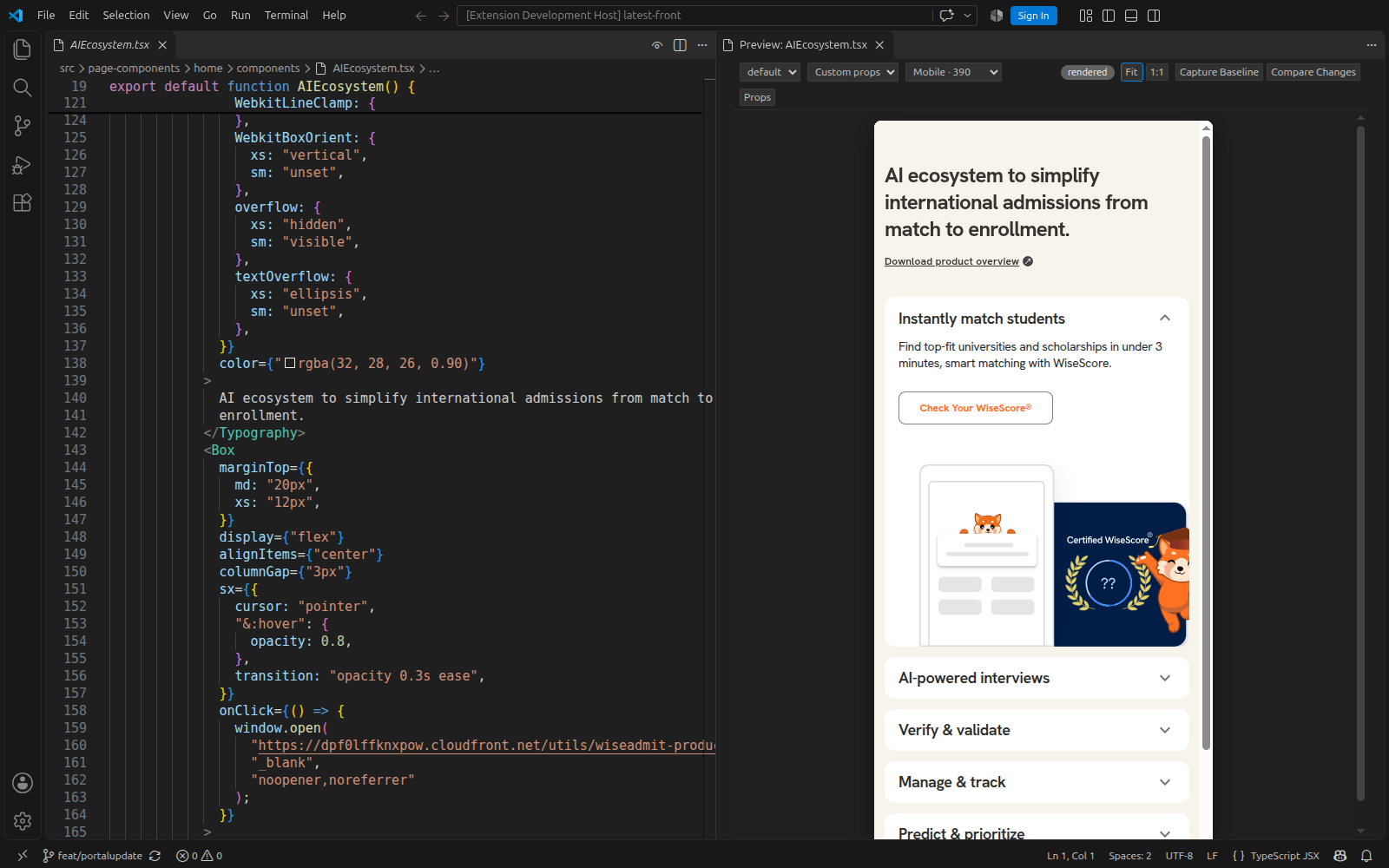
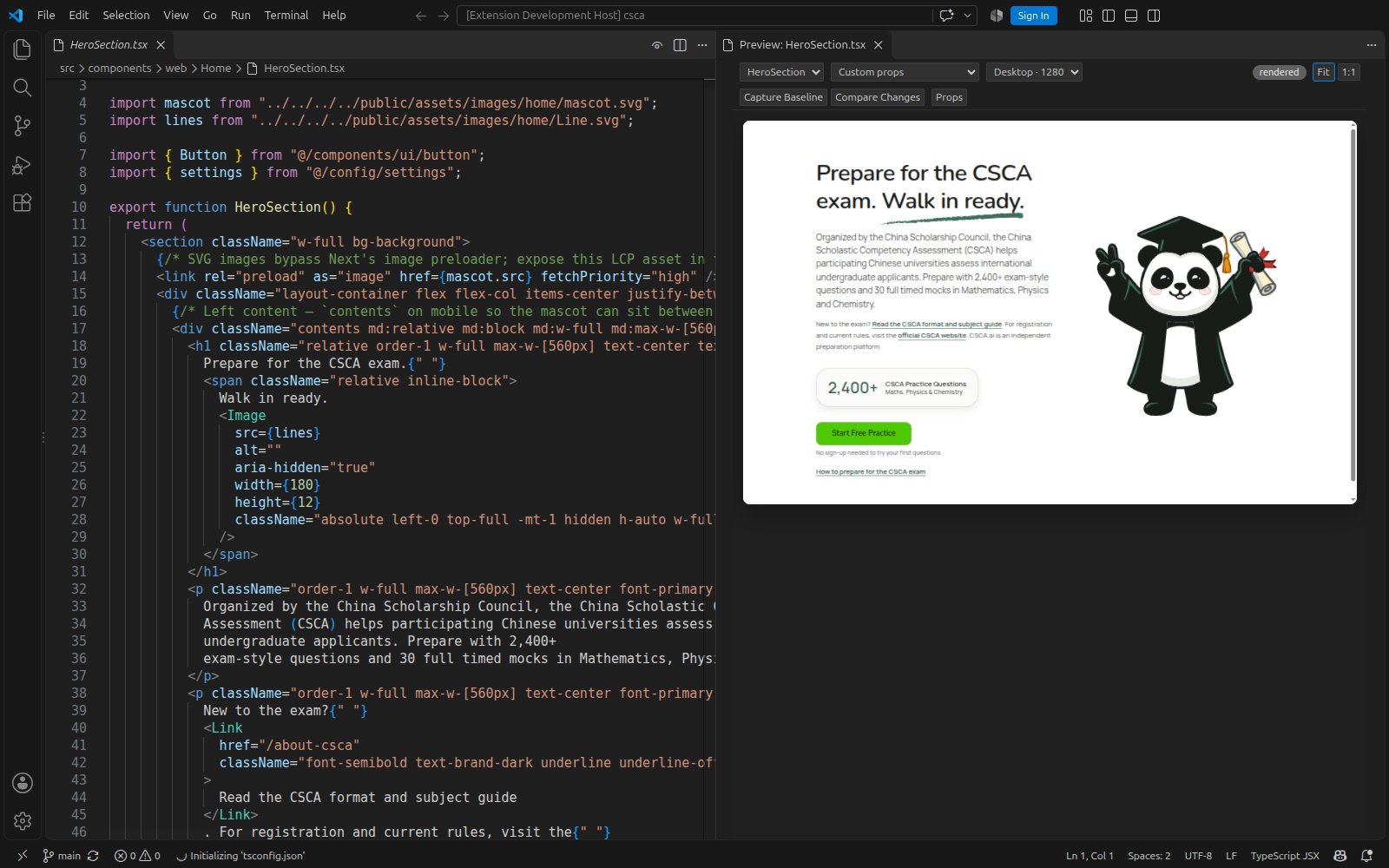
Real VS Code screenshotsThese captures use existing WiseAdmit and CSCA.ai production source files, their installed packages, and their own styles and assets. The source editor and Arguseye panel are both visible. They are isolated component previews. A responsive page sectionWiseAdmit's
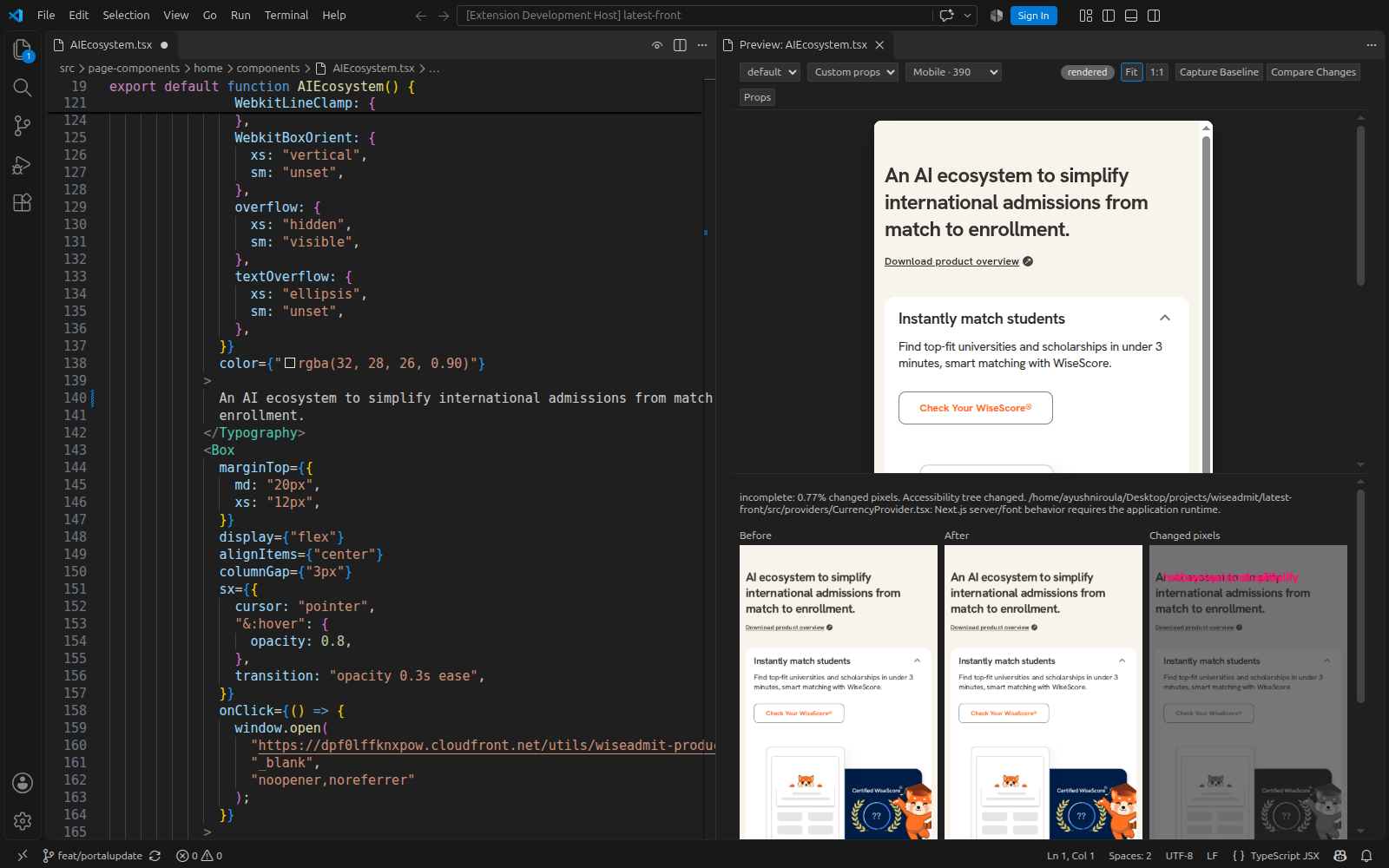
Inspect an unsaved changeCapture a baseline, edit the heading without saving, then choose Compare Changes. The panel shows before, after, changed pixels, and context warnings. This example reports incomplete evidence because its Next.js provider uses unsupported server/font behavior; the warning remains visible.
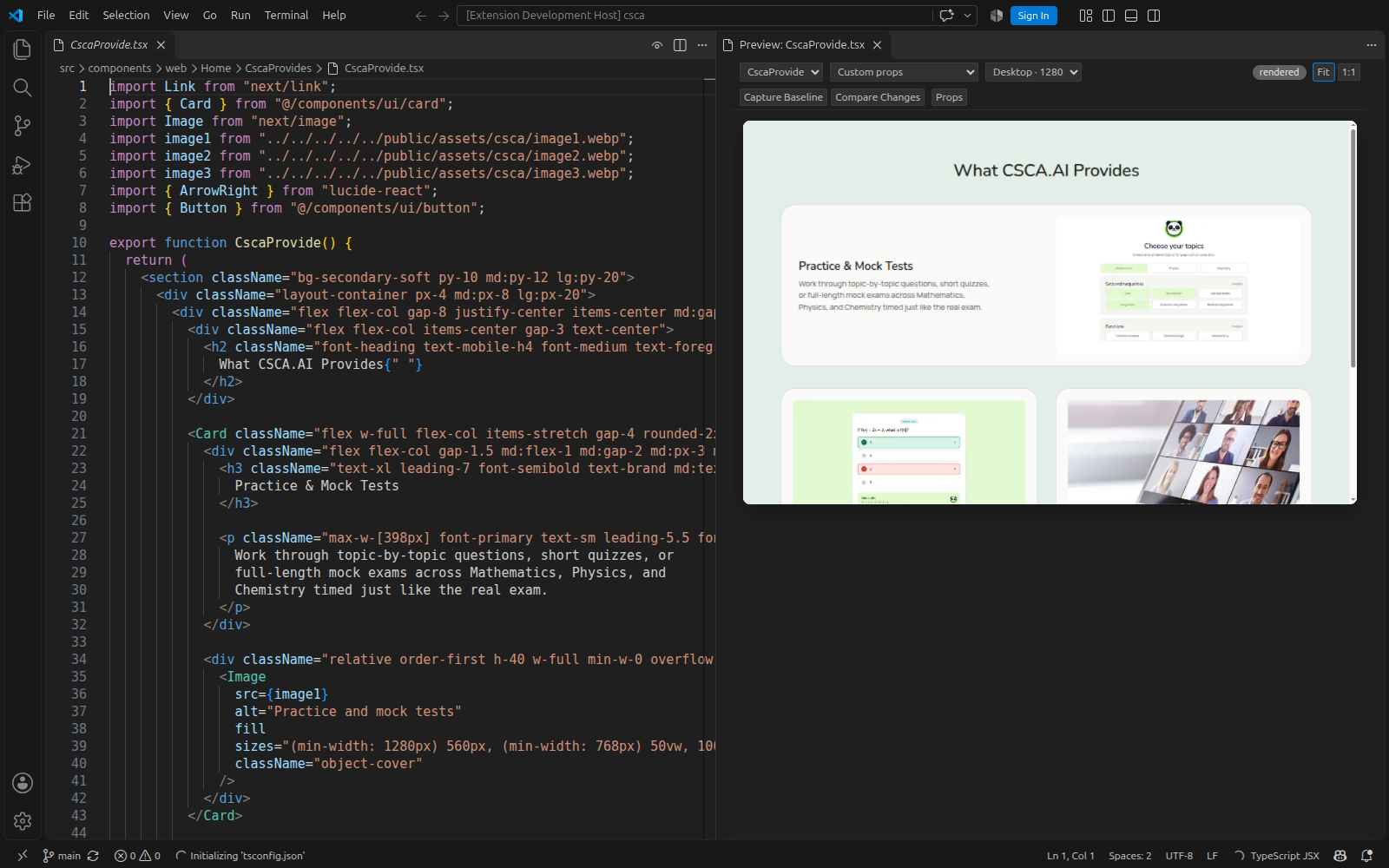
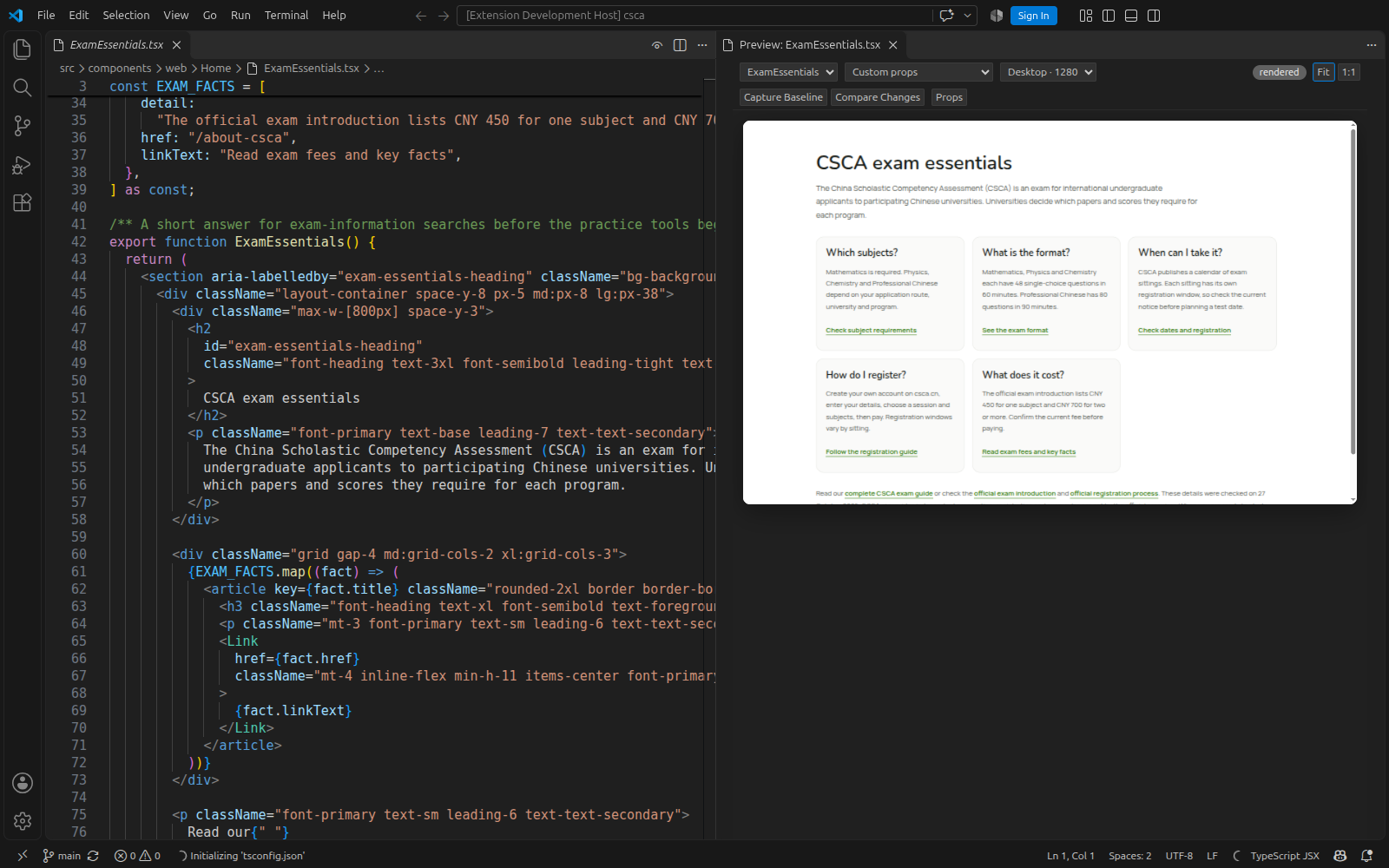
More components from CSCA.aiThe existing
Real component outputThese screenshots show components rendered from a Next.js project using its own styles and packages.
Give your coding agent the same viewThe MCP server and CLI use the same rendering engine as the extension. Run this from your project, then restart the chosen agent: Replace Ask your agent:
Five MCP tools connect the workflow: Know what the preview coversThese are isolated component renders using discovered inputs, not full-page integration tests. Missing runtime props, arbitrary provider values, authentication/backend states, Next.js server execution, and Nuxt application context may remain unsupported or incomplete. Successful pixels are not a correctness verdict; inspect warnings and use application tests for full journeys. Performance varies with the project. The recorded benchmark separates small-fixture warm renders from larger real-project observations, and includes the machine, method, raw samples, cold costs, and response sizes. Explore the product and interactive examples · Installation · Compatibility · Security MIT licensed. Made by Ayush Niroula. |