Svg/icons Library for VS Code
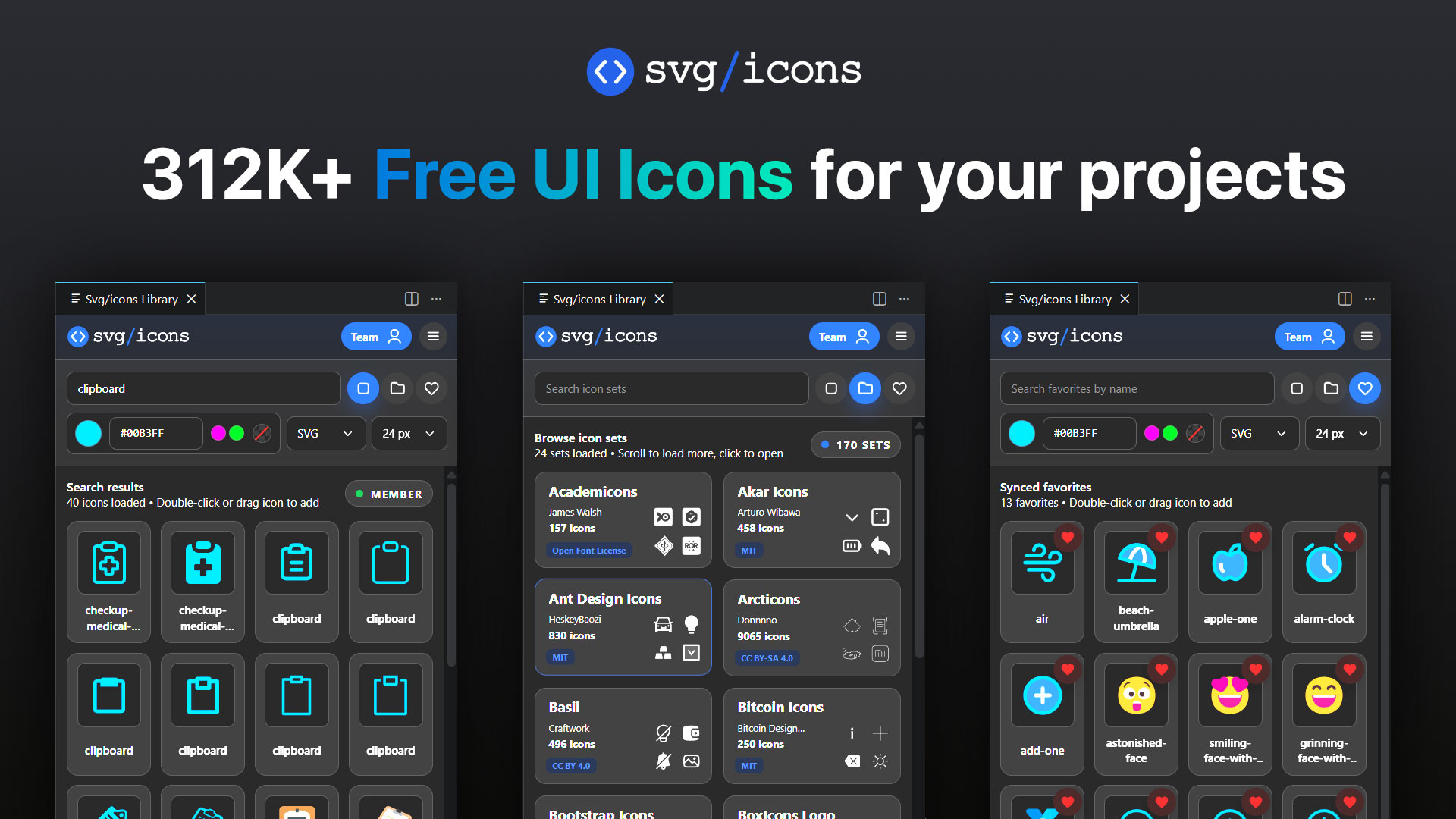
Svg/icons Library brings the svgicons.com catalog directly into VS Code so you can search 312K+ icons, browse 227 icon sets, sync Pro Icon Collections, and insert production-ready code without leaving your editor.
This source tree is prepared for the next VS Code extension release after 1.2.0. Marketplace availability depends on a separate extension publishing step.
What it does
- Search icons by name
- Browse icon sets and drill into a set
- Filter icon sets by the latest site categories
- Spot
NEW and UPDATE icon sets at a glance
- Sign in with your svgicons.com account
- Sync favorites
- View Pro Icon Collections
- Add icons to an Icon Collection from search results, icon sets, favorites, or recent icons
- See the current Pro Icon Collection export surfaces and open the website export workflow
- Preview icons before inserting them
- Insert code directly into the active editor
- Copy generated code to the clipboard
- Choose export size before inserting or copying
- Reopen recent icons quickly
- Use the same visual UI as the Figma plugin
- SVG
- SVG symbol
- JSX markup
- React component
- React TS component
- Vue component
- Vue TS component
Pro Icon Collection exports
The extension can view synced Pro Icon Collections and add selected icons to them. Export queueing and downloads remain on svgicons.com, where the current Pro export pipeline supports:
- SVG folder
- SVG sprite
- JSON manifest
- License manifest
- React TypeScript components
- Vue components
- Svelte components
- Solid components
- Blade/Laravel components
- PNG pack
- Iconify JSON
- Storybook gallery
- npm package scaffold
Framework export options include defaultSize, titleProp, decorative, and componentSuffix. The npm package scaffold also accepts packageName and packageVersion metadata. The generated npm package is a source scaffold, not an npm publish action.
How to install
- Open the Extensions view in VS Code.
- Search for
svg/icons.
- Open the
Svg/icons Library extension page.
- Click
Install.
Account and favorites
Sign in with your svgicons.com account to sync favorites and remove the guest insertion limit.
Pro Icon Collections
Pro users can view their Icon Collections in the extension and add selected icons directly from VS Code. Use the website to manage collection exports, API tokens, usage telemetry, and downloadable ZIP artifacts. Free browsing, search, icon set navigation, favorites, code insertion, and clipboard copy remain available as before.
Support
Notes
- The extension uses the dedicated
svgicons.com VS Code auth flow and shares browse and favorites data with the website backend.
- Recent icons, session token, auth request, and guest insertion count are stored in VS Code extension global state.
- The toolbar includes both output format and export size.

