VS Code Serial Terminal Extension
Connect, debug, log, and automate serial communication directly inside VS Code.
中文|English
✨ Why Use It
- Stay in your editor: Debug serial devices without switching tools.
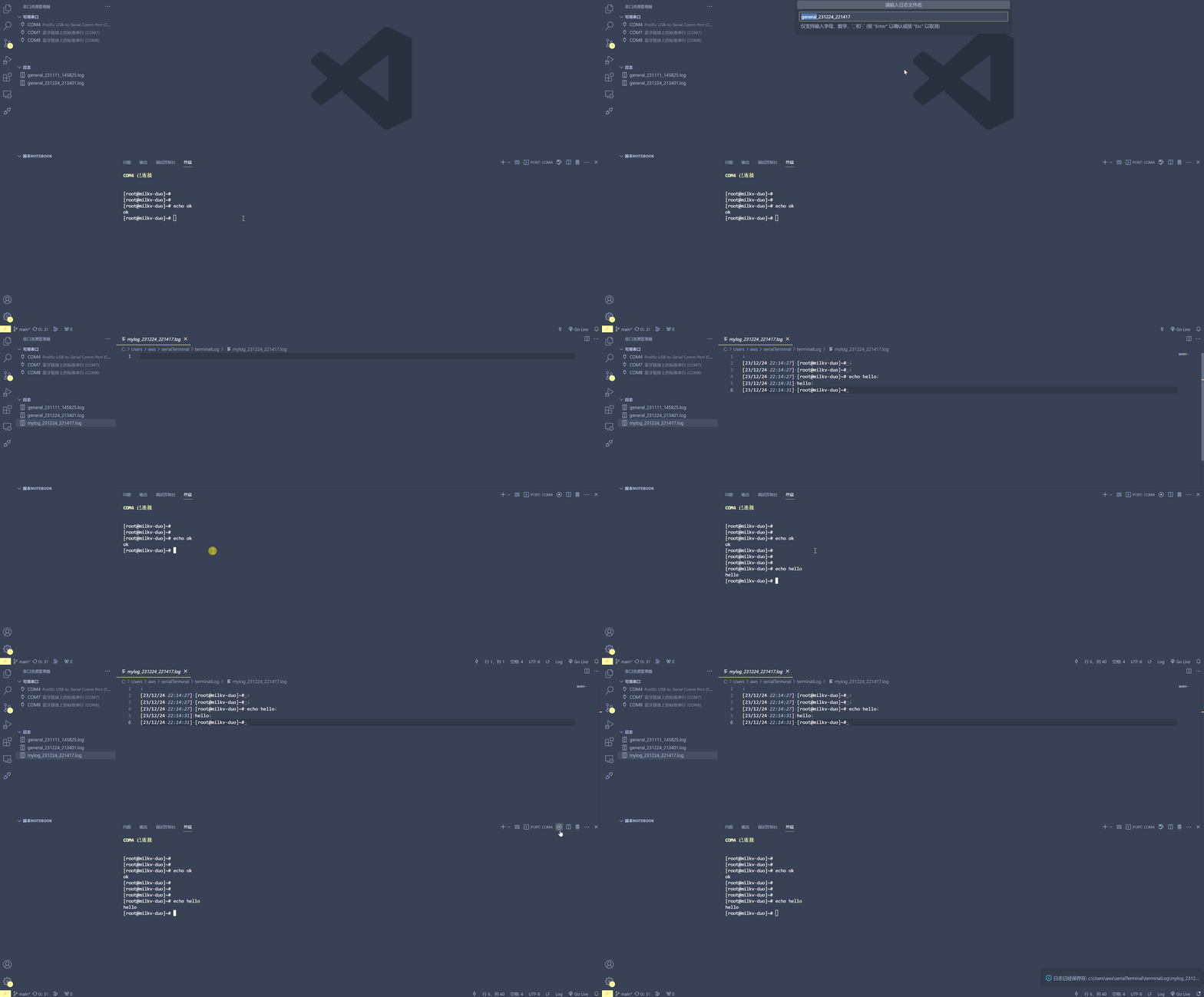
- Traceable communication: Save and review logs for easier troubleshooting.
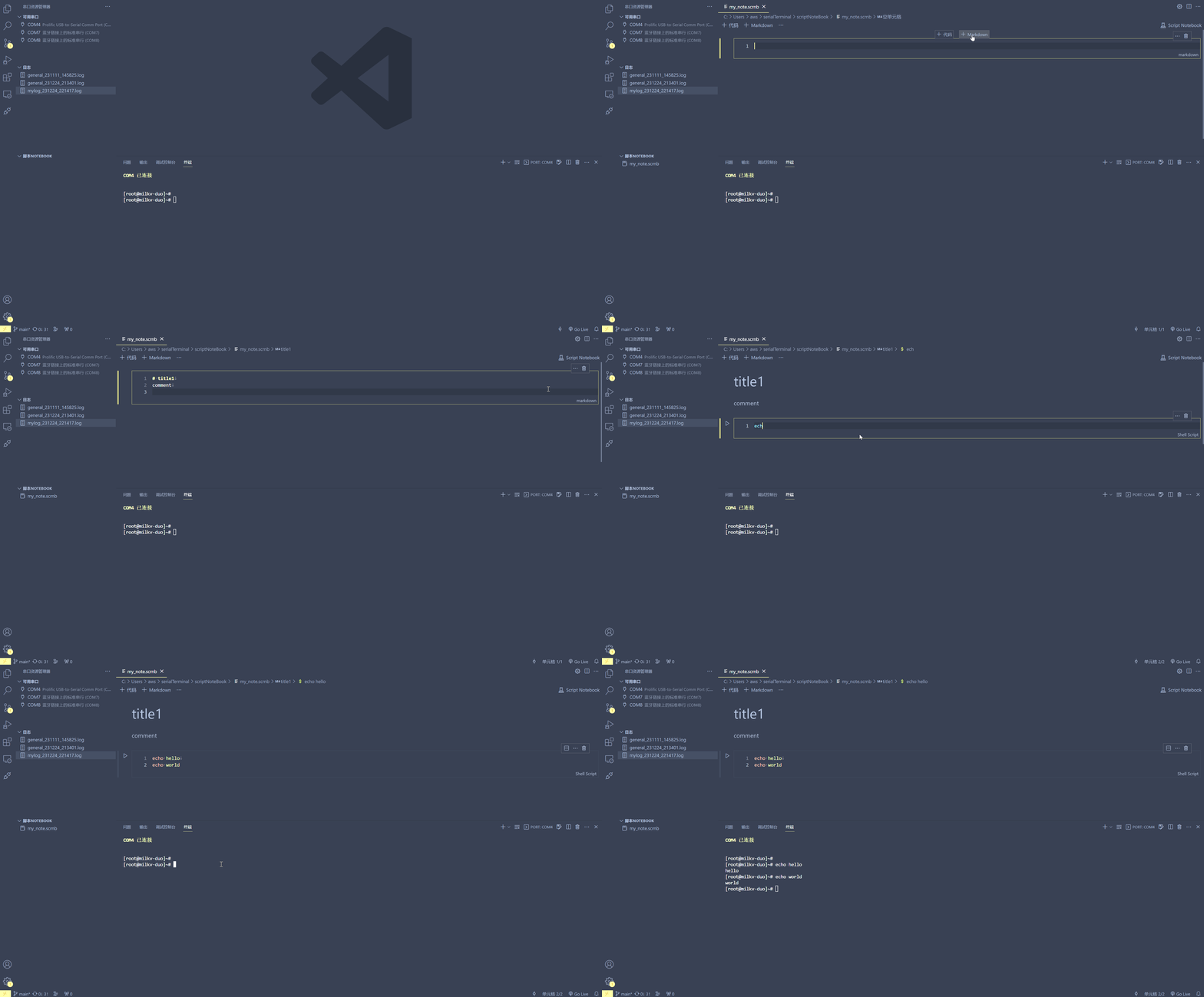
- Automation-friendly: Use the script notebook for repetitive operations.
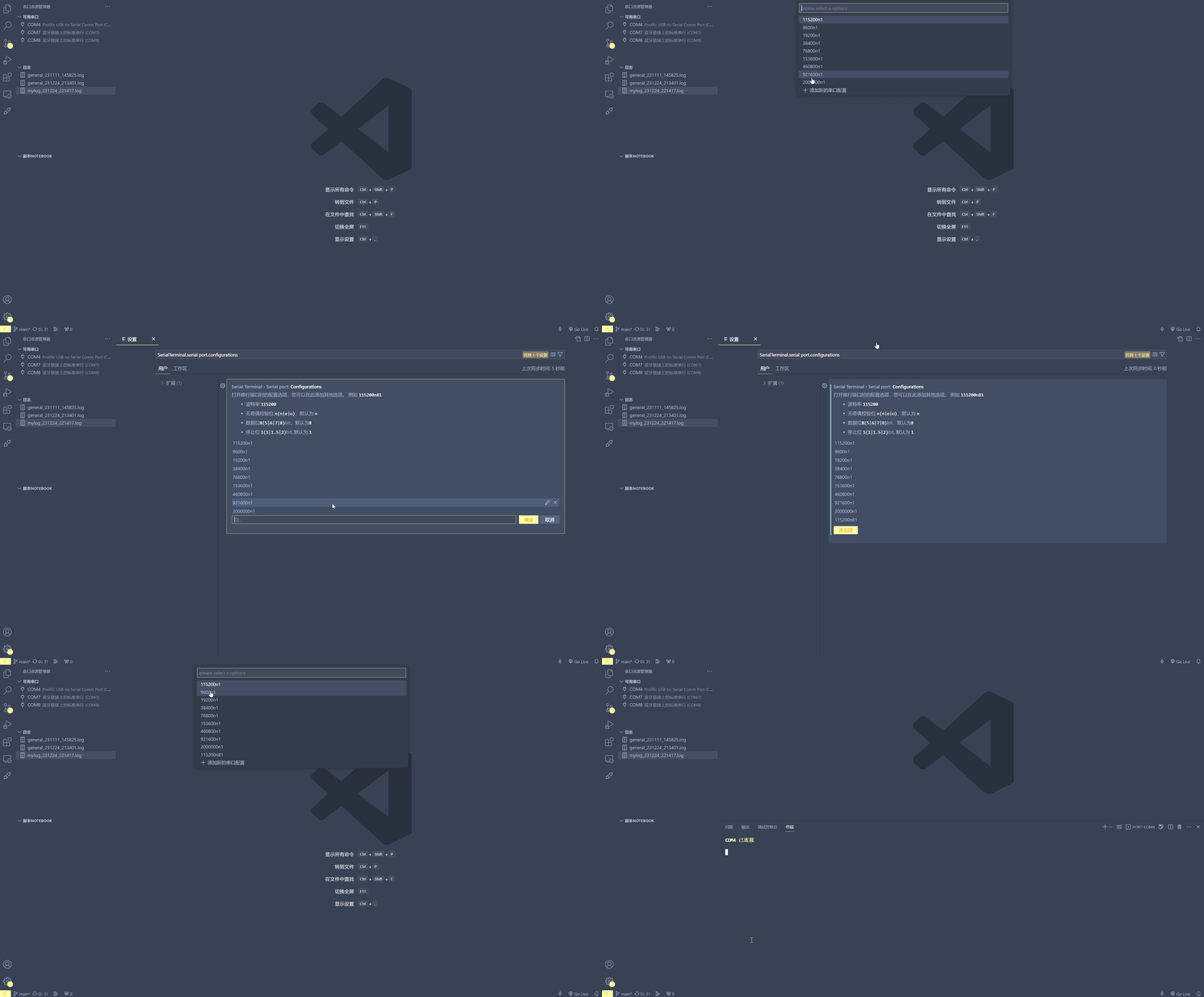
- Configurable setup: Customize serial parameters, including baud rate.
🚀 Quick Start (3 Steps)
- Install the extension and open the serial sidebar.
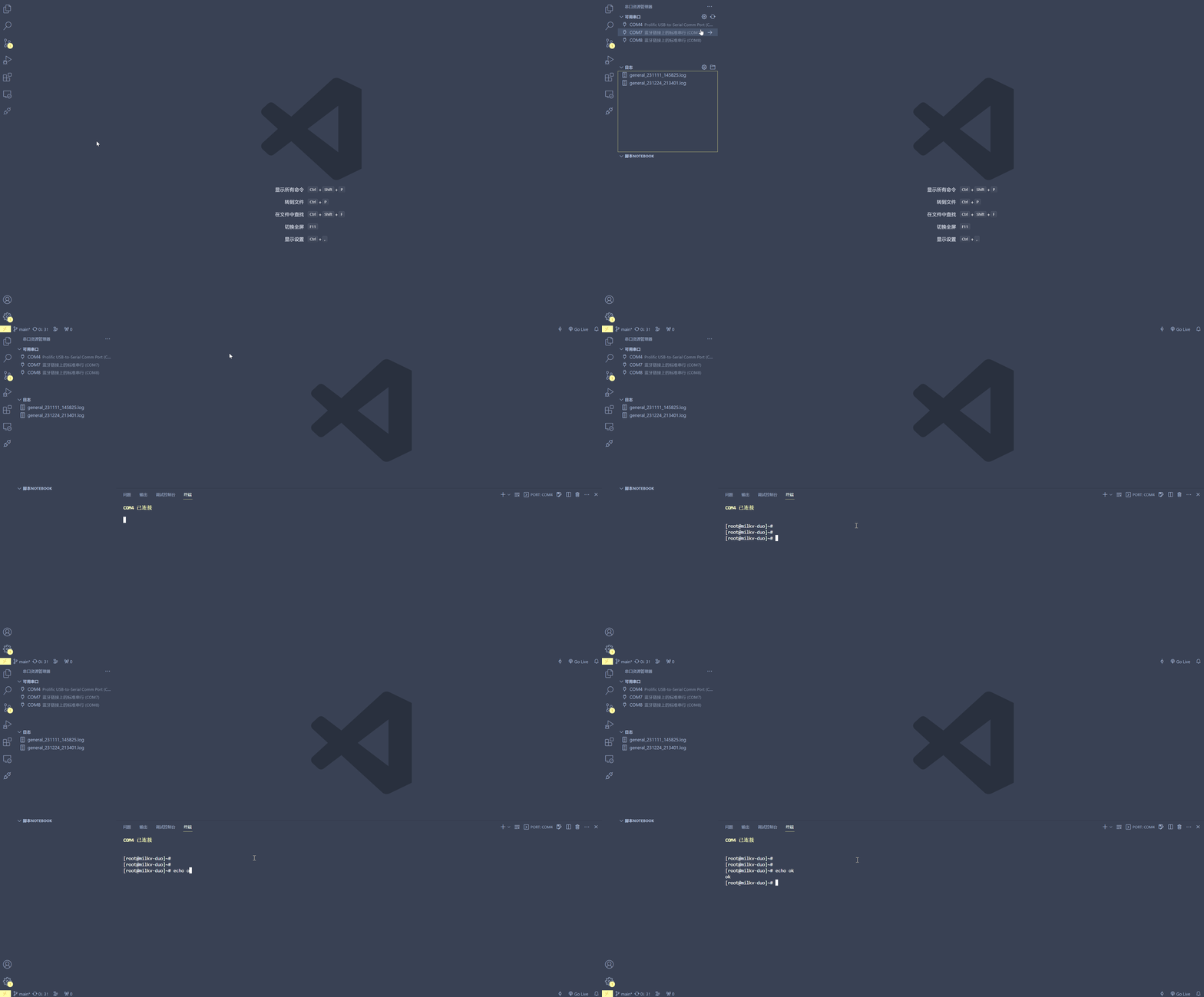
- Select the port and parameters (such as baud rate), then connect.
- Send/receive data in the terminal and enable log saving when needed.
🎬 Feature Demo
1) Open a Serial Port
2) Add a New Serial Configuration
3) Start Logging
4) Use the Script Notebook
🧩 Core Features
- [x] Terminal-style real-time interaction for direct serial send/receive
- [x] Built-in communication log saving and viewing for easier troubleshooting
- [x] Optional automatic timestamps for log entries (toggle in settings)
- [x] Flexible serial parameter configuration (including baud rate)
- [x] Script notebook support to speed up repetitive debugging tasks
- [x] Automatic line-ending handling, so CR/LF differences are no longer a hassle
🤝 Feedback & Contribution
If you have ideas or suggestions, feel free to open an Issue or PR and help make this extension even better.
| |

